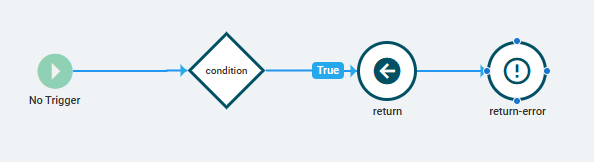
Is it a visual bug, or do I not fully understand the Epicor event designer?
When working within the Epicor Application Studio, we can use the event designer to see how Epicor structures its events, allowing us to replicate them when creating our own calls to the database.
However, some events, such as GetNew or Dataset_hasChanges, have a peculiar structure that makes me question whether I understand the sequence and flow of execution of the Epicor action events.
For instance, in the GetNew event on the Quote Entry application, there is a call to the event-row-disable action, but the event-row-enable event is placed after the condition action. This implies that there are circumstances where only the event-row-disable will be executed without subsequently calling the event-row-enable. This doesn’t seem to make sense, right? Ideally, we would want the event-row-enable to always follow the event-row-disable.
This situation leads me to think that I may not fully grasp the execution flow of the action events.
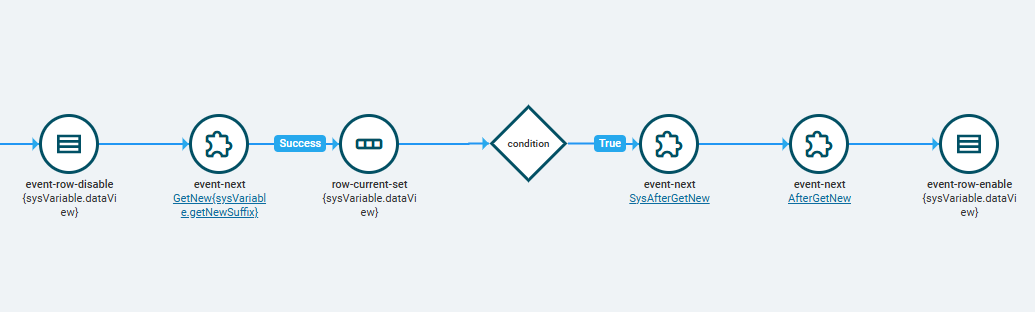
From the Image provided, I assume the execution of this event will look like this:
event-row-disable();
var isSucess = event-next();

if (isSucess)
{
  row-current-set();
  if (condition)
  {
    event-next();
    event-next();
    event-row-enable();

  }

}
If someone knowledgeable with Epicor could help me, I would greatly appreciate it.
Thank you!