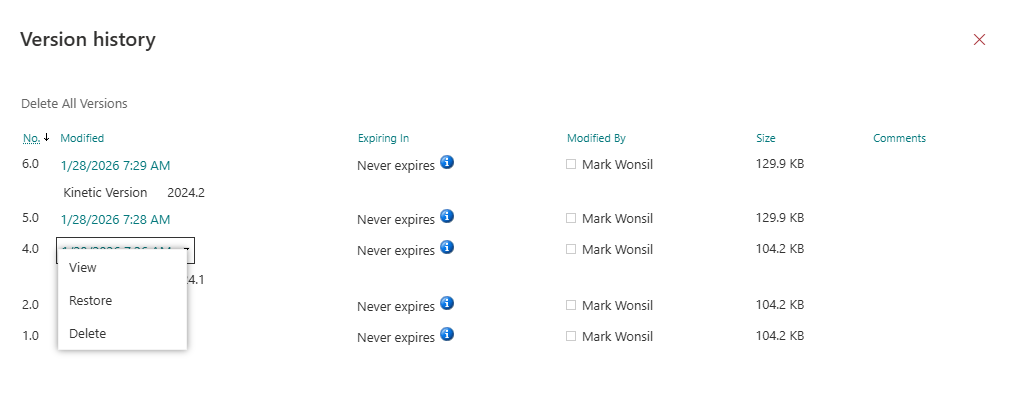
OK, lots of questions here.
First, I’m not sure I would do this with PDFs. I would do it with the source Word document if you have. That would allow comparisons, etc. Leave that for now.
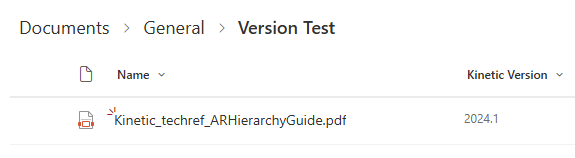
First of all, yes, if you a have a document in the library:
:
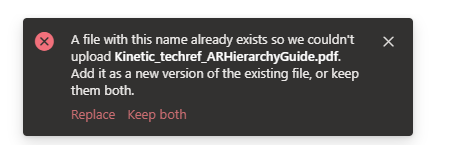
And you upload a file with the same name, you will get this prompt:
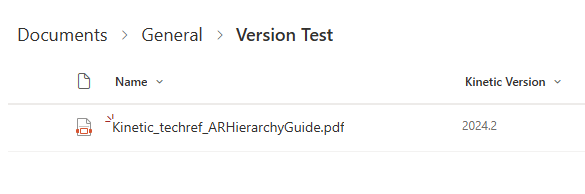
If you say Replace, it will automatically save a new version.
(I’ve added meta data for the Kinetic version. Any changes to the record and not just the attached document will also create a new version record.
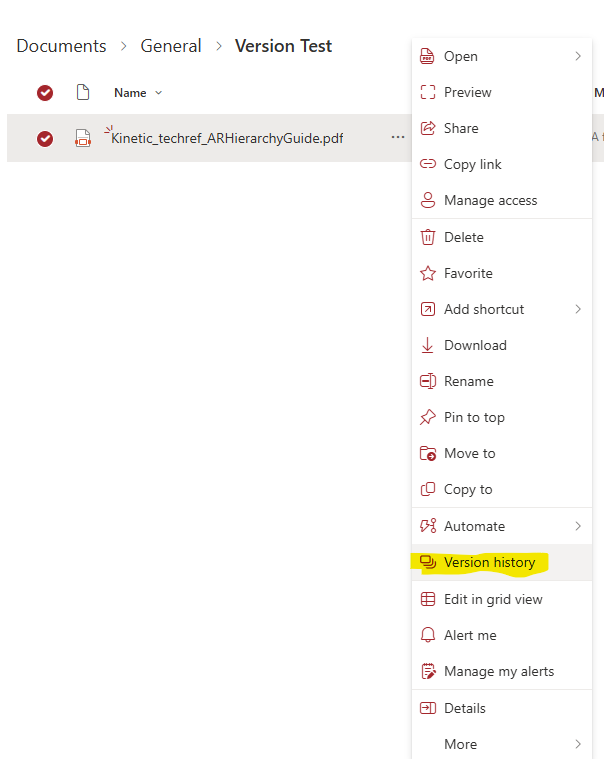
Note you can View, Restore, or Delete individual versions under the same file name. No more final, final-final, etc.
Now, the next question is how to get a link to this document. If you grab the normal link, it has all the same problems of using a file share because the path is encoded in the Link. The answer to this is to create a unique document ID. This can be turned on for each Document Library you wish to have a unique ID.
Enable and configure unique Document IDs - Microsoft Support
Once a document has this unique ID, you can move it anywhere. To find the document, one would use this URL:
https://yoursharepointsite/_api/search/query?querytext='DocId=theDocumentIDHere'
ECM also has a unique ID if I recall.