Hello all!
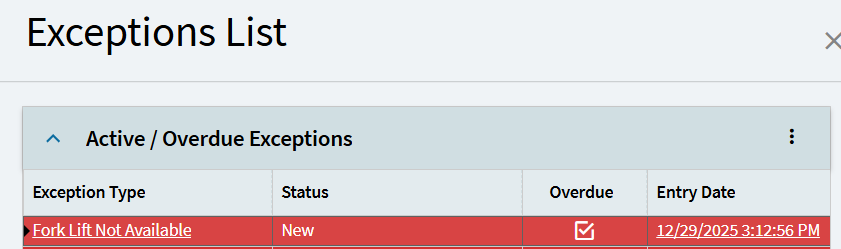
So I have a grid which I’ve set one column as a link and got that to work, now, when i click that link I want to slide out another app to show the details for that specified row for the link I clicked
The reason is because the other app already has all the logic for handling the row data I need on startup/load.
This is my first time attempting to pass info from one app to another. Any advice? I assumed I had to use the app open module and put in some kind of value in data maybe but couldn’t get it working.
~*~
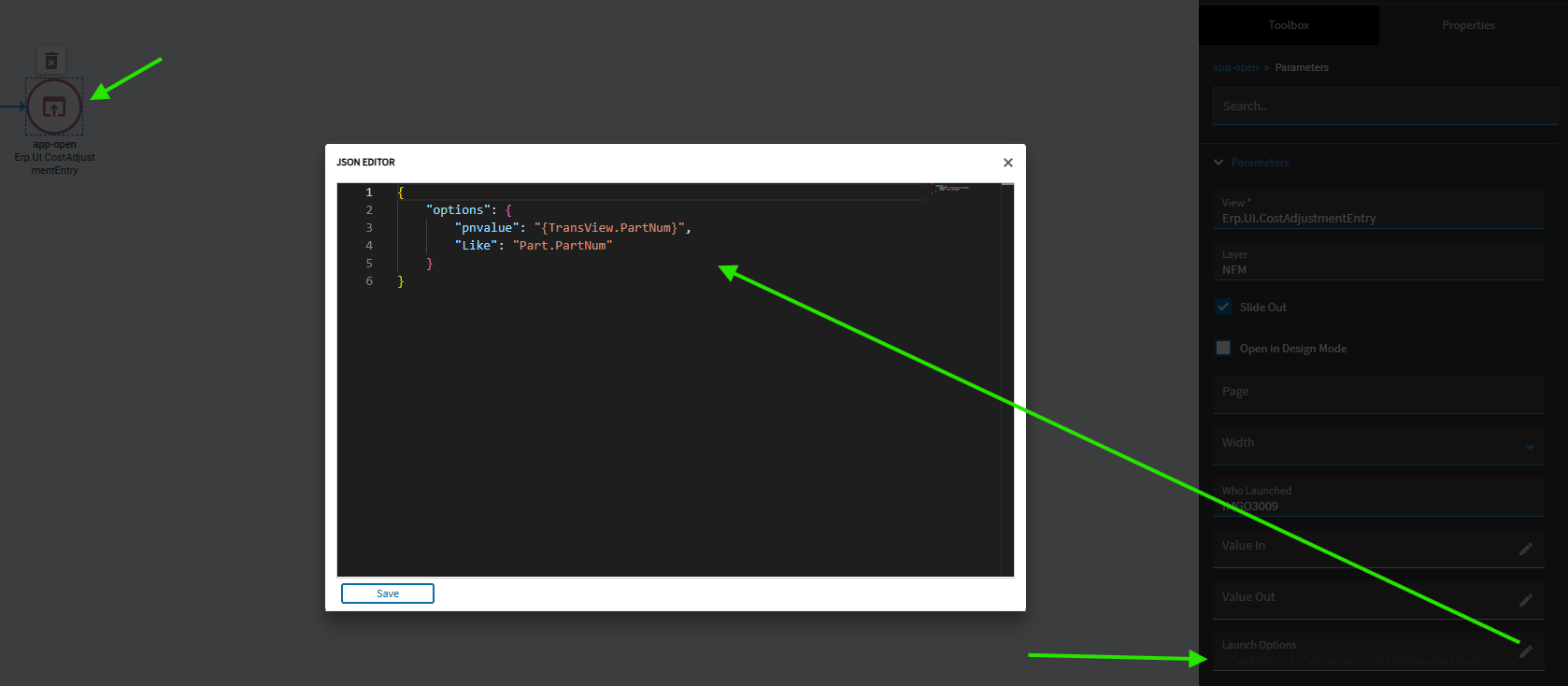
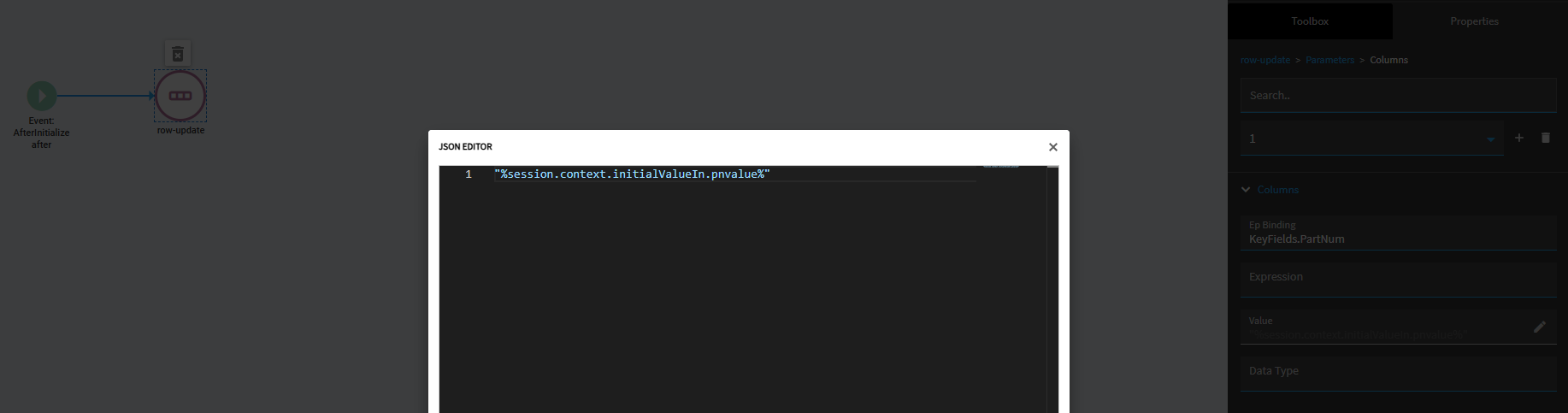
You’ll then need an event on the app you’re opening which will receive the values you’re passing and plug them where you want them to go via row-update(s).
You’ll want to trigger this event after an early event when the form loads.
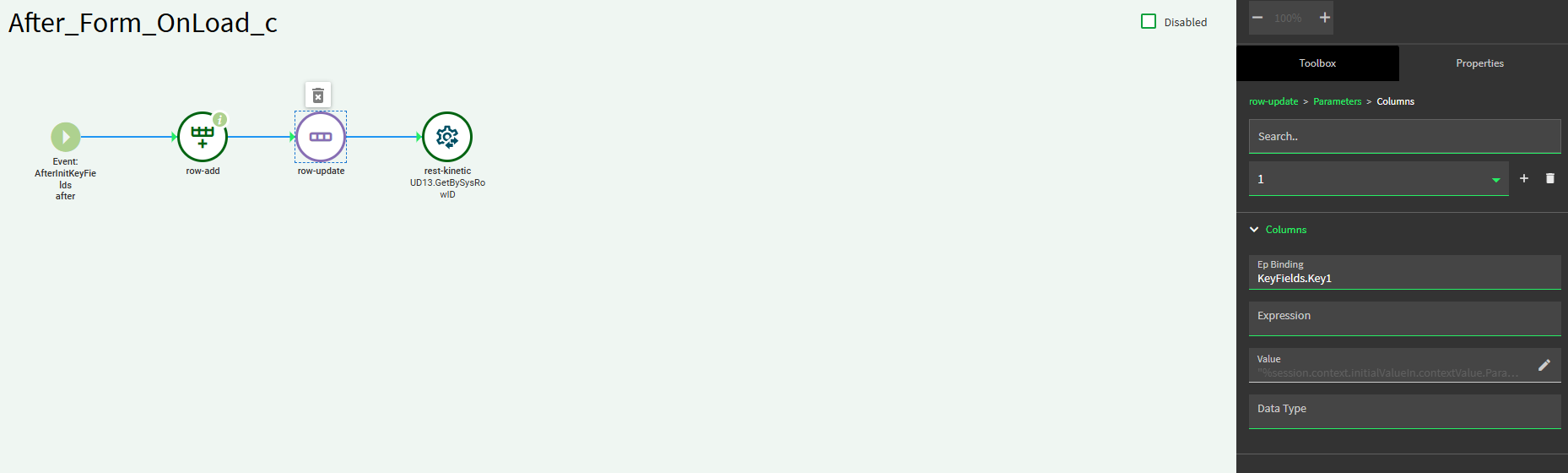
Again, you just need a row update with a value expression:
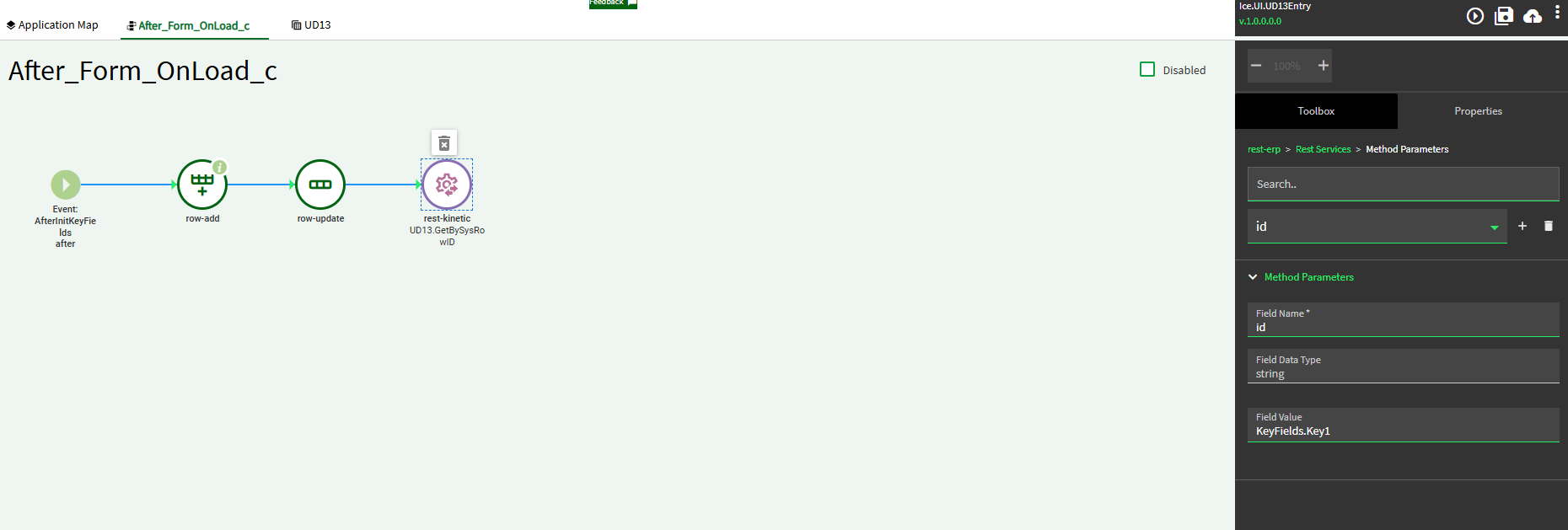
then i tried to do a rest kinetic module to call the GetBySysID…but i have literally no idea how all that works of what/how i use it to populate the details screen
that row add is for something else. its creating a transview element for separate functionality. Goal with everything after that row add is to find the row that has the same sysrowID we are passing from the previous app and populate the details with it
I might make the row-add a different event. let this one focus on pulling up the correct record.
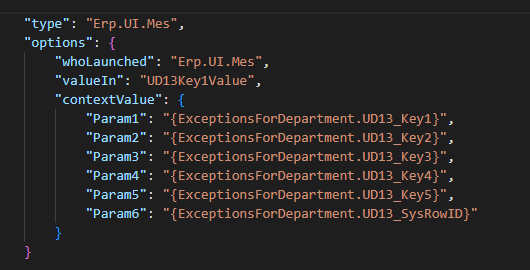
Since you’re passing over the SysRowID in Param6, that really might be all you need.
So, for testing sake, just use the row-update to set TransView.SysRowID to the value of: “%session.context.initialValueIn.contextValue.Param6%”
Test and see if that sets TransView.SysRowID to the correct value.
If that works, you can add to that event to do your rest-kinetic. That SysRowID is the only thing you need to pass to that method and that will pull the resulting matching record into… whatever dataview you’re trying to use (assuming it is a UD13 dataview?).
If that all works… I would then create a new event you can call via event-next to do all your row-add stuff you want to do.