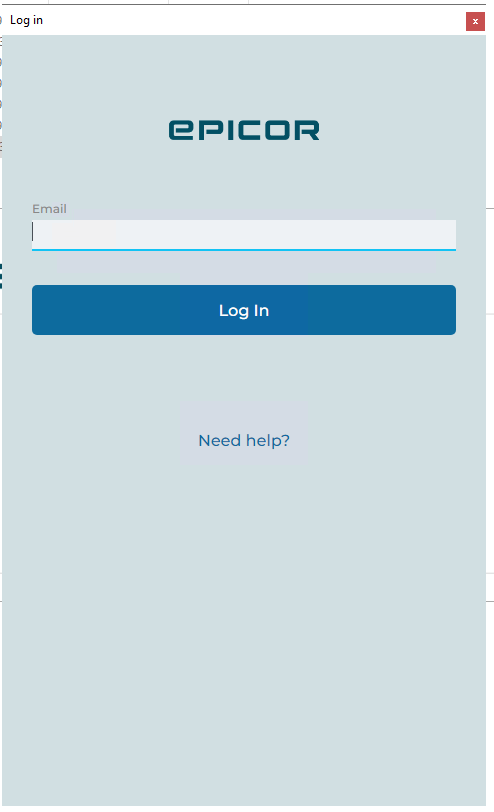
Any way to get this to at least remember my email & password (epicID + Azure AD)?
Currently entering twice each time plus Authenticator app which is a drag.
1 Like
Is SSO an option for you?
AzureAD SSO in-browser is working great if that’s what you mean.
It’s the local client (and DMT) that pops this window. I suspect it’s a wrapped browser control so it’s doesn’t know my passwords and doesn’t share SSO context w my browser or something like that (?)
Do Azure options in sysconfig fix this?
PS - mostly just wanna get dmt.exe to fire without login. Maybe my config is wrong or it just doesn’t do EpicID for auto-login when running from powershell:
Start-Process -Wait -FilePath $DMTPath -ArgumentList "-User $User -Pass $Pass -PlayList $PlayList"
1 Like
Either this was fixed with 2025.1 or something changed in my browser settings, but IdP remembers me and Azure SSO is working now when launching DMT.
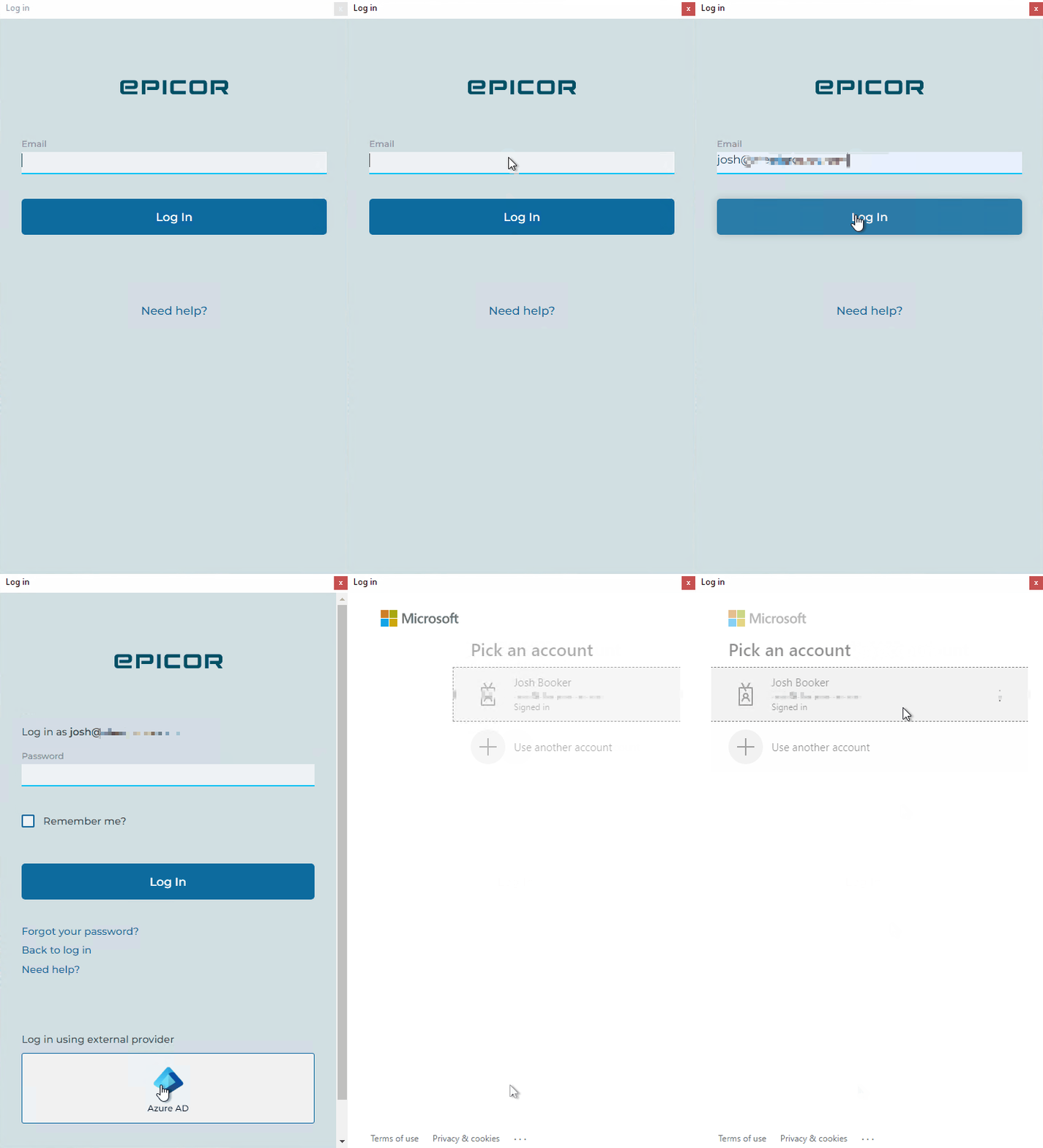
Before I was keying my email twice and also keying password & 2FA in the Microsoft flow, every time. Now this matches the Kinectic in-browser experience.
Thank you SSO gods!
2 Likes
What screen capture software did you use to make the blurred out video for your accounts?
Thanks to @klincecum
4 Likes
Getting the same issue as OP now, but have no idea how to fix it. On the latest version of Kinetic.
I have no idea what fixed it for me. It still comes and goes seemingly with every client update. FWIW, ‘fixed’ means the first pop up simply began suggesting my email address like the browser. Still not seamless sso w zero interaction.
1 Like
The suggestion of the email address in the client does seem to get cached after the initial sign in. I’m not sure what browser it’s using internally.. maybe Web2 Edge..