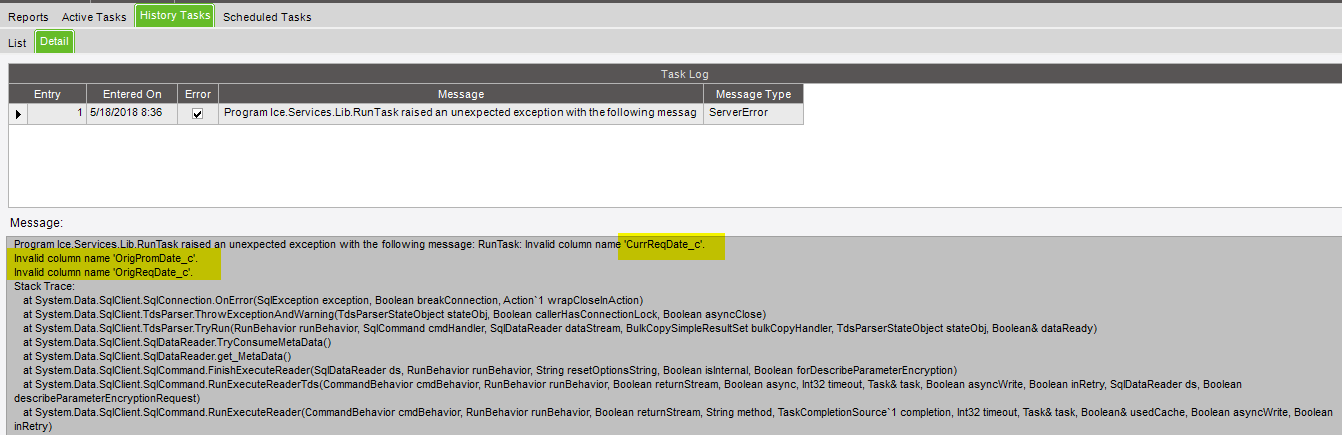
So we moved our Epicor database/application from one server to another. I am going through testing all customizations, BPMs, and SSRS. Most are fine, but 2 of my SSRS had the same issue.
Seems to be these columns that it error out indicating that it’s invalid column name.
Looks like these UD fields were added recently by another person that I wasn’t aware off. So now it showed up under my customized RDD. I don’t want them to print on my SSRS form anyways. So I went and exclude these fields from the RDD. Do I need to do a data sync from report style to remove them from the SSRS or would just running data regen and restarting application pool fix it? I am waiting for my admin to run the data regen and restart application pool so just wondering if that would fix or I need to do something else.