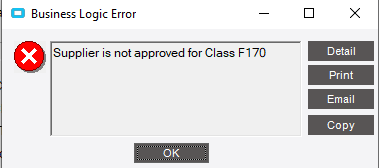
“Supplier is not approved for Class F170” which is a class for fixed asset purchases.
I know how to get around the error by adding the supplier to the approved supplier on the part class, but we generally do not restrict suppliers to particular class codes.
Thanks,
Ray
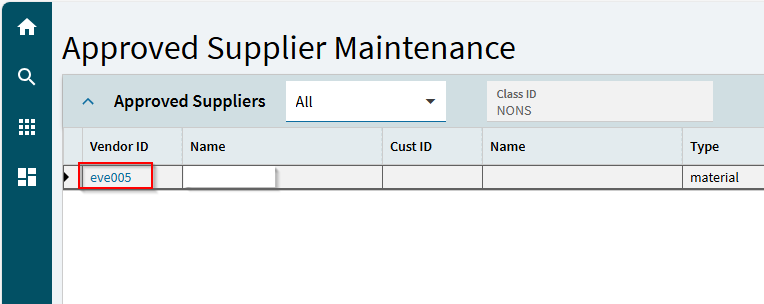
It’s all or nothing really, what I mean by that is when you have 1 supplier on this approved supplier logic, then all suppliers who wish to deal with this part class need to be approved.
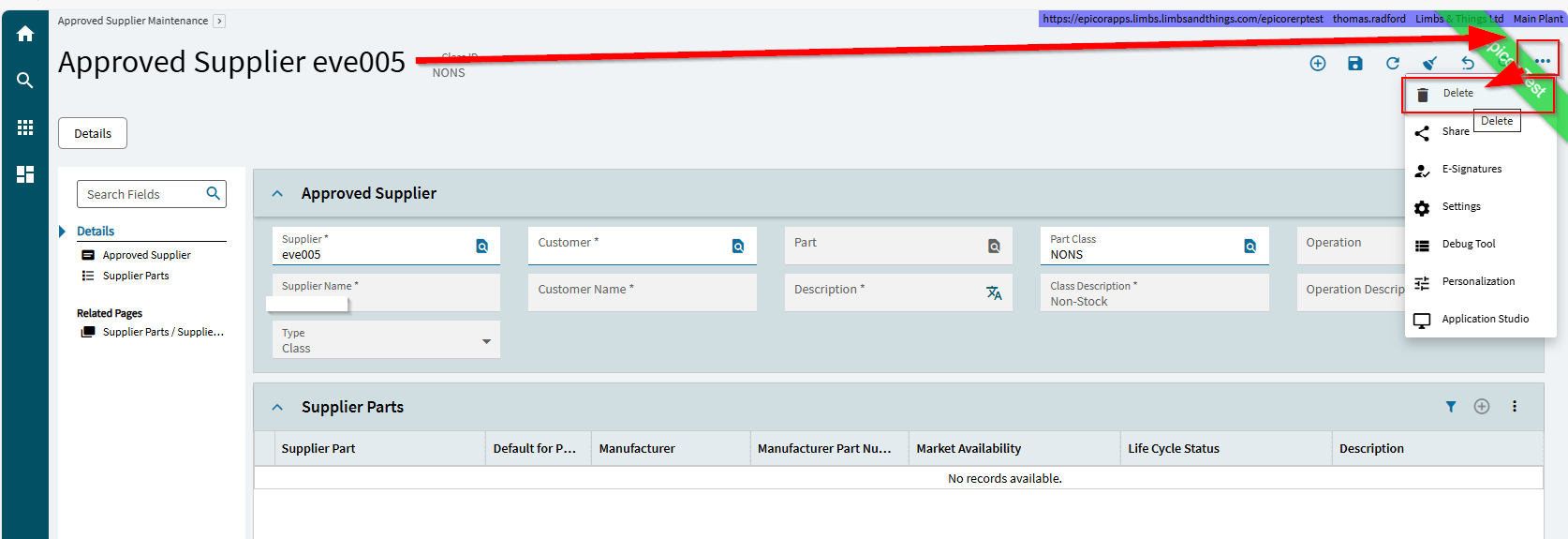
So, I think you have a supplier tied to F170. I’d query the AprvVend table and have a look
How do I remove this requirement? I’m getting this error with one of my part classes, and I want this part class to be available to all suppliers (because we use it for ad-hoc carriage costs), and I don’t want to have to maintain an approved list for this part class containing all suppliers.
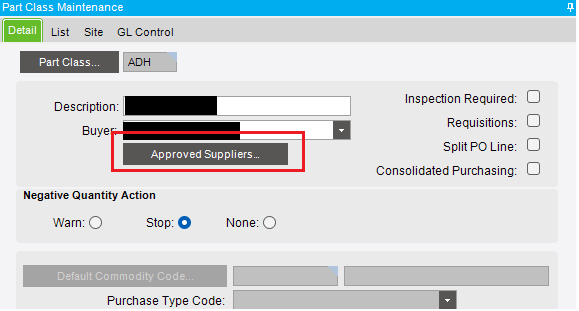
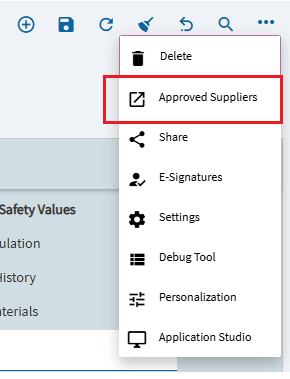
Thank you, much appreciated. I was looking in the classic interface for the delete button, but the approved suppliers were not showing in the list, and I could not find a delete button. In kinetic, the list is populated under Part Class > Approved Suppliers.