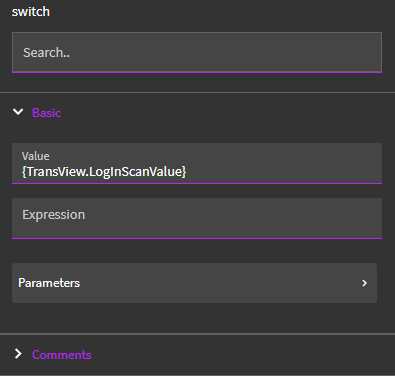
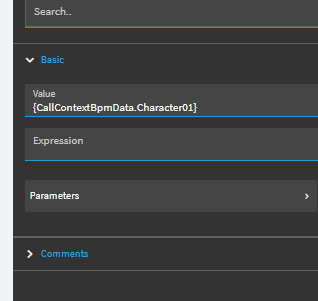
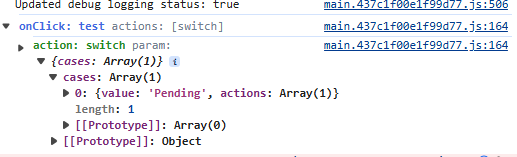
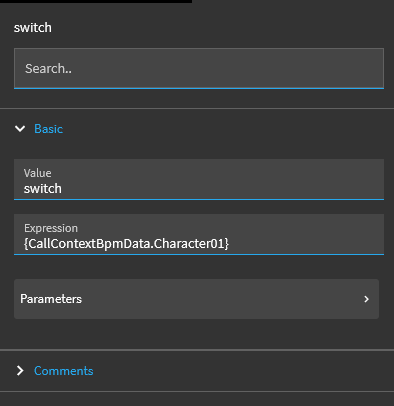
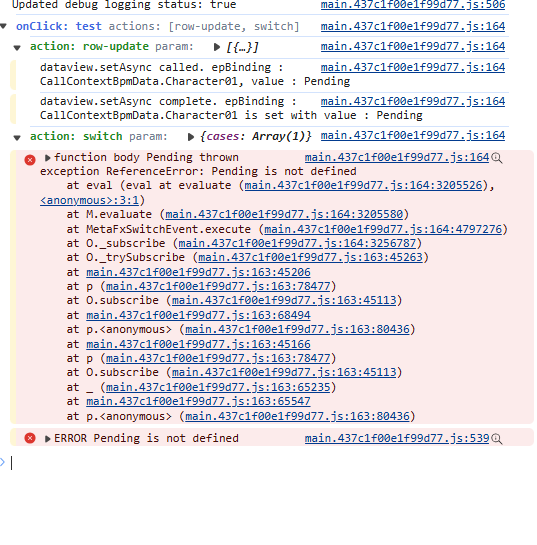
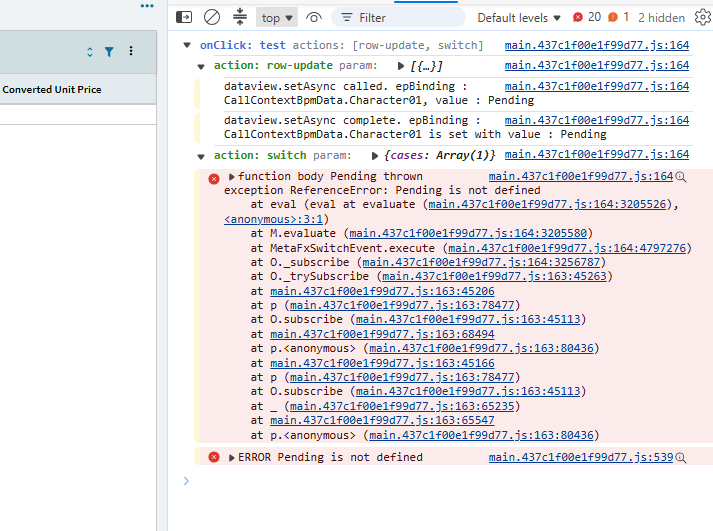
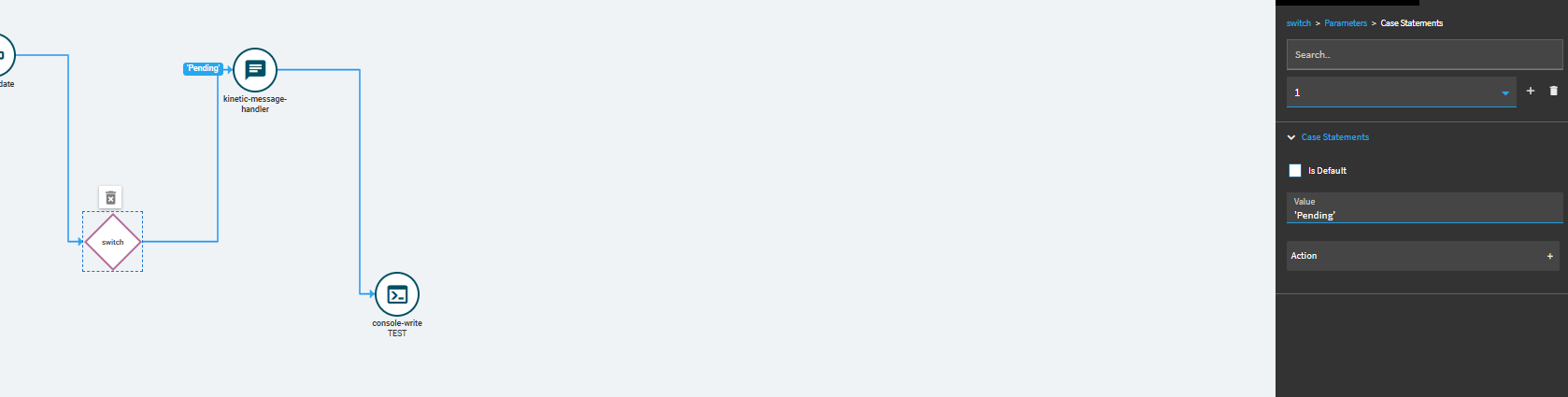
Does anyone know what syntax should go in a switch statement? I am very confused, it says expression like a condition which makes sense but what would I set it equal to? I want it to be equal to whatever is under the parameter here:
I didn’t use expression at all. But you could write a JS expression if needed. that’s what is being evaluated.
I just used the “Value” field there…
Example: I have Value set to {TransView.MyColumn}
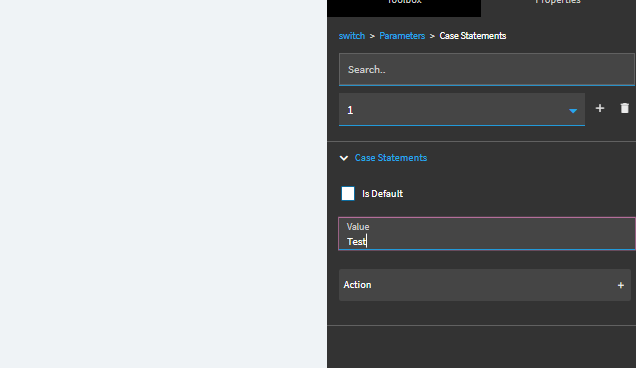
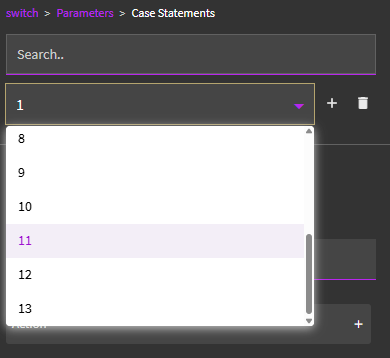
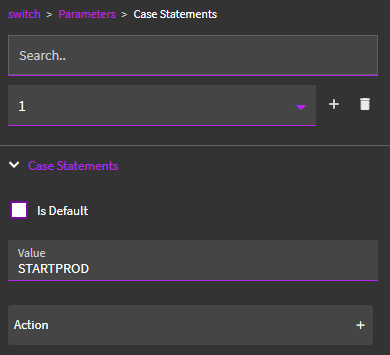
Based on the resulting value… you go into Parameters and create your Case Statements
Case Statements (let’s say you create 3 or more):
Value: A
Value: B
Value: C
So if the value of {TransView.MyColumn} is “A”… the event follows down that branch (action).
I value is “B”… the event follows down that branch (action)…
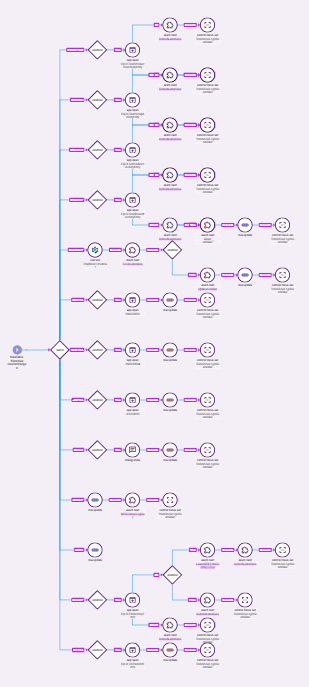
This is for our barcode scanners scanning into MES. So they just scan a value into a text field. Column Change event fires and this switch takes over.
if they scan in a barcode value of:
STARTPROD… do this stuff start production stuff
STARTSU… do this start setup stuff
STARTIND… do this start indirect labor stuff
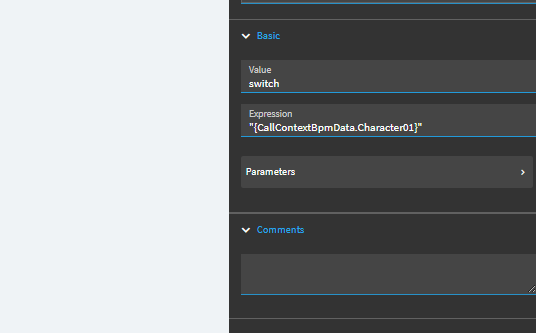
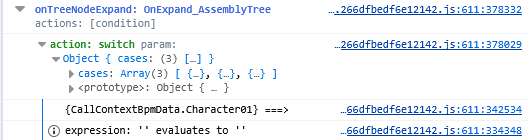
hmm weird mine doesnt seem to be working when I do that, maybe I need to be using transview or something else besides CallContextBpmData, or is my syntax wrong somehow?
I was able to get the CallContextBpmData.Character01 field and other fields to populate in the Console log by having the Value equal to “switch” and the expression to {TableName.FieldName}.
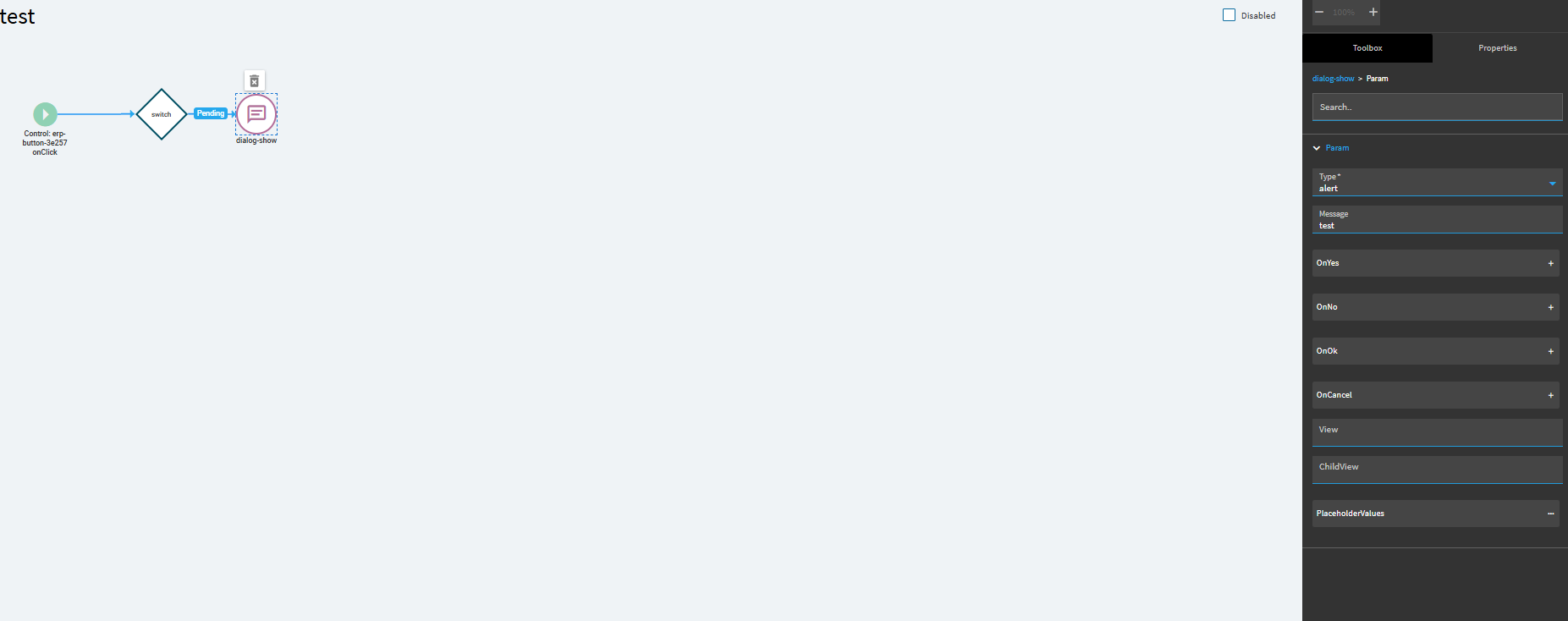
Yeah I mean at this point I guess I might as well, I can also accomplish this by using conditionals instead, I was just kinda curious about how this switch statement works exactly
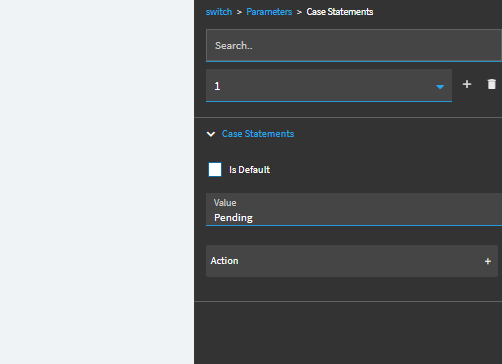
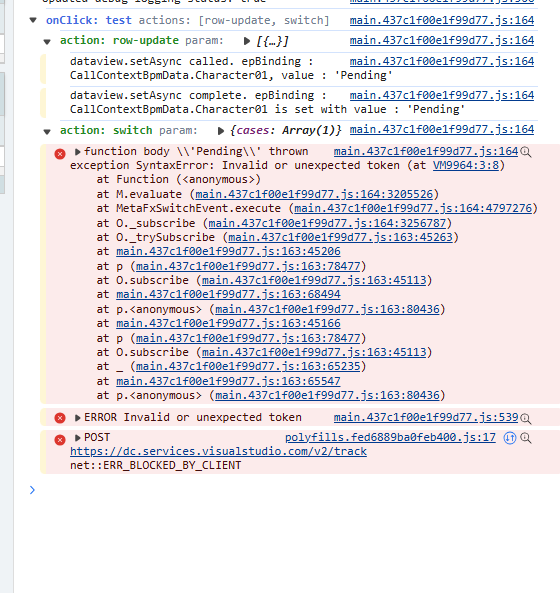
hmm, that still looks like appstudio is trying to Eval it as an expression, i wonder if you check the Dev Tools Network tab for the json in “Preview” or “Response” for the GetApp call on the draft preview, if its really saving it with the single quotes, check in the json, i suspect it’s still saving as “Pending” vs. “‘Pending’”
Try with double quotes? I’ve done it this way before but it was at a previous company so I don’t have the dashboard to look at/reference unfortunately. From memory I think it was single quotes, but it might have been on the expression and not the value.
You could try to put the (single or double) quotes around the expression in the switch too “{CallContextBpmData.Character01}”