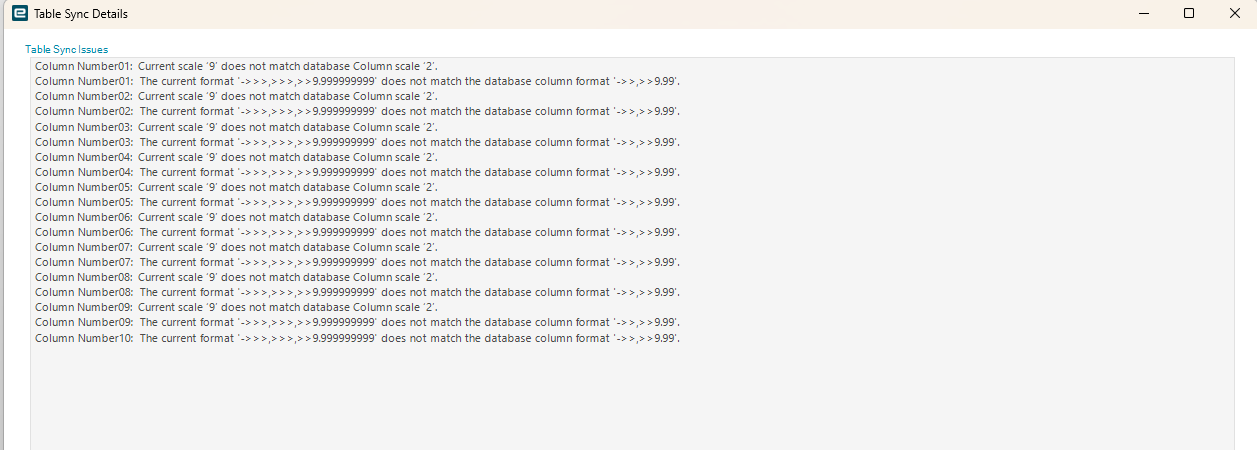
I did a DB model regen, but it still states that the table is not sync’ed
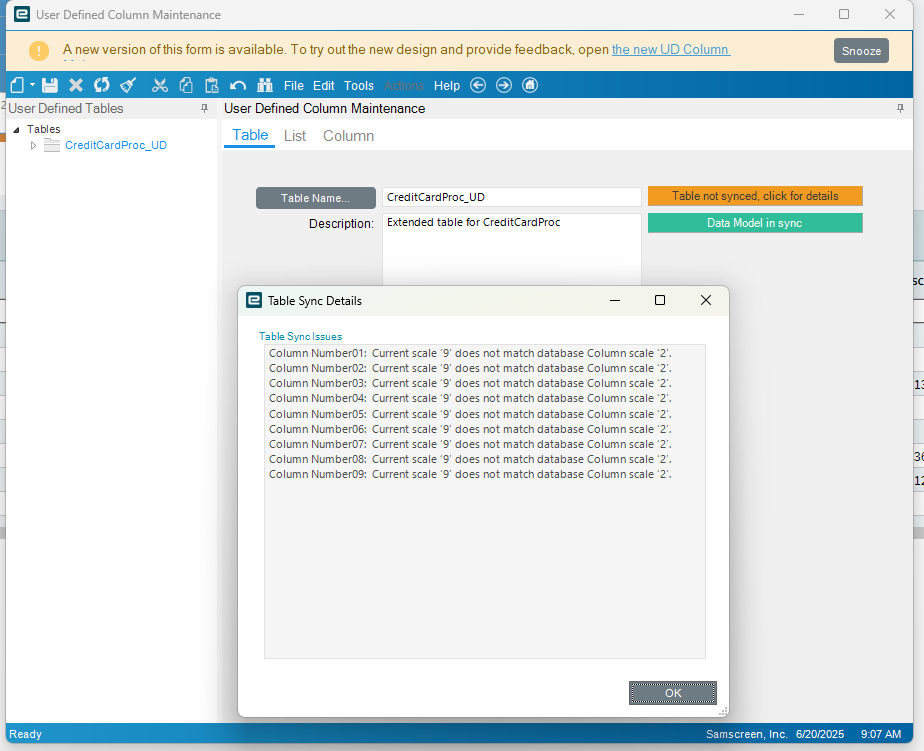
I see that the decimals doesn’t match the format, so I tired changing it to match
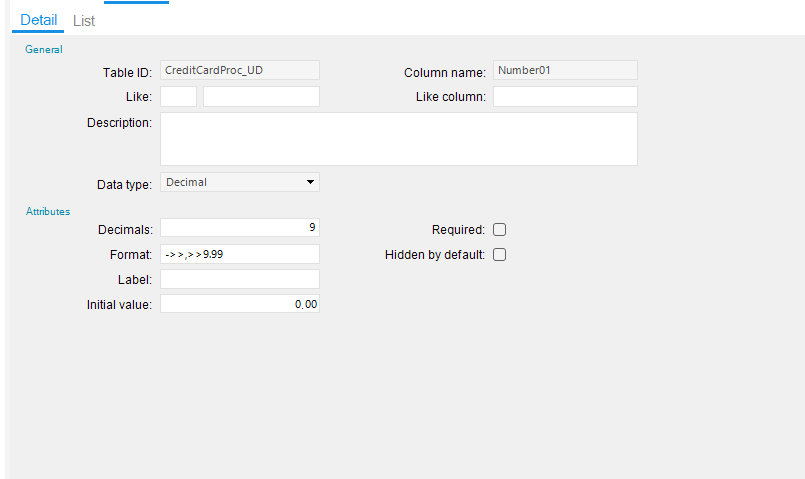
but I get an error
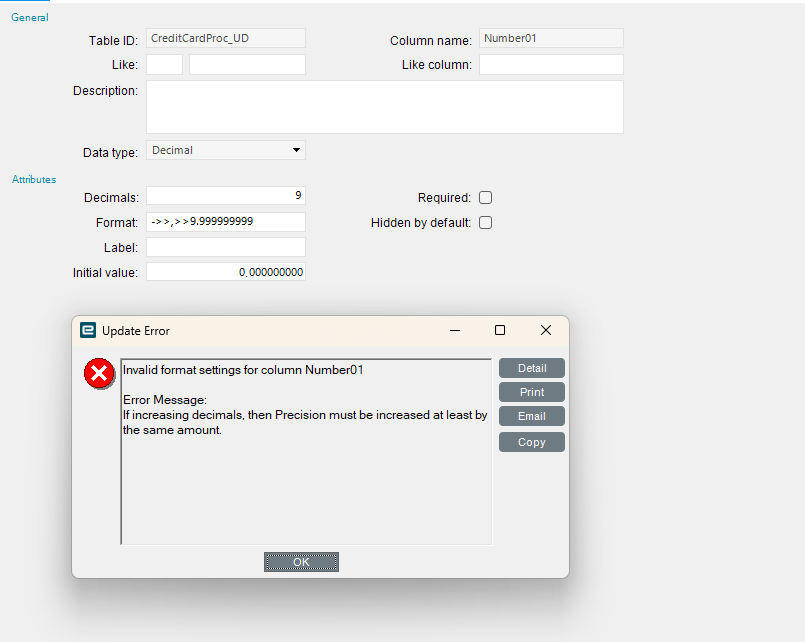
never had this issue doing a simple regen before. what am I doing wrong?
You have to recycle the app pool too.
I have not had luck changing settings on a field once added. Have to delete, regen, readd, regen again.
The regen hung the first time, the second time Epicor did it for me, I would assume they recycled the app pool..
I don’t think these UD fields were even supposed to be changed, and don’t know why they are crying
Seems like they missed one or both steps then . . . .
I’ll try another one myself tonight. anything to avoid a webex with the webex monster..
I’ve had a similar error. I think the number of digits on the left side of the decimal needs to be greater than or equal to the number of digits on the right side of the decimal. Maybe worth a shot…
Something like:
->>>,>>>,>>9.999999999
Doing additional regens eventually fixed the problem.