The “End Activity” in MES has the “Complete” Tick Box default set to “Selected”. How
It auto sets when the quantity is 100% reported.
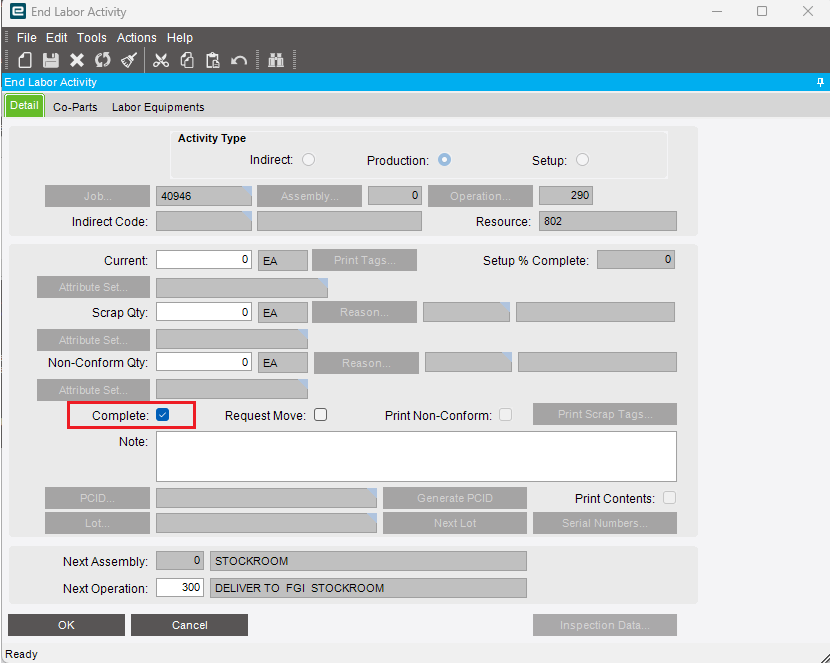



Is there a customization or a bpm on the form?
Code like below should force it to be unchecked when the form loads.
private static void EndActForm_Load(object sender, EventArgs args)
	{
		// Add Event Handler Code

		edvEnd = oTrans.Factory("End");

		edvEnd.dataView[edvEnd.Row]["Complete"] = false;
     }
I’ve seen this before where whoever entered the job forgot to add the demand to it. Since the prod qty is 0, the job is technically completed.