Can someone please tell me where I am going wrong with this process.
I am used to creating a BAQ then BAQ Report but I understand the new way is to create an RDD then a Report Style linked to it and then download and edit the SSRS.
I have created the RDD with the tables and relationship joins I want and all required fields un-excluded. (This is based on a simple 3 table BAQ I have).
I have then created a Report Style and generated the SSRS, and downloaded and extracted it.
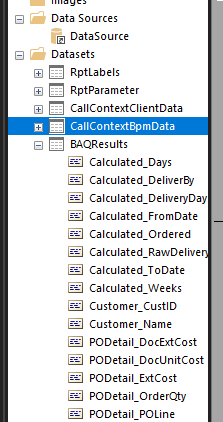
I have then opened it in MS Report Builder but there are no tables from the RDD showing up in the Datasets.
Could someone please point me the right way as I think I have missed a step somewhere. thanks.
Sorry I’ve not done it. It’s on my To Do list. Perhaps if your BAQ has no params that’s not needed(?). I suspect your rdl is empty due to not having Synced dataset. Which, as I understand, is rarely needed and can be problematic on regular rdl but important to this Advanced BAQ style.
Yes in this instance I have no criteria required in the BAQ - it is a very simple collection of fields for a grid.
I am using this as a training exercise to learn how to create a report this way as I keep reading I should not keep using BAQ Reports (not that I create that many of them).
Can we see your RDD set up please? When you say you have set up the tables and relationships, do you mean in the BAQ or are you attempting to link them in the RDD?
I created them in the RDD after testing them in a BAQ to ensure the links would work.
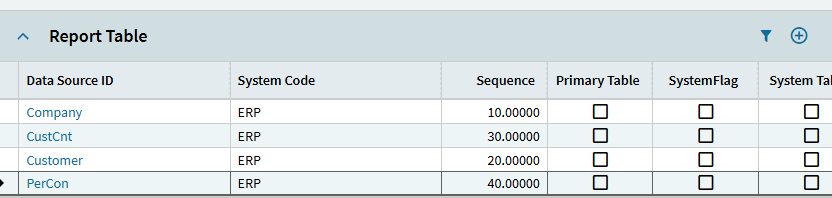
I created a blank RDD and added Company, Customer, CustCnt and PerCon tables.
I deselected all fields I wanted to use.
I created a Relationship between Customer and CustCnt (linked by Company and CustNum) and CustCnt to PerCon (linked by Company and PerConID).
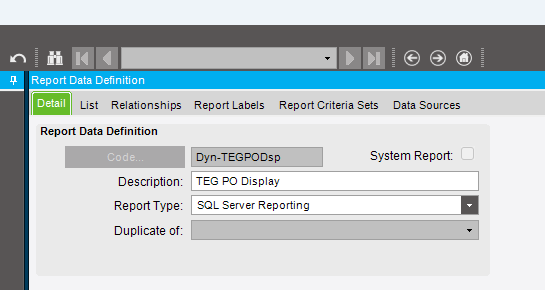
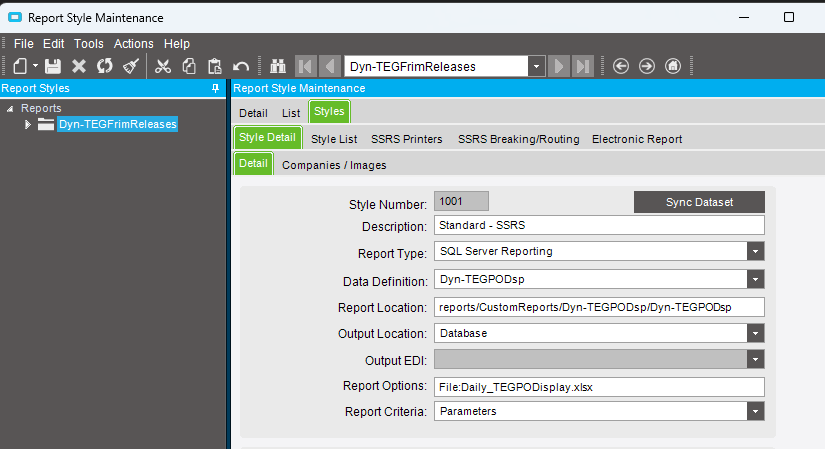
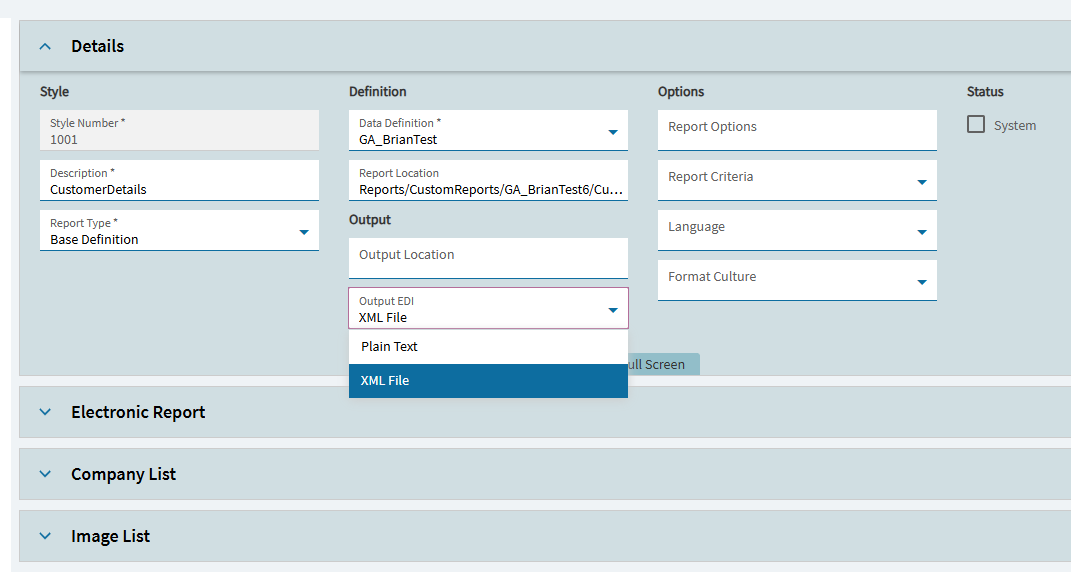
I then created a Report and a Style linked to the RDD above and chose “Create SSRS Report”.
I then Downloaded it, extracted and opened for edit with MS Report Designer.
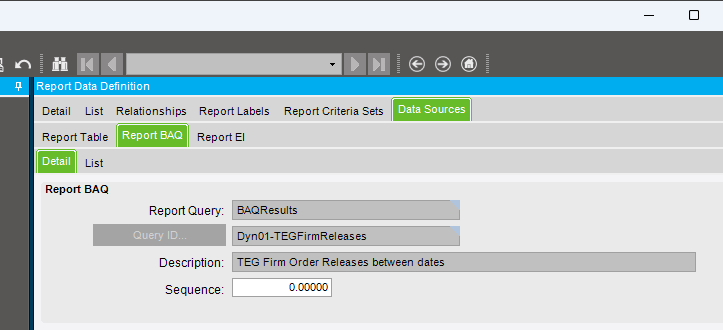
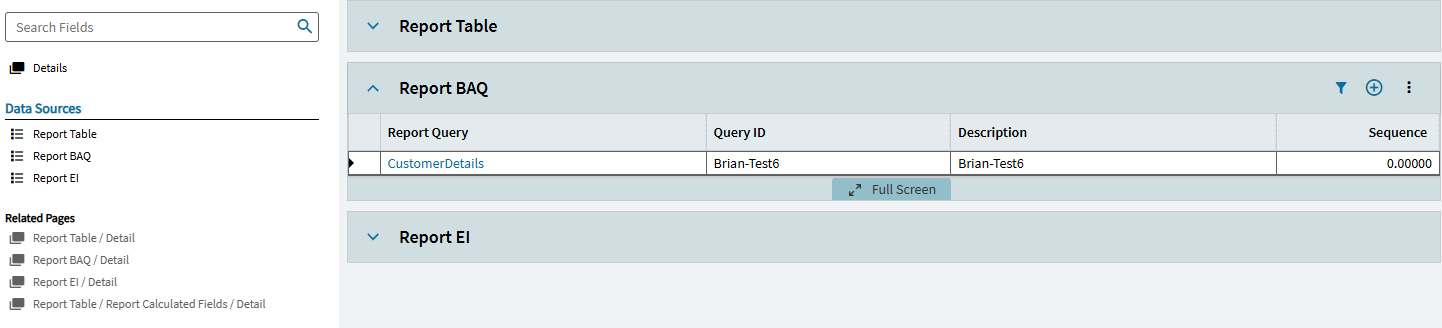
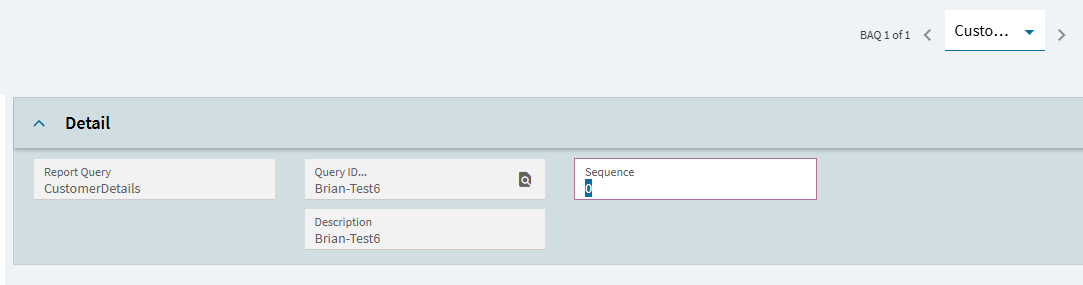
I’d instead recommend using your BAQ as the sole source rather than recreating it in the RDD. I’m not on Kinetic to check, but you should see an option to add a new BAQ rather than a table. You don’t then need to worry about exclusions or relationships.
When you create the SSRS report from the report style it will give you a ‘BAQResults’ dataset with all your BAQ fields already set up:
Well spotted Nathan! I recreated it earlier and did not spot that.
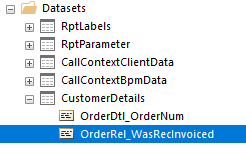
OK now I am getting further, my SSRS report at least has a Dataset “CustomerDetails” but bizarrely is referencing OrderDtl and OrderRel so I probably now need to delete the RDD and Style and start again (which I will leave until tomorrow).
Ah, forget that last post I had managed to haul in the wrong BAQ - now I can see all my fields correctly, thanks Nathan!
Defintely going square-eyed looking at this today but thanksfully nearly home-time.
You might be able to use the ‘Sync DataSet’ button to get it to pick up any changes. I’d only recommend it if you’ve not made any changes to the .rdl template yet though as it can do a lot of damage! I’d always take a backup of your template file before using it.
So I tried to retrace my steps and document this by deleting what I had made (except the BAQ) and going through it all again.
I keep failing at the “Create SSRS Report” stage as I get:
“We apologize, but an unexpected internal problem occurred. Please provide your System Admin or Technical Support this Correlation ID for further details. Correlation ID: 715970a6-fbf4-48bd-a61d-8a0c91e1cac4”