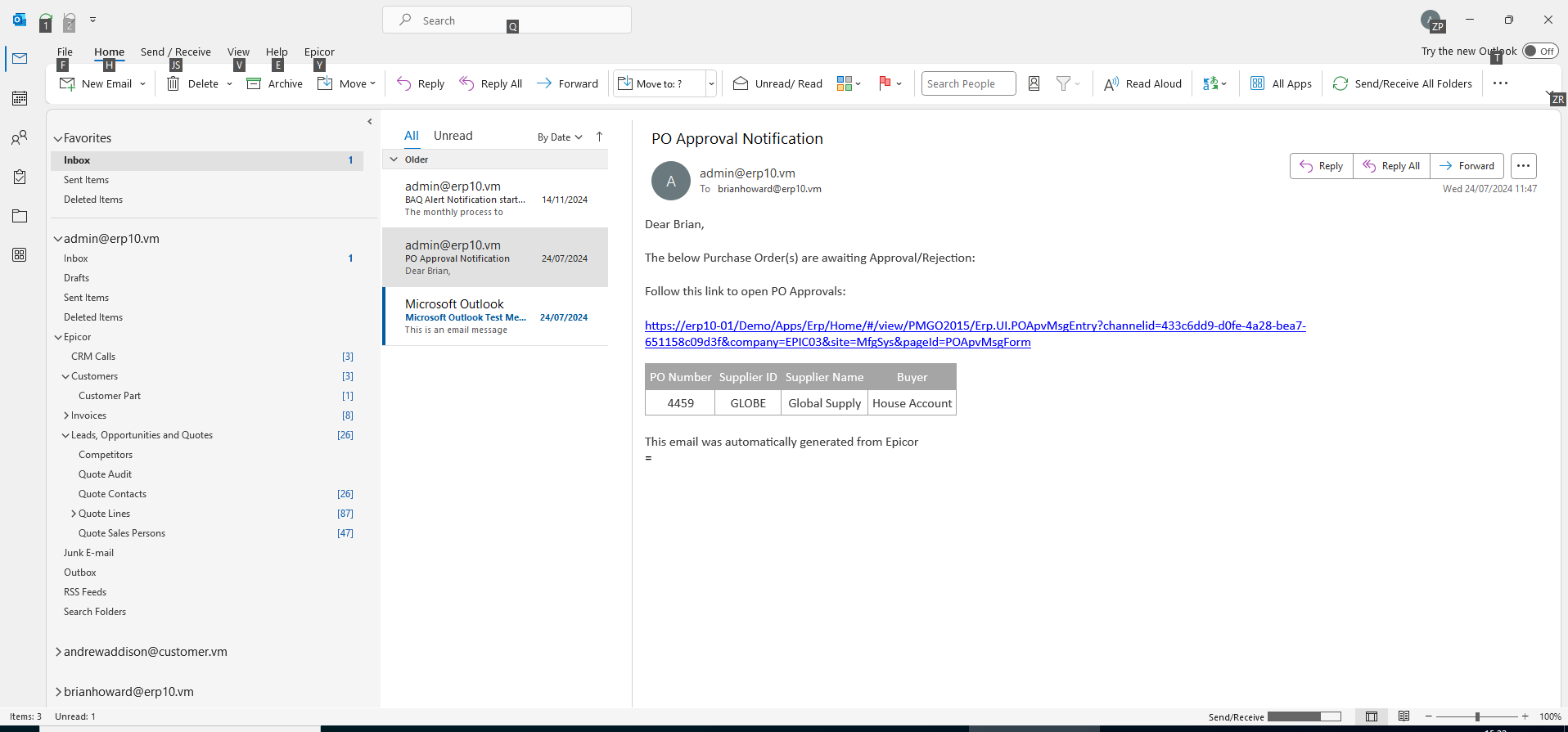
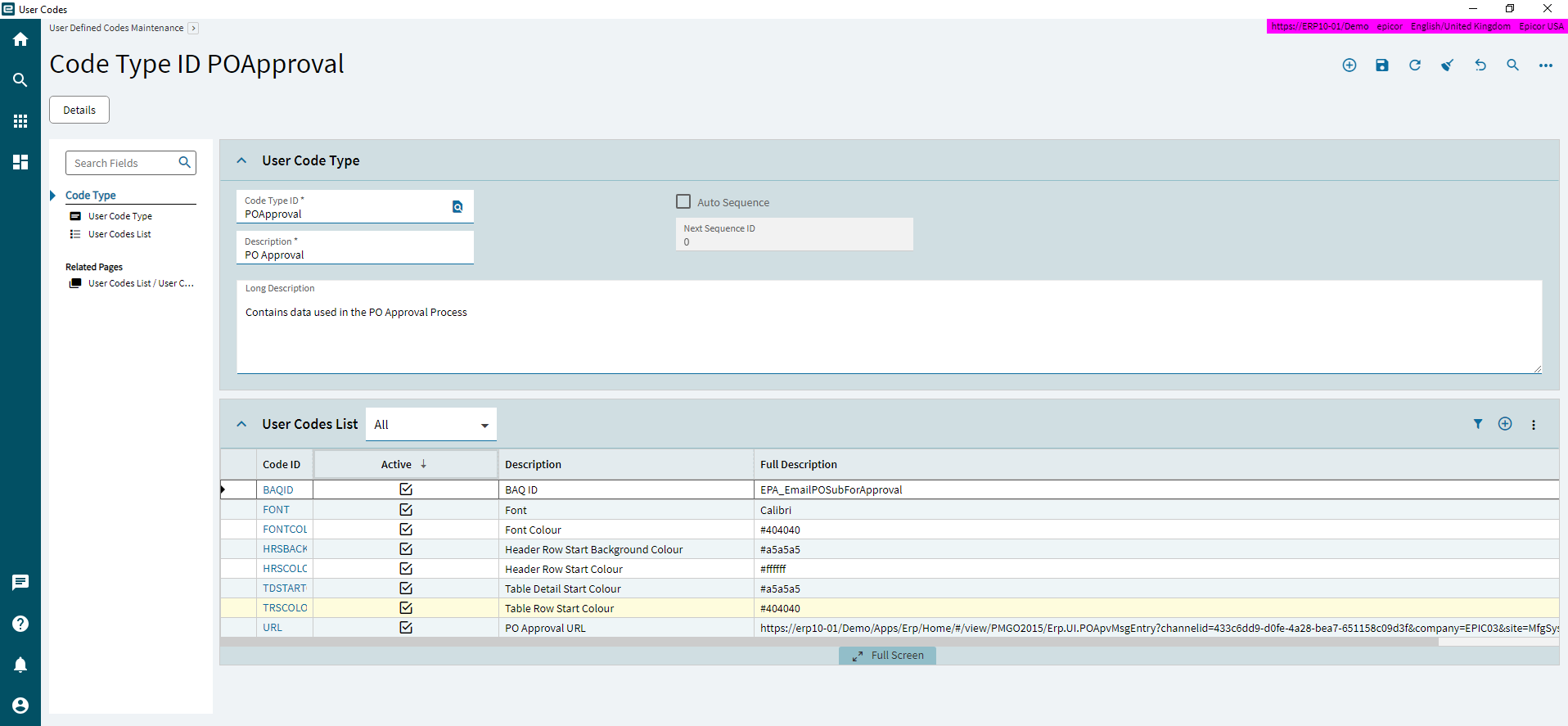
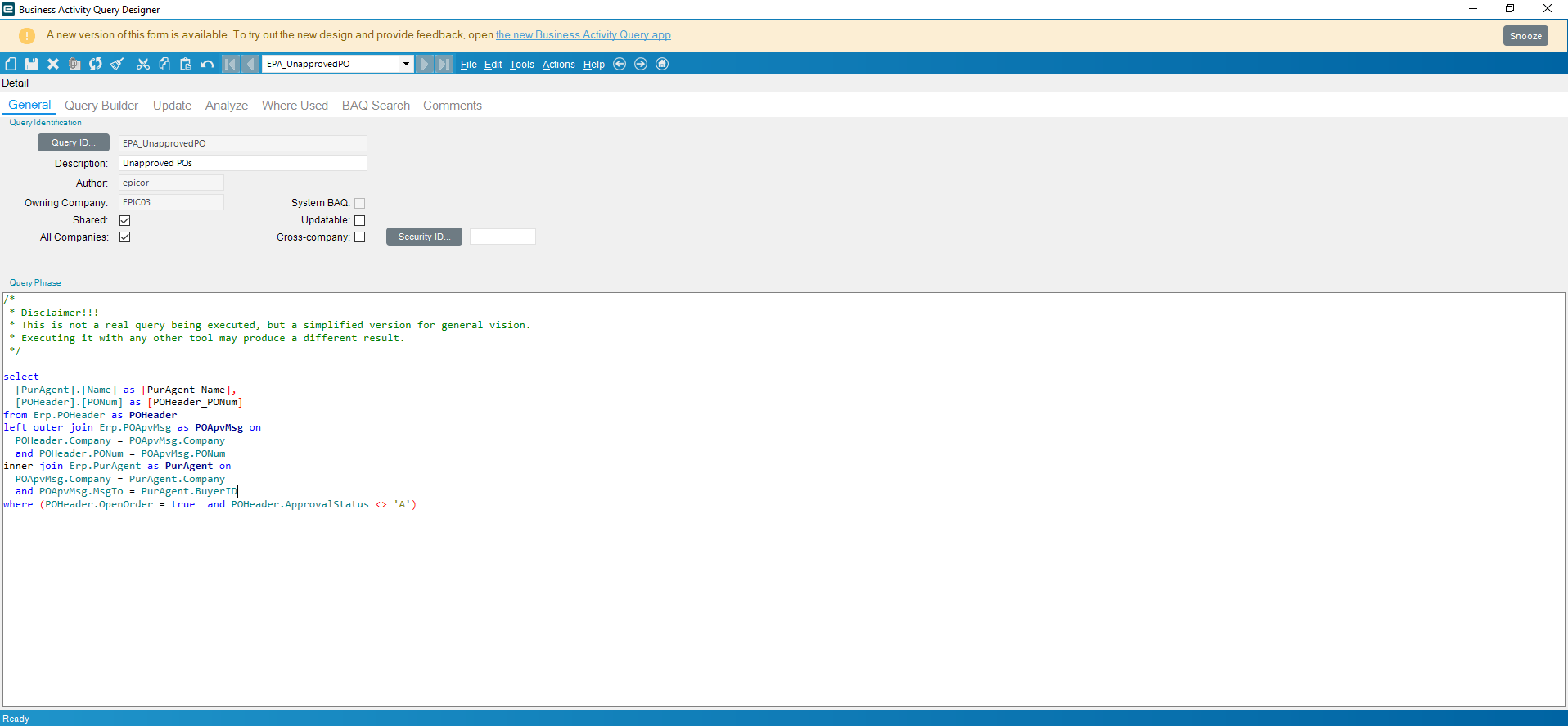
BAQ Report is definitely the most straightforward way to set that up.
However, I had a few minutes when waiting for some food in the oven so…
Below will be some steps to set up an Epicor Function that accepts a ~ delimited list of emails and the name of a BAQ and will convert it into a CSV and email it to that list of recipients. There is some minor conversion of headers in there since I don’t like the TableName_FieldName convention so it will strip the table name out and add spaces to the field name on capital letters. Feel free to change any of the logic to do what you want instead.
DISCLAIMER: No warranty or support or any other additional future help will be provided along with the code that I provide and I will not be responsible for anyone running any code that I provide. So, please use at your own risk and review the code thoroughly before running it to ensure you understand what it is doing 
Instead of just uploading the efxj export I will just list the steps to follow
-
Create a new function library (or use an existing one)
-
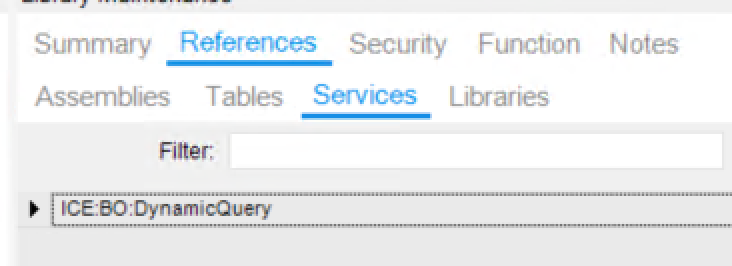
Add the following references:
-
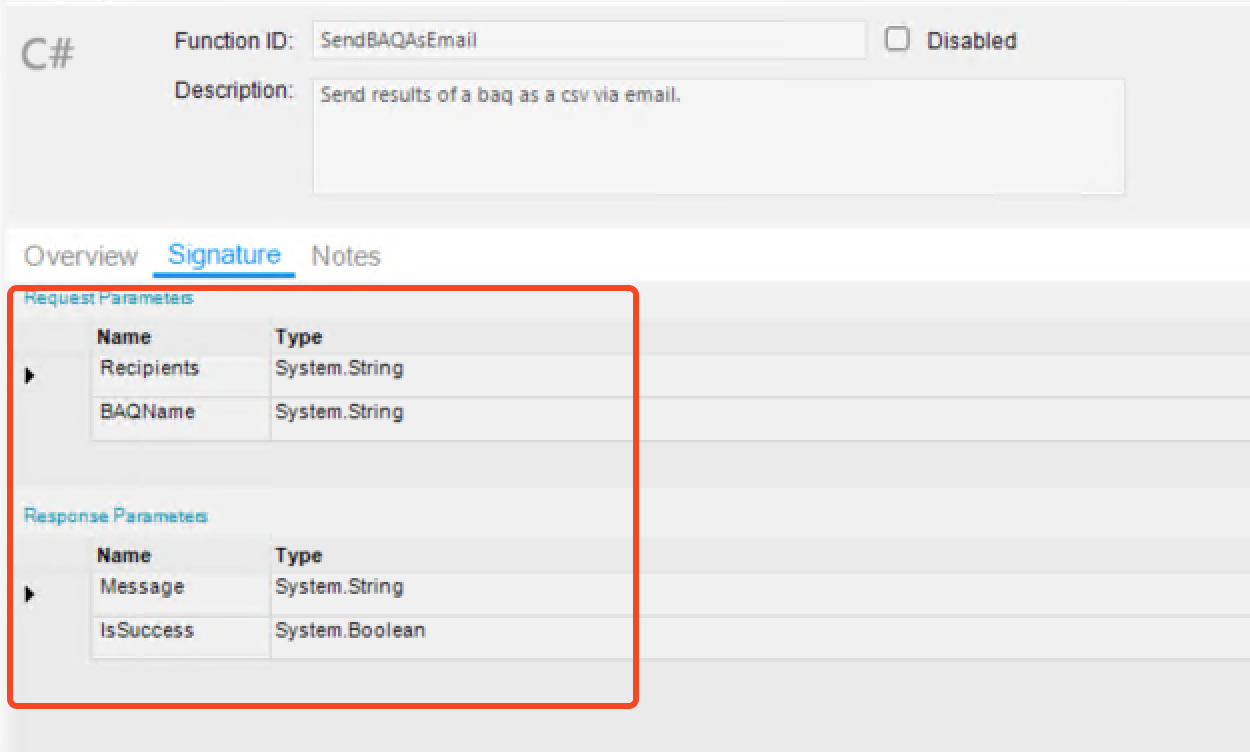
Create a new C# function (name it whatever you want) and add the following parameters (please note that I did not create parameters for FromEmail, Subject, or Body but feel free to add them to make the function more dynamic):
-
Paste the following code into your function:
try
  {
      #region Variables

      var recipients = Recipients.Split('~').ToList();
      var csvData = "";

      #endregion

      #region Helper Functions

      Func<DataSet, string> convertDataSetToCsvString = (ds) =>
      {
          if (ds == null)
          {
              return "";
          }

          DataTable dataTable = null;

          if (ds.Tables.Contains("Results"))
          {
              dataTable = ds.Tables["Results"];
          }
          else
          {
              // If "Results" table is not found, it means the DataSet structure doesn't match
              // the expected format.
              return "";
          }

          // If the table has no columns, we can't generate headers or meaningful CSV.
          if (dataTable.Columns.Count == 0)
          {
              return "";
          }

          var csvBuilder = new System.Text.StringBuilder();

          Func<string, string> formatHeader = (columnName) =>
          {
              string namePartToFormat;
              string[] parts = columnName.Split('_');

              // "splitting on the _ and then taking the second part"
              if (parts.Length >= 2)
              {
                  namePartToFormat = parts[1];
              }
              else
              {
                  // No underscore, or only one part after split; use the original name (or part)
                  namePartToFormat = parts[0];
              }

              if (string.IsNullOrEmpty(namePartToFormat))
              {
                  return ""; // Return an empty string for an empty header part
              }

              // "adding a space between capital letters"
              // Example: "OrderNum" -> "Order Num"
              System.Text.StringBuilder headerBuilder = new System.Text.StringBuilder();
              headerBuilder.Append(namePartToFormat[0]);
              for (int i = 1; i < namePartToFormat.Length; i++)
              {
                  if (char.IsUpper(namePartToFormat[i]))
                  {
                      headerBuilder.Append(' ');
                  }

                  headerBuilder.Append(namePartToFormat[i]);
              }

              return headerBuilder.ToString();
          };

          // Helper function to escape fields for CSV format
          Func<object, string> escapeCsvField = (fieldValue) =>
          {
              if (fieldValue == null || fieldValue == DBNull.Value)
              {
                  return "";
              }

              string field = fieldValue.ToString();
              // If field contains a comma, double quote, or newline characters,
              // enclose it in double quotes and escape any existing double quotes by doubling them.
              if (field.IndexOfAny(new char[] { ',', '"', '\r', '\n' }) != -1)
              {
                  return "\"" + field.Replace("\"", "\"\"") + "\"";
              }

              return field;
          };

          // Generate Headers
          var headers = new List<string>();
          foreach (DataColumn column in dataTable.Columns)
          {
              // Headers themselves should be escaped in case the formatted header contains special characters
              headers.Add(escapeCsvField(formatHeader(column.ColumnName)));
          }

          csvBuilder.AppendLine(string.Join(",", headers));

          // Generate Data Rows
          // Only proceed if there are rows to process
          if (dataTable.Rows.Count > 0)
          {
              foreach (DataRow row in dataTable.Rows)
              {
                  var fields = new List<string>();
                  foreach (DataColumn column in dataTable.Columns)
                  {
                      fields.Add(escapeCsvField(row[column]));
                  }

                  csvBuilder.AppendLine(string.Join(",", fields));
              }
          }
          // If dataTable.Rows.Count is 0, the csvBuilder will just contain the header line.

          return csvBuilder.ToString();
      };

      Func<string, byte[]> convertCsvStringToByteArray = (csv) =>
      {
          if (string.IsNullOrEmpty(csv))
          {
              return new byte[0]; // Return an empty byte array for null or empty string
          }

          return System.Text.Encoding.UTF8.GetBytes(csv);
      };


      Action<string, List<string>, string, string, Dictionary<string, byte[]>> sendEmail =
          (fromEmail, recipientList, subject, body, attachments) =>
          {
              using (var smtpClient = new Ice.Mail.SmtpMailer(Session))
              {
                  // Create the actual email
                  var mailMessage = new Ice.Mail.SmtpMail
                  {
                      From = fromEmail,
                      To = recipientList,
                      Subject = subject,
                      Body = body
                  };

                  // Send the email with your attachment(s)
                  smtpClient.Send(mailMessage, attachments);
              }
          };

      #endregion


      #region Get BAQ Results

      CallService<Ice.Contracts.DynamicQuerySvcContract>(svc =>
      {
          // Can be empty - Or set values to filter the results
          var executionParams = new QueryExecutionTableset();
          var baqResults = svc.ExecuteByID(BAQName, executionParams);

          // Now we can parse the results using our helper method
          var csv = convertDataSetToCsvString(baqResults);

          // Save the csv data for later use
          csvData = csv;
      });

      #endregion


      #region Send Email

      // Make sure our csv data is in the correct format
      var csvDataAsByteArray = convertCsvStringToByteArray(csvData);

      // Create our attachments dictionary
      var mailAttachments = new Dictionary<string, byte[]>();
      mailAttachments.Add("BAQResults.csv", csvDataAsByteArray);

      // Send the email :)
      sendEmail("epicor@epicor.com", recipients, "BAQ Results", "Attached are the results of the BAQ", mailAttachments);

      #endregion
  }
  catch (Exception e)
  {
      IsSuccess = false;
      Message = e.Message;
  }
Please note that I wrote this hastily but tested and it does work. It is currently set up to just support a standard BAQ that contains no input parameters so keep that in mind.
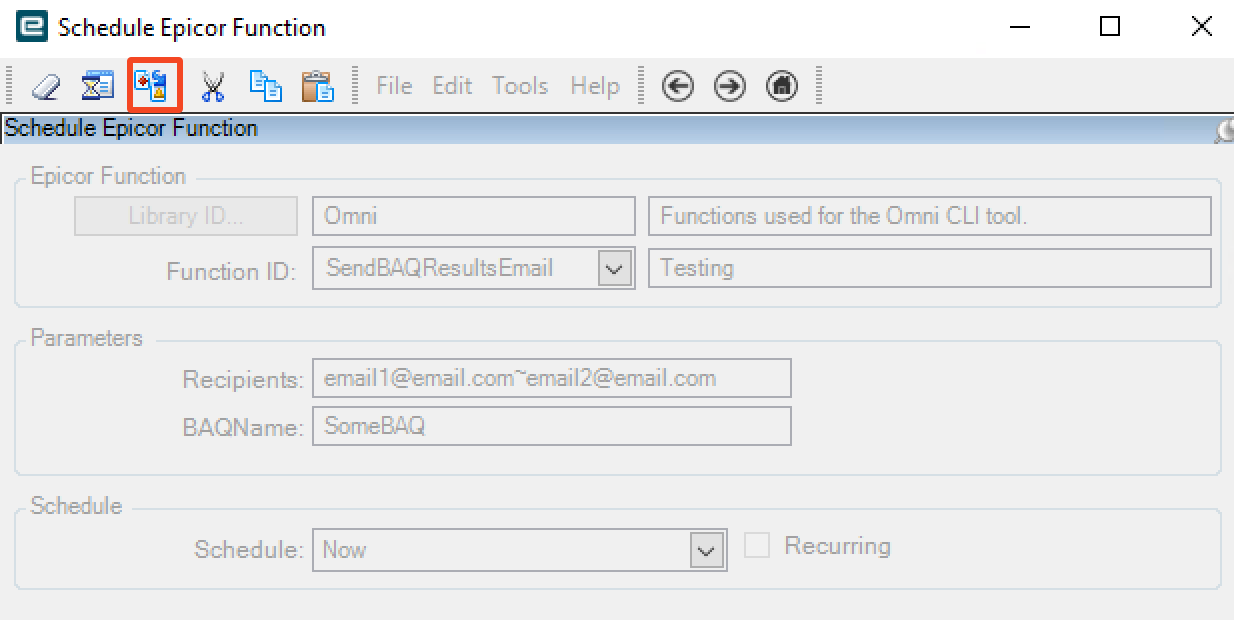
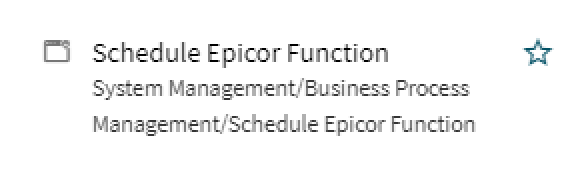
- Test the function out by using the “Schedule Epicor Function” menu item:
- If all works well, just set up a schedule in the System Agent menu and then run that with the recurring checkbox checked.
Good luck!