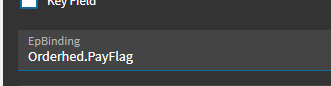
When epibinding is, the box is still greyed out.
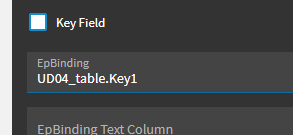
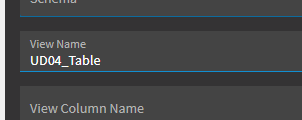
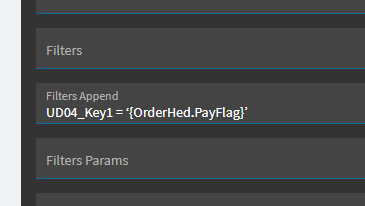

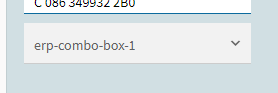
When epibinding is below one, list appears with just one option.
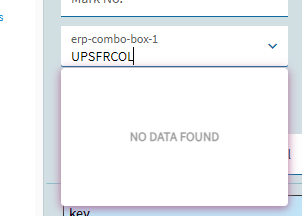
try lowercase here:
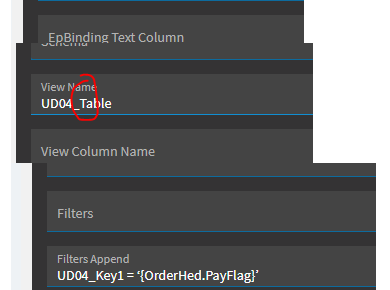
Still greyed out.

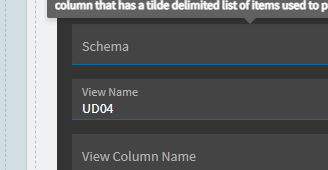
Well crap… sorry, I’m not keeping up with all our images… your dataview is called “UD04”… not “UD04_table”.

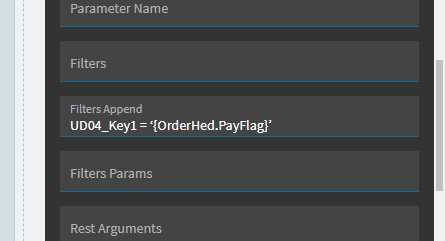
So… you epbinding needs to go to: UD04.Key1
And your View Name needs to be UD04
… I’m checking through other stuff to see where else we may have miffed that.
I think we need to fix your event too… since it was populating a view called UD04_table:

Oh…I am sorry. Thank you so much.
Still greyed out.

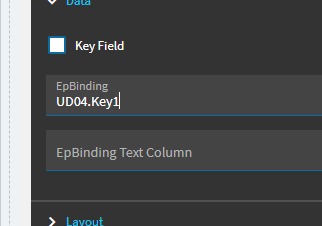


Okay… let’s try to back up.
Verify again in debugger that UD04 view gets data (since we just changed that event).
For combobox… let’s delete it and start fresh.
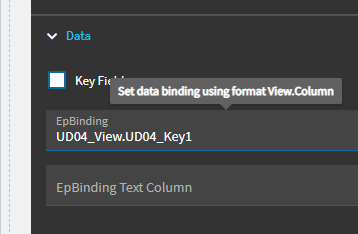
Add a new combobox and ONLY put in the epbinding of UD04.Key1
… it won’t populate data, but I just want to make sure its not greyed out.
Also… in your dataview… delete that parent/child relationship. I’ve never had to use that and I’m not sure if that’s borking something.
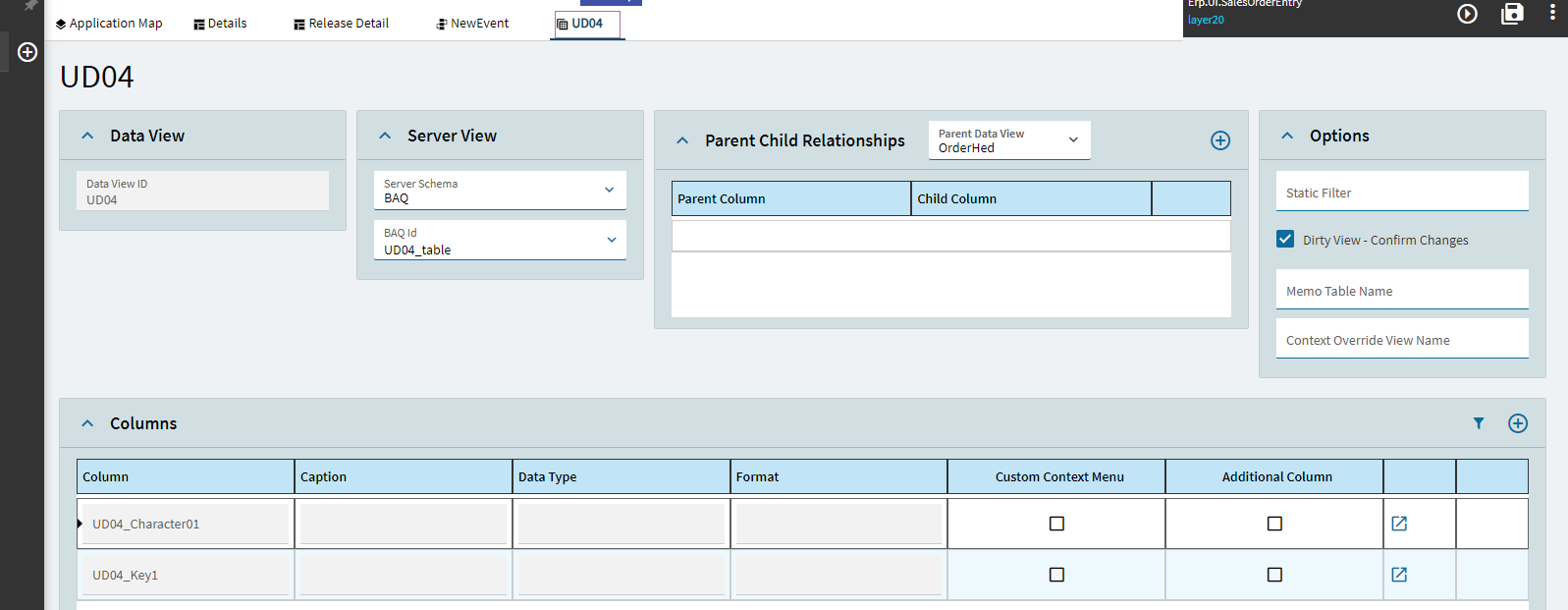
I cannot see the values here:
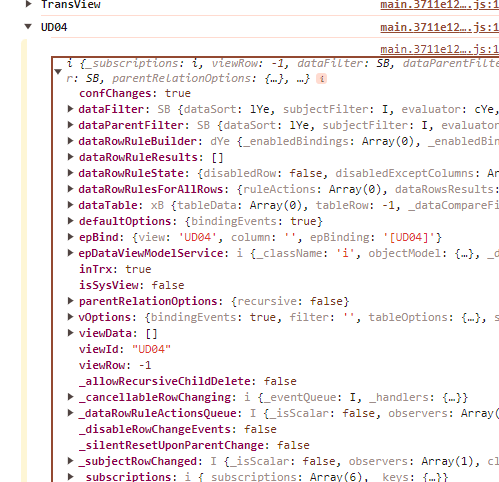
There COULD be a conflict that you used “UD04” which is a native table name within Epicor.
Delete your UD04 dataview.
Create a new one called “UD04_View” (that will make it unique).
Update your event to call out that new view name.
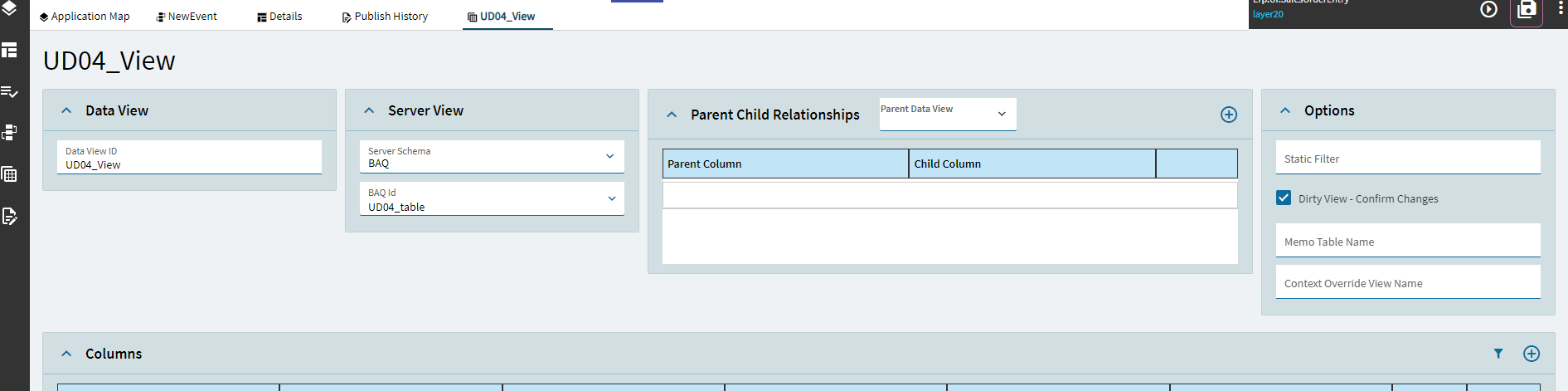
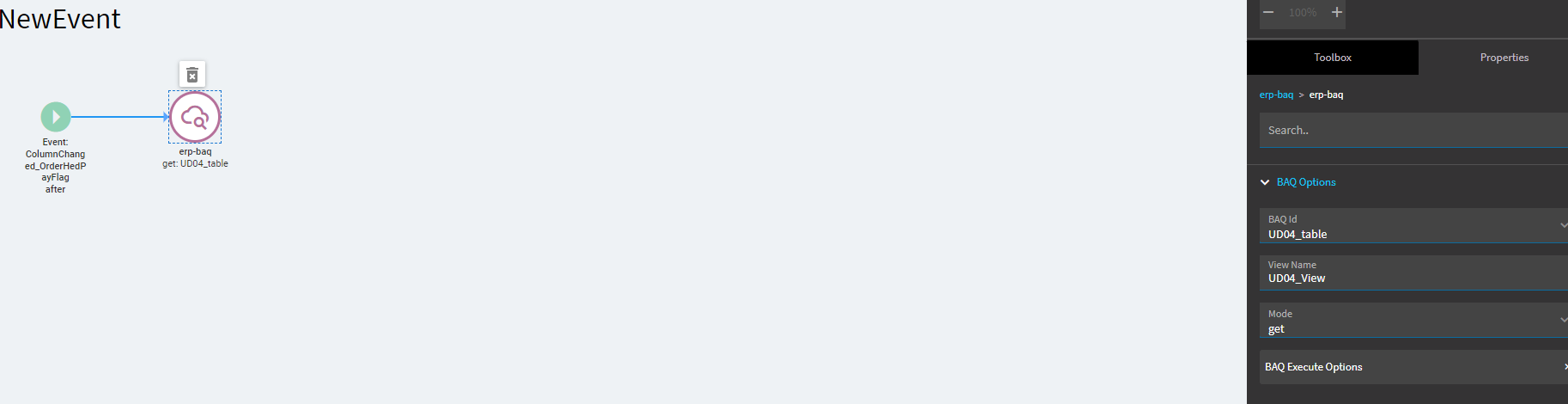
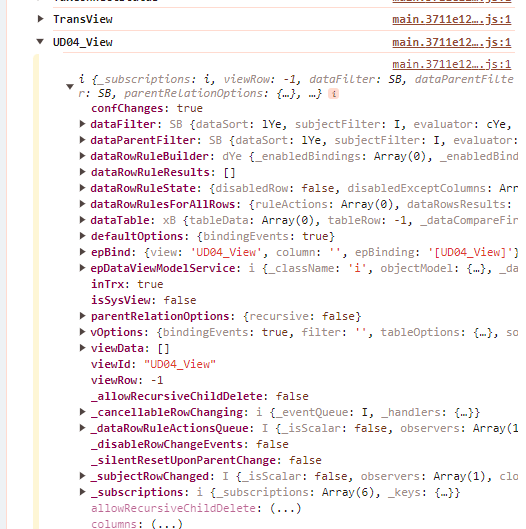
Still greyed out:
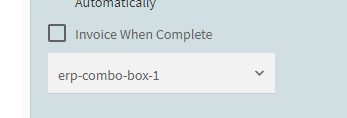
Did you select something in the PayFlag field? Do you see our event firing at all?
No. It doesn’t fire, it is disabled.