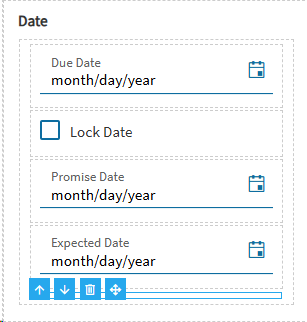
When adding a component in Application Studio that is bound to a UD Field where the ‘Hidden By Default’ option is enabled, the component is not visible.
After reopening the app in Application Studio, the component is not visible. It isn’t exactly “Hidden” in the traditional sense.. you can still see its bounding box, but there is nothing inside. I haven’t been able to do anything to make it reappear.
Has anyone else experienced this? I assume it is a bug related to the “Hidden By Default” feature..
As I understand it, “Hidden By Default” prevents the UD field from being automatically added as a visible column in grids. This is how it behaved in Classic, anyway..
Screenshots
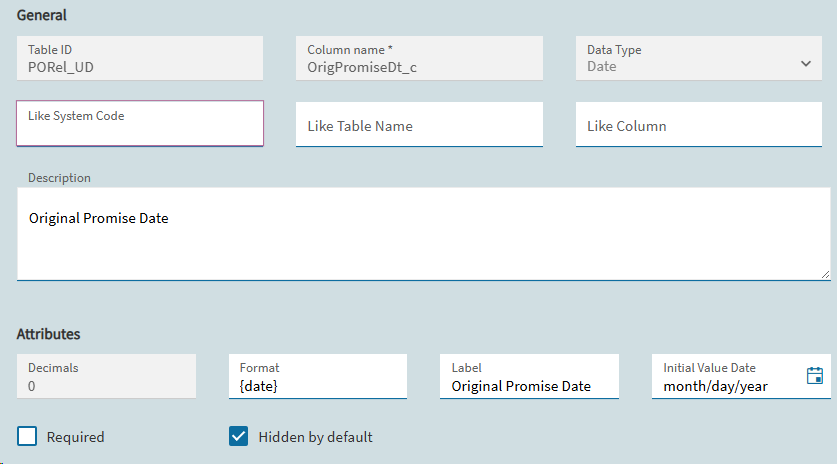
UD Field Setup
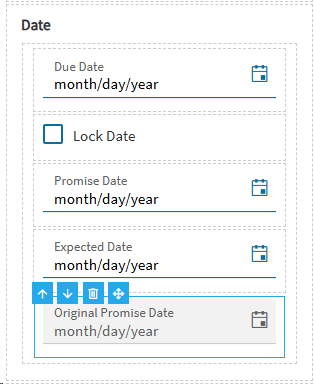
Added component in App Studio
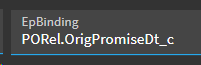
Data Binding
After Save, Commit, Publish, and reopen