Testing 2025.2 and noticed our custom field was missing from User Account Maintenance. Are UD fields no longer allowed? Binding the control to my custom field hides the control in the preview. Also, if I set the binding and move the control in Application Studio, the height will reduce and essentially disappears. Happens when closing and reopening the details page too.
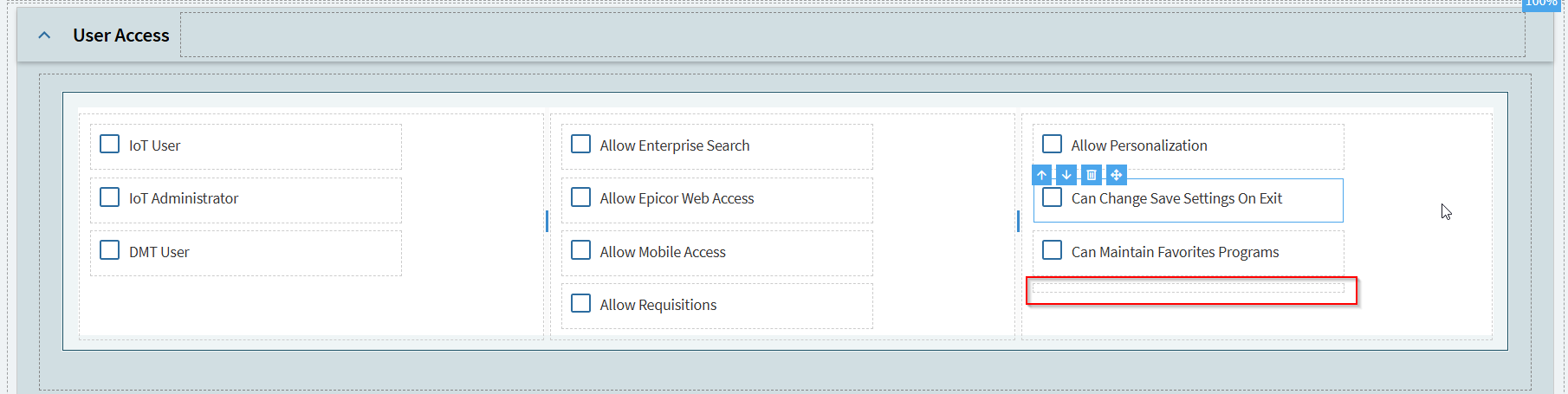

Sure did, that fixed it. This worked fine in 2023.2, so I wonder what was changed. I guess I need to figure out what other fields may have that checked.
This has been an issue on and off for years they keep screwing it up… someone should open a ticket.. again.. I do’nt have time or the crayons 
Now I question what their intended behavior is.. Is this a bug or a feature? At least in Classic, I thought hidden by default would just hide it from the grid views and data definitions by DEFAULT, but now it seems to hide it permanently.
I was also thinking maybe it just had to do with the SysUserFile table, but this was also set on a few other tables including Part with the same result.
That is exactly what it shouold do (or did in classic)
What is the point of hiding a field permanently always its so silly I think whomever did the framework for Kinetic UX just misunderstood. I believe there was or is a PRB open for this and it should have been fixed by now.