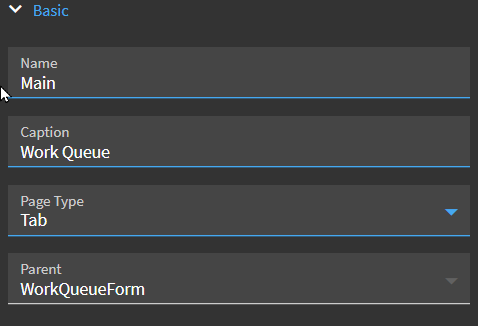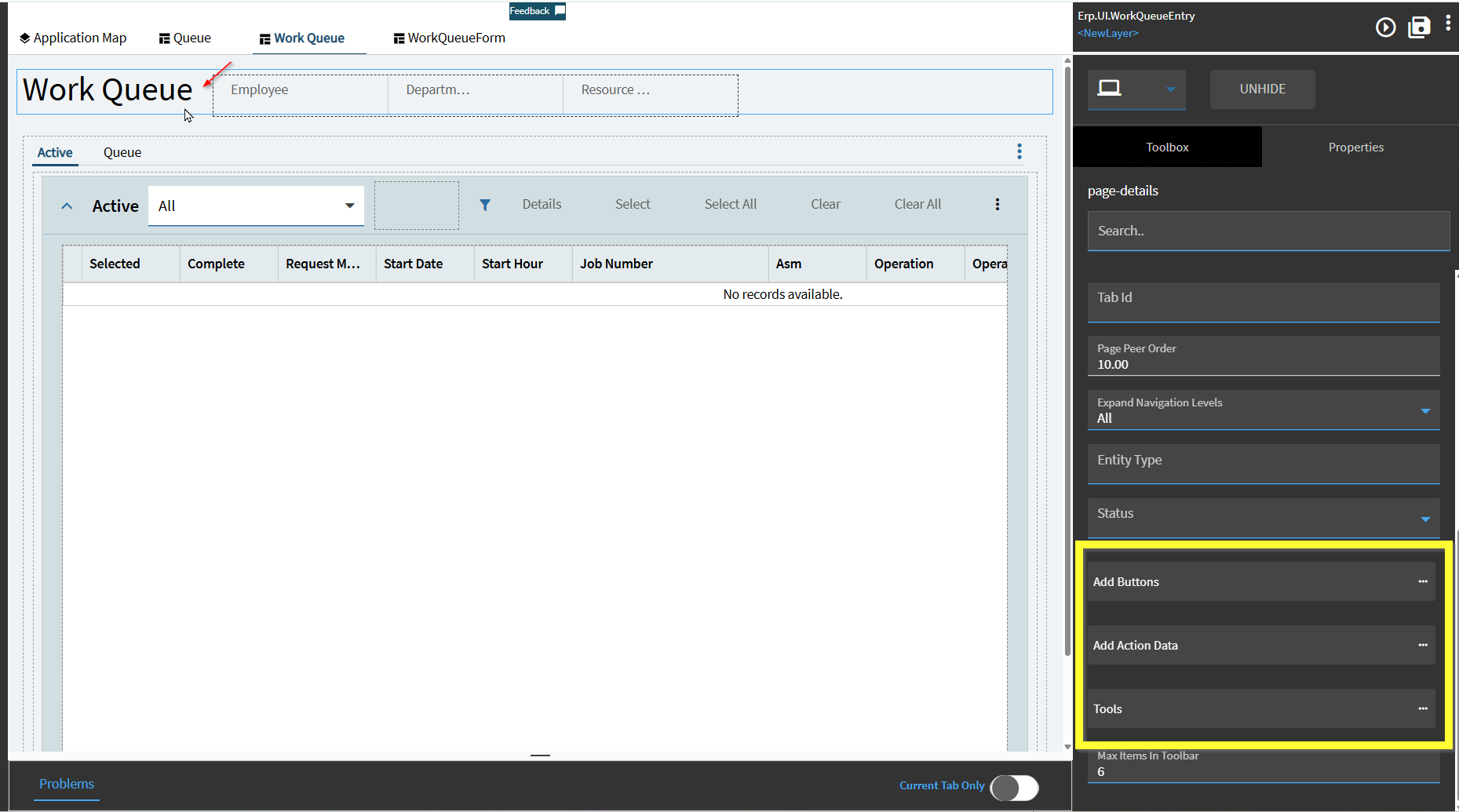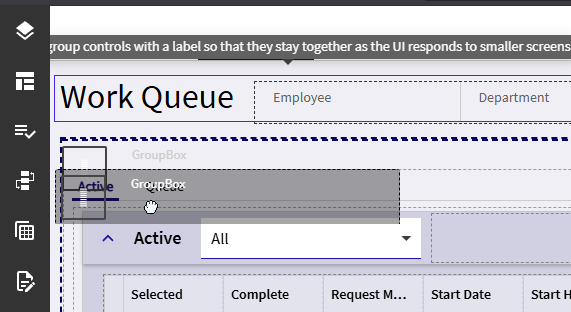
I’m trying to add buttons to the work queue screen. It acts like it’s going to add, but it doesn’t. I’ve tried Panel Cards, Group Boxes, Columns, Buttons, nothing will stick.
I can add items to the row where the Work Queue/Employee/Department are, but I’d prefer it be right below that.
I am also able to add items on the Active or Queue screens, but I’d really prefer to have them on the Work Queue screen as I want them to show regardless of which tab they’re on. Any tips or tricks to get an item to stick here?