Hey Everyone,
We recently migrated our Kinetic from 2024.1 on-premise to Kinetic 2025.2 private cloud in Azure. Smooth transition (Thanks @Blake_Martin , @the_other_jkane! )
All is good.
We have everything set up to use SSO through Entra. We launch SSO and it asks which account to log in as, we select it and we are in Kinetic.
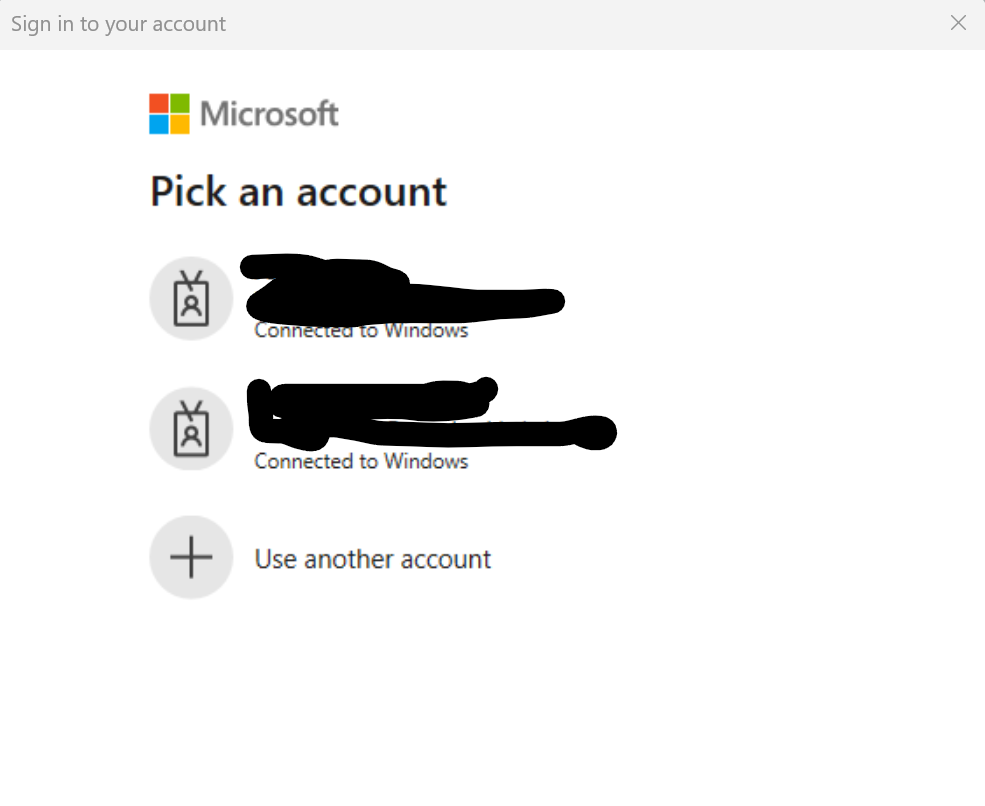
All is good.
However, if Microsoft decides to prompt for more information regarding the user’s MFA or the user’s MFA is not yet configured or was reset, when they attempt to launch Kinetic SSO they are soon met with a message stating their browser is out of date.
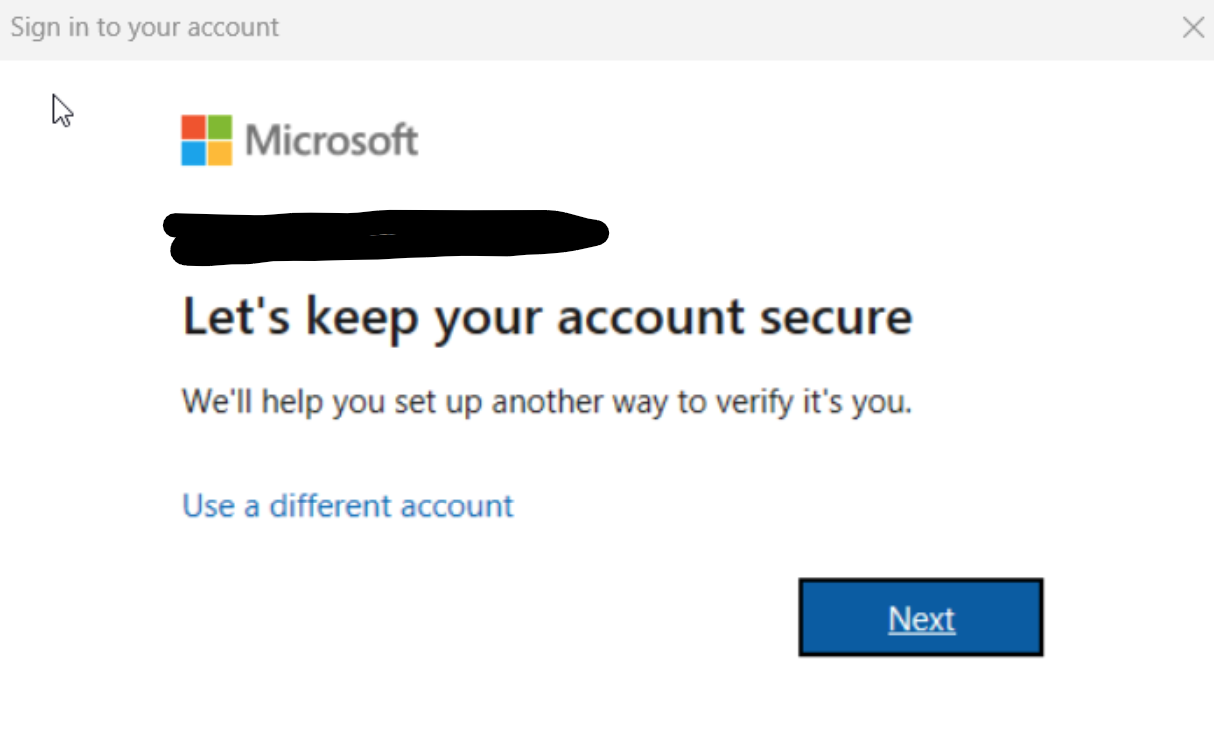
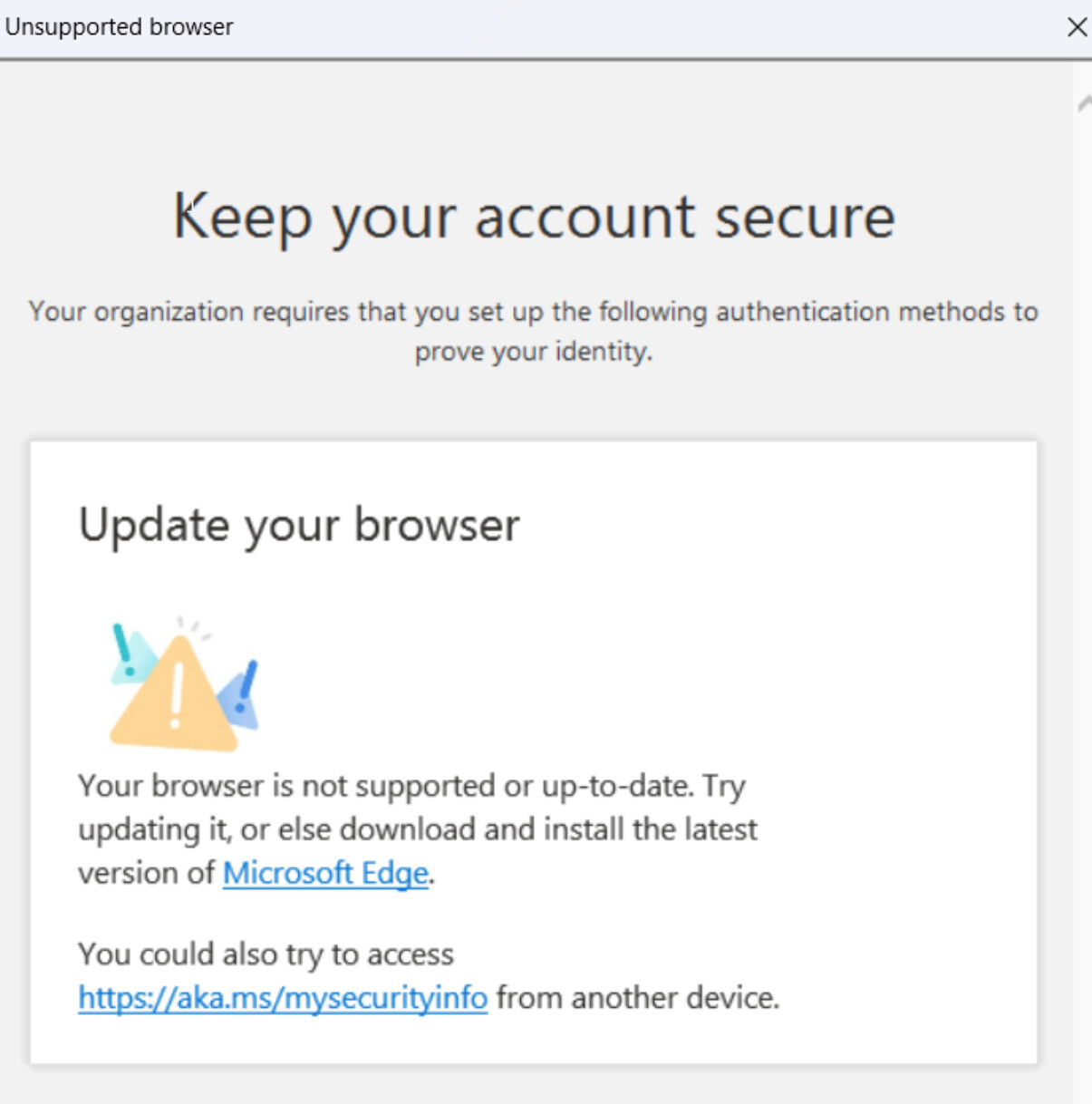
It seems to be launching ole’ IE to finish the MFA steps.
Does anyone know how to get this to launch in the default browser, which in our case is either Chrome or Edge?
I tried changing <IdpBrowser value="System" options="Embedded|System" /> in the sysconfig. (Embedded by default) -no change
I tried setting every gpo setting I could find to force any call to IE to Edge. - no change
Is anyone else having this?