User cannot access settings panel to turn off landing page

I have a user that wants to turn off the landing page for Job Entry/Tracker. When they click the three dots and then settings at the top right nothing happens. If I have them do it in the browser, the slide out opens but there are no settings present. I checked their account against other users where the settings panel works, and verified they have the same privileges and settings. Logging into another account on the same PC works.

I checked for a personalization and there were none for that screen.

Anything else I should check?

I’d be curious what the network call looks like in dev tools vs. one that works?

Interesting, my settings dialog in job entry doesn’t come up either in fourth (2025.2.7)


The message looks like the page might be missing epBinding or something.

Hmm, well epibindings do like to go MIA but I wonder why that would only hit certain users

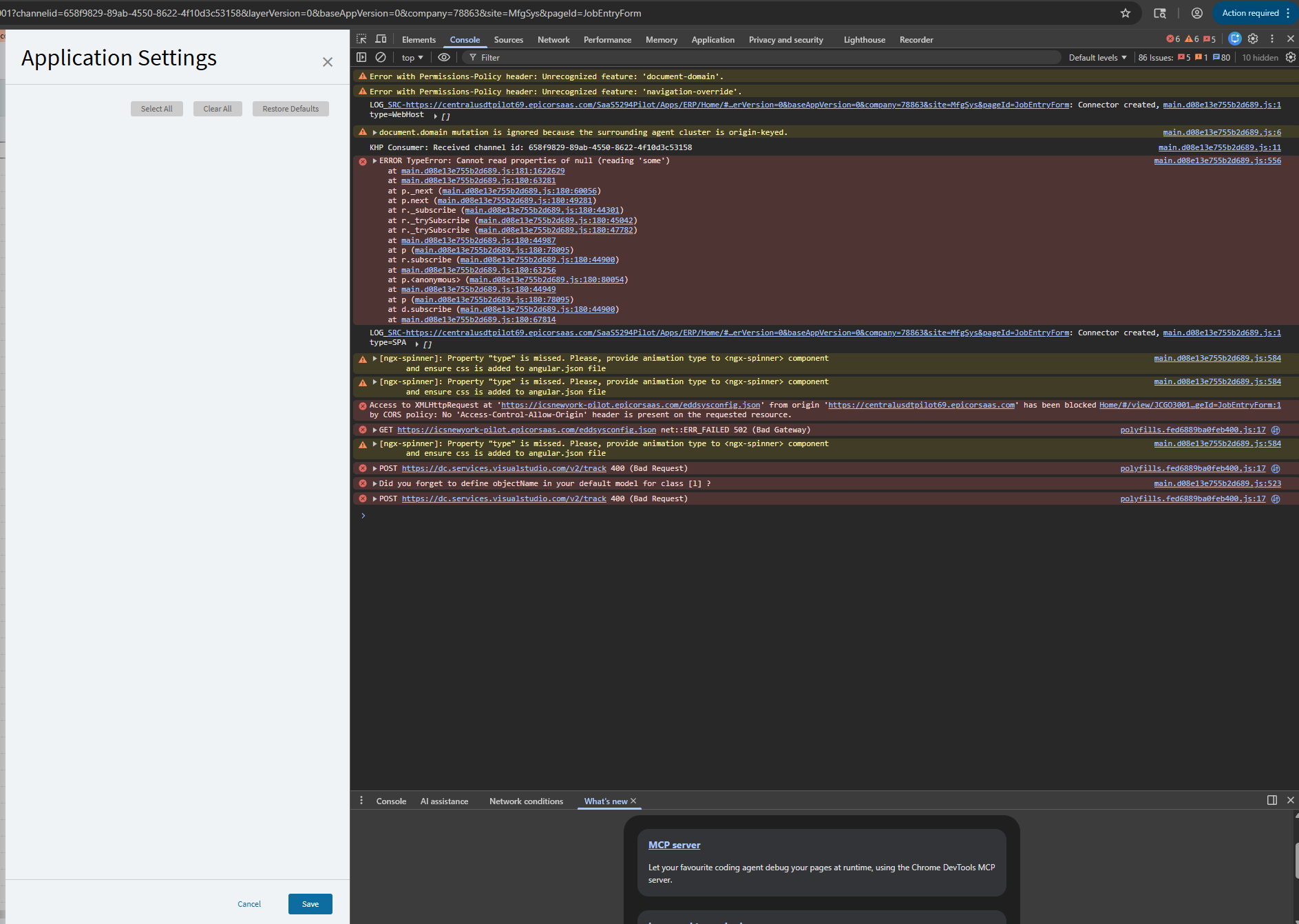
I don’t see that error message either. Did the flyout not open for you, or is it just empty? This user just gets an empty one in the browser:

If I try on 2025.1.15, i get a Settings slideout and the expected stuff on it. (with nothing for the landing page as it’s not in that version)
If I try on 2025.2.7, i get epBinding error shown.
I tried on Education, also 2025.2.7, and same error.

1 Like

Do you see any user account element to it? or do you not have any other accounts to try :thinking:

EDIT: I opened case CS0005237808 on this

1 Like

Made myself a new account, same issue, so on my end at least it does not appear to be account related.

Huh, I have tried 3 other accounts in our company and they all work.

1 Like