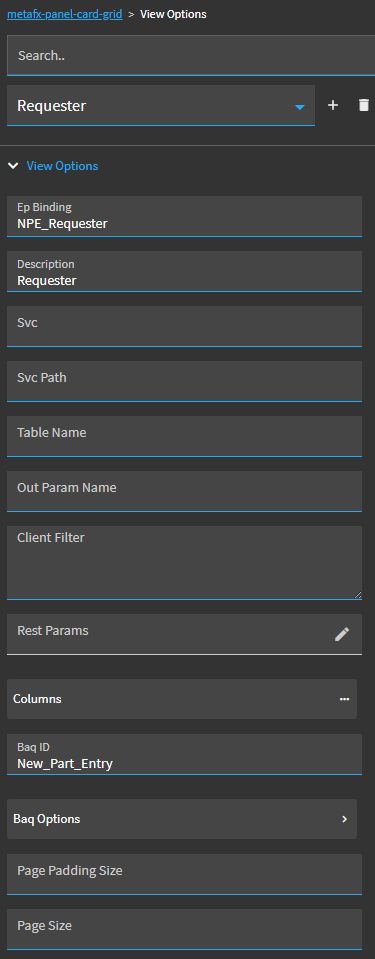
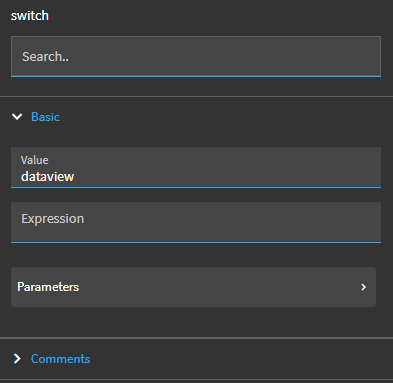
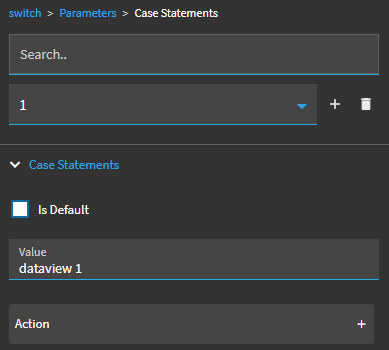
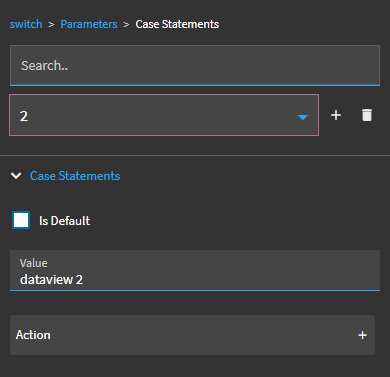
They all use the same BAQ, but they apply different data rules to the same column. I’m hoping my ask is simple, but is there a way I can identify the dataview inside a switch-case widget?
I could solve my problem fairly easily if I can create an event based on the dataview user is in, but I’m unsure of the syntax required in these fields to target the dataview.
I was not able to solve this problem. My workaround was: Get rid of all the views. Create a column in TransView for “view” and bind a combo box to it with all my view option names. In the column changed event, call a get event to get the data with the desired parameters. I actually like this so much better that I have just started using it by default instead of the out of the box view functionality.
Thanks Alisa, I’m not sure if that would help me, since I need to apply different data rules to the same column, and filter out/move around columns based on the view. Would I be able to apply data rules based on the transview column?
All my views are bound to the same baq, but hide/show different columns within the same table… I’m stumped
You can bind the selected view option to a TransView column like this but it’s not exposed in studio so you must alter your app json and then SaveApp via REST
Thanks guys, luckily it turns out our users are happy with using a singular view for adding a row, meaning they don’t need the functionality I was looking for.