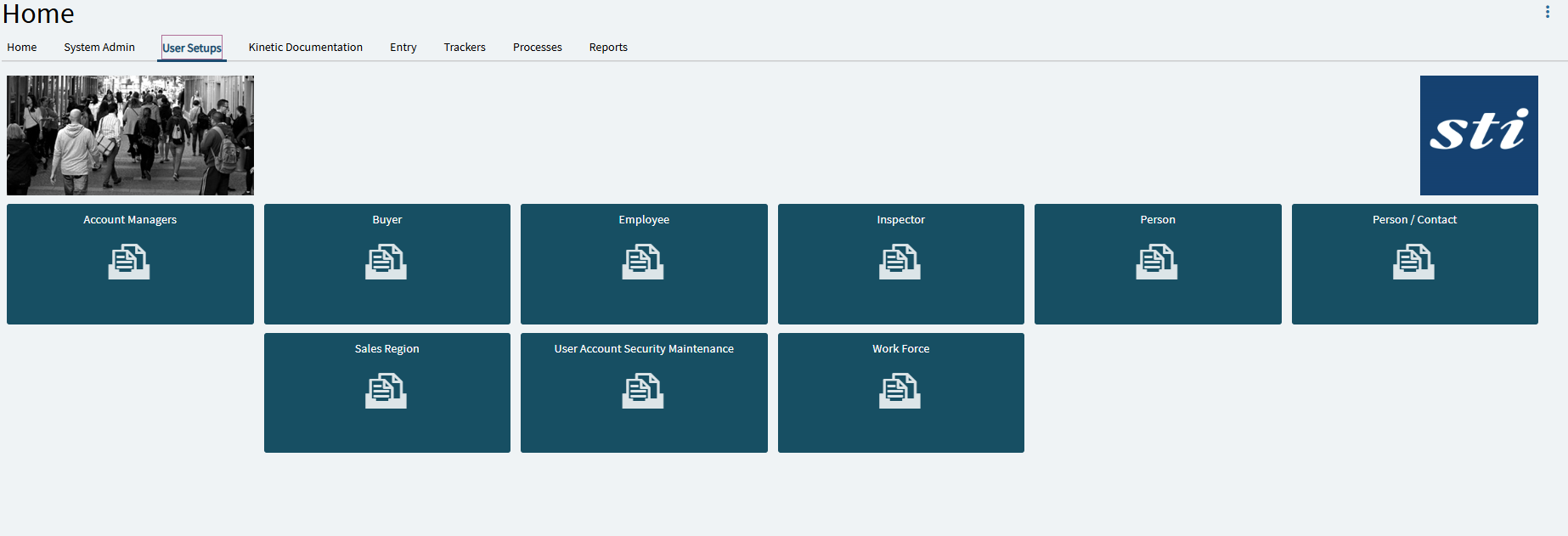
Is anyone using the Web Browser version of Kinetic? If yes, how do I add favorites to the Quick Launch screen?
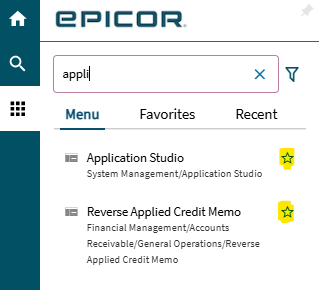
Right. Favorites are found in the menu:
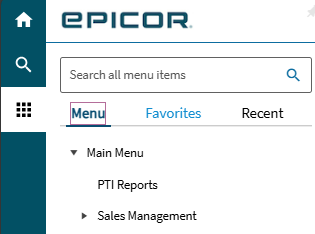
If you want them on a tab, then I think you just create the tab and place them there. I look at favorites are for individuals and the Home Screen tabs are for shared apps for departments or special purposes.
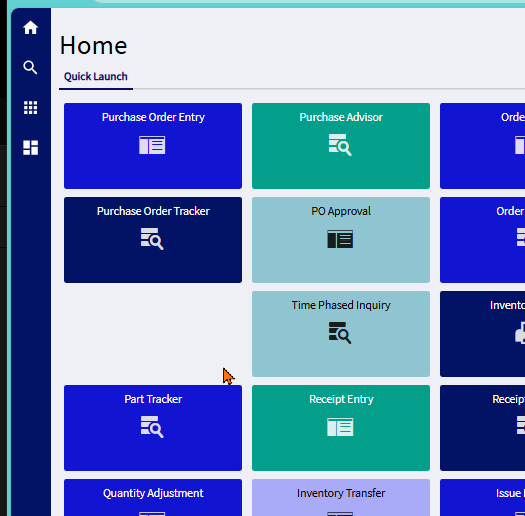
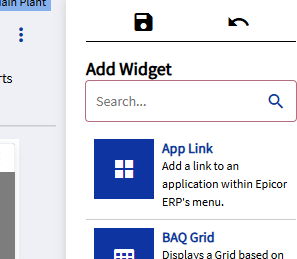
To put them on Quick Launch (or any Home Page tab)
- Click the 3 vertical dots in the upper right corner
- Choose Edit
- Click App Link
- Choose your favorite app from the list, click ok
- Move it around your Quick Launch page to where you want it
- Save
1 Like
Perfect and thank Ryan!!
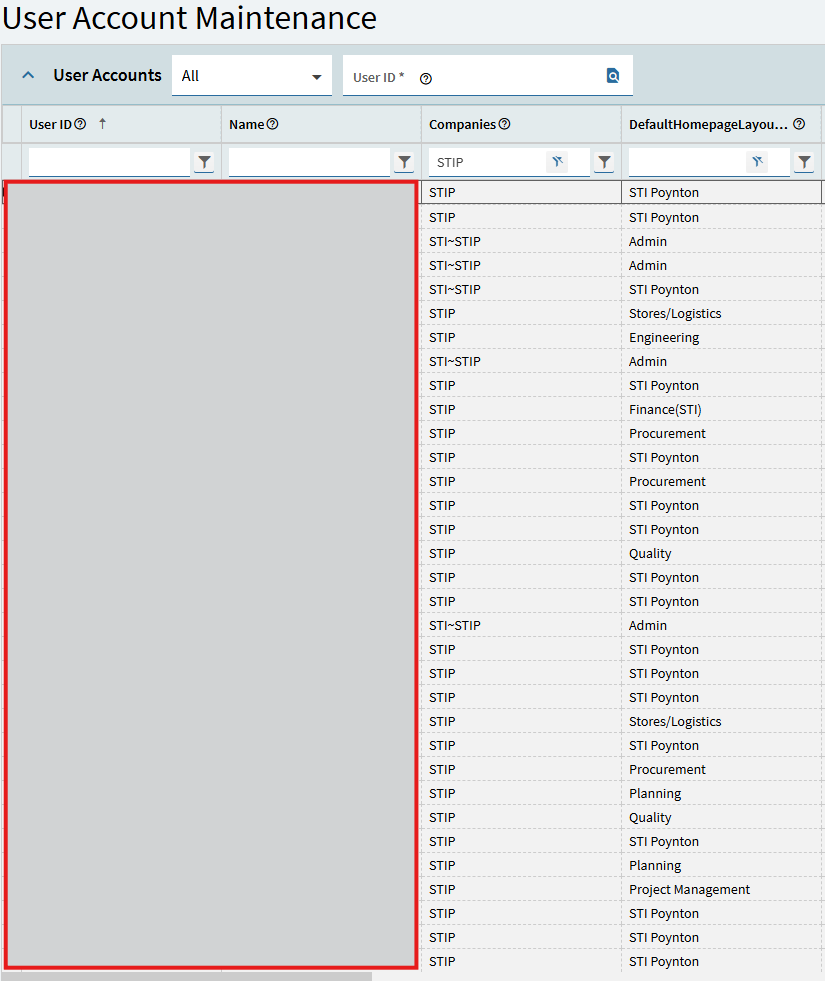
If it is one that is going to be used by certain departments then remember to publish it and set it to the users that need it in User Maintenance.