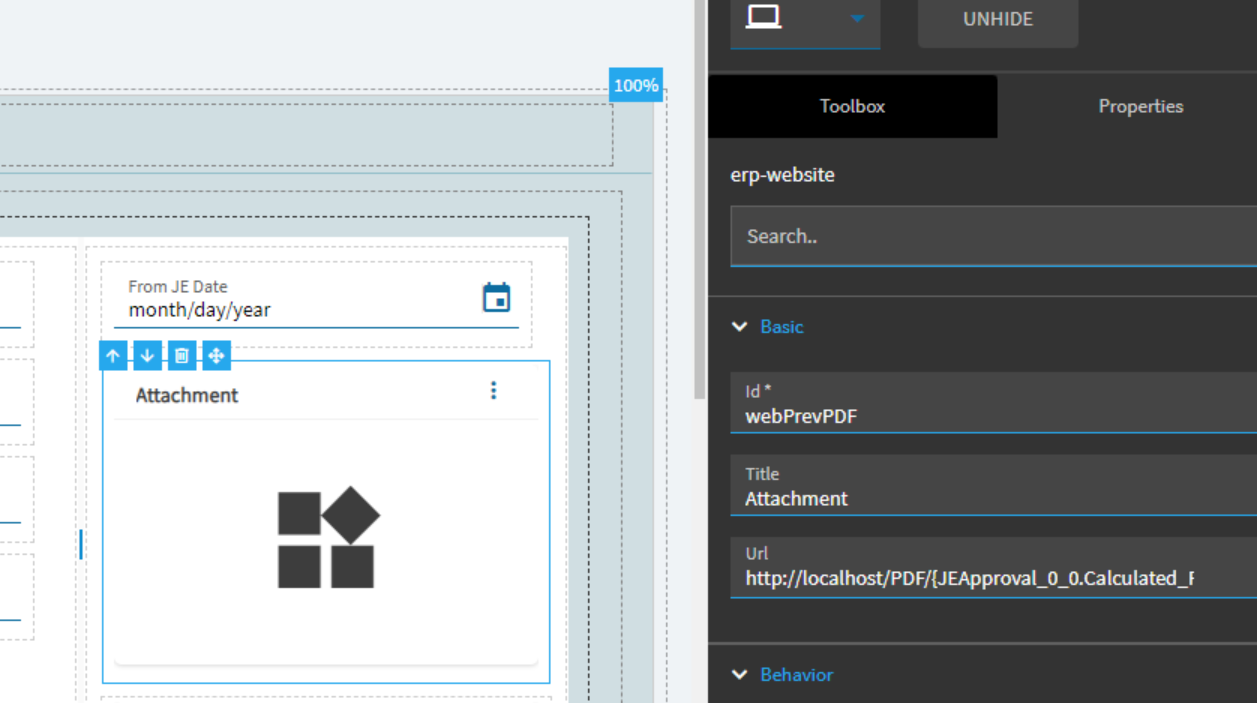
@fvodden try this widget. I replicated your issue with the widget that’s in the Toolbox.

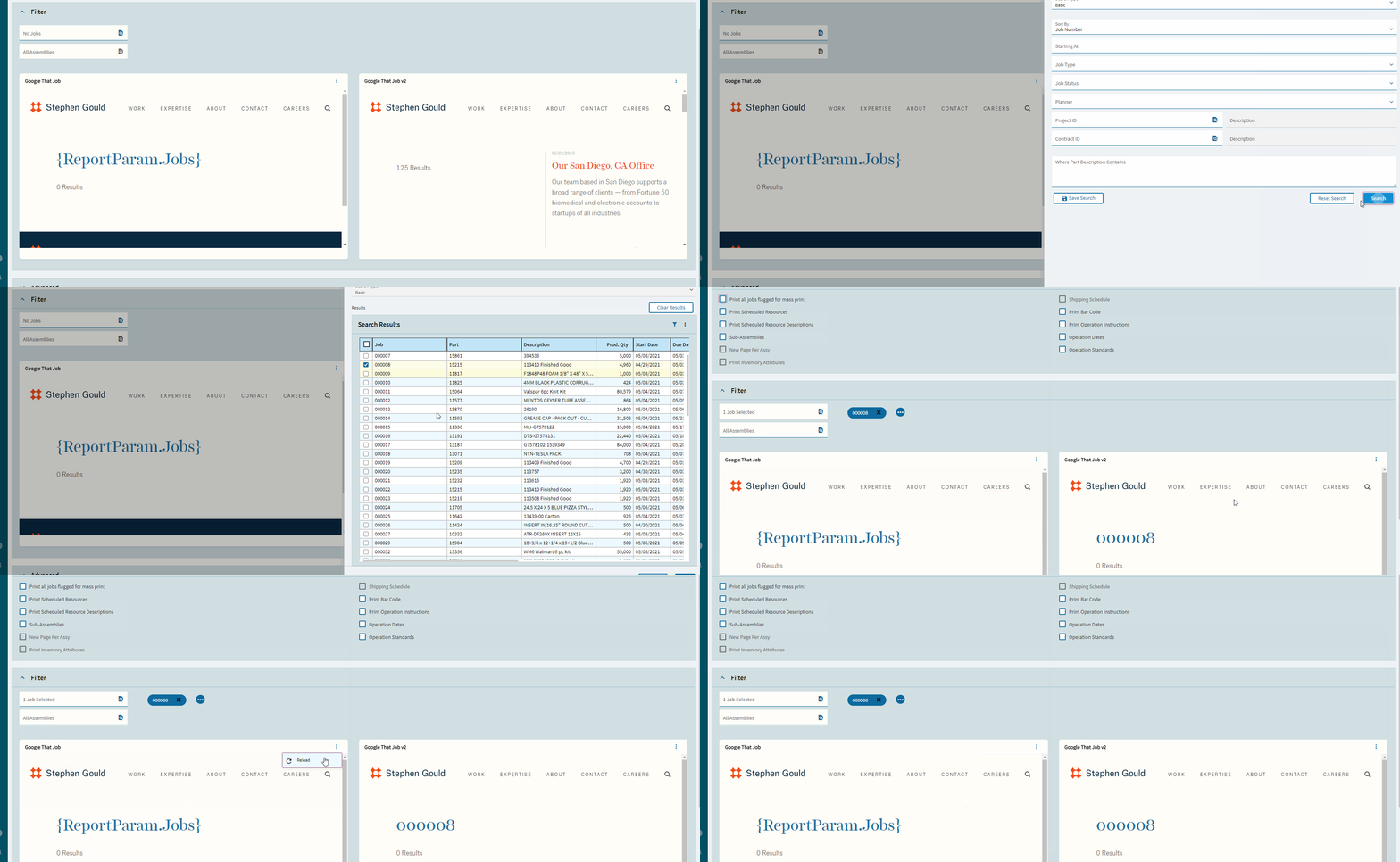
That’s the widget I used. I didn’t know there was one in the toolbox 
I honestly cannot tell the difference between the 2. I just remembered that one in the “Widgets” one instead of the “Components” and thought I’d try it.

Well, look at that. I didn’t even think to look under the Widgets tab. It is now working as expected. The toolbox one also has a typo “WebSite Widgit Control”.
Thanks for your help!
I think pretty much everything I’ve done as demo, was done using similar methods… No way I could just build this in pure Kinetic… more of a round-robin REST 
Hello,
I’m trying to dynamically display a PDF file via a URL when a user selects a row in the data grid, but I can’t seem to get it working. If I hard-code the URL, it displays correctly. I’m using the Website widget under the Widgets tab. However, it seems like the widget isn’t recognizing the value in {JEApproval_0_0.Calculated_FileName}. For testing, I also tried setting the URL to a TransView var, but the screen still appears blank. Any help would be greatly appreciated!