From my testing it seems like you can’t add any filters to an odata query without first defining parameters for those fields in the BAQ (please tell me I’m wrong?).
I have an extremely complex BAQ that is currently being used for a dashboard, so I don’t want to add parameters that will then pop up when people are using the dashboard (because the dashboard already has filters). But I need some way to filter the odata query. I guess I can just make a copy of the BAQ with parameters but then if we ever change one BAQ we will have to remember to change the other, ugh.
There are many threads on this board talking about a feature to map dashboard filters to BAQ parameters but I can’t find any that actually explain how to do it? From poking around in the dashboard and BAQ designers its not obvious to me. Any suggestions or links?
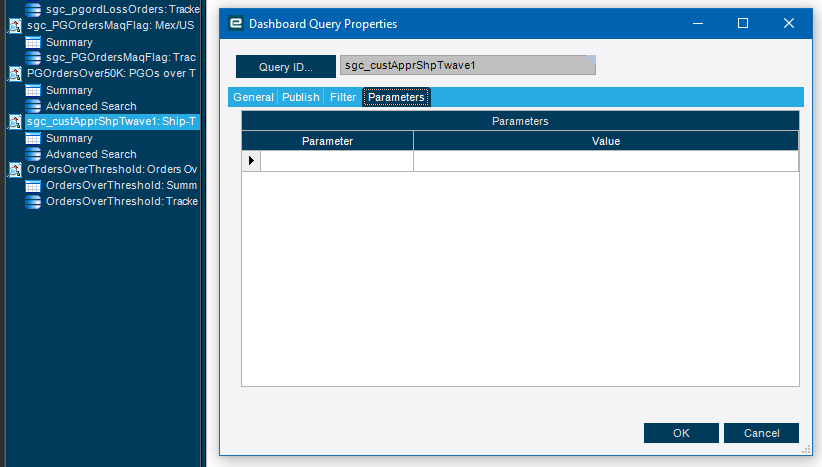
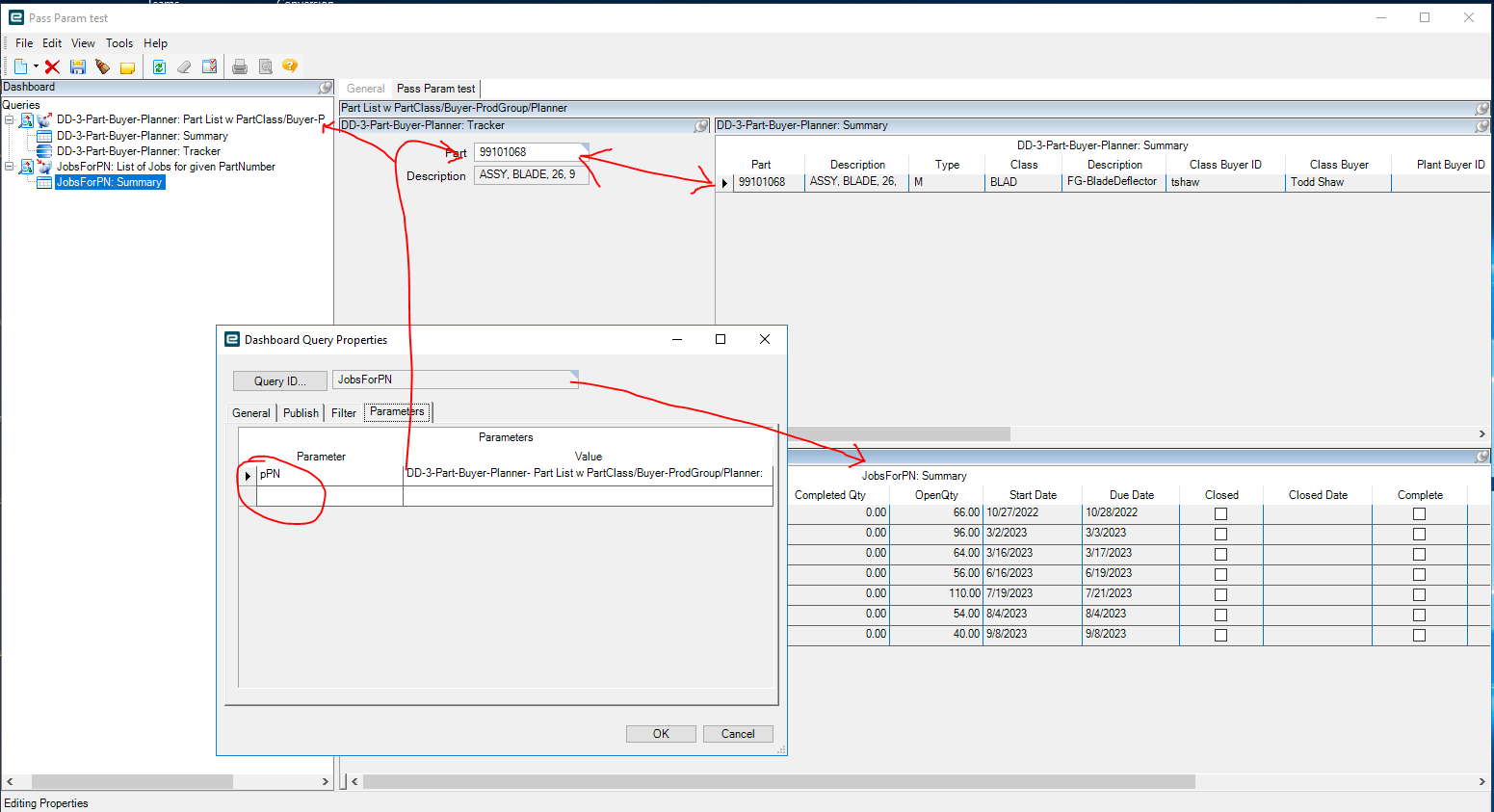
I believe that it’s this part in the dashboard. Right click on the query and go to properties. I haven’t done it myself yet, so I’m not sure how it works.
Maybe I am just not understanding the idea but . . .
I have a tracker view which contains two controls to specify the date range.
If I publish the date field in the dashboard, and even if I try to tie that back to the parameter, how does that help me? It sounds circular? I need to bind the parameters to my tracker fields not the query results.
Thinking outside the box here, but if you set one of those to something that will never fail, does it stop the popup? Basically just set it to non-sense so that the parameter doesn’t fire and you can use the tracker as normal.
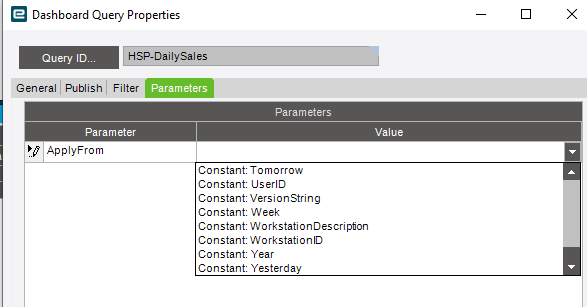
It doesn’t let you type in there, can only pick constants or published fields. I’m pretty sure if I pick either that will limit my BAQ results and I won’t get the expected data although I haven’t tested it.