2025.1 (Multiple conditions in grid filter)

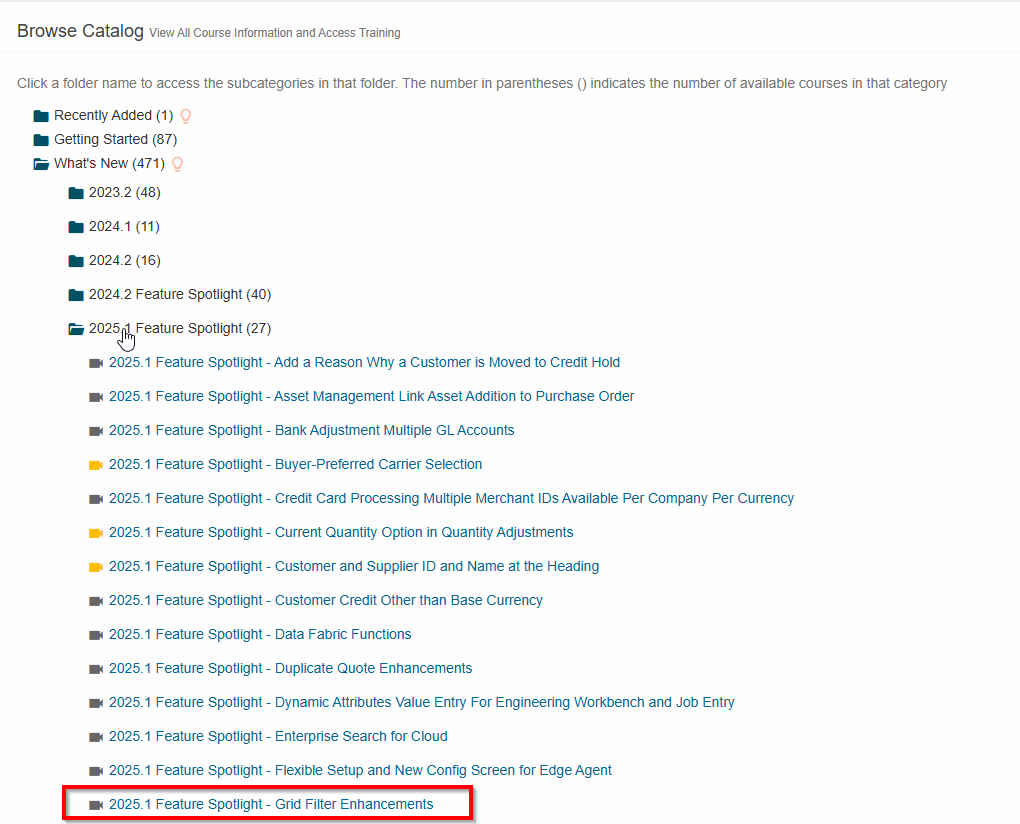
Hi, I’ve been researching to see if this issue has been fixed and I saw in a powerpoint of Epicor about the 2025.1 release that there is this:

Is there a demo somewhere or anyone who experienced it that can confirm if it works as expected? So users will be able to have multiple filters (AND or OR), save these filters, etc. ?

It’s currently our most wanted feature in Kinetic and it’s one of the reason we have multiple dashboards still in Classic since it’s not useable by our users

Thanks!

2 Likes

I think there should be a video in the ELC. Most 2025.1 new features are covered there if you search for 2025.1, or Spotlight (i think).

The feature does work in 2025.1. The grid filters have been a well discussed topic in the controlled release but not necessarily about how well they work, more about how they’re presented.

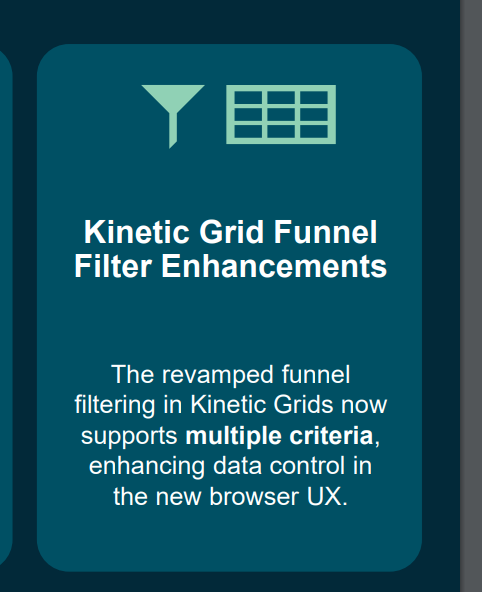
In 2025.1 each grid column, if you hover over the column header, a funnel appears and you can set a filter. This is a “standard” filter.

In there, there is another icon which is a funnel with a (+)… clicking that switches you to an “Advanced” filter mode and you can apply 2, 3 ,4 filters to the same column… and yes this works.

The only major pain point in my opinion is, when you switch between “standard” and “advanced” mode, it clears your filter. So, if you start in standard and enter a filter and then decide you want to add another… so you click the funnel+ icon, it clears your first filter and you have to re-enter it and then add your second, third, etc.

I entered a case about this, that switching “filter modes” should not clear your filters, and i think they’re trying to fix that issue.

Personally, i want an option to simply just have advanced filters on all the time! In advanced mode, it starts you with 2 filters… but you don’t HAVE to use/ populate both. I tested that. I could enter two, but only entered 1, and it still filters successfully. So, if that’s the case… i shouldn’t need to switch between “standard” and “advanced” filters… just always give me the advanced!

Last i heard, they were going to take that feedback back to development and may at least give us a feature toggle to make"advanced" be the default… but… jury is still out.

I would assume what i described above will be in 2025.1 and perhaps a tweak will come in 2025.2.

But as for functionality, based on my testing in the Controlled Release, it performed well!
3 Likes

Good to hear about improvements in this but, can you filter against another column in the grid yet?

Nothing about 2025.1 yet on Epicor Learning Center but I’ll take a note to search for that regularly

Thanks for the clarification !

If you look at some of the other threads, this was briefly introduced in 2025.1.2. Unfortunately, it was deployed as a complete replacement for the basic grid filters which makes navigating throughout kinetic very difficult and was a huge step backwards for users.

Based on that feedback, they are now releasing the advanced filtering as a preview-only feature in 2025.1.4 to get more feedback. I have not seen what it looks like in preview, but, if its still all or nothing (I give up my basic filters to have advanced filters) then that will be very disappointing. I feel very strongly the basic filters need to remain and there should be a separate slideout (or something) to apply advanced filters.

Btw the 2025.1 feature spotlight videos should be available in the epicor learning center. If you can’t see them you might want to contact support because they are there.

4 Likes

Are you a Cloud customer ? Maybe that would be why you have access to 2025.1 since it wouldn’t be available yet for On Premise installlations ?

I have 337 courses in ‘What’s New’ so way less than you

Yes I have access through the controlled release program but everyone should have those videos as far as I know.

1 Like

Created a support request via EpicCare to see why I don’t have access. Will get back on here when I have an answer

Thank you so much for your help, really appreciated

3 Likes

Here is the answer that I was given:

This content is currently exclusive to Employees, Partners and Controlled release users

Guess I’ll wait when it’s available to all of us…

1 Like

@Stevensi1018 I brought this up on our CR conference call this morning. I know the intent was that these would be available to everyone. But perhaps that’s not how things ended up.

@timshuwy follow-up based on this morning’s CR call.

2 Likes

Advanced filters will be nice but is anyone talking about server-side filtering for grid components? The amount of data over the wire is rediculous. I know, I know: parameters, BAQs, Views but just let me load a page of rows then do OData calls upon filtering. 69MB - 27 seconds, geesh.