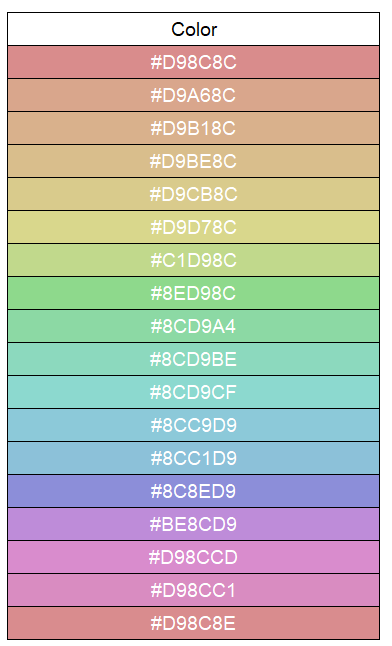
Our test environments were upgraded to 2026.100.5 version, and the Themes switcher is missing but wherever it is hiding it’s turned on. We have assigned different colors to 12 companies to only change the context bar colors when changing companies. Now when changing companies the themes change with some crazy color combinations.
Any advice on where the Themes can be switch off?
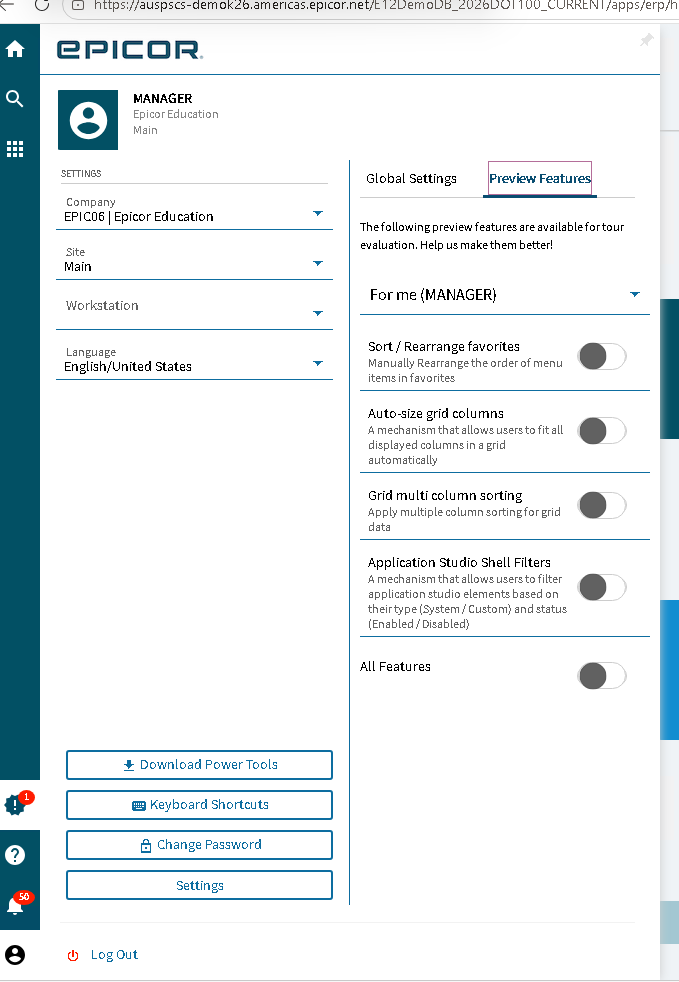
Turning this on globally by default was a grand idea. 

I’m not on 2026.1 yet… but opens live to go ahead and remove colors lol.

The articles you referred to were addressing the old versions.
I am afraid that’s what I am going to do, remove the company colors.
Does it still show up under the tables Ice.PreviewFeature / Ice.PreviewFeatureCompany / Ice.PreviewFeatureUser?
I wouldn’t be upset if they killed the theme stuff. The themes look awful.
I agree, but I don’t know how to turn it off.
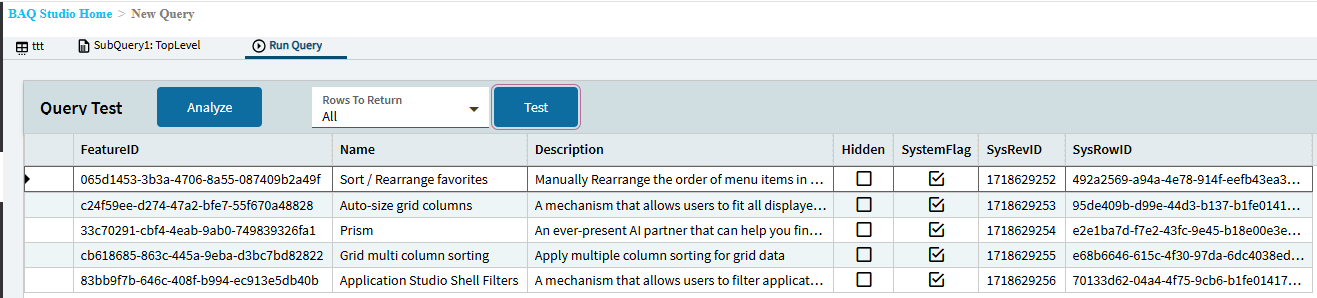
Interesting. Wonder if it’s not moving forward as a feature or it didn’t get migrated out of preview correctly. Might have to open a ticket.
I already opened a ticket; the answer was that was all what was available in Settings \ Preview Features.
That’s not a great response. If they are removing the feature they need to clean it up. Can’t just dump the UI setting and leave the themes stuck.
Any insight here @timshuwy? Seems there’s a disconnect somewhere.
There is another table Ice.EnabledFeature that might have some stuff in it. The GUID for themes (in my system, unsure if universal) is 6A27B939-8C75-415C-B15C-2EEF179F547F.
I’ll be upset. When the right colors are chosen, it’s a very clear indication for our users to know what company they are in.
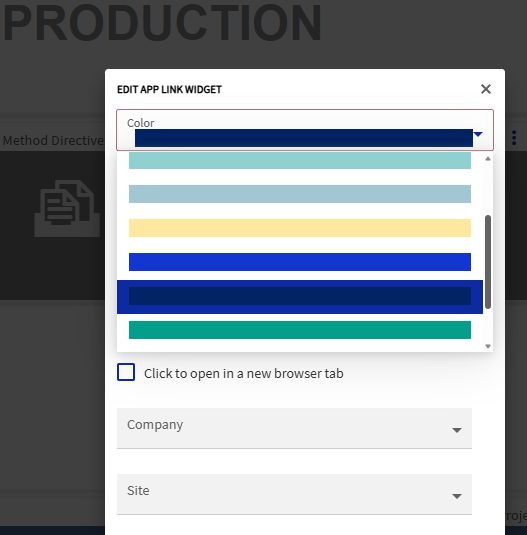
You have to be careful with the tile colors you choose on your homepage, because yes, you can get some pretty awful color combinations.
I must just pick really bad colors. It always comes out looking really bad 

Matches my on-prem system GUID.
What version are you on?