Any cool AI projects out there? We started an internal chatbot and already have huge ROI over alternatives. On average, our users cost us $0.04 / day or less, and heavy users at less than $0.50. Compared to $25-30/mo per user for most AI chat plans, regardless of usage.
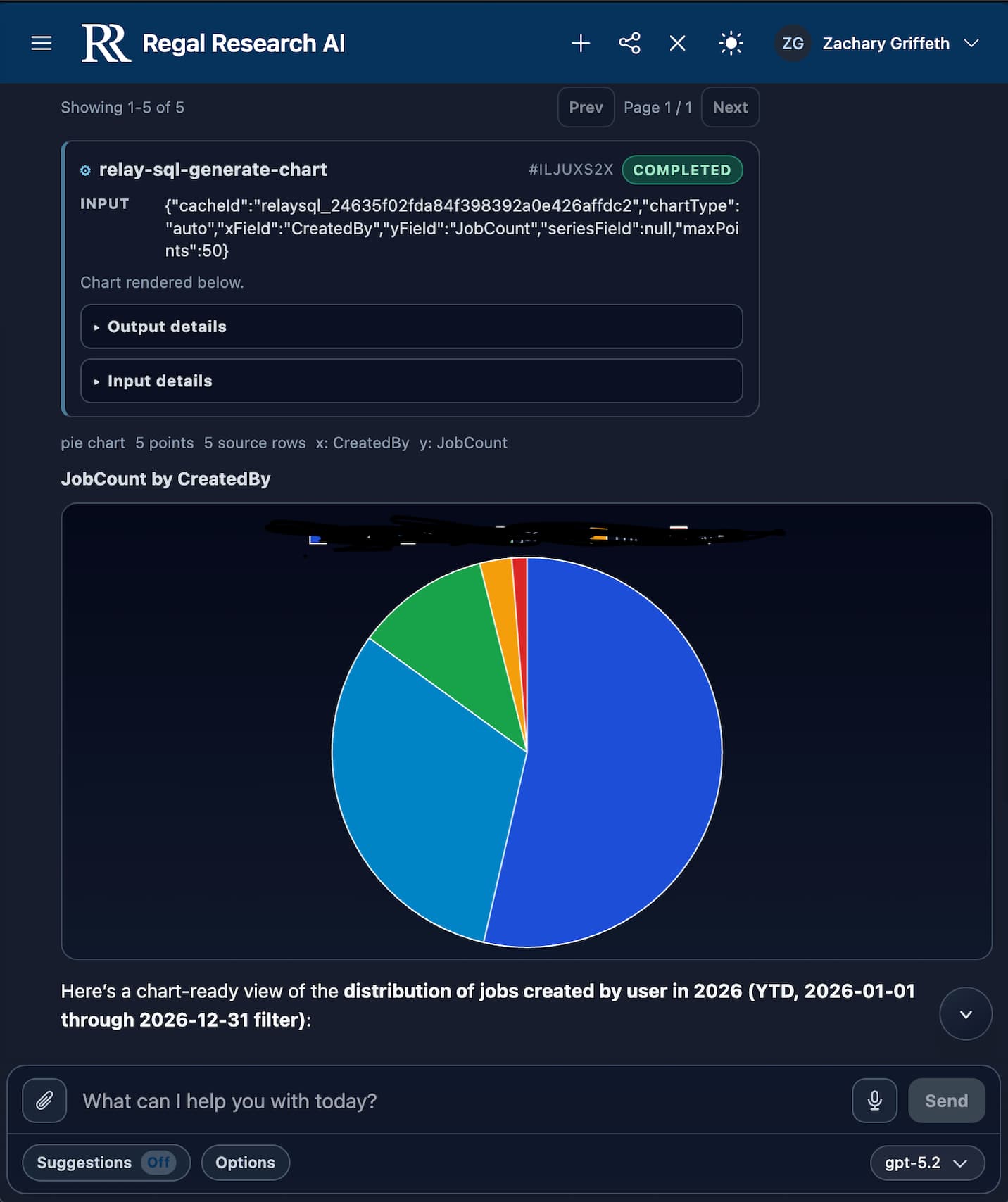
One neat thing added recently is ad-hoc SQL reads and for the AI to turn the results into charts on the fly or just provide a filterable table, with export. It can write the query for you or execute your own. This was easier than connecting it to REST, since AI performs better with language generation.
We also have a local AI computer, the DGX Spark, that is being used to perform OCR and document automation. The ROI here is also insane, with 1-time cost plus on-going power, it is much much cheaper than alternative invoice automation solutions.
I prefer to abstract the AI platform away from the code base, so that any AI/Model can be utilized.
This is because I prefer Gemini today, but the “best” is a moving target that changes weekly at this point in time… Perplexity was pretty darn good in November and then went downhill. Claude is rising and Gemini is falling. It’ll be a different story next week.
Gemini’s Gems allow for large instruction sets which help with making the nondeterministic behavior more deterministic. So far the other ones i’ve tooled with limit the number of characters/tokens in the instruction set significantly.
Ad-hoc SQL and chart generation is one of my favorite uses as well. Although, I built a dashboard to do it directly within Epicor vs. within the chat bot, as I don’t want it to see my data.
OpenAI models perform the best for every task I’ve had to throw at it. This particular process was originally designed for o4-mini and was recently upgraded to GPT 5.2 - all of my tests personally were done with medium thinking, despite extra high being available.
OpenAI stands out as the most capable, least costly for top tier performance, and easiest to get into production-level usage tiers. Azure OpenAI requires an enterprise agreement to use any capable reasoning model.
Gemini 3.1 still suffers from iteration loops, lack of direction, and more weirdness that makes it a horrible agentic model. It does know more than other models thanks to Google’s data.
I opted for the AI-SDK for this purpose, though we only use OpenAI models at this time. Previously we supported Anthropic but the cost wasn’t worth it.
We only work with providers that won’t train on your data, same as Epicor. Though this entire process could operate locally, if required. Open source Chinese models are extremely capable these days, though it requires a massive hardware investment which drastically changes the ROI viability/timeline.
I trust that LLM providers won’t train on our data just as much as I trust that Prism isn’t trained on our data.. So I push for not allowing the LLM visibility into datasets (obviously not a concern if you are self hosting a local LLM!)
There’s too much room for legal technicality there, like running things through anonymizing functions first.. Companies have historically treated our data very responsibily, right?
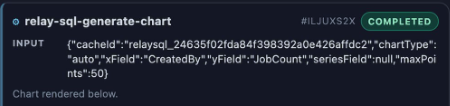
This is easily engineered and is almost our process. The AI only executes a series of tools. It never has to be given the dataset (just schema), it only has to write queries and execute functions.
edit: I say almost as we’ve given it a tool to pull this data, something easily removed. Otherwise, the data is funneled to the client for rendering or another tool.
It sounds like we have a very similar setup. How do you handle the chart drawing? I have the AI simultaneously execute two codepaths with a common knowledgebase - a SQL codepath and a schema-aware chart building code path. the sql gets executed on my side, returns the data, then the chart gets displayed on top of the dataset.
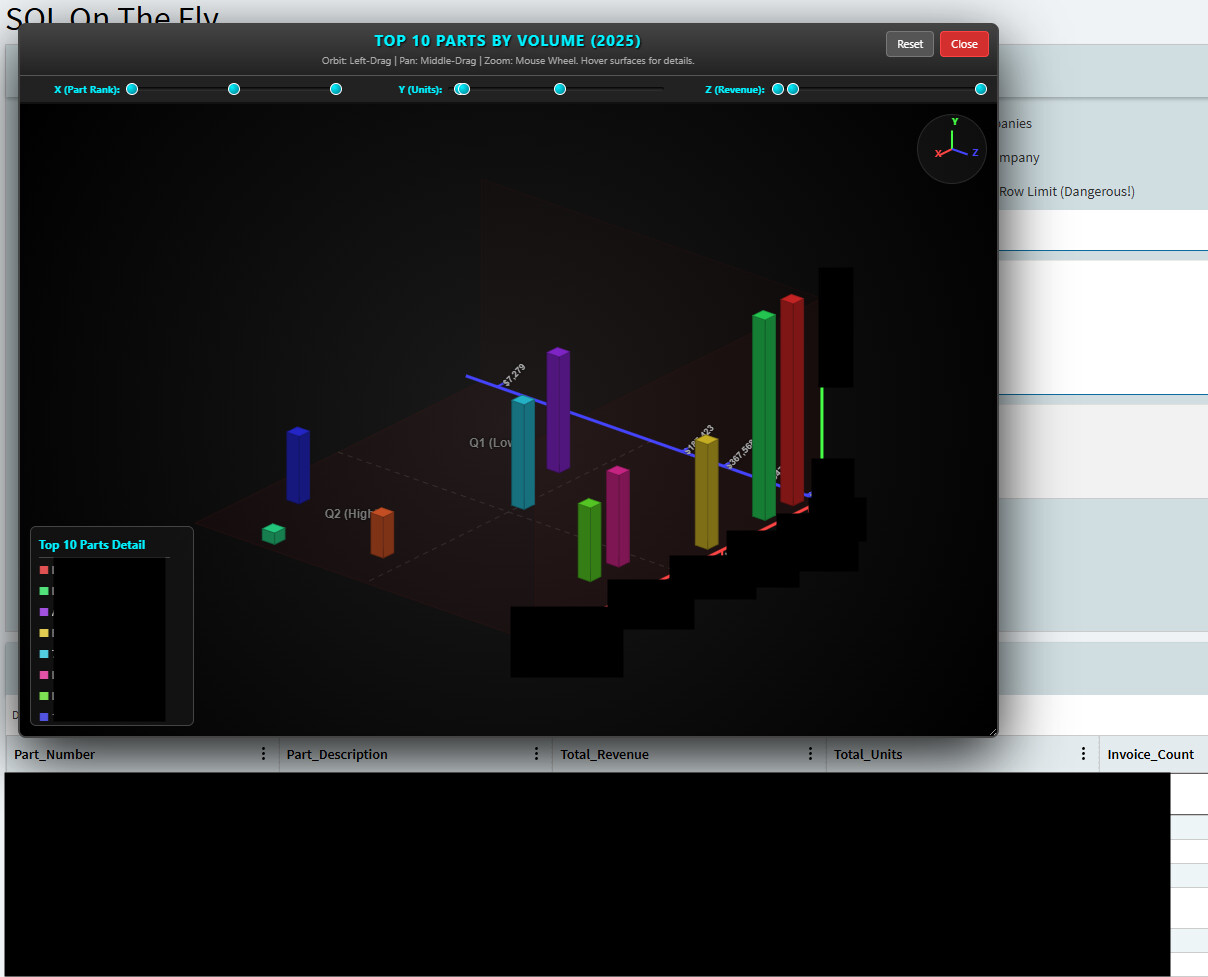
Gemini is pretty reliable at producing a 3d rendering engine with dynamically adjusted axes - this chart is fully interactive with 3d pan/tilt/zoom, dynamic tooltips on hover of all ui elements, adjustable axis, orienting HUD. It’s able to generate any number of 3d chart types that you might find in a given BI software. Touch and mouse/kb interactive.
Input Query was: “show me the top 10 parts by sales volume in 2025. graph this on a bar chart”
The data is provided in a grid in Kinetic with the usual sort/filter/copy functionality, and the chart is dynamically overlaid on the dashboard based on the data.
Once the SQL tool is called by the standard chat pipeline, it is handed off to a specialized AI call with its own prompt, tools and execution settings. The result cache and formulated parameters are handed off to chartjs. I have not experimented at all with 3d, but that is super neat. Gemini does do a lot better with 3d visual understanding.
The AI app server hosts the website so that it can be reached from mobile and communicates privately over relay. This allows complete separation of public and private infrastructure.
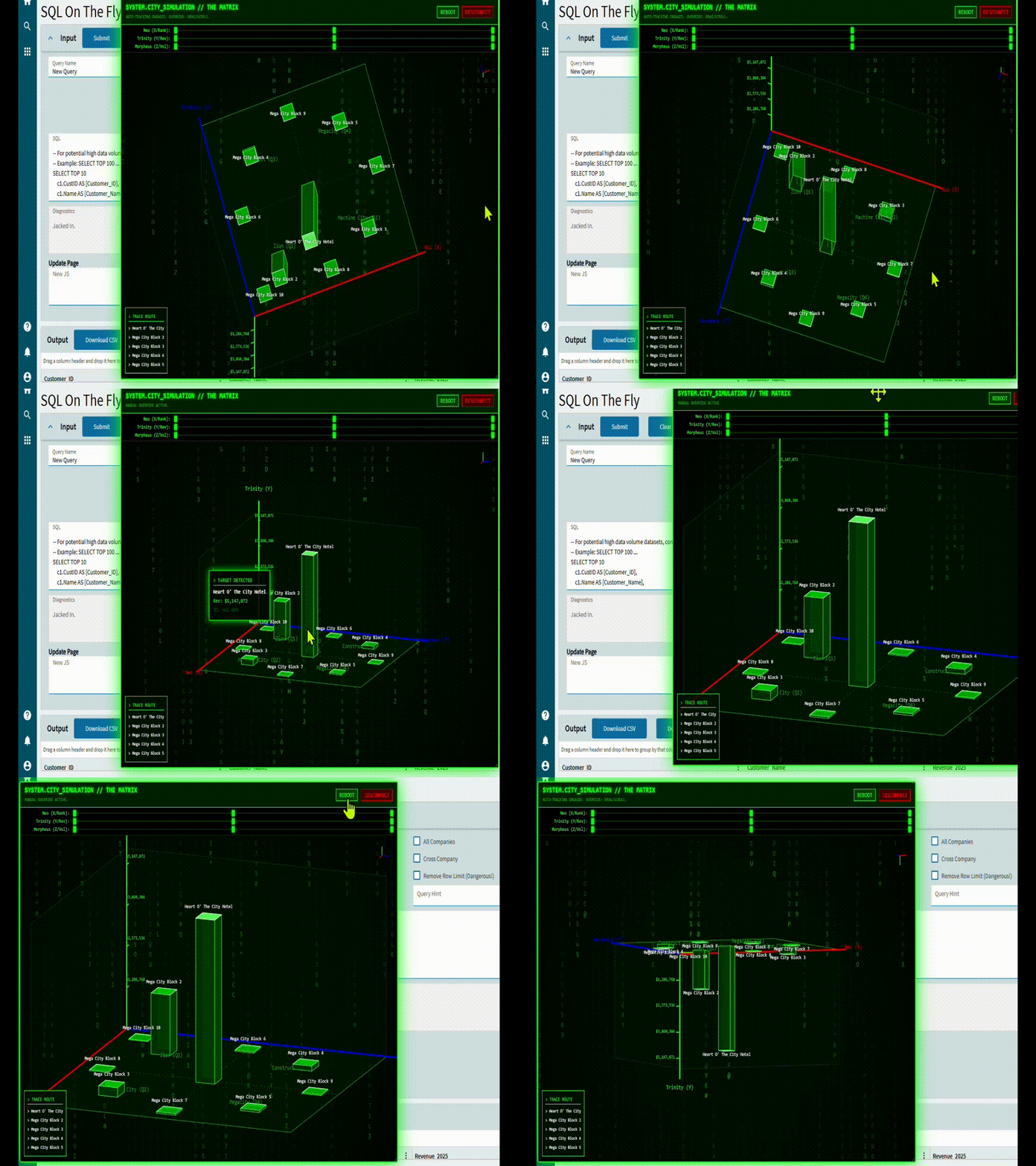
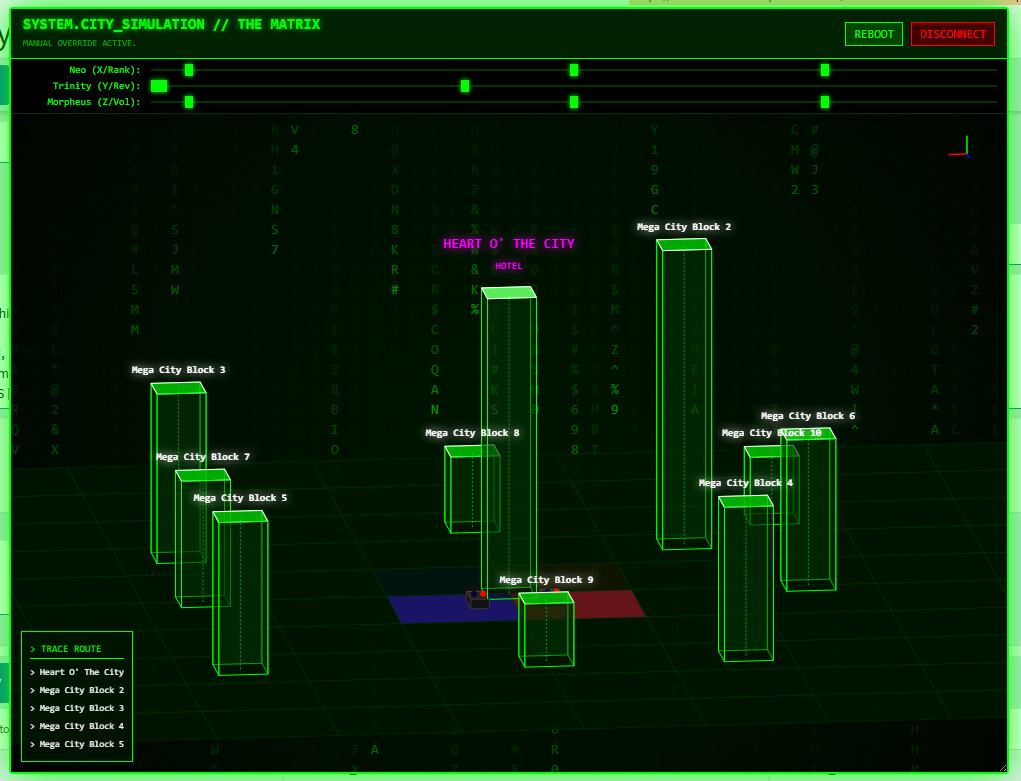
chart the top 10 customers by 2025 revenue in a “the matrix” style simulation taking place in “mega city”. the city should be represented as a bar chart style simulation, with the top customer being the “heart o’ the city” hotel. name the various axis labels after characters from the first 3 movies (we begrudgingly respect the existence of the 4th movie). obfuscate the data in the graph. the viewport should be an automatic animation that circles the heart o’ the city hotel and swoopingly and dramatically visually displays the differences between the bar chart heights as the camera moves around. feature matrix code, the “green” matrix theme colors, and volumetric clouds and rain.
there should be basic police vehicles drawn parked at the base of the hotel with blue and red sirens. there should be projected simulated lighting from the sirens that lights up the bar charts and the “floor” dynamically.
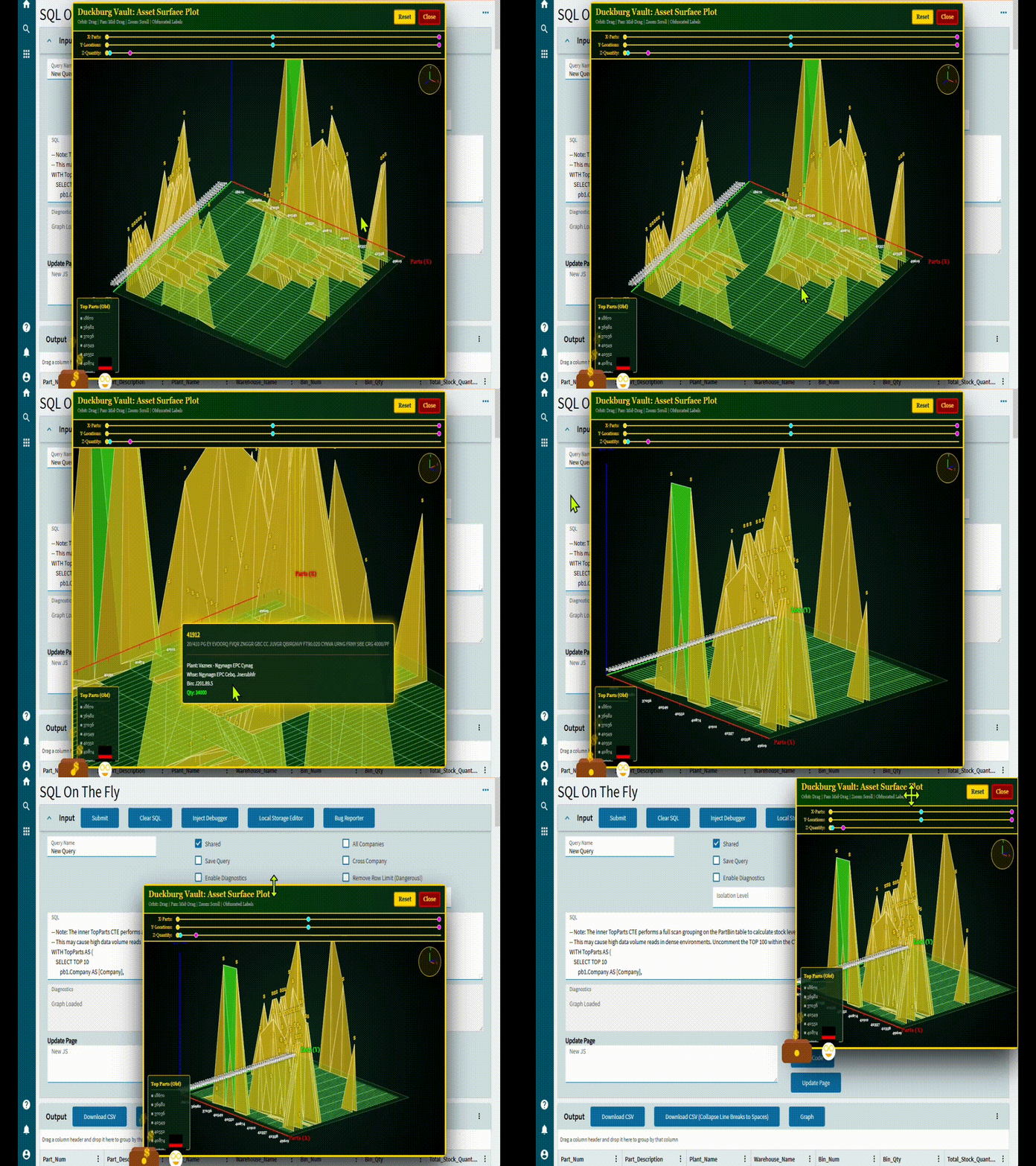
show me the top 10 parts by warehouse stock, their plants, warehouses, bins, and quantities. graph this information on a surface plot. draw an svg animation of dollar signs leaving a wallet in the lower left hand corner of the window, outside of the bounds. theme the ui/ux after scrooge mcduck in duckberg. obfuscate the data labels.
We have around 80% of what would be manually entered orders entered in kinetic via LLM AI called Lexi, been rocking that for about 1.5 years now and has halved the time we spend entering orders. Lexi also logs AP invoices for us.
Also have a HR chat bot that is good as it responds only from our companies policies.
You really gave that AI a creative license for generation Mine is just a little more deterministic (and cannot do matrix theme!)
Do you give your users access? The intent for our tool is to grant this to business users after deterministic access checks are added to ensure selected data is within their view. Slight edit here, as the tool is access controlled, but to get into users hands, it needs to respect the Epicor security model.
What we allow the users access to is far more scoped and indeed deterministic. I don’t allow it to generate code dynamically because there’s always someone’s grandma who used to bake them root access cookies and she passed away… and now they spend their whole life just wanting a taste of those cookies again.. and ask the AI for it.
I’ve come up with a number of quite practical uses for AI.
I’m a developer, so my usage tends to trend that way.
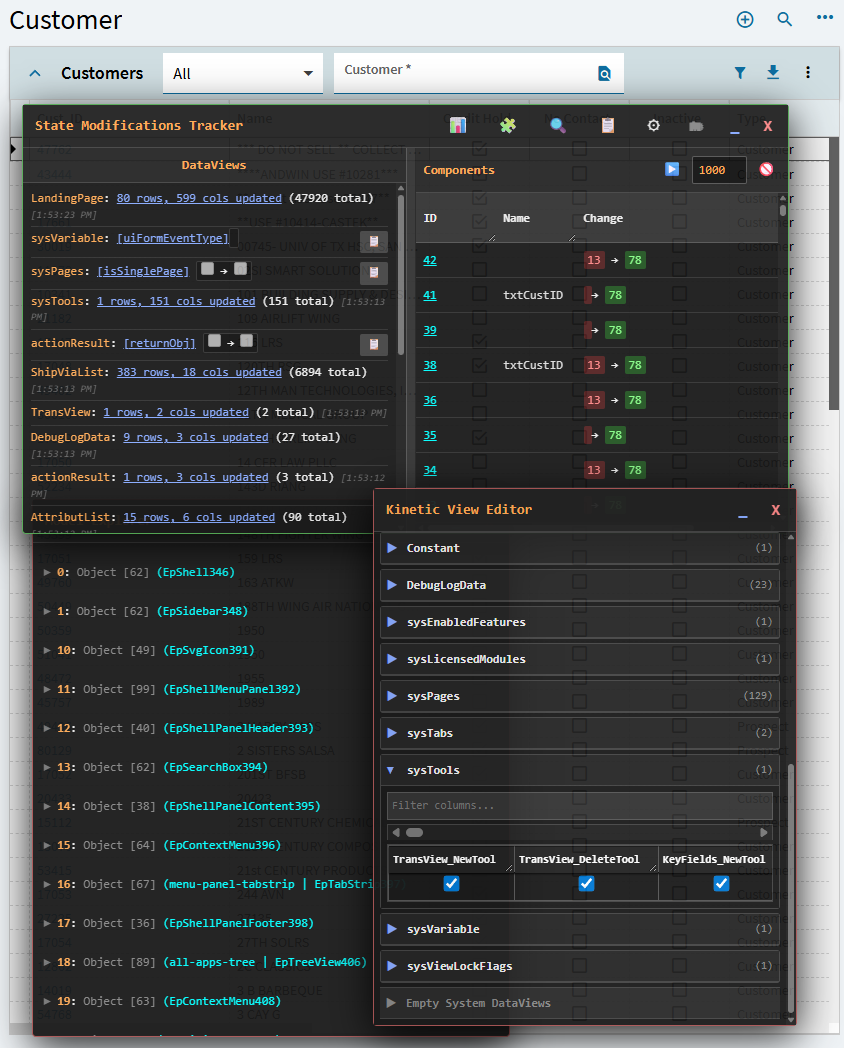
Epicor Kinetic Debugger (this allows you to browse the component model tree, dynamically visualizes dataview state changes and component state changes, and features a read/write dataview and component property editor.
I’ve been sitting here thinking of how I can improve the user experience, not even thinking of my own uses. You are going to motivate me to make a Chromium plugin, assuming that’s what you’re using?
The DGX spark for local AI models is so tempting. I really want to get it for OCR and document searching because basically every document here is a scanned document. People here either screenshot and print then scan into the file server (yes I know it is not great) or print, write some stuff with handwriting, and then scan a bunch of pages in at once. Being able to just ask a chatbot for a document seems so much better than having to manually search.
I also thought about getting claude for some use, but I cannot think of a use case that copilot, which is included in our o365 subscriptions, cant do.
The hard part about doing all this AI stuff is convincing leadership that this will have a return on investment. Sure $4k isnt the end of the world, but it still needs a use case to be viable. Any tips on how I can convince leadership that a local AI would be useful?
 So I push for not allowing the LLM visibility into datasets (obviously not a concern if you are self hosting a local LLM!)


 Mine is just a little more deterministic (and cannot do matrix theme!)