dgreenEA
August 27, 2025, 4:11pm
1
I’m following along with the instructions listed in this post:
Hey-diddly-ho-neighborino’s! I haven’t done one of these in a while, so I thought I share a How To on how to create a selection list in Kinetic.
You may be familiar with these from various attribute screens within Epicor and equally frustrated at the fact that you have to customize it yourself to get it into classic.
[image]
Well, the day has finally come where Epicor has a native control for it now!
In this example, I’m going to show how to select States that are stored in the UD01 table.
…
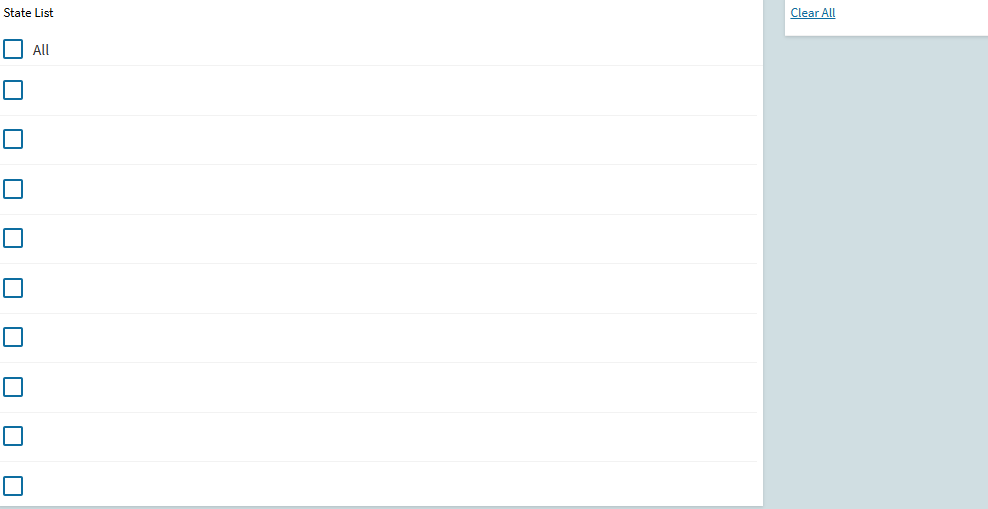
I have the list showing as it should, but there is no data populated:
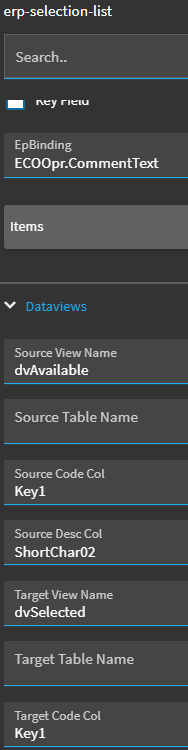
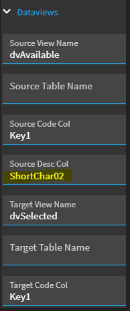
Here are the settings for the list:
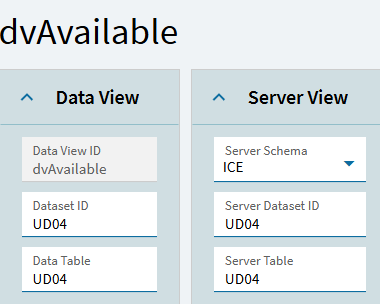
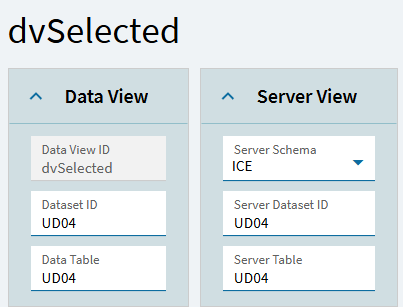
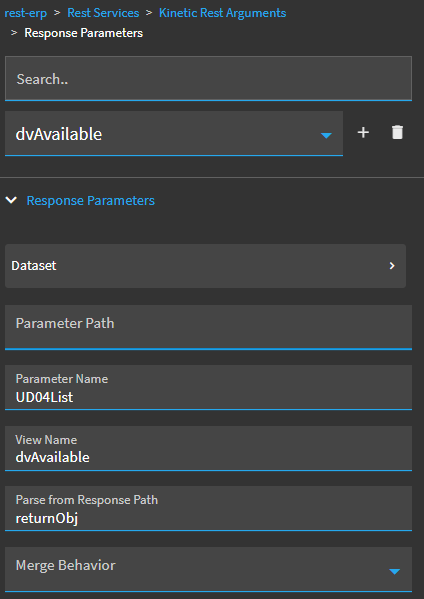
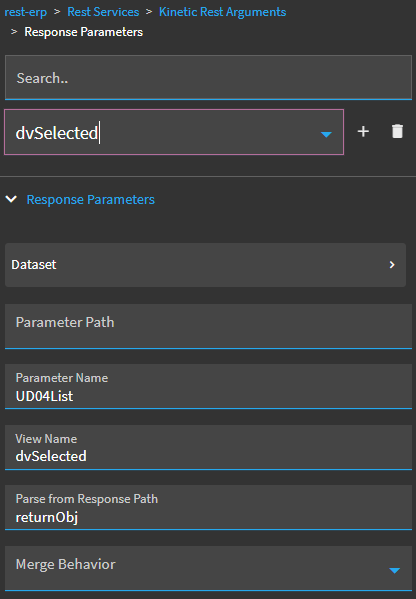
Here are the settings for the dataviews:
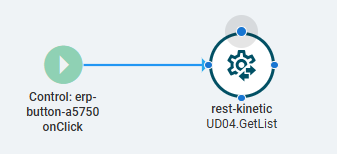
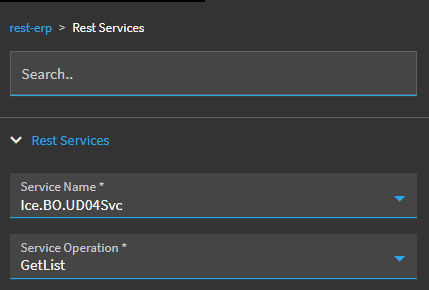
Here are the settings for the events:
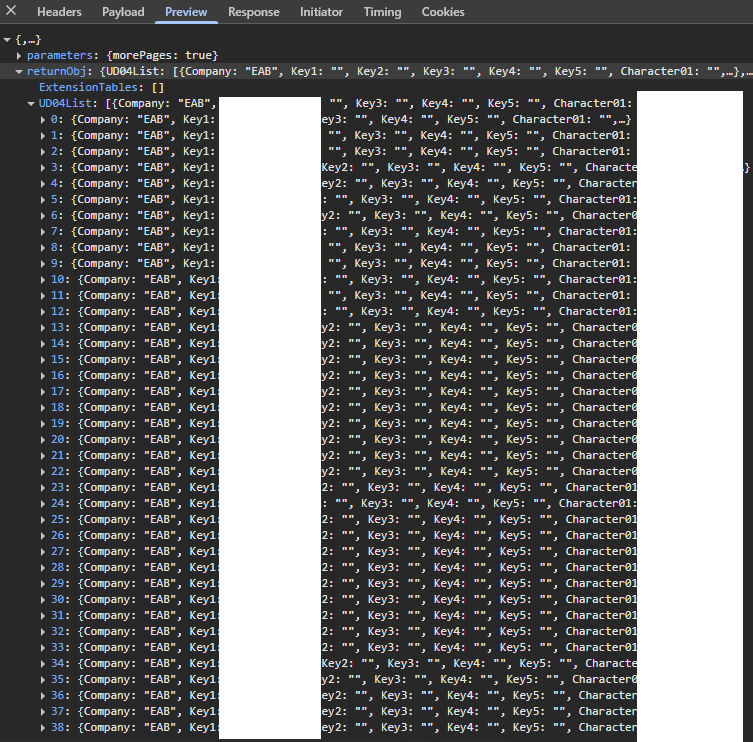
I see data in the returnObj:
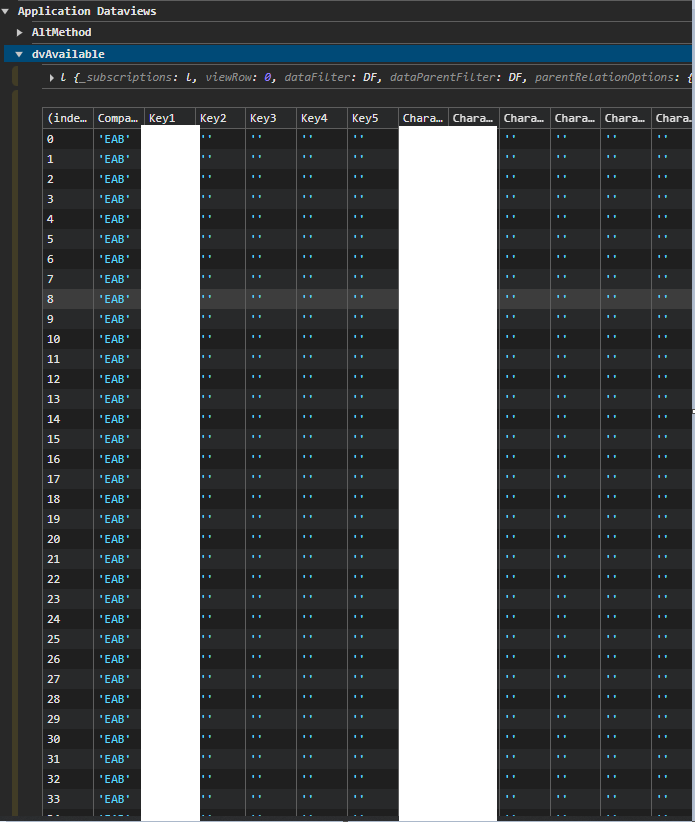
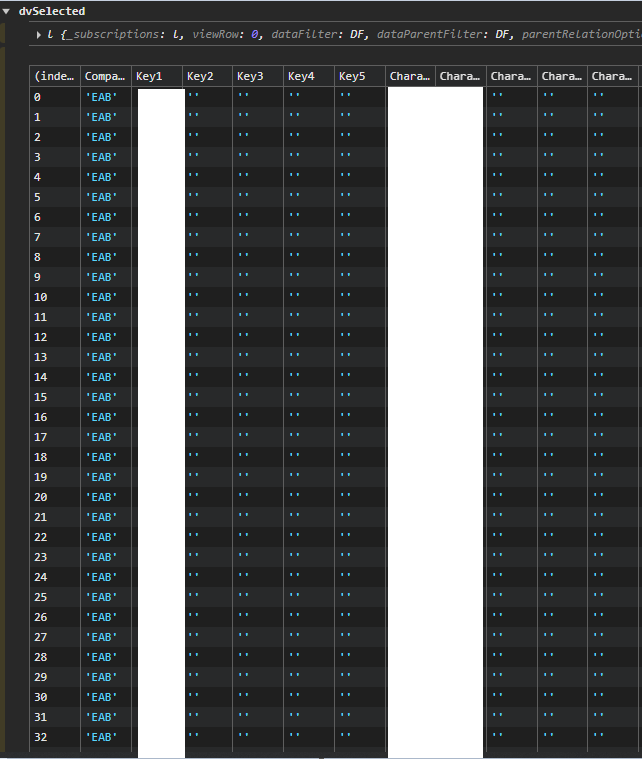
I see data in the dataviews:
Where have I gone wrong?
On your dataviews, try changing the Dataset ID and Data Table to match your dataview name. That’s the initial difference I see between your setup and one I created a couple months ago (following Hannah’s instructions).
1 Like
dgreenEA
August 27, 2025, 5:09pm
3
@cory.davis ,
I made those changes and the list is still coming up blank. Any other suggestions?
Also, thanks for the quick response!
dcamlin
August 27, 2025, 5:37pm
4
Apologies if this is a stupid question but… your set-up is referring to ShortChar02.
Your screen shots are showing data in your dataviews and you’re blocking out Character01 & 02 (for security reasons, no harm there)… but…
Are you using ShortChar02 where you meant to use Character02? If not, can you verify there are values in ShortChar02?
1 Like