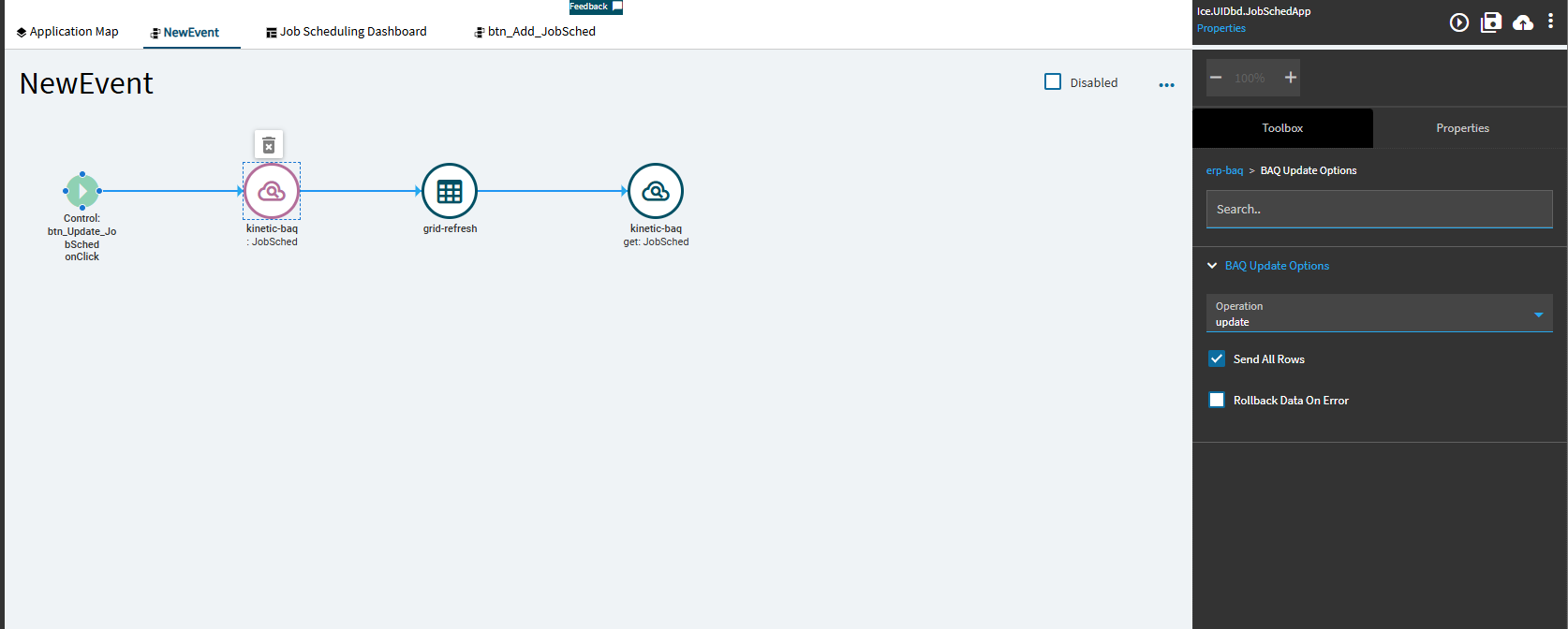
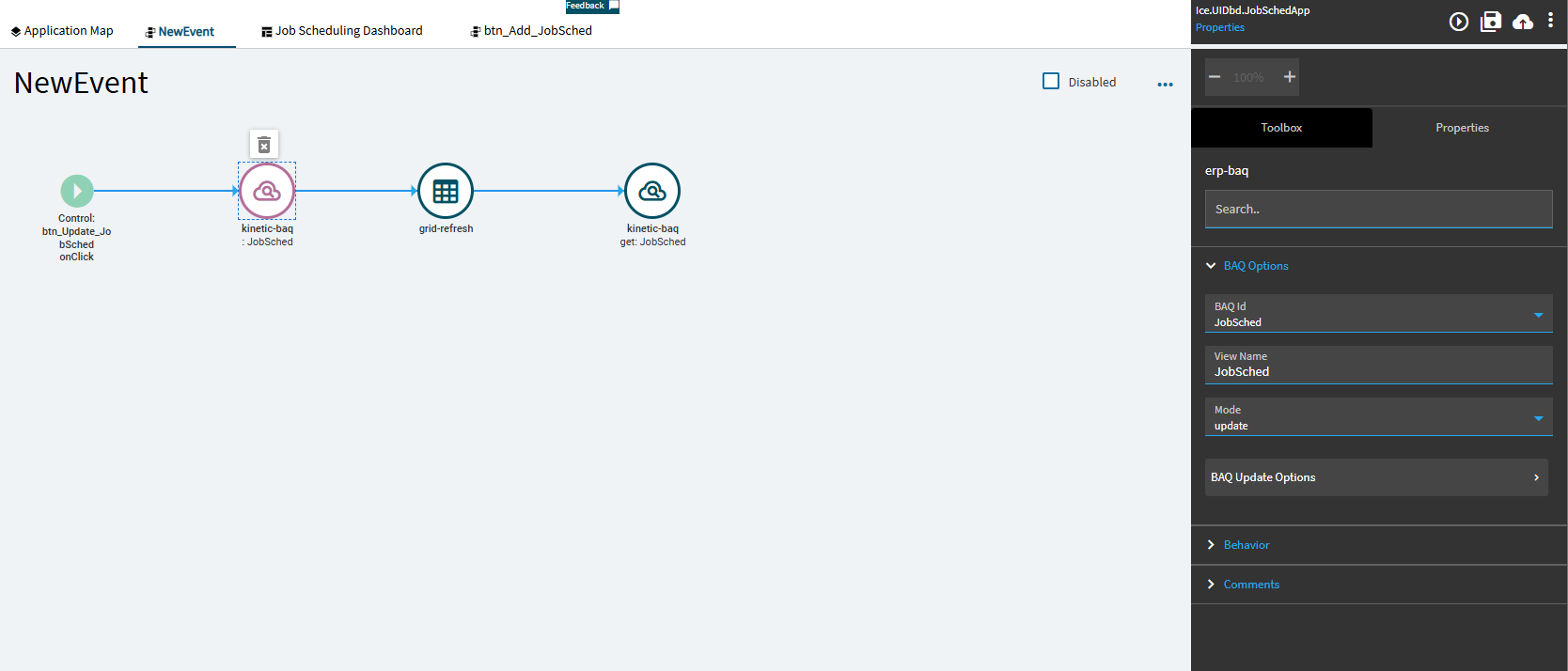
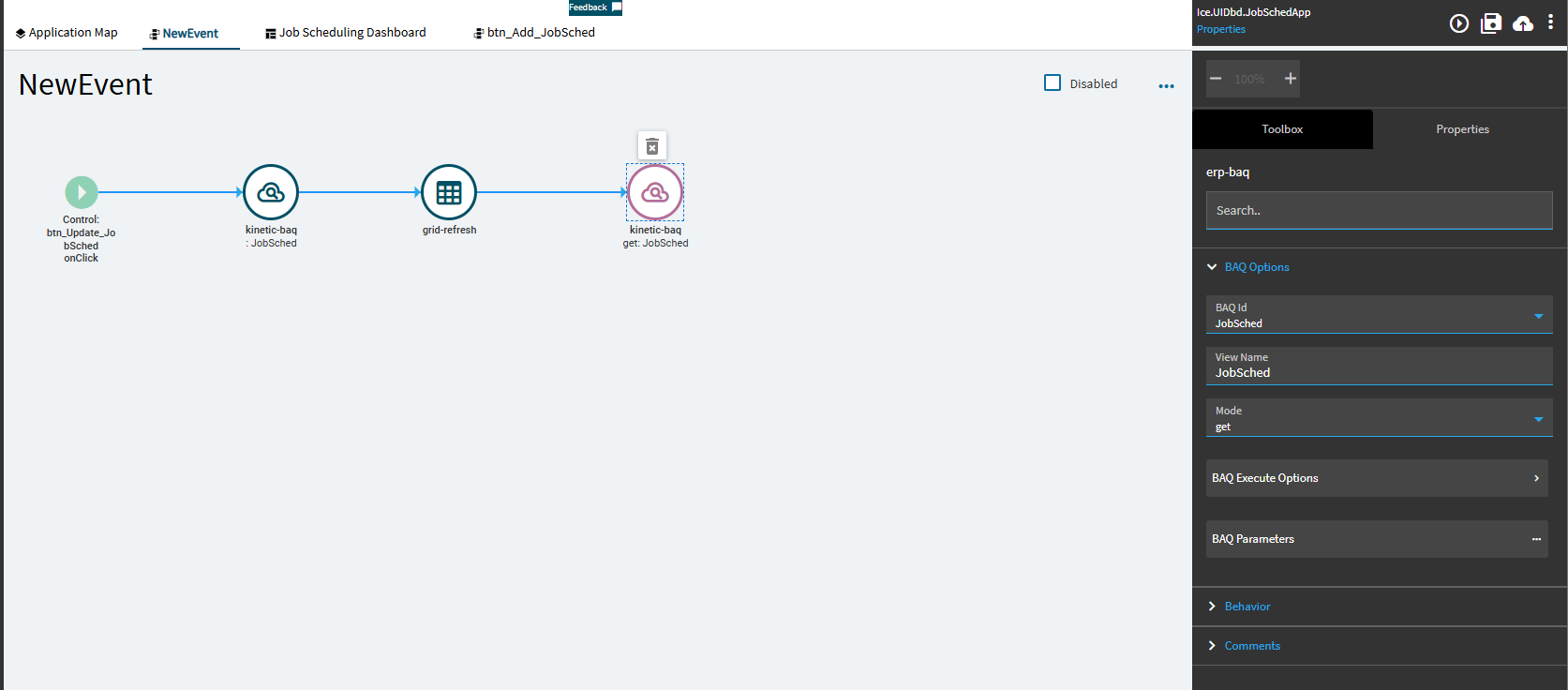
I modified my UBAQ that is being used in an Application Studio App. It was being updated on JobHead but now has been changed to UD01. All data is there and the UBAQ updates fine in the BAQ Designer. This worked in app studio until I changed the update method in my UBAQ.
Application studio now will not save the updates but the grid refreshes with the save button click so it seems to get through the event still, the changes just don’t stick. I am not sure what to change here. Does anyone have any ideas of what I can look for?
I’ve had issues in the past with the rowmod not being set to “U” by changing the data in a panel card grid. You could try to inspect the state of the rowmod field of your dataview before sending the update, just to make sure it is ok
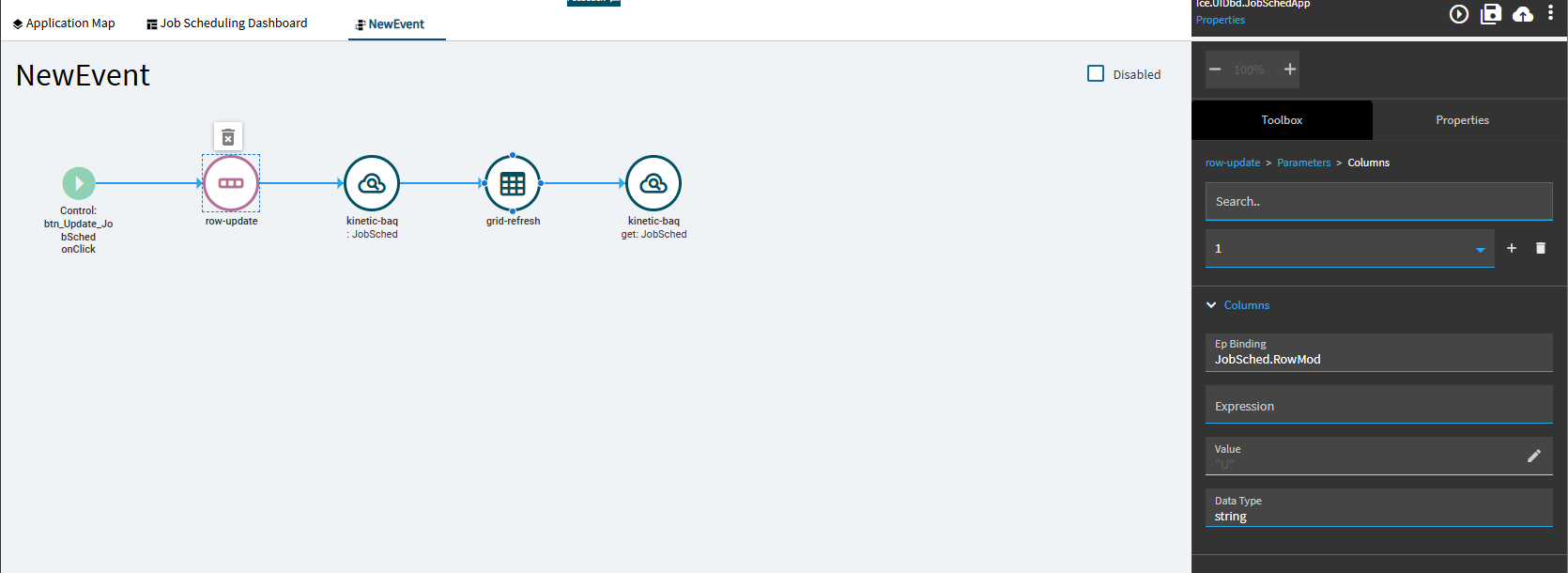
Thank you for the suggestion, would you be willing to give me some guidance on how to do that? I’ve tried a few things with RowMod but none of it has worked so far but I am probably doing it wrong. I tried adding a row update in my event that updates and reloads the BAQ. It still refreshes the grid and the data loads after I hit save but the data doesn’t update.
I’m at the point of probably rebuilding the app as well because when I preview it the data pulls but won’t update and when its published it won’t even pull the data at all.