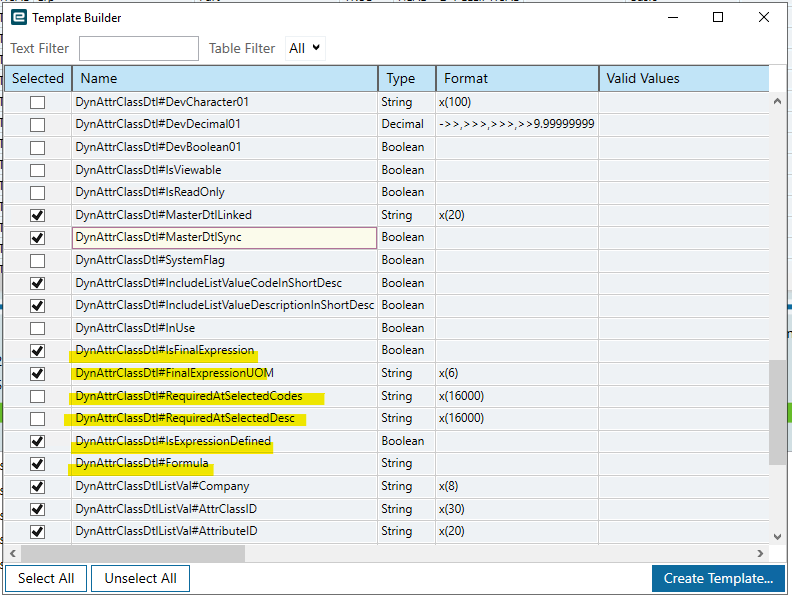
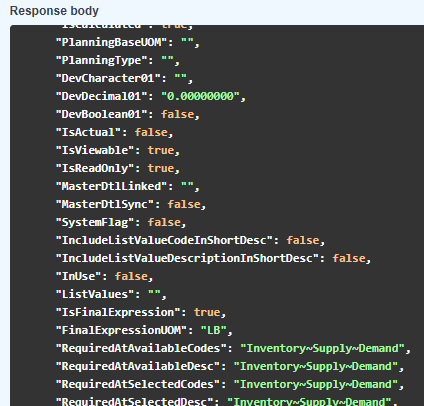
So I don’t have access to an environment with AUOM right now to be able to figure this out but I can tell you how I would figure it out. Go into that screen, turn on tracing, and flip the flag on and off. Then look at the payload for the network calls. It should show you which dataset the flag actually belongs to. But keep in mind, not every field can be modified with DMT. Alternatively, if its not too much data, you might be able to paste-insert using classic, if you still have access to a classic screen for that UI.
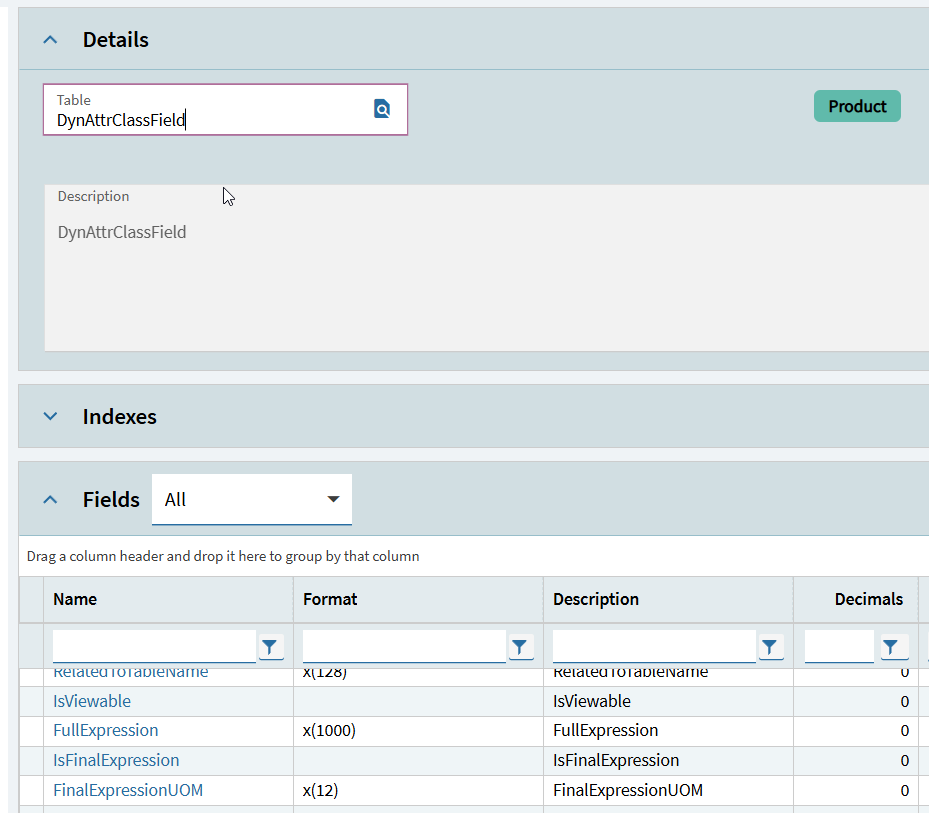
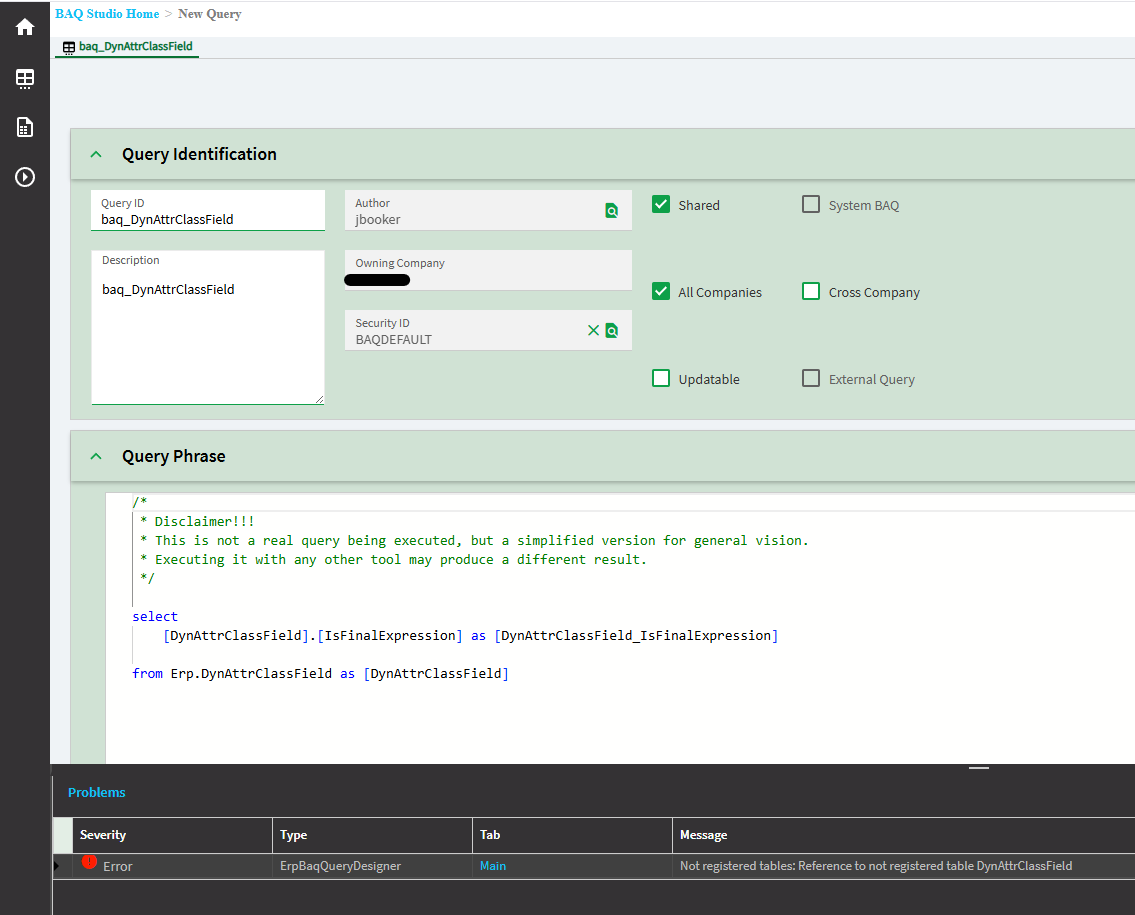
I know some tables are intentionally hidden in the baq designer (i.e., file store) but I can’t imagine why that one would be. Seems very strange. Do you have access to the read only database? I believe that syncs everything even when hidden from the designer. Otherwise you can probably query it in c# in a function and write it out to a file? Or log a support case?
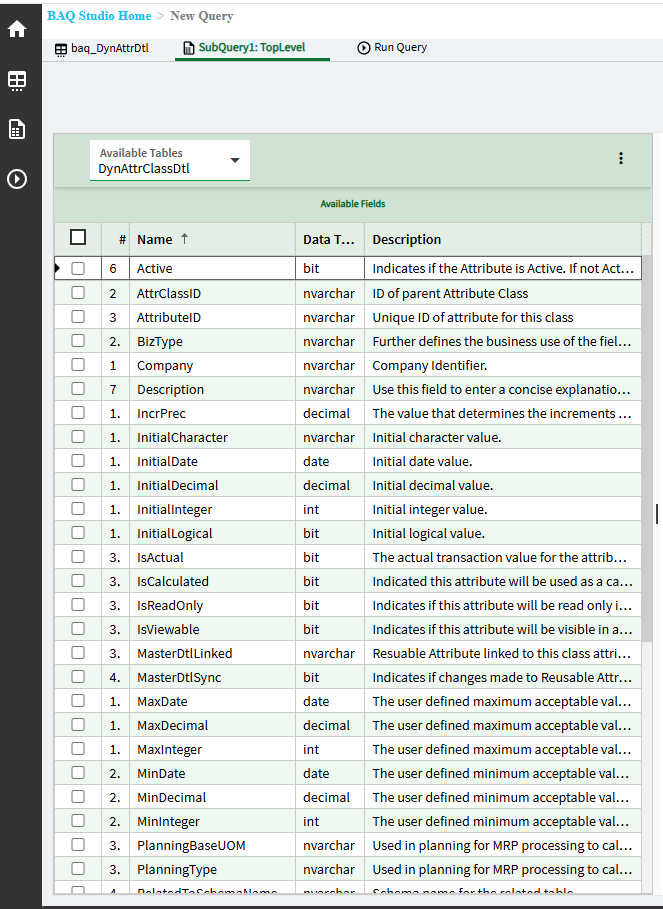
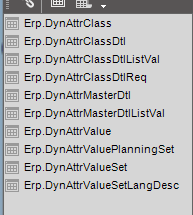
Josh, I worked with the AUOM at the last company I was at. There are multiple tables related to the AUOM dynamic class setup and values.
Our setup was fairly simple with just a few dynamic classes so we manually did the setup test to live. We did load beginning inventory values with the DMT though. I lived through the startup years on AUOM and 2024.1 and up is much better than the prior to that version.