Have a standard data directive on JobOper that works for creating Purchase Orders for our intercompany subcontract operations. I can open the PO that is created, check approve and get no errors. However, as soon as I try to automate the approval itself, I run into issues.
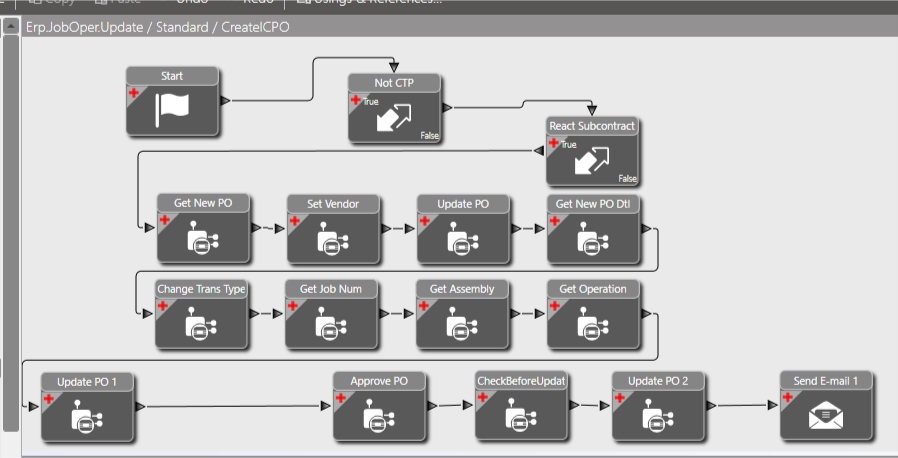
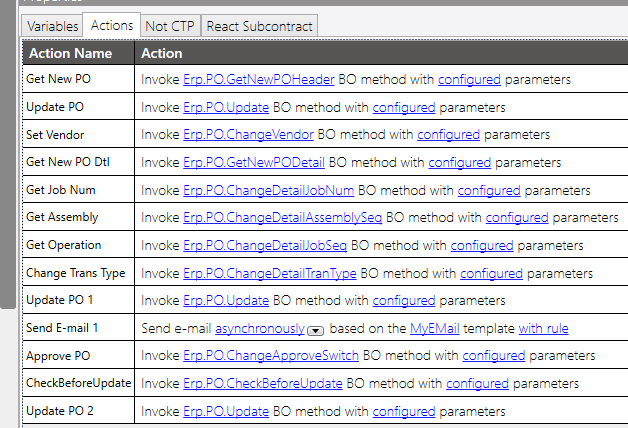
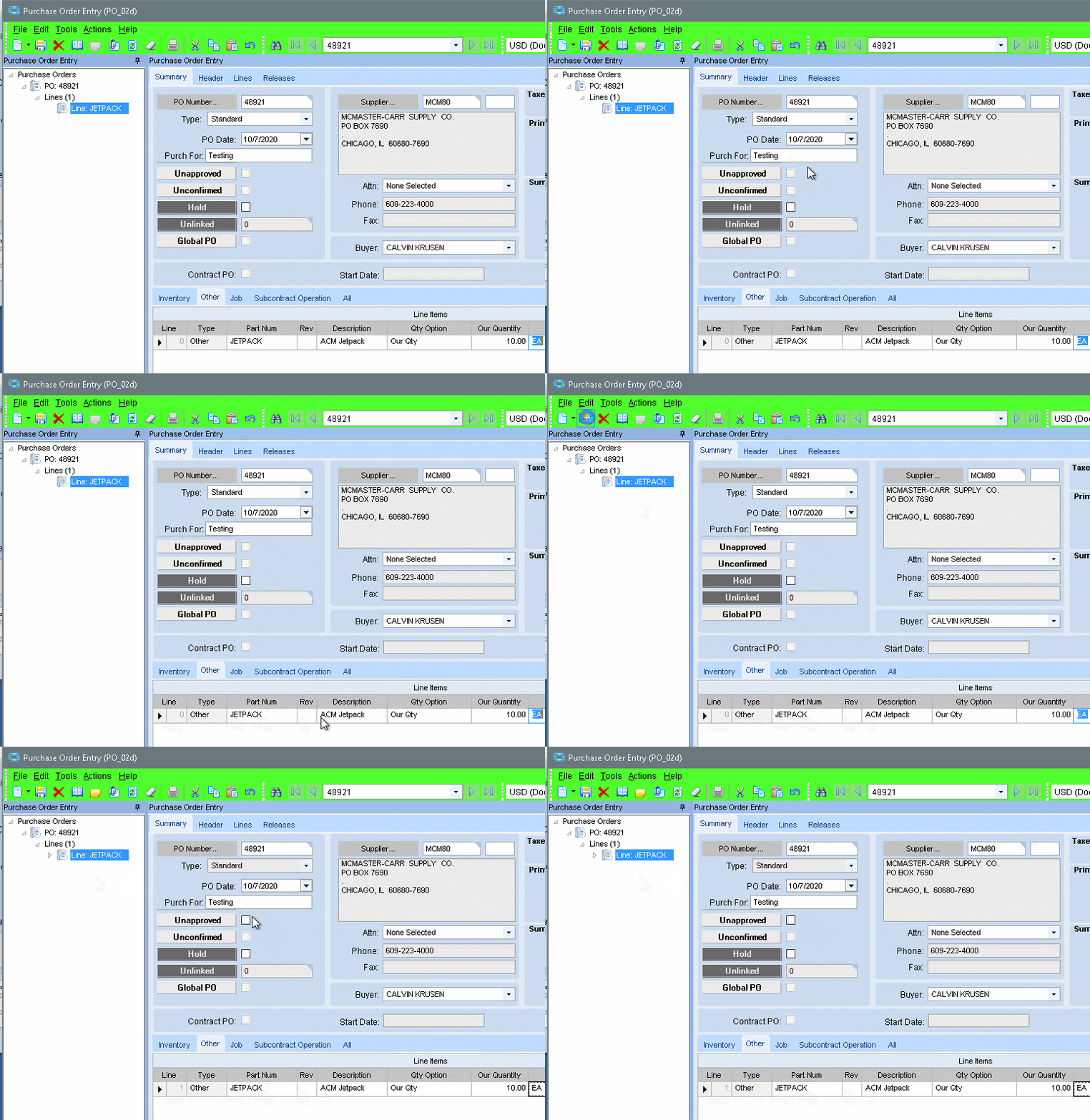
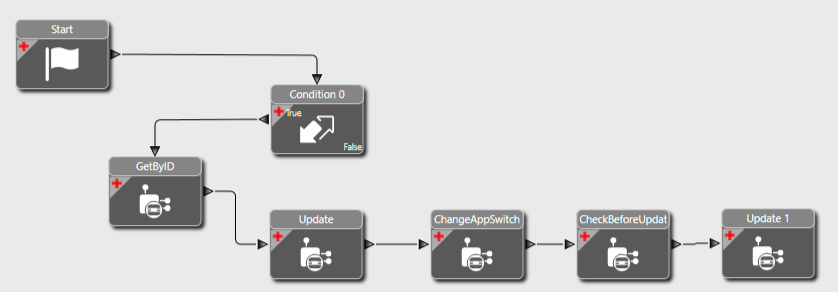
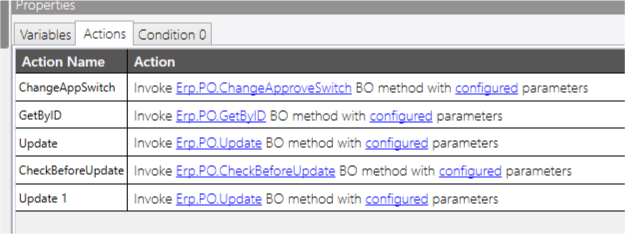
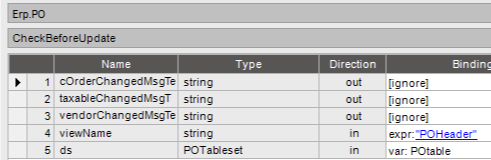
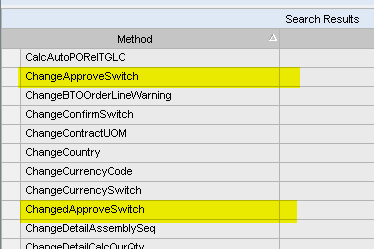
I decided to run a trace on the approve switch, the methods called, in order, are ChangeApproveSwitch, CheckBeforeUpdate and Update.
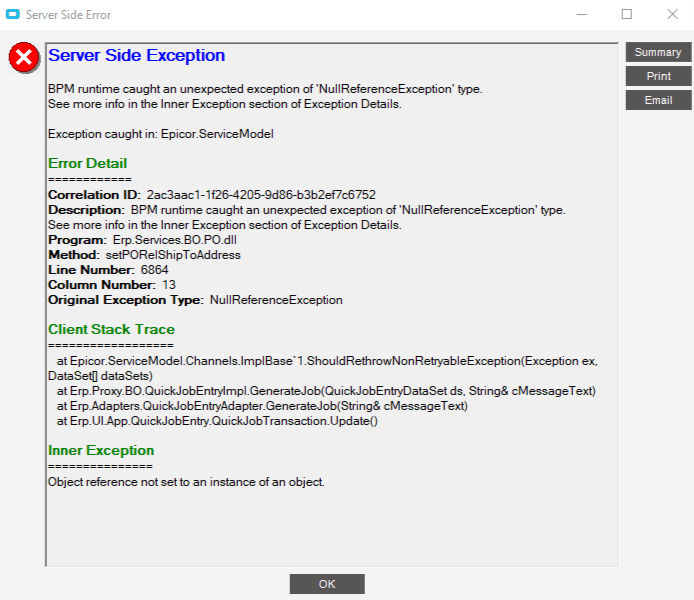
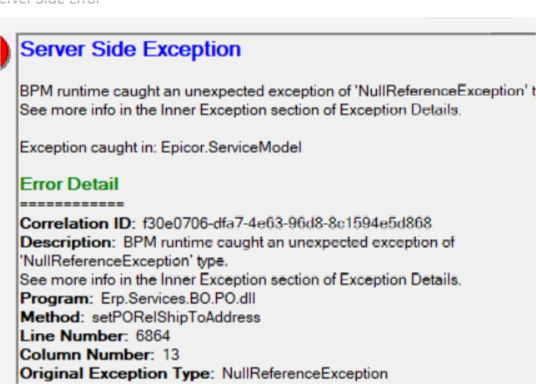
I tried replicating this in my BPM, but getting this error:
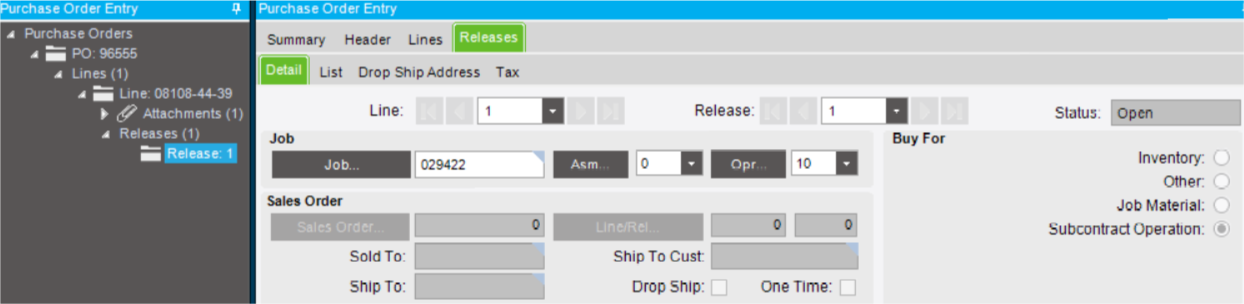
I looked through the BOs under PO and I’m not seeing any called setPORelShipToAddress. What’s really odd is this to the job, not an order number or a drop ship, so I’m not sure why it’s asking for a ship to when it’s not required.
Trying to create and approve the whole PO. I can get it created, and I can go in and manually approve it. But if I try automate the approval it errors out.
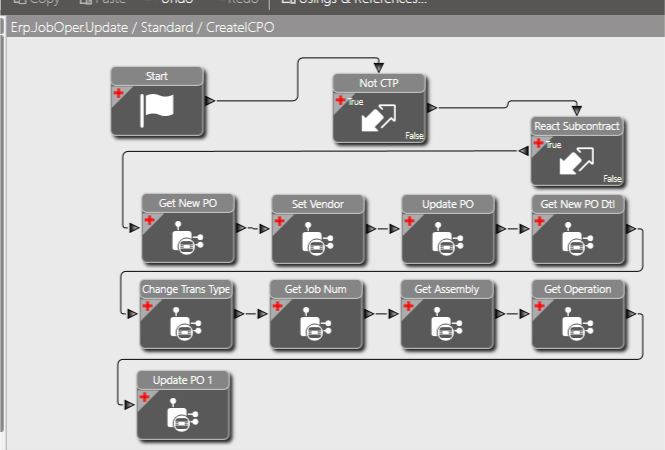
Yes sir, I use an “Update” widget after creating the line, setting the transaction type and setting the Job, Assembly and Operation. It will create the PO, and if I go look at the PO the line/release exist, the approve box is active. I just can’t get it to do the approval through the BPM.
Changed the methods around and made no difference, still fails with the same null reference exception, referring to the method “setPORelShipToAddress”. PO is still created, line and release is there, Approve is active but not checked. The release shouldn’t need a ship to, it’s for a subcontract operation on a job. The Ship To Cust field is greyed out on the release.
You must be on a new version than I. In 10.2.300, DD’s only have an “Invoke External Methods” widgets. I’d have to use a MD to use the “Invoke BO Method”.
Also, I don’t get that nice list of ‘Actions’ in the Workflow Designer.
edit
D’Oh! - I see that it becomes a list when you select more than one.