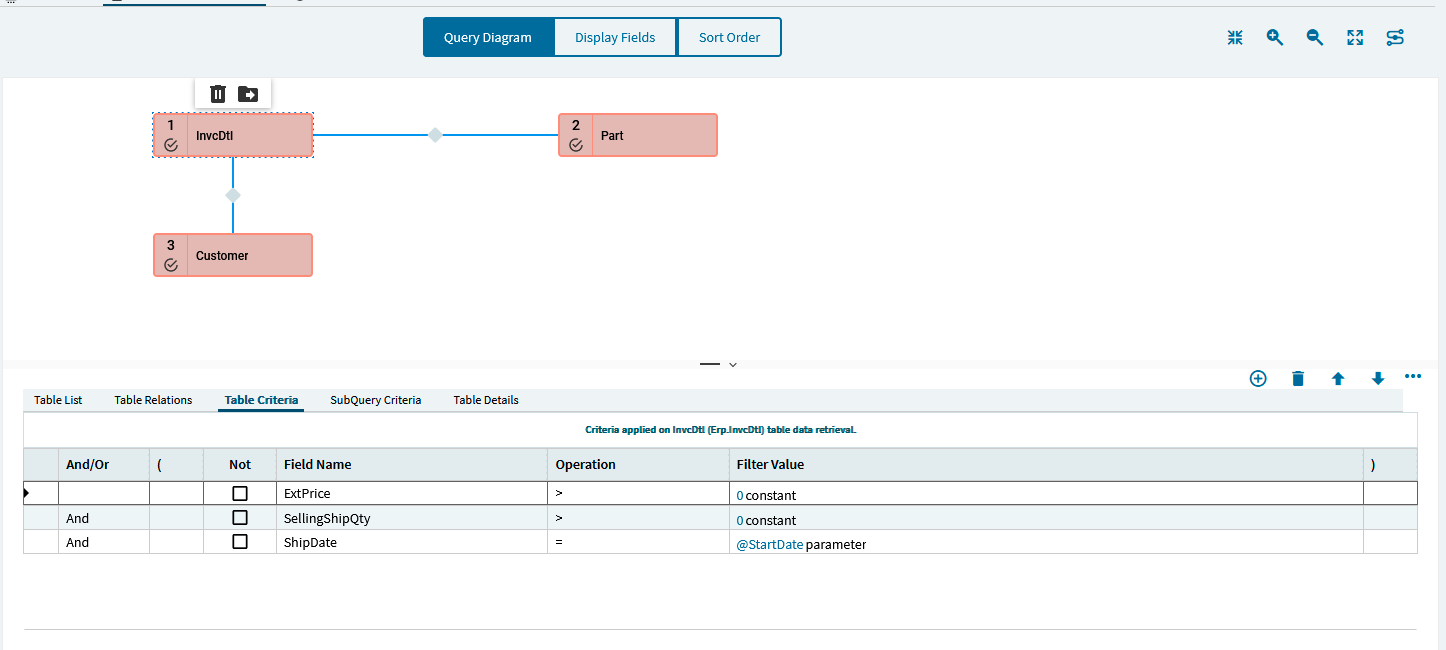
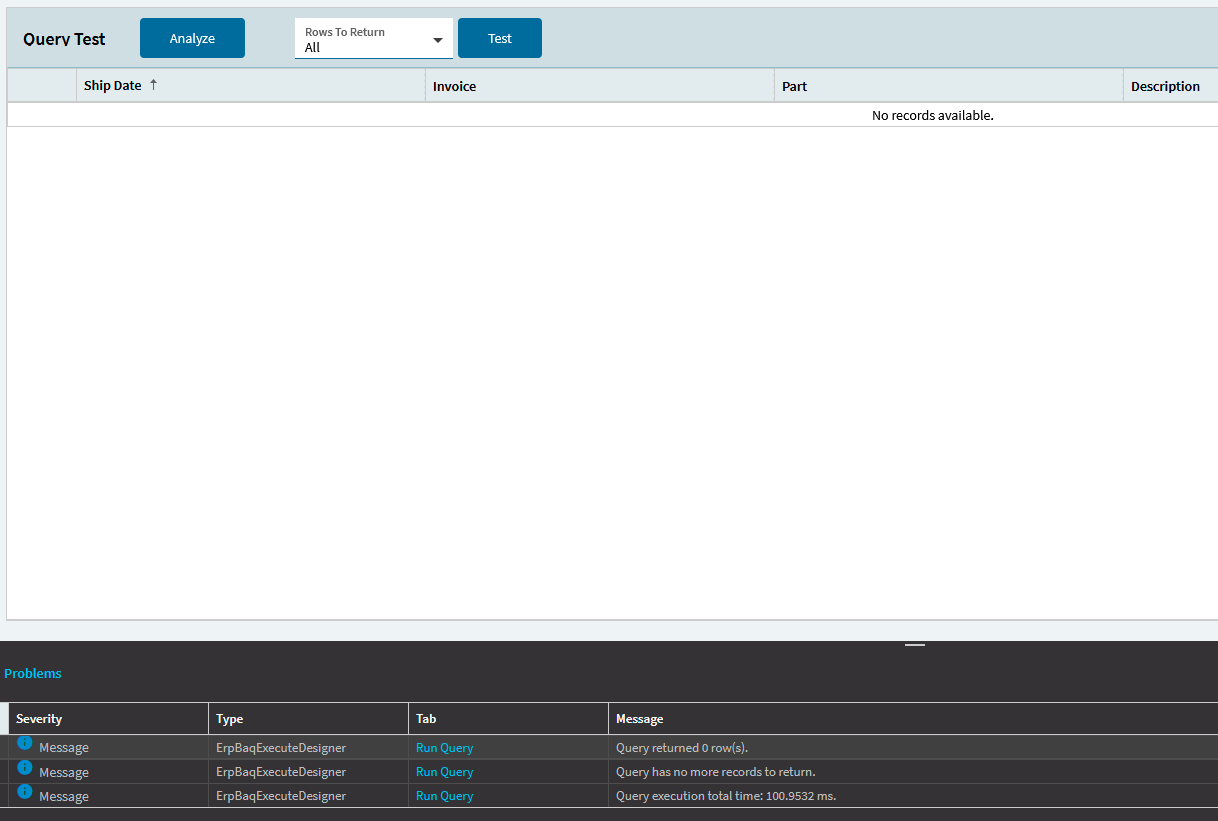
I’ve done a fairly simple BAQ to see invoices and part numbers and quantities. I want to filter by certain product groups or part classes… and I have (at least in table criteria)… it doesn’t work. So my results are showing other classes in addition to the ones I am specifically filtering for.
BAQ’s used to work exceptionally well but lately I’ve been noticing more and more strange little quirks. Is anyone else having similar issues? Thanks.
This second screenshot shows some of the results of my query none of which fall in my specified criteria. Additionally none have a part description (which they all do except for “FEES”). So its bringing in part classes which would fall under the ClassID of “Spares” regardless of the table criteria.
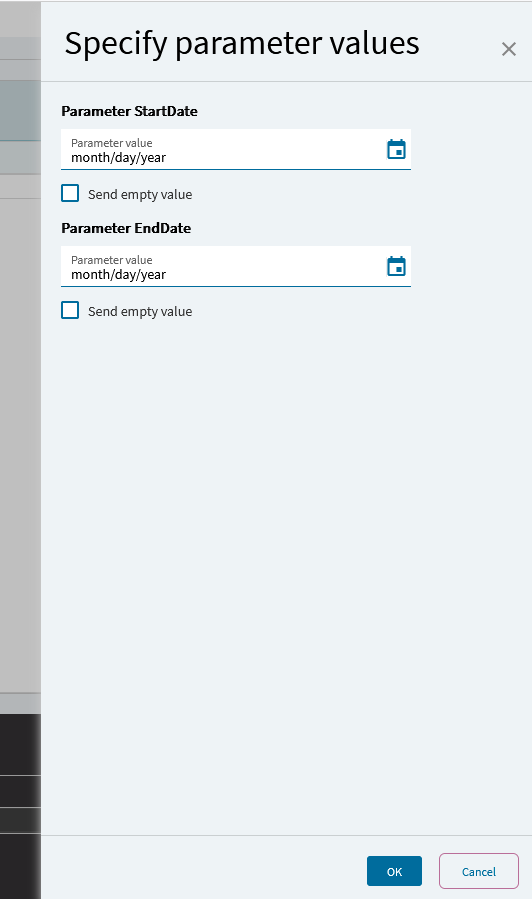
Additionally; another rather annoying issue that has popped up many times is when you set a @StartDate and @EndDate parameter… I notice that if you set one up, and then remove it - nomatter what, every time you run the query the same parameter box will pop up asking for a start date and an end date (even if you remove the parameters themselves).
There are a few others that I can’t remember off the top of my head. But I’m sure I’ll run into them again soon - so I’ll try to remember to post them up to see if anyone else has experienced them.
Any insight is helpful.
on another note - when I try to add a start or end date back into my criteria as a parameter - I get 0 rows returned.
Can you show me your joins? This looks like you have a left or right join. If the description is empty, it’s usually because that table is being filtered, but you are returning all of the other table.
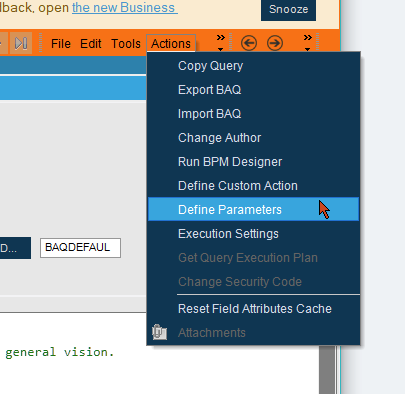
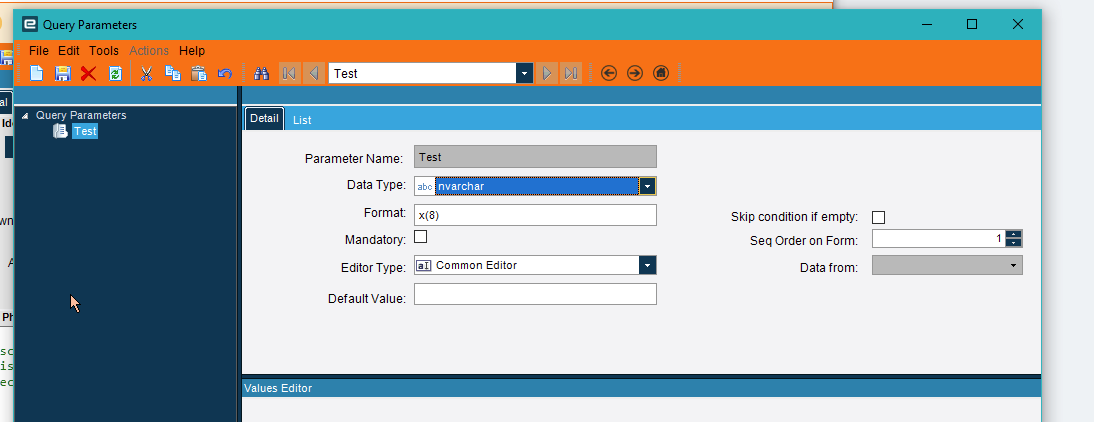
This is classic. But if you add a parameter here, it asks for it whether or not you used it in your query. You have to delete it here to get it to stop asking you.
Ive just deleted it as a filter on the table. So I would have to go into query parameters and delete them from there even though they were removed from the table itself? Would this also be why I’m returning 0 rows when I try to add it back in?
If so that makes sense. I would think that if you deleted it from the table criteria it would do so in parameters as well - I guess that’s not the case here?
It’s not the case. You can add parameters independently of applying them. And the same parameter can be used in multiple places. When adding them direct to a table, they give you a shortcut to the define parameters screen. I’m trying to find where they put it in kinetic, but am having hard time.
I removed my parameters and then went back in to test with just a start date parameter. I ran the query and returned 0 rows. What am I doing from here?