BAQ shows results, but dashboard does not

I am trying to create a dashboard in application studio, using the template and instructions from this thread:
Taming the Dashboard Dragons of Application Studio - Kinetic ERP - Epicor User Help Forum

The template and instructions work fine normally; I have created a few dashboards from BAQs with it. For some reason, a BAQ I made does not show any results at all in the dashboard, but it does in the BAQ designer app. I followed the instructions step by step, so I am confused as to what happened.

The BAQ is supposed to get the last quote for a part and the customer the quote is for.

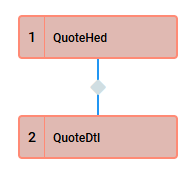
Here is my BAQ, and some screenshots:
LMC-PartQuoteHist.baq (10.7 KB)
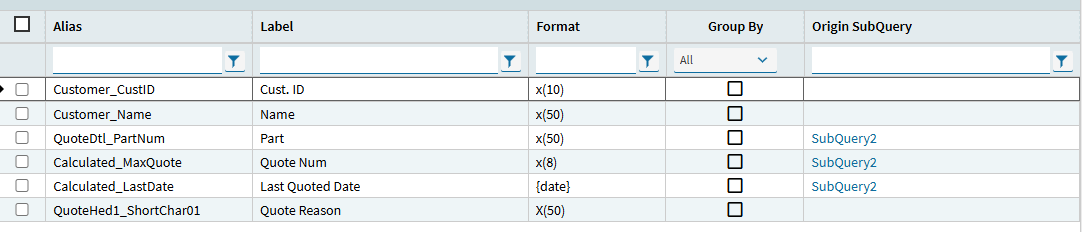
Subquery1:


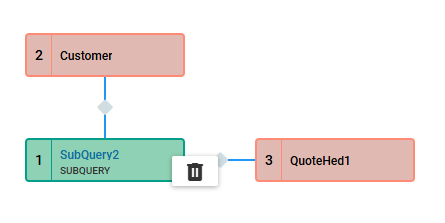
Subquery2:


The calculated fields are just “max(QuoteHed.DateQuoted)” and “max(QuoteHed.QuoteNum)”

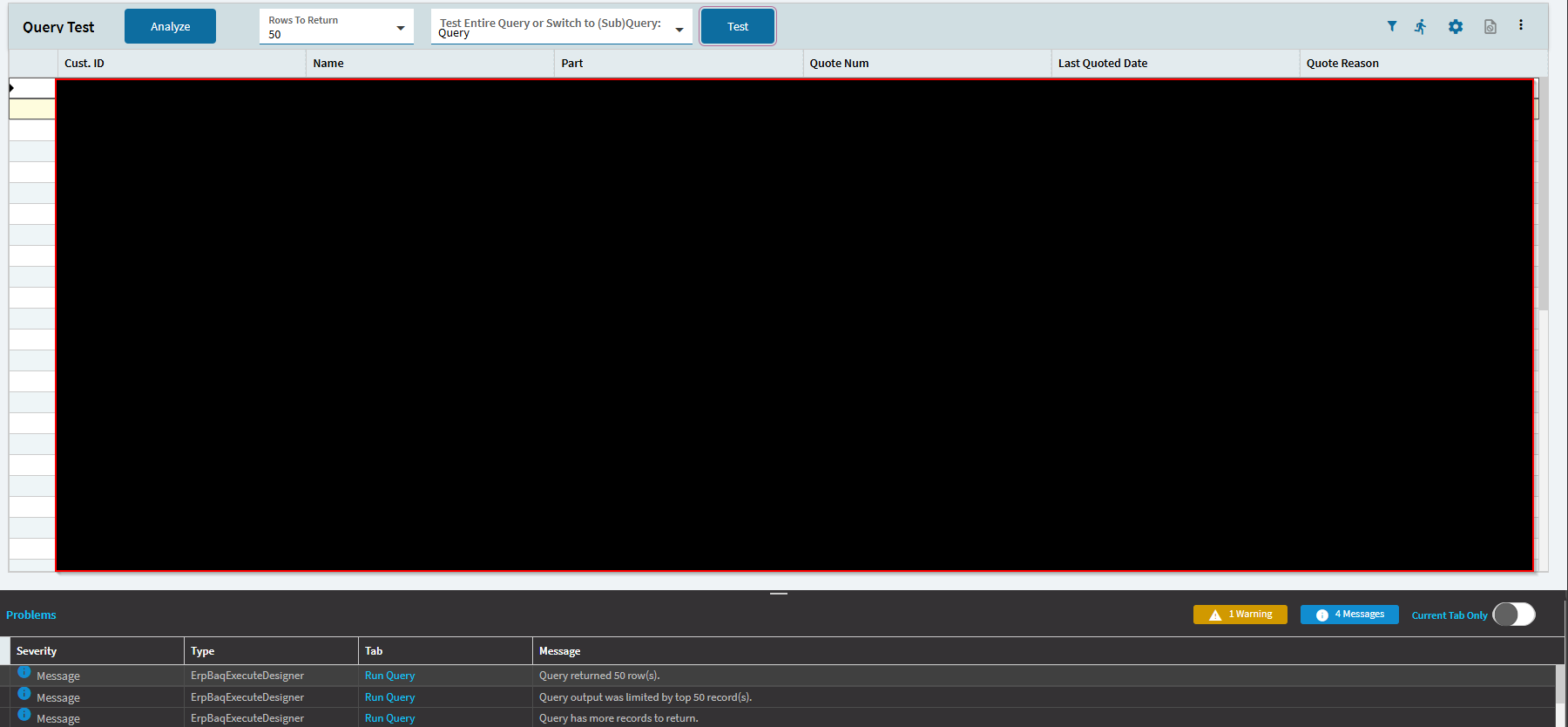
The result:


So the BAQ seems fine in my eyes, but I could be wrong.

For the dashboard, I followed the template instructions. There is a data view with the BAQ, I set up the grid with the wizard, set up the provider model, and added a where list. If I make a new grid from the toolbox, it still doesn’t show anything. Same with creating a new dashboard entirely.

I am thinking that the dashboard just does not like the subquery, that is the only thing that I can think of.

What does the dashboard look like? Any column names in the grid?

1 Like

I really should have put what the dashboard looks like in the main post, my bad.

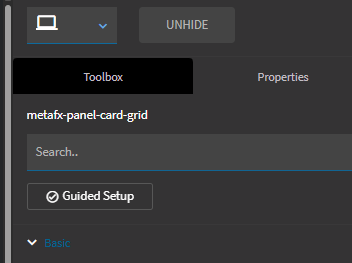
Here is the preview of the dashboard:

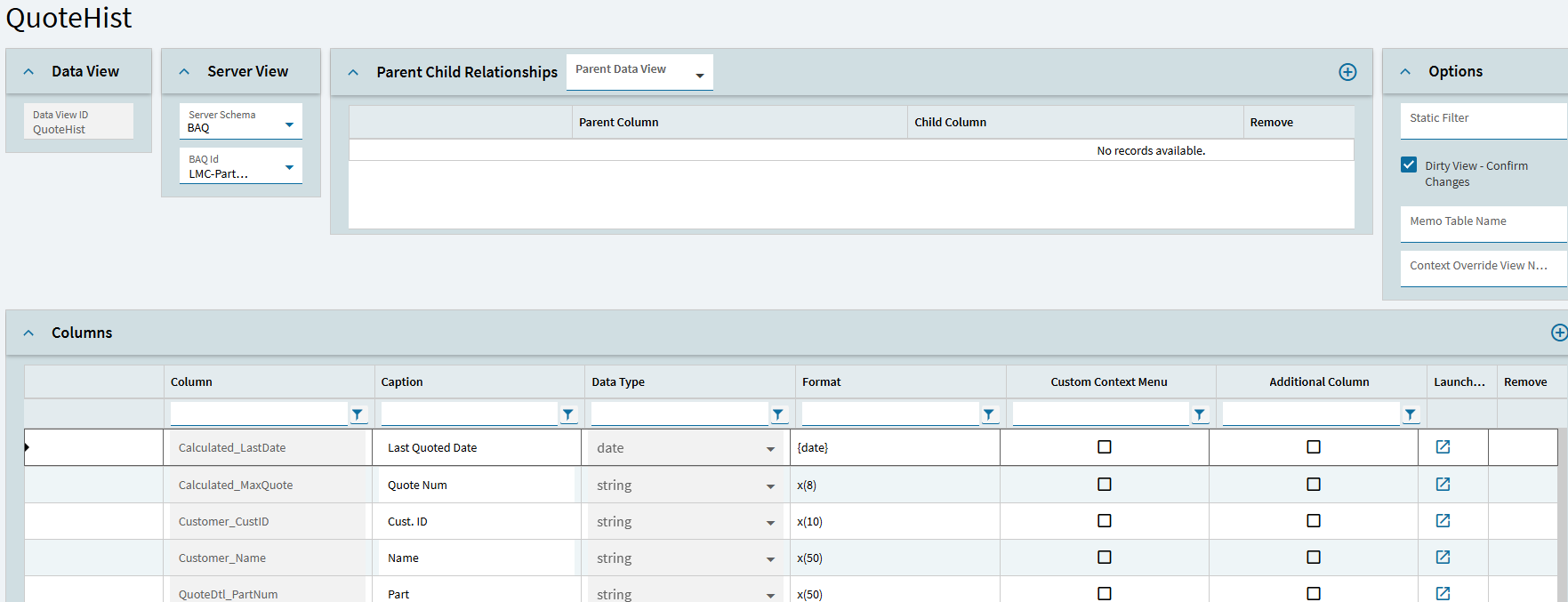
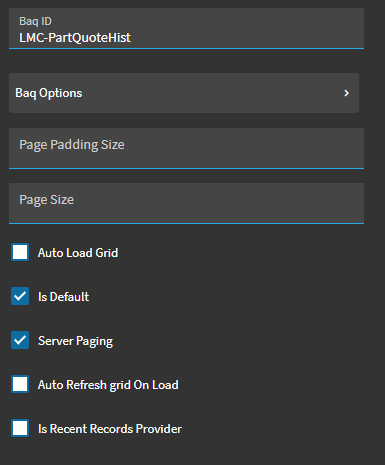
The dataview:

The grid provider model:

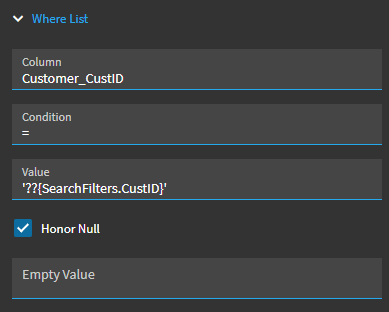
The where list:


I will probably add more items to the where list, but at the moment it is just one thing.

Usually when I have this happen I run guided setup on the panel grid and things start working, I would think it’s safe but you might want to create a test layer to use.

3 Likes

Also run the debugger to see if that dataview is getting populated. It could be a filtering issue.

2 Likes

I tried the grid guided setup to start. It usually works fine for my other dashboards, but not this one.

Ditch your where list and see if you get results

1 Like

I tried that and still got nothing.

Do you have an event firing?

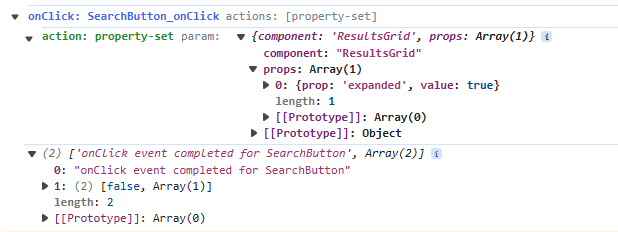
This is the dev console when I press the search button:

I noticed that for other dashboards that I made like this, they have the same event but it works.

Hello,

I have had some weird stuff like that happen in the past also.

Sometimes it’s tied to what a person has access to.

It may be a rights issue.

Does the salesperson have ‘see all territories’ checked in work force?

It’s hard to remember all the places to check.

If that doesn’t help, maybe someone else can think of other places?

Use Ctrl + Alt + 8 to turn on debugging and then Ctrl + Alt + V to output the dataviews to the dev tools console. If you open the dataview, do you see records in there?

Also reviewing the Network tab of the dev tools can tell you a lot about the events firing off. You might look for ExecuteBaq, and check the payload and response.

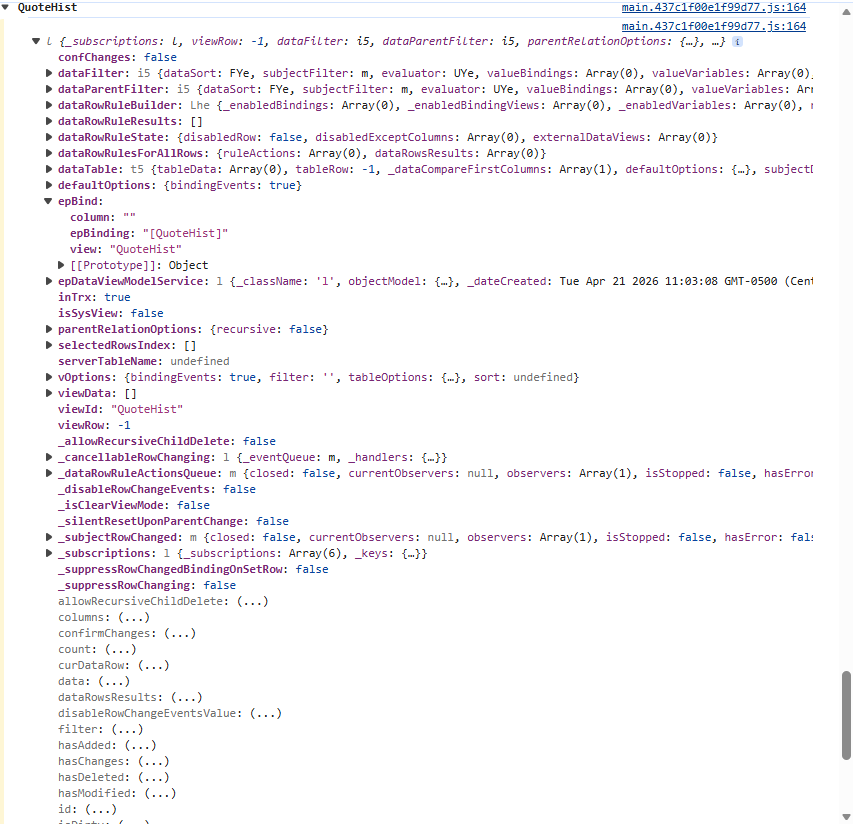
I can’t seem to find where the data view would populate in the output. This is what I get when I use Ctrl + Alt + V:

Shouldn’t there just be a table that includes the information? This is what searchfilters has

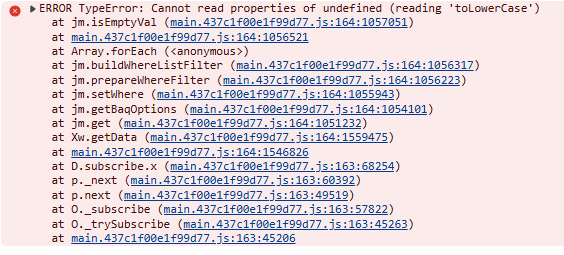
I don’t know if this is new or if I just noticed it, but this is an error that pops up when I click the search button

I seem to recall the tolowercase error being related to the BAQ returning a blank, or null value when it expected a string. I can’t find the post where I figured that out.

So I found this thread:
Application Studio BAQ Grid not loading records, but BAQ does, Involves sub-query - Kinetic ERP - Epicor User Help Forum

And saw that the bottom post said that they had to rebuild the BAQ and dashboard from scratch. I didn’t copy the dashboard template, I built the dashboard from scratch, and it worked. I am not sure why it worked but I am glad it did.

2 Likes