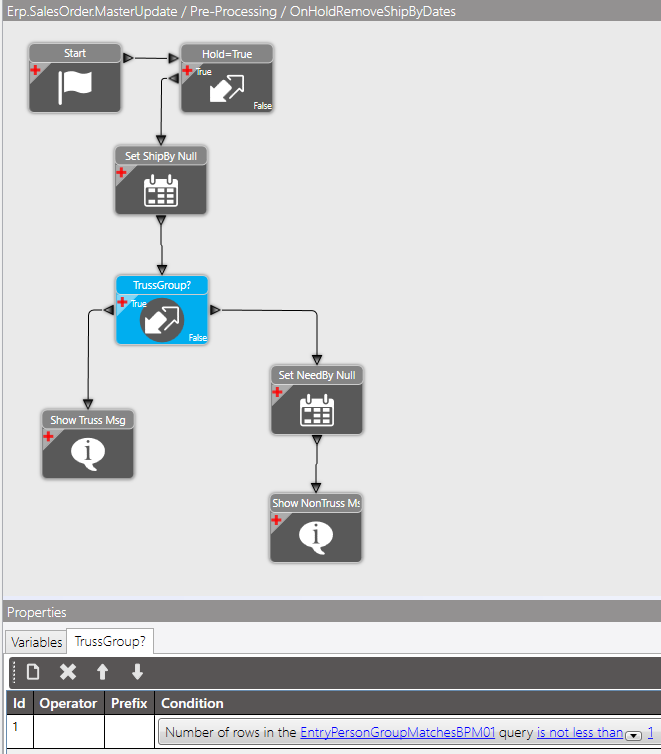
I’m attempting to have a BPM condition looks to see if the OrderHed.EntryPerson is a member of a certain security group, but no matter what, the condition always returns FALSE.
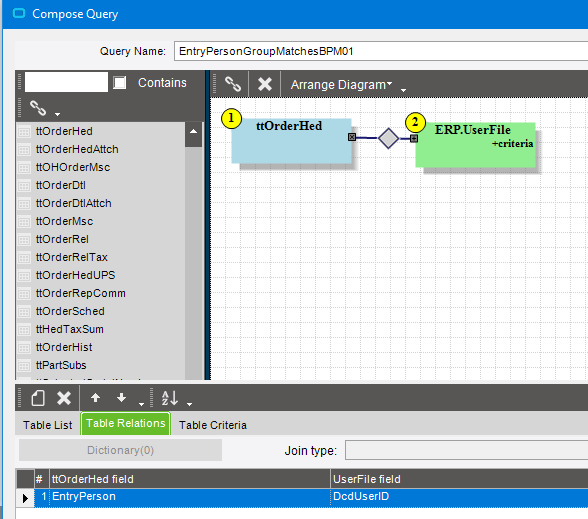
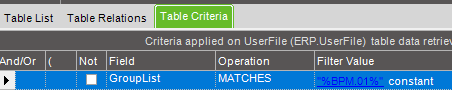
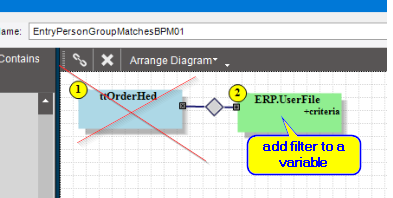
I added a condition with a “Number of rows in the BAQ query is not less than 1”. In the BAQ, I joined 1. ttOrderHed to ERP.UserFile using EntryPerson to DcdUserID, and added a criteria to the UserFile of GroupList MATCHES “%BPM.01%” constant.
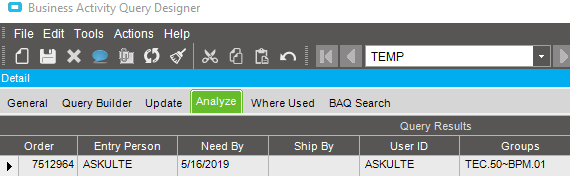
This works fine when I test it on a normal (non-BPM) BAQ - I get one line for OrderHed joined to UserFile with the same criteria.
For added efficiency you should never JOIN a tt table to a database table (search E10Help for discussions on this topic). Instead, your BPM should create a new variable called UserWhoEdited, and then use a setter widget to set this variable from ttOrderhed… THEN in your query add a filter to find where the user ID = UserWhoEdited. I have seen conditions where this simple change can increase the speed of your BPM by several hundred milliseconds.
The field OrderHed.EntryPerson defaults to a user ID, but can be changed to anything. Including changing it to user that is in the group you’re testing for.
And maybe do a TRIM() on that field to make sure it finds a match in the UserFile
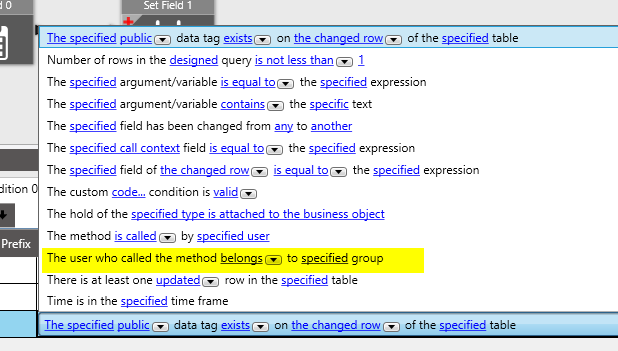
@ckrusen, Not always. Originally I had “user who called the method belongs to specified group”, but then our credit department reminded me that they are adding/lifting credit holds on all orders, so I needed a condition based on what group created the order initially. OrderHed.EntryPerson seemed static enough to use for that…
@timshuwy, thanks for the reminder! I’ll give that a try. I think there’s an extended ed example I can follow along with in my notes.
How hard would it be for Epicor to have built-in pop-up reminders like that, similar to a tool tip (along with a picture of Tim Shoemaker!)? It could be conditional - If the BPM designer joins a tt table to a db table, Tim’s Tool Tip pops up? There are so many best practice tips like this that everyone has learned through trial and error (or Insights courses!).
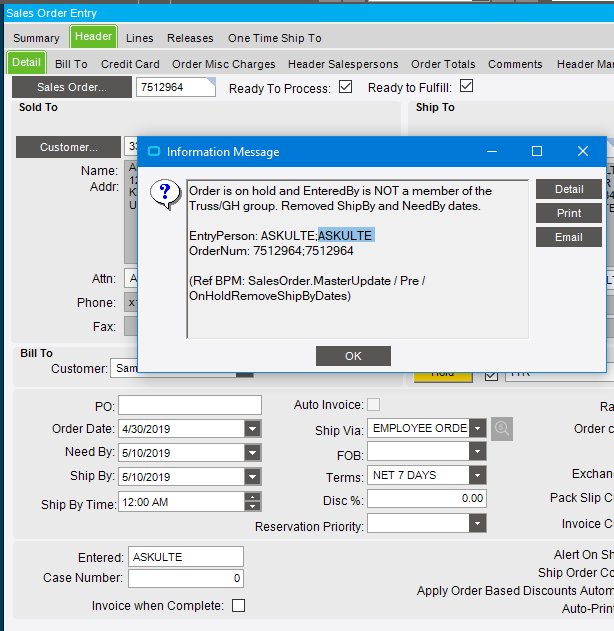
Calvin - That worked! Why? Is ‘Matches’ wildcarded already? I figured I needed to use the % wildcards since the UserFile.GroupList format is Group1~Group2~Group3 and so on… From the BAQ test:
What’s weird is that removing the before and after % wildcards % in the BAQ (not the BPM BAQ), I get no results. Kind of frustrating when a BAQ acts differently in BAQ Designer or BPM Designer. Why is that too?
Not “kind of” … but rather “very”
And the explanation I always get, is that one is geared towards making SQL, and the other towards C#/LINQ.
Also, don’t forget to consider my point about EntryPerson being user editable, and may not match an existing user. You might want to do two condition checks. First check if the EntryPerson value is even in the UserFile. If so, continue to check the group match. If not, maybe warn the user that EntryPerson is “invalid” and needs to be fixed.
hahah… there have been lots of internal discussions on this very fact. I have stated that our BPM Query designer strongly tempts you to build the query incorrectly since the first tables listed are the tt tables, and then if you drag in other tables it builds joins with no challenges. Not making any promises, but this has been discussed.