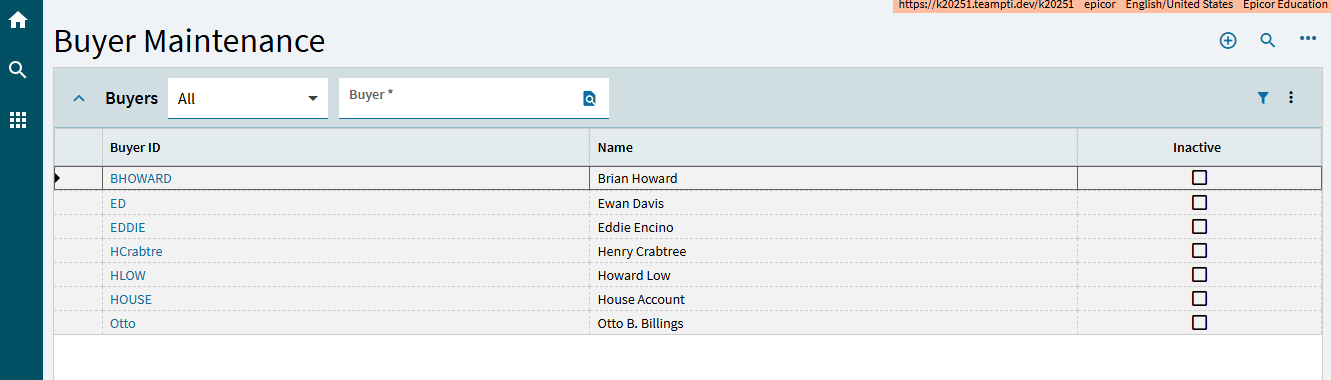
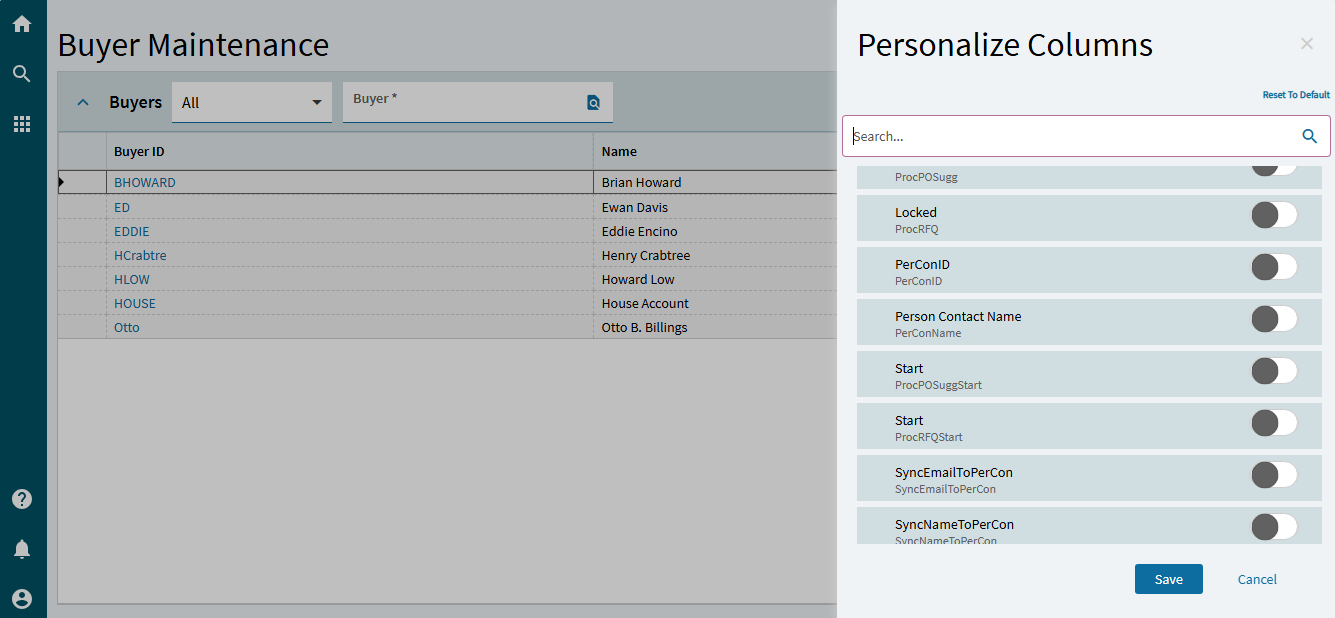
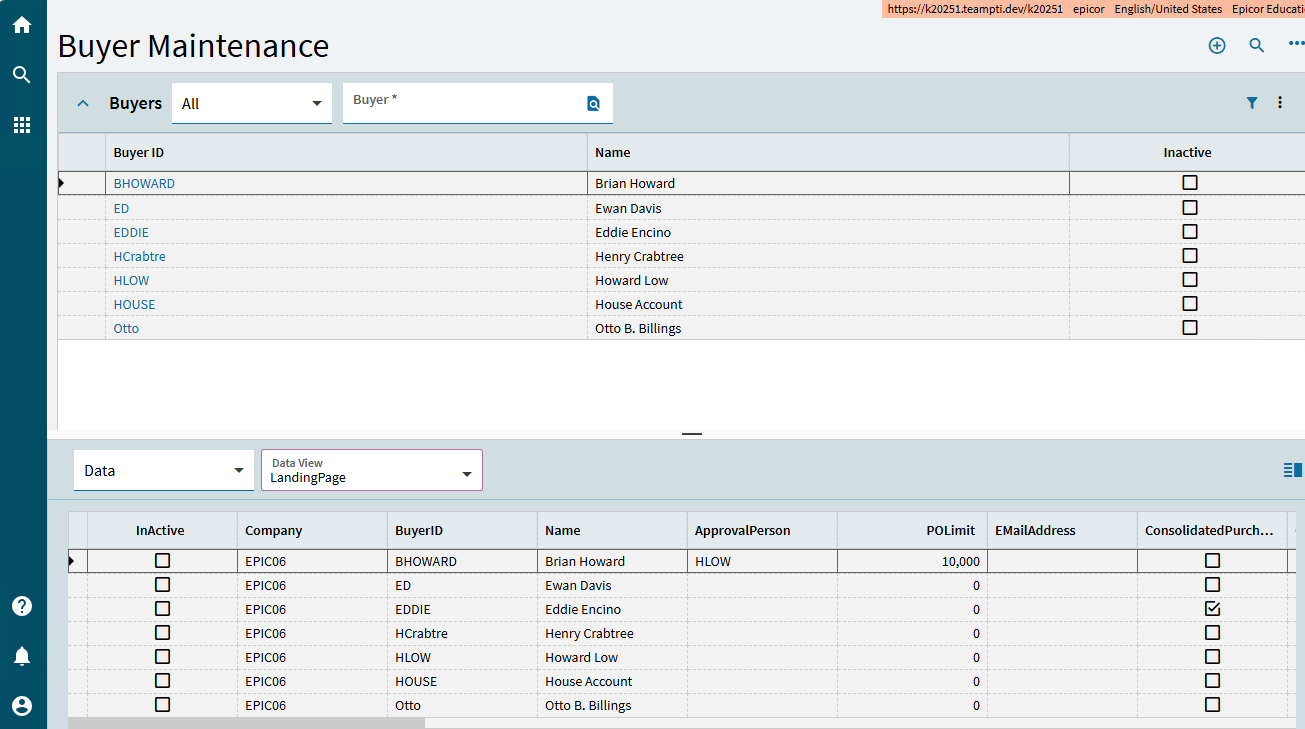
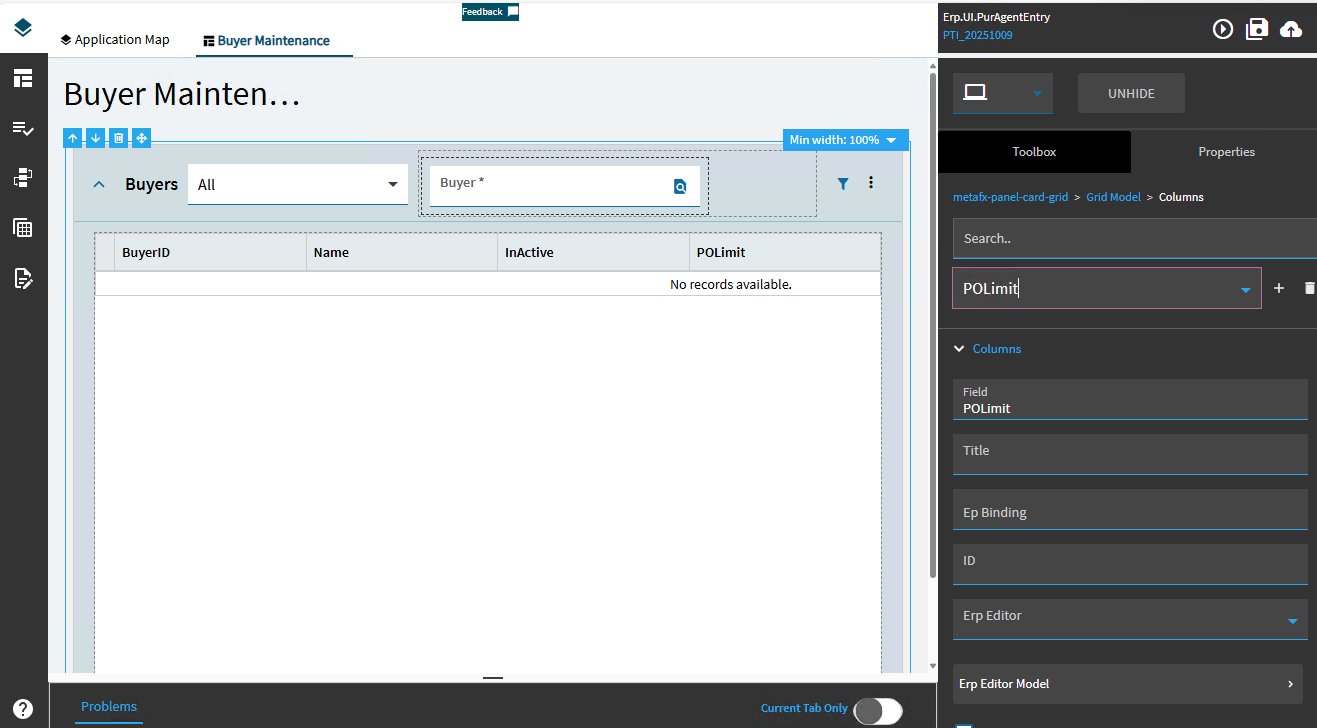
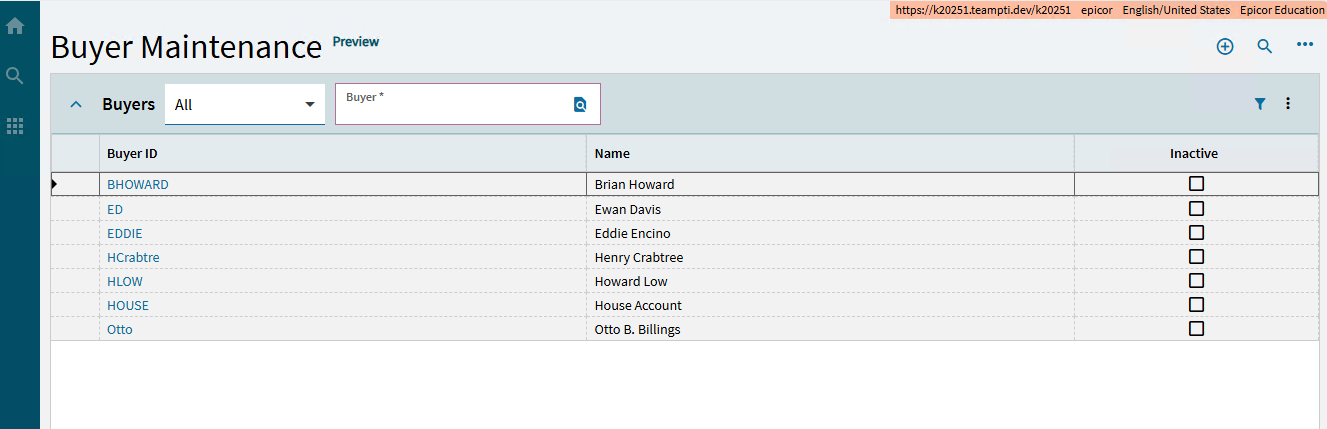
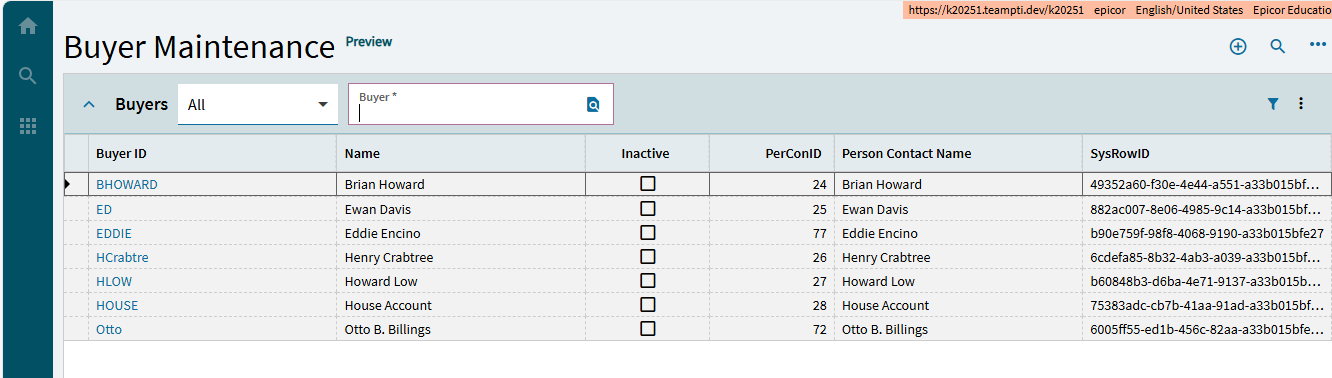
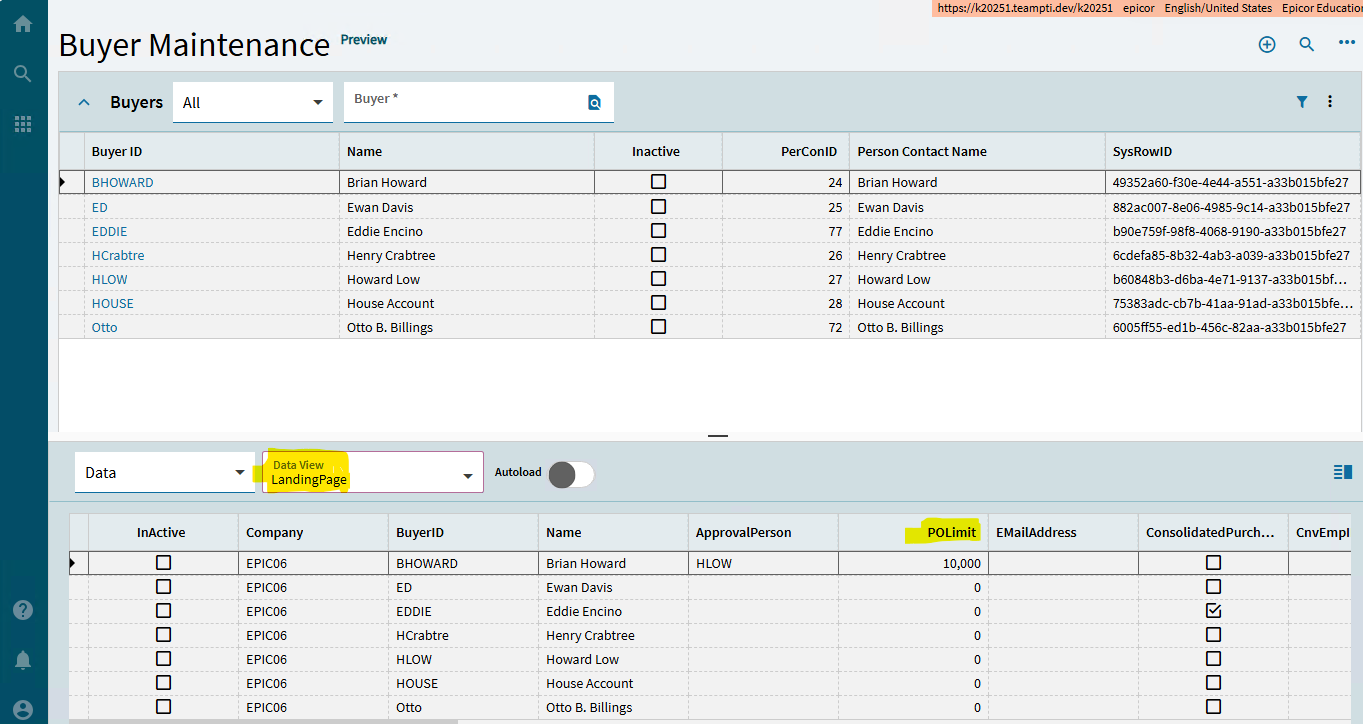
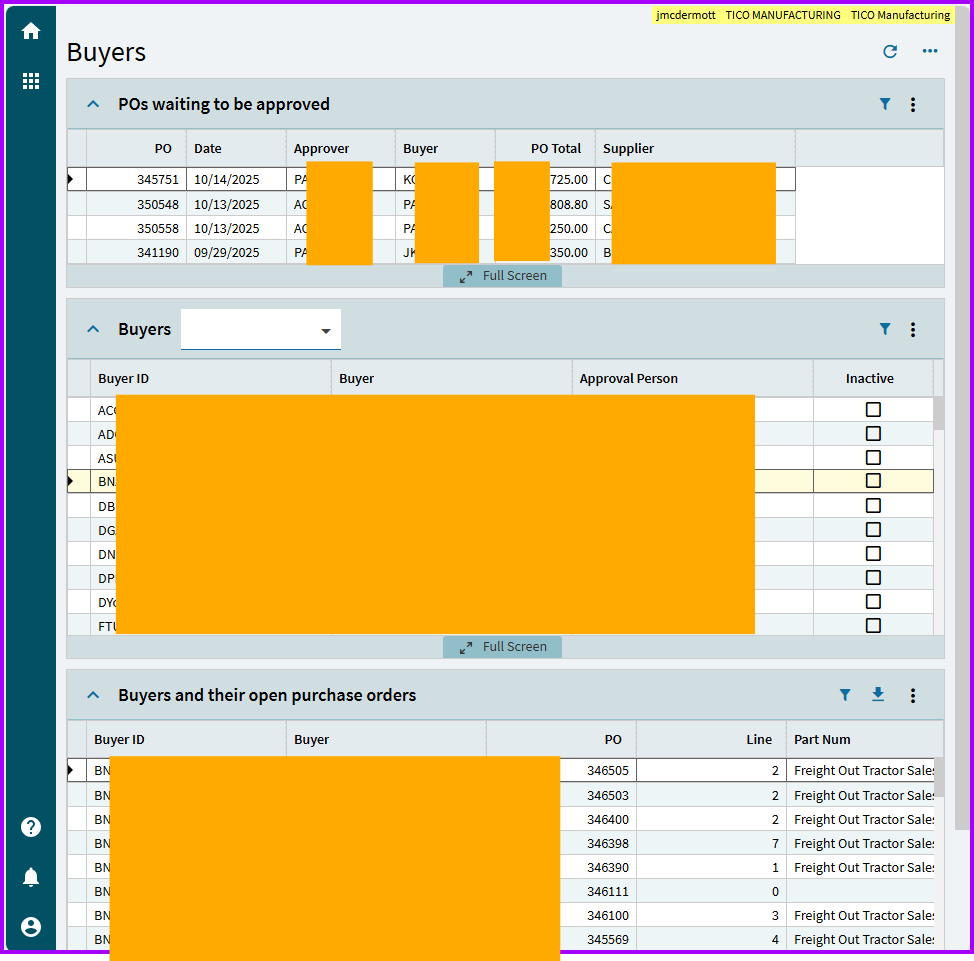
The Controller, who is responsible for setting buyer limits, would like to see the PO Limit on the landing page instead of clicking into each buyer. Sounds reasonable. But in both 2024.1 and 2025.1, I don’t see PO Limit in the Personalize Column. OK, I see the data in the LandingPage data view. Let’s just add a column in a new layer. It never displays. I try adding other columns that are in the Personalized Columns list. They all display correctly. I have a case in with Epicor, but can a few others check my work and see if it’s just me?
Inheritance across the various columns collections is a mess. I havn’t thoroughly tested to confirm, but believe if there are columns defined in view option then grid columns are ignored else views inherit grid columns(?)
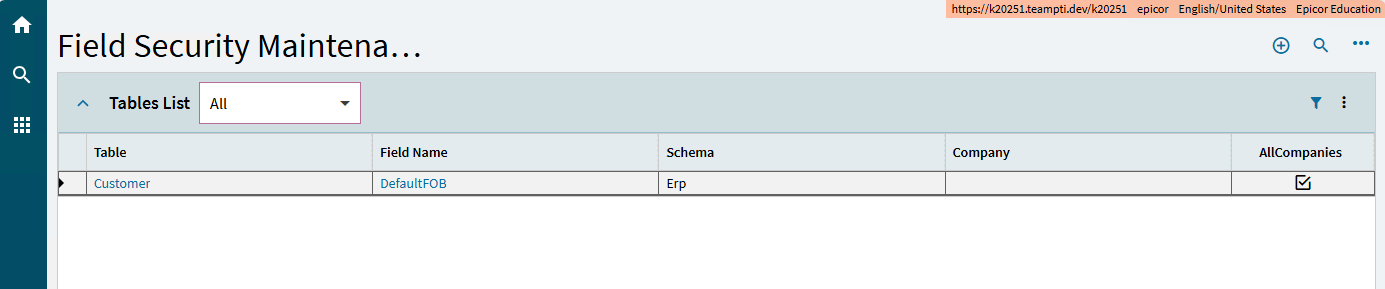
Nevermind, I see that View options has no cols so my comment is N/A. I tried and got the same behavior as you. Perhaps field permissions? Is that a thing?
It is wild that it’s not there already. I went looking the other day myself.
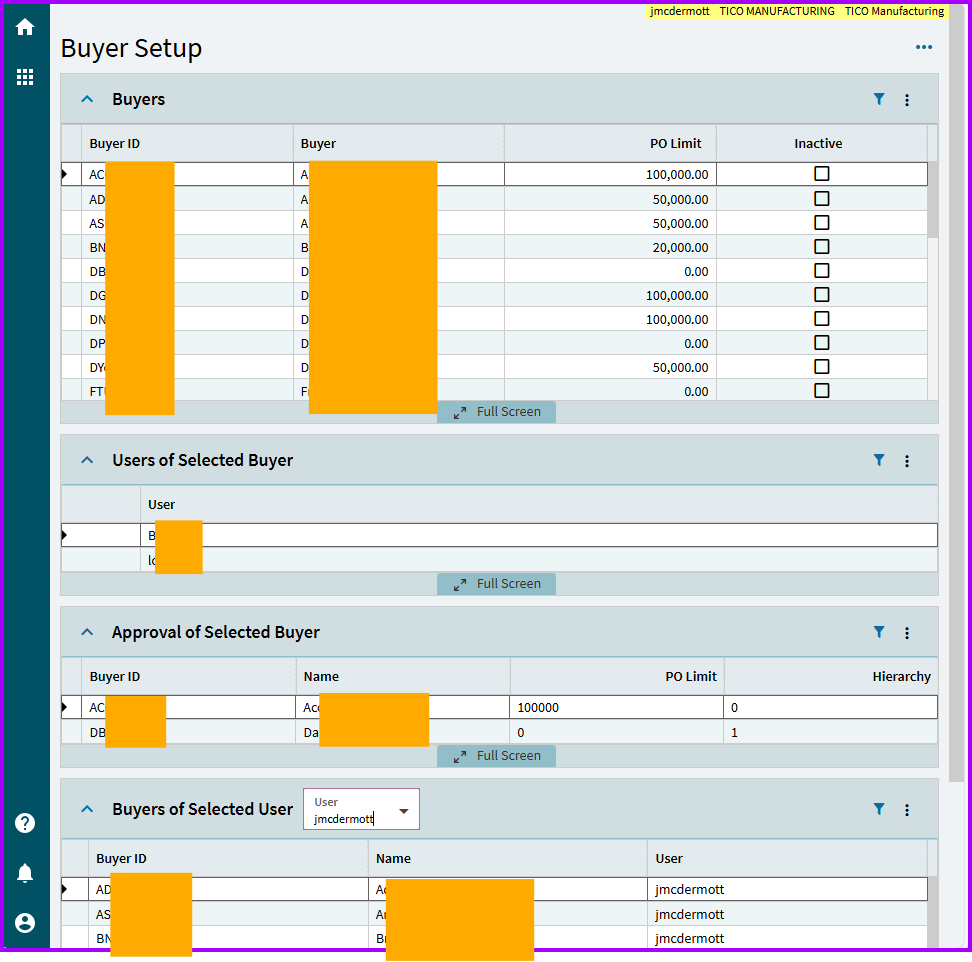
Obviously you know how to make a BAQ, etc., but we saw the need to have a separate “Buyer setup” since there is a lot lacking there. For example, the hierarchy of approval for that buyer. And a reverse lookup (what Buyers does this user have access to). And, you know, the PO limit.
(I don’t think anyone uses it but me, and I sure love it! Reason is that IT sets up buyers here. I tried to pawn it off on accounting, but they didn’t love the extra work. And I didn’t love cleaning up after them.)
For ordinary users, I made one showing what’s waiting approval and other stuff.
 OK, I see the data in the LandingPage data view. Let’s just add a column in a new layer. It never displays. I try adding other columns that are in the Personalized Columns list. They all display correctly. I have a case in with Epicor, but can a few others check my work and see if it’s just me?