Cannot get BAQ Parameter List Item to work

Continuing the discussion from BAQ can not use IN to filter against drop down parameter in table criteria:


I can't get this to work in 2025.1.13.

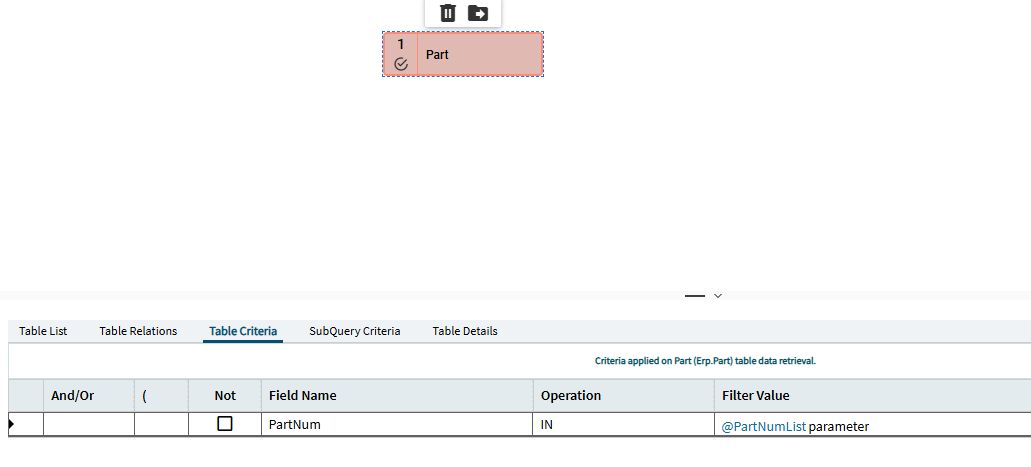
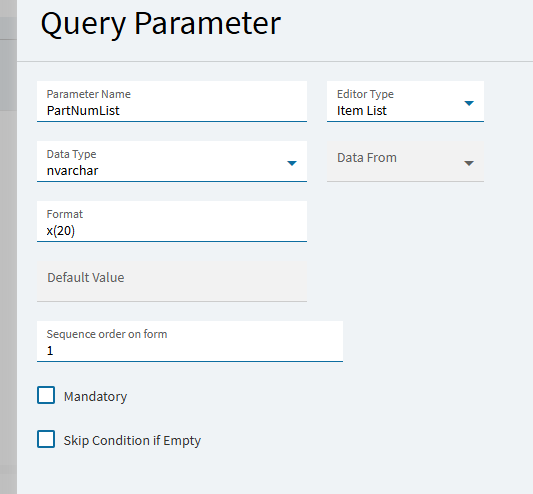
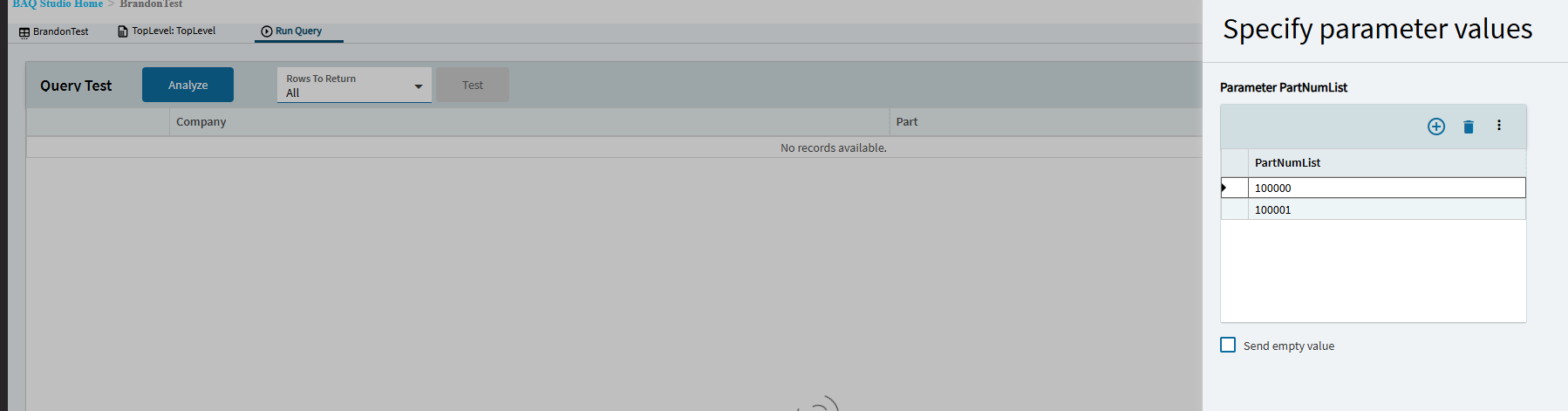
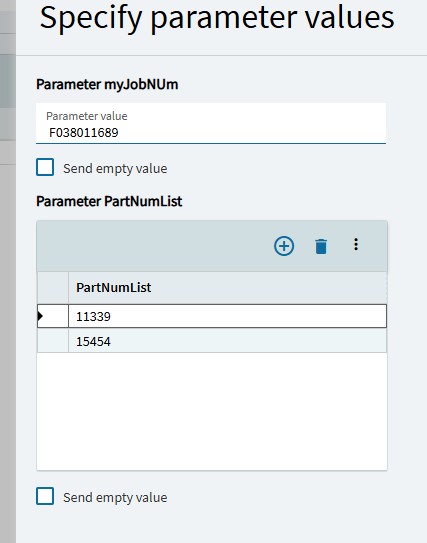
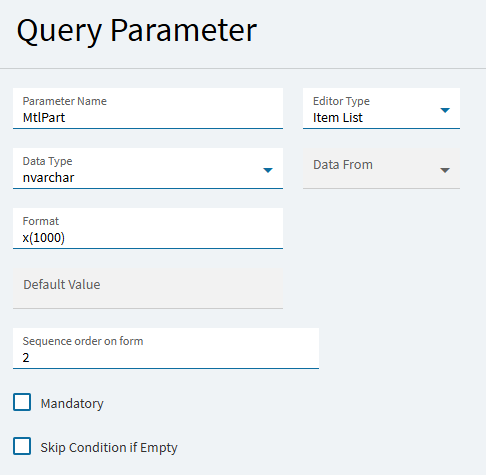
I’ve got my parameter set up as @timshuwy shows and selected in table criteria as IN with that list parameter chosen, but I get no results back (in the Kinetic BAQ Designer). Not getting any errors and I’ve tried it with a part number that I used in common editor parameter that did return results.

I do have two parameters (one not list), but removing that one doesn’t make a difference either.

1 Like

It’s working for me. We’re on 2025.2 though.

Can you show some more of what you are doing, and maybe we can see what mistake you have going on?

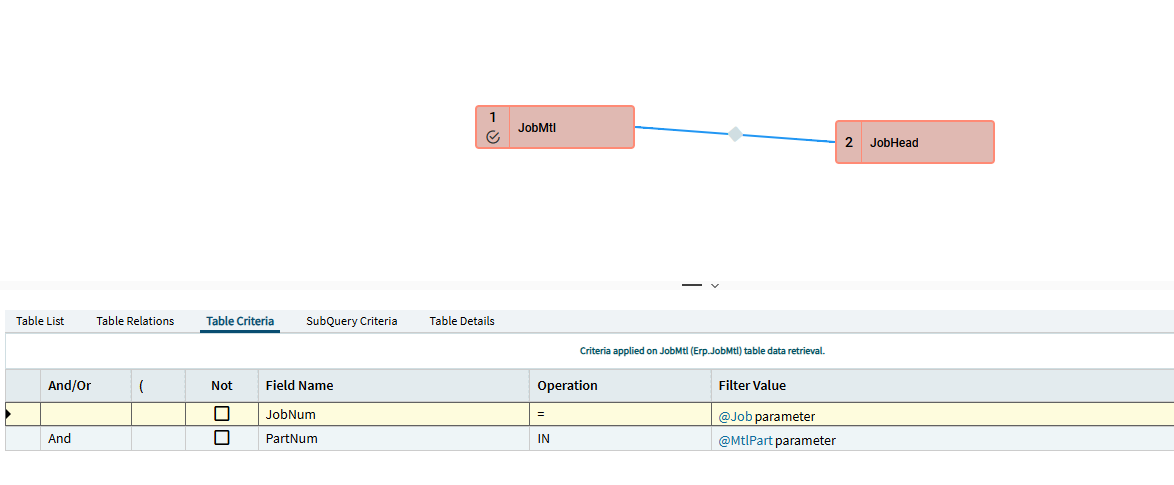
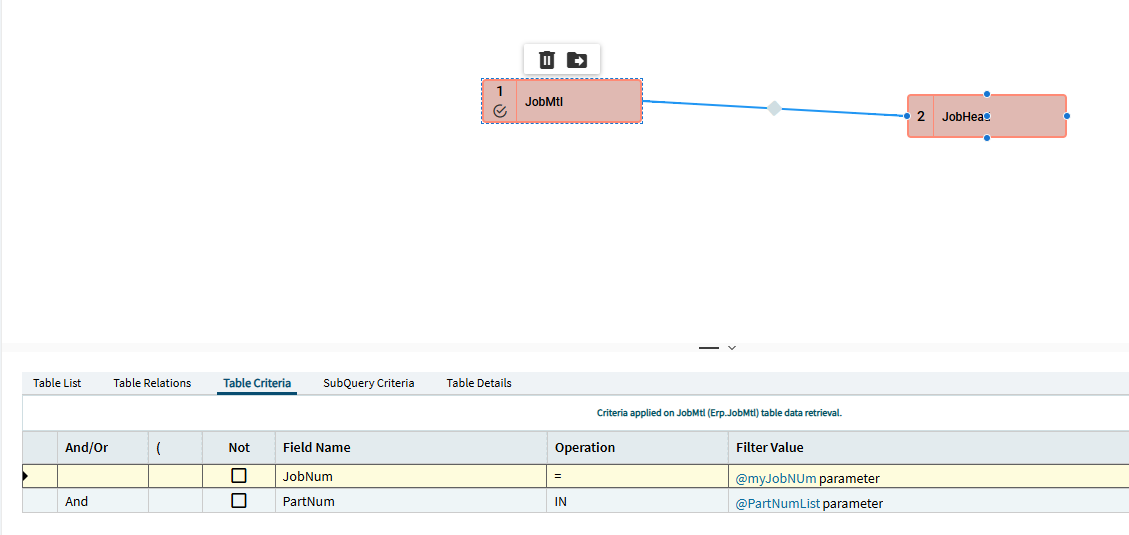
This is my entire query:

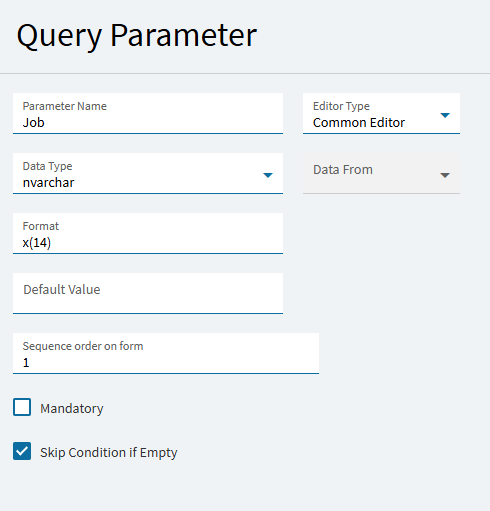
And here’s my other BAQ Parameter set up:

I did everything the same way you did, and it’s working for me. Are you 100% sure the data that you are querying for is right?

1 Like

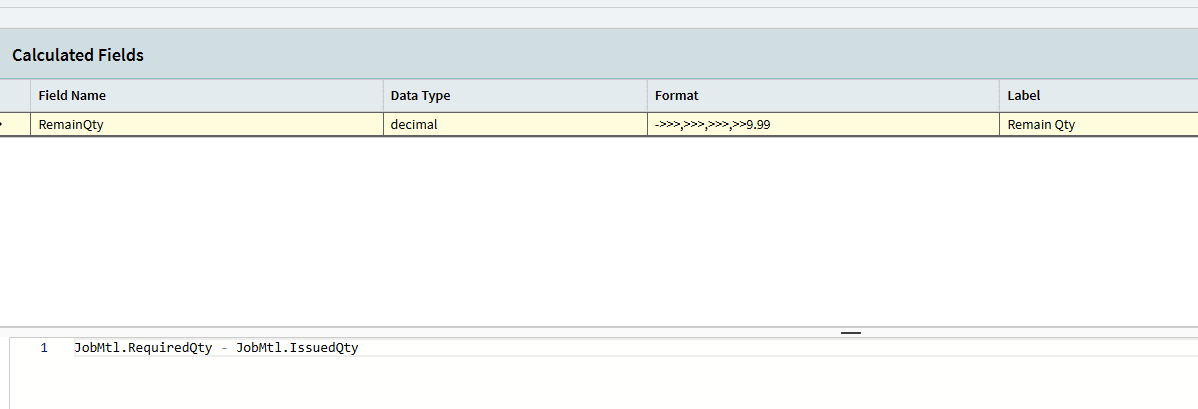
I do have a calculated field. Maybe that’s causing interference?

Yeah, the information I was able to query prior to switching to list parameter is the same I was inputting in the list.

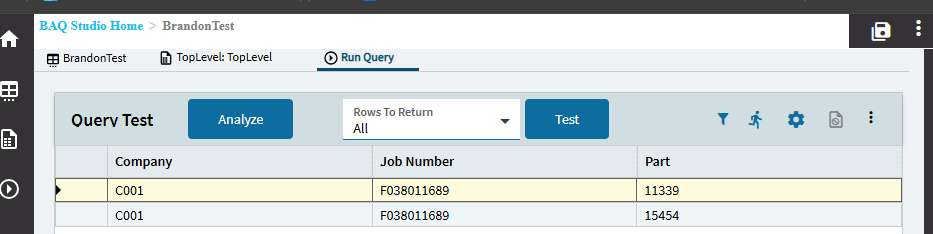
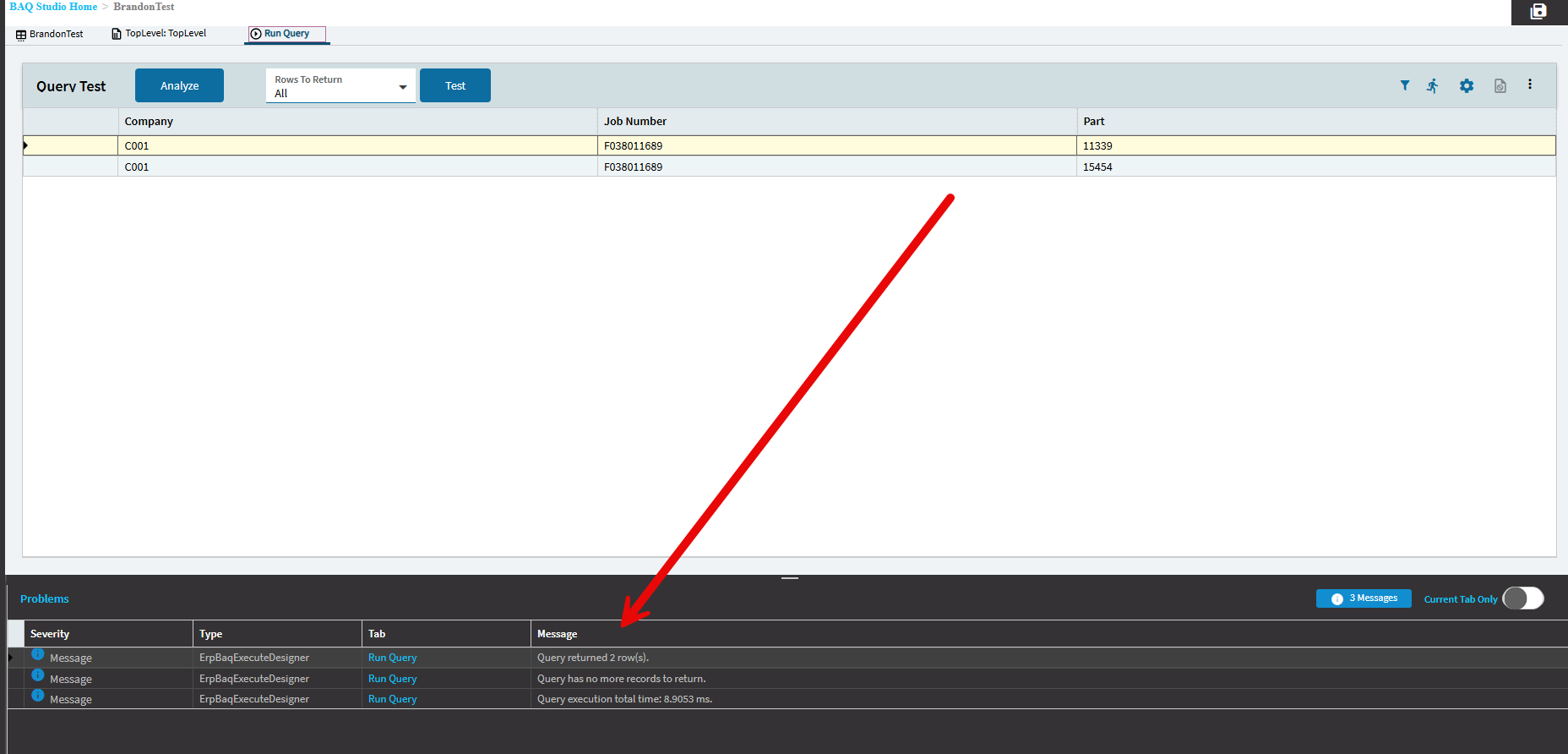
You don’t get any errors or messages down here when you run your query?

Nope, nothing. Just “Query returned 0 row(s).”

1 Like

I’m an idiot. I had copied another query I had and removed all criteria before adding my new criteria. At least I thought. I missed a Subquery Criteria. It’s working.

#Mondays :man_facepalming:

1 Like