I am having some issues. I went to create a dashboard got everything working, but when I added the tracker view to do some simple search functions it does not search. The dashboard will just return no data. I must be missing a step? I just can’t see where the issue is. All of my search boxes are starting with. Settings look correct. I am query the correct columns. Thank you in advance for your help.
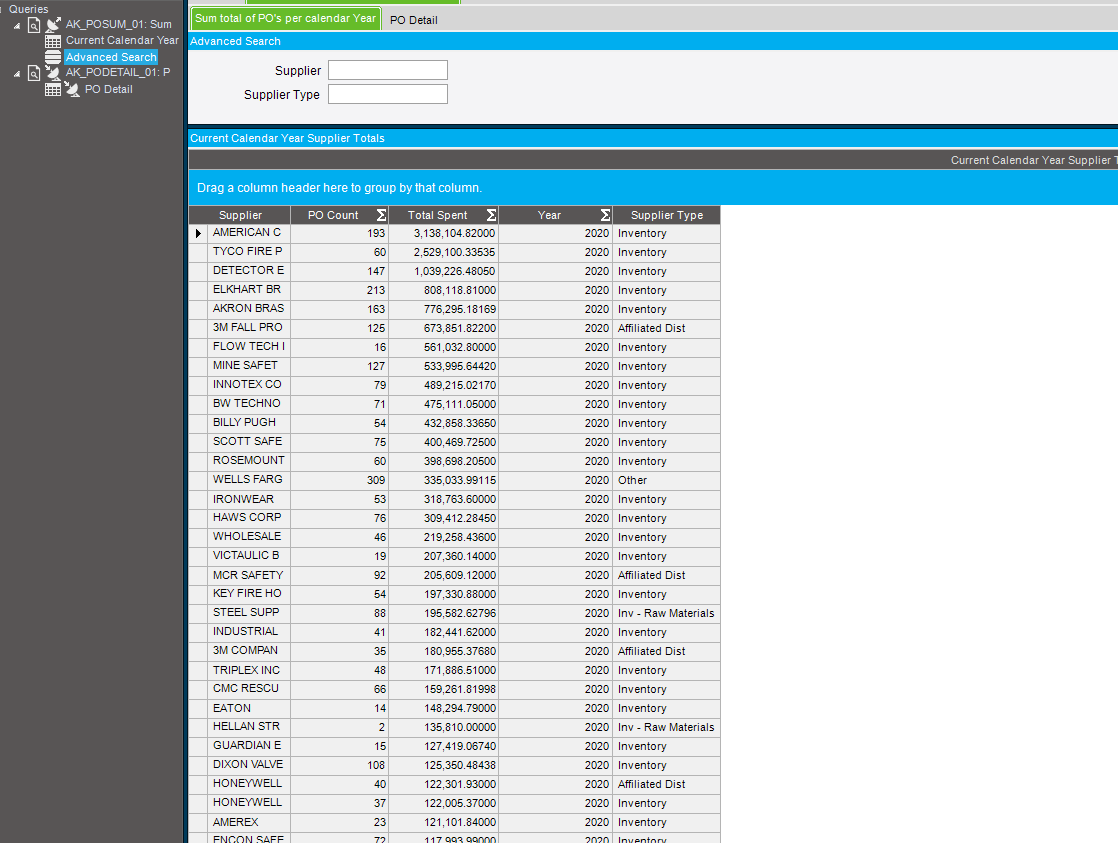


Suppier search set to “Start With” might solve your problem
I currently have supplier set to start with. I am not sure if this a 10.100 issue. I am used to working with 10.200 and just started working with a company that is using 10.100. I can’t seem to find a fix for this.
Oh man. I bet you are itching to get them to upgrade. That was an eternity ago to me.
You can’t even get Epicor Support to help you, that’s such an old version, right?
You’d almost be better off dealing with that awful Parameters window.
Supplier.Name LIKE @Supplier + "%" kind of thing, maybe?
Does the dashboard update as expected when you enter the full Name?
Wildcards (AM* or AM%)?
What is the criteria for supplier type? And is anything returned when you enter something for just Supplier type?
Nothing seems to work. I have tried wildcard as well. Supplier type as well does not work.
I will try this. Yes I am already working on upgrading the to 10.2!!