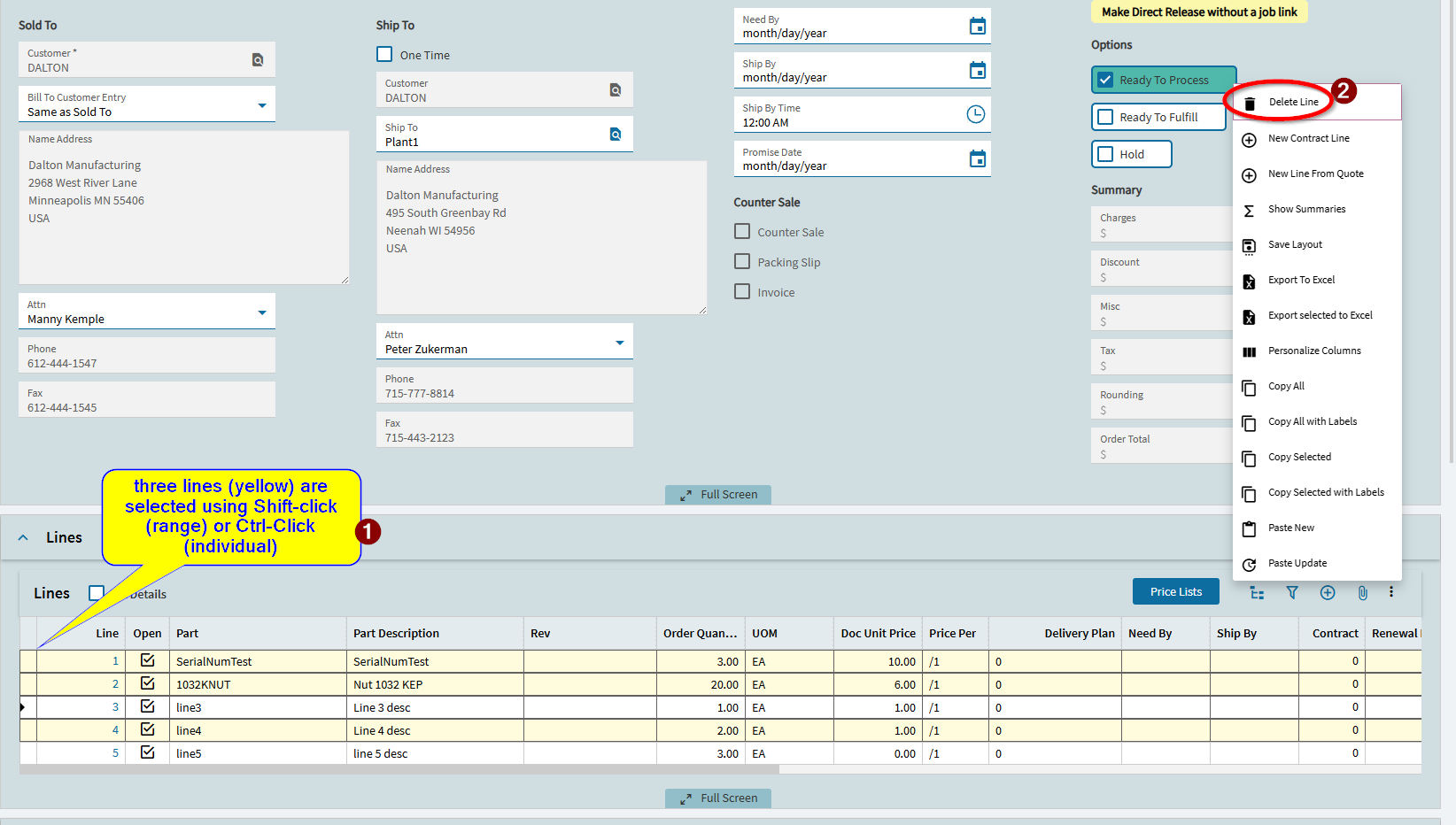
One of those areas that got fixed, but not widely publicised (thus this posting) is the new ability to select multiple lines in a grid and delete them. This was an underlying framework thing that we were waiting for toolwork to be completed, but somehow, that completion and the subsequent feature add was completed and unnoticed by myself.
Idea ERP-I-1475 which was opened way back in 2021 is now marked as closed. We should be hearing at least 381 of you from 254 organizations letting out a big cheer!
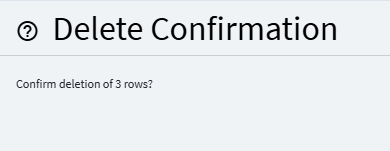
To use the new feature, you simply select multiple lines (CTRL-Click, and/or Shift-Click" and then choose Delete from the overflow menu. then you will get a slideout confirmation on if you want to delete X records.
I did discover this last week and about fell out of my chair. It was the last big thing for me that classic had that Kinetic didn’t. Very happy, thank you!
Definitely working in 2026.100… I had an “Idea” to bring back this feature for deleting multiple materials and/or ops from jobs (like you could in classic)… which was merged into the idea @timshuwy mentioned above (after I realized it was a system-wide issue, not just Job Entry).
Just tested in Pilot 2026.100 and it worked in Job Entry! My operations team will be happy that functionality is back! (next month).