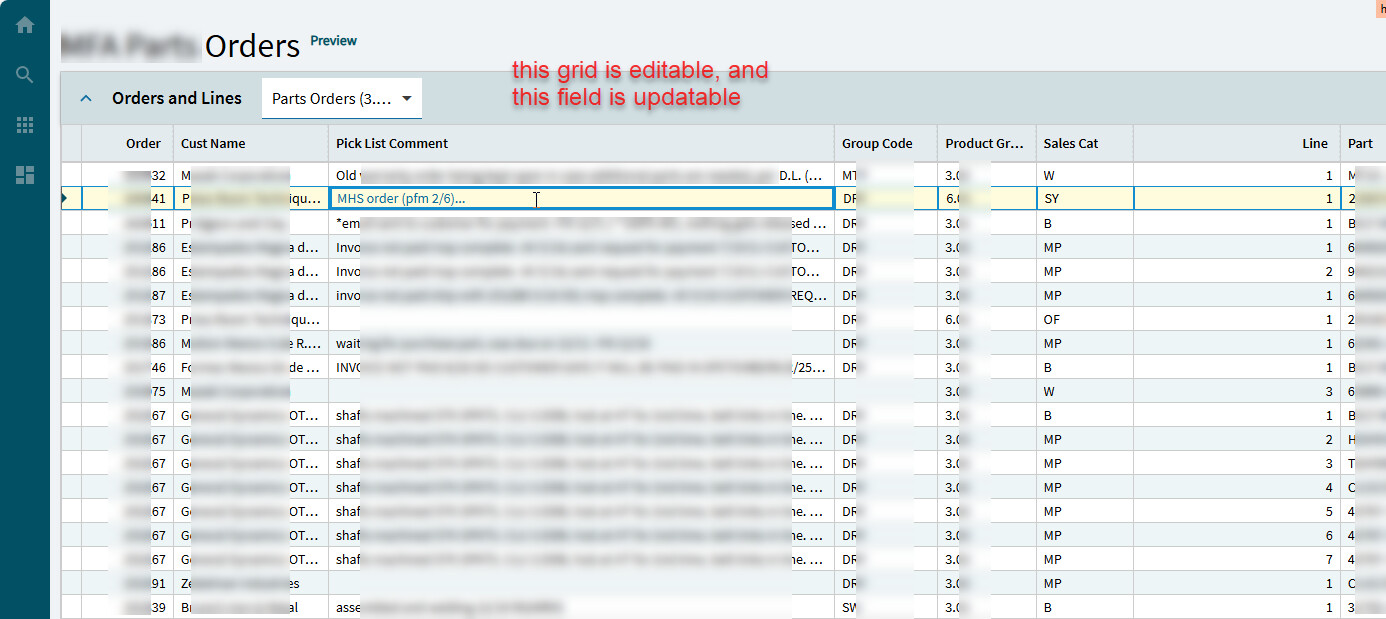
I am trying to find the easiest way to make an editable grid. Since I haven’t found any good references I must ask all questions here (unless I am missing something, and if that is the case I would be happy to look at it).
All I want to do is have a grid with one field that is editable/updatable. I have the BAQ which is updatable and works. I am loading the grid with the BAQ, and have a dataview attached to the BAQ. What is the least I need to do to make the grid editable. Is it possible to just change rows and have it update/save the edited row or do I need a ‘save’ button tied to an event?
Can someone outline the steps required?
I am trying to update the ‘Pick List Comment’ in this grid: