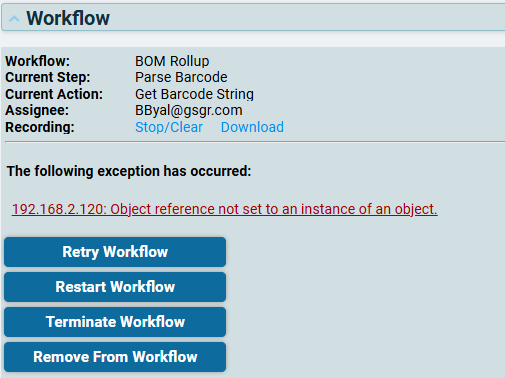
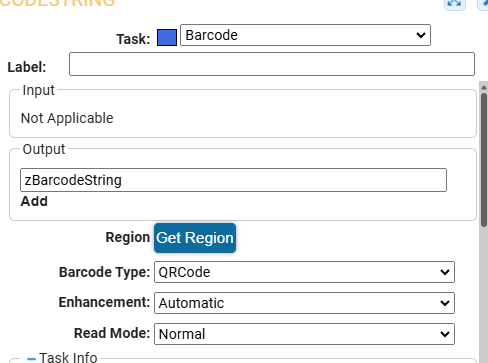
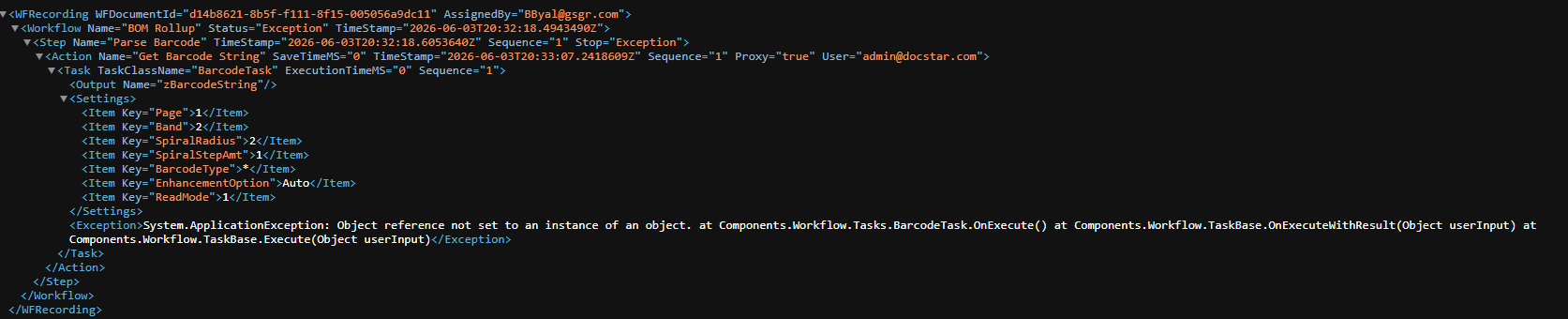
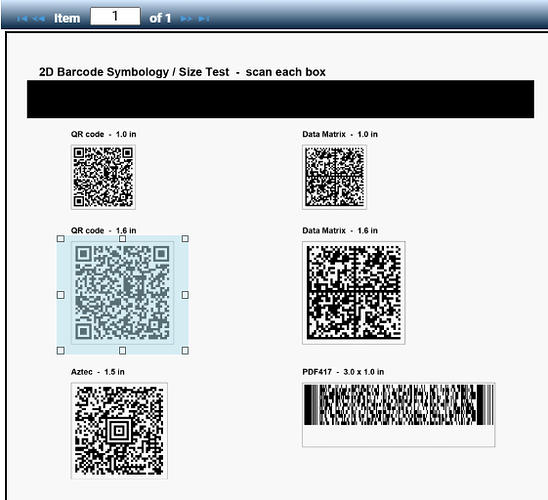
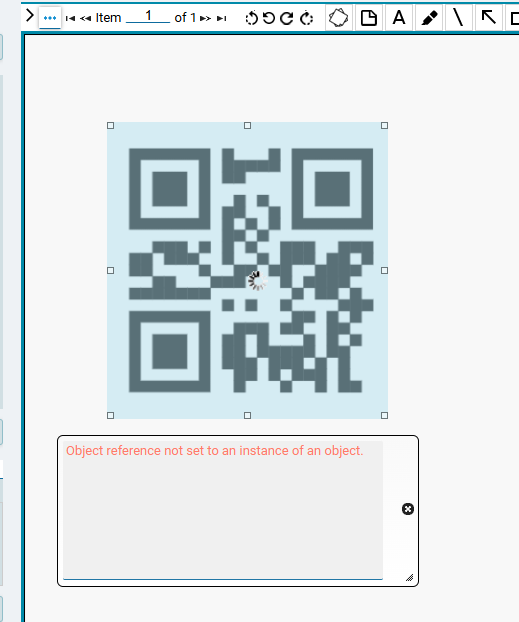
I have a workflow where its first action is to read a QR code on a rendered PDF and it’s failing with “Object reference not set to an instance of an object”. I’ve tried data matrix, PDF417 and Aztec types, each one with the same failure. ECM support suggested escalating to Epicor Services. Has anyone come across this? I’m stumped…
Exception Detail:
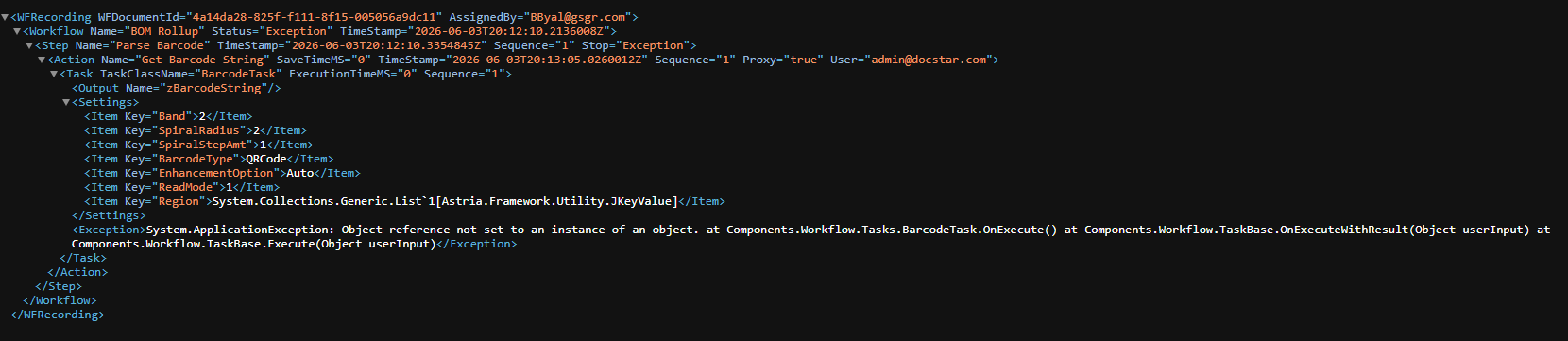
Components.Workflow.ActionException: Parse Barcode:Get Barcode String BarcodeTask Object reference not set to an instance of an object.
—> Components.Workflow.TaskException: BarcodeTask Object reference not set to an instance of an object.
—> System.ApplicationException: Object reference not set to an instance of an object.
at Components.Workflow.Tasks.BarcodeTask.OnExecute()
at Components.Workflow.TaskBase.OnExecuteWithResult(Object userInput)
at Components.Workflow.TaskBase.Execute(Object userInput)
— End of inner exception stack trace —
at Components.Workflow.TaskBase.Execute(Object userInput)
at Components.Workflow.ActionEngine.Execute(IDictionary inputs)
at Components.Workflow.ActionEngine.ExecuteNonUI(Boolean clientServicesAvailable)
— End of inner exception stack trace —
at Components.Workflow.ActionEngine.ExecuteNonUI(Boolean clientServicesAvailable)
at Components.Workflow.WorkflowEngine.ProcessWorkflowDocument(Boolean didAnything, Boolean enteringExecution)
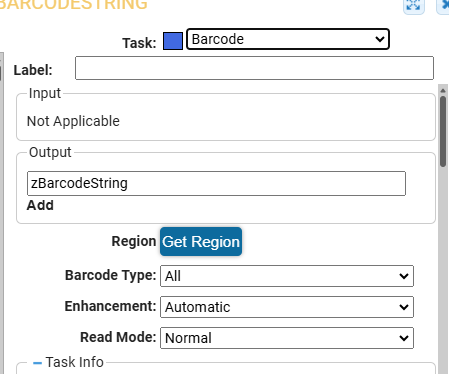
Have you tried an open-ended barcode scan as a test? I would remove the region and set the barcode type to All to see if it can get anything without limiting it first.
How are you importing that document into ECM? If you have a batch import type in the ECM Client, it might be worth looking into the Pre-Processing Documents options. I’ve had to use these a few times to force documents to render before they enter ECM to make the barcode and OCR tasks more reliable. I’d be curious if those Pre-Processing options can pick up something that the workflow isn’t able to yet. Lastly, do you know what that QR code is expected to return when it scans?
Have you tried simpler data? I think Your QR code has a bunch of carriage returns at the end of it. (when I scan it with my phone anyways). Maybe the data that’s getting assigned is tripping it up?
I’ve tried direct capture through the browser and using the outlook ECM widget.
The barcode is expected to return a tilde-delimited string. I tried a simple QR code with the value of “test” this morning and am getting the same exception.
Good thought. I didn’t see the carriage returns when using a web based QR reader. Sadly I tried testing with a QR code with the value of “test” this morning and am getting the same result.
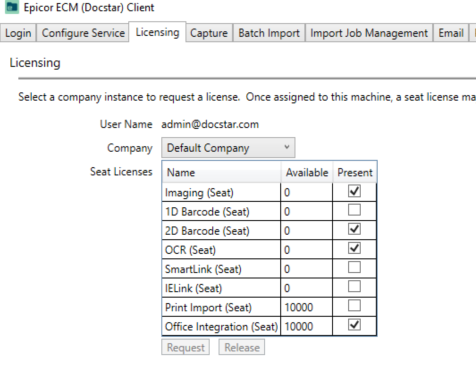
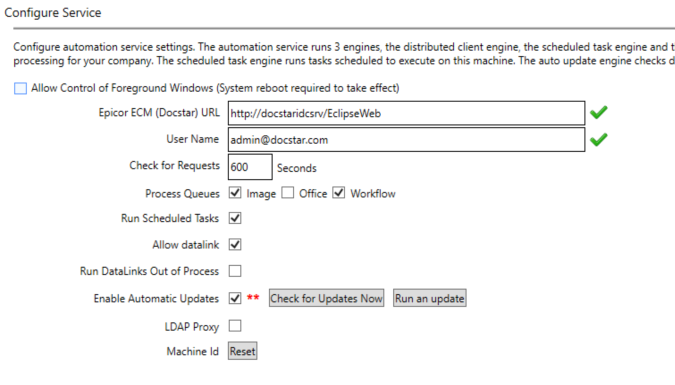
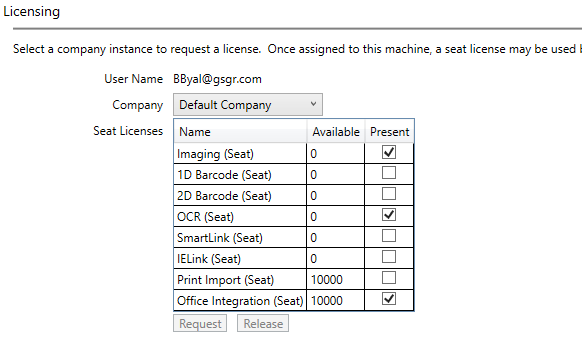
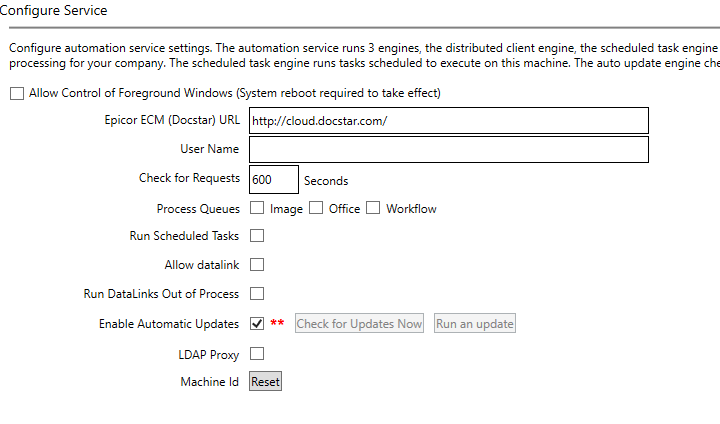
Confirmed enabled, but the license is on our ECM server’s client configuration, which uses a different login. Could that be the issue? ECM support had me configure it this way
Are you signed in as a user or the admin@docstar.com account to do the manual test? I wonder if there could be some permission issue as everything else seems to be configured just fine from what I can tell in the screenshots.
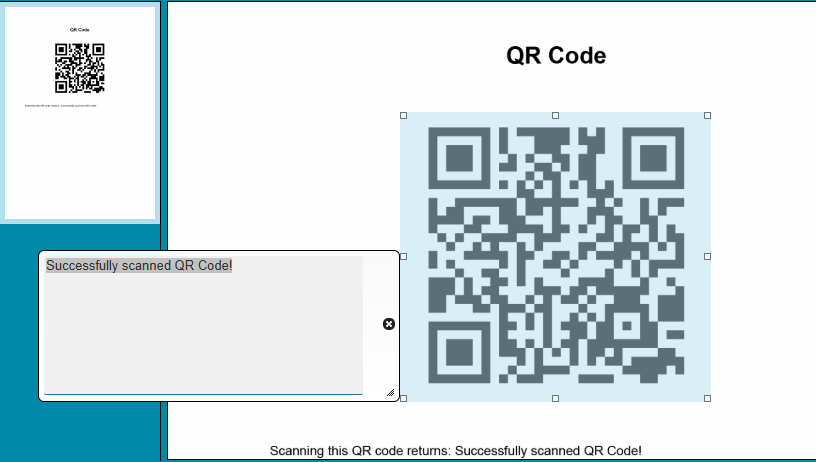
Also, could you provide the QR code without the region drawn around it? I’d like to test in our environment just to eliminate another variable in how the QR code was generated.
I was signed in as a user (me). I just now tried signing in on the ECM Client as Admin as well as in the ECM browser portal and still got the same exception.
He’s on premise, but I am wondering what version and if that plays any part in this not working.
@byalb, I ran this through our on premise environment (v25.2.97) and it works both manually as well as through the workflow task. Unfortunately, I’m not currently sure what else to offer without looking at it myself in greater detail.
@vleveris We are on version v24.2.156. And no worries, thanks for your help thus far. Going to push back at ECM support to see if this can be escalated further.