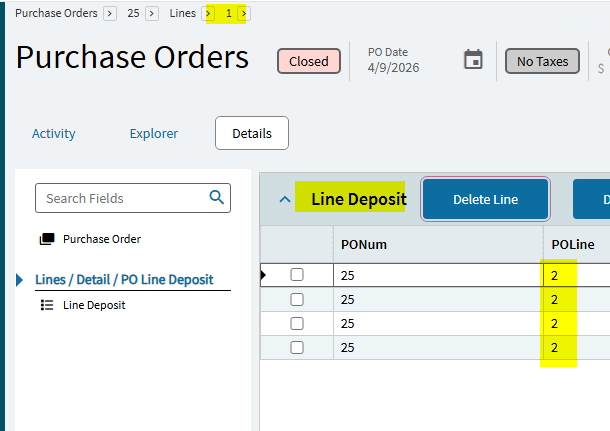
When selecting lines 2, 3, 4, etc., the breadcrumb still shows line 1. How can I fix this? details are given below
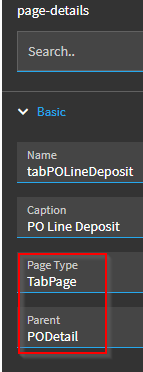
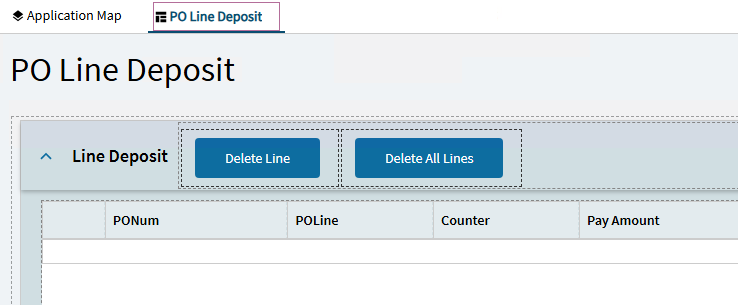
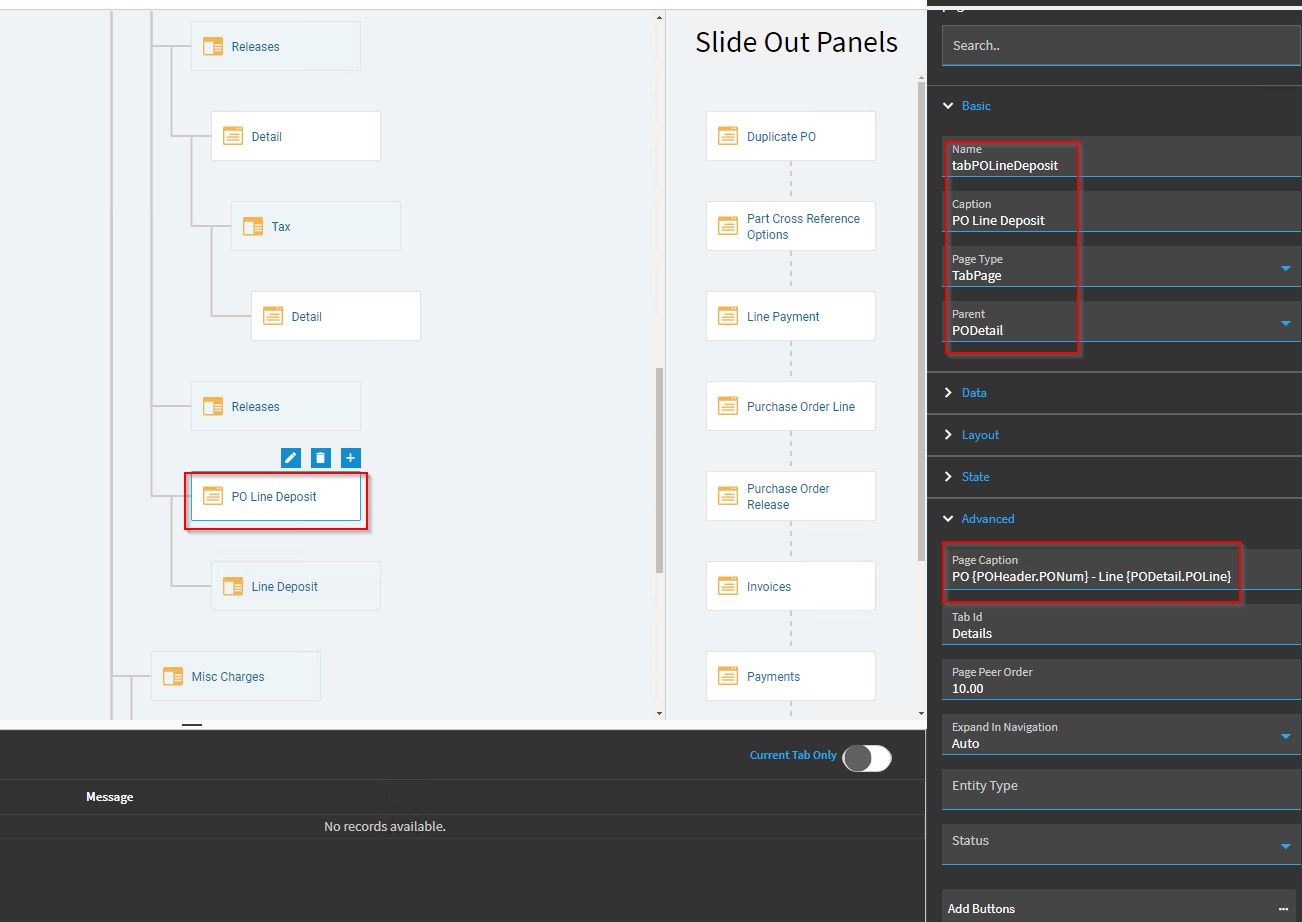
Added new tab in POLine → Detail
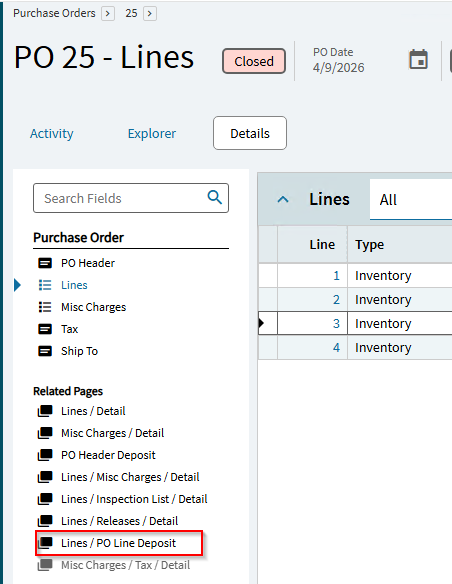
Lines Details
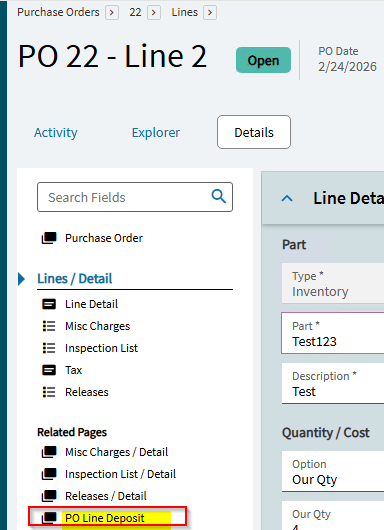
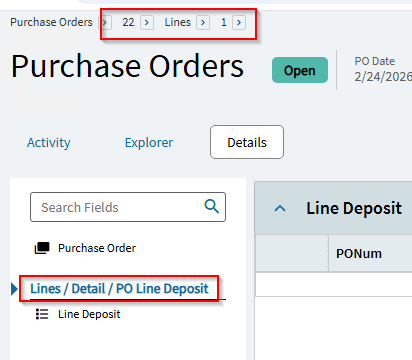
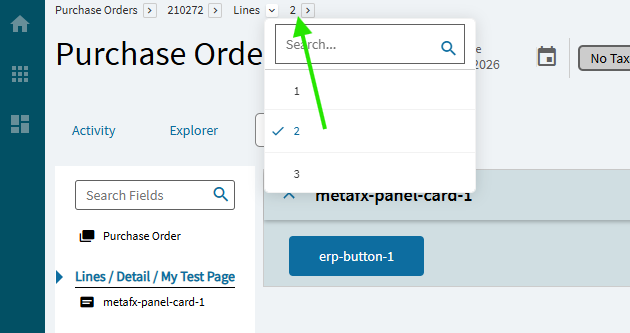
When selecting lines 2, 3, 4, etc., the breadcrumb still shows line 1.
at the top BreadCrumb showing line 1 How can I fix this?
@Evan_Purdy @Randy @GabeFranco @Hally
Randy
April 10, 2026, 12:57pm
2
Does the base layer work? If not then it’s a bug you’ll need to create a support ticket.
Yes, this is base-layer work.
klincecum
April 10, 2026, 2:44pm
4
He didn’t ask if it was in the base layer, he asked if it ran correctly when only running
When standard parts of the UI stop working, its typically because some epibinding deleted itself in my experience.
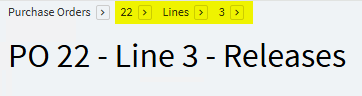
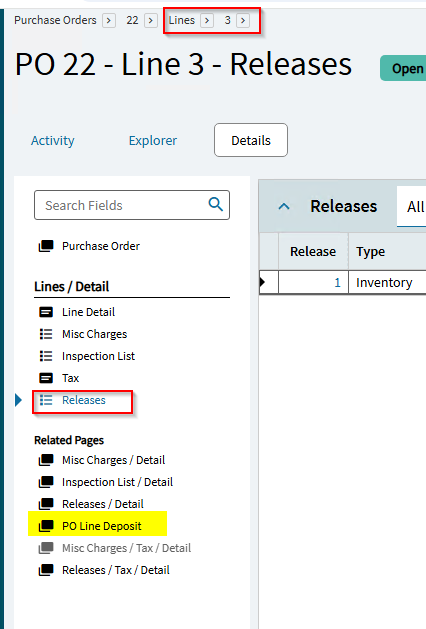
It is running correctly in the base layer
Even working correctly in the custom layer when selecting ‘Release’,
but it is not working on the new Custom tab page → PO Line Deposit
not working
@Evan_Purdy @Randy @Evan_Purdy @ERPRanger @aarong @GabeFranco
d_inman
April 10, 2026, 3:38pm
7
I wonder if in your Page Caption you need to use the dataview that you’re using on that custom page or the grid you showed above that’s on that page (I’m assuming, of course, that you’re using a different one than PODetail) for the line portion?
e.g. “…Line - {YourDataView.POLine}”
Did you solve this issue? I am having a similar issue and I’m not seeing and binding differences from base..
dcamlin
May 15, 2026, 1:59pm
9
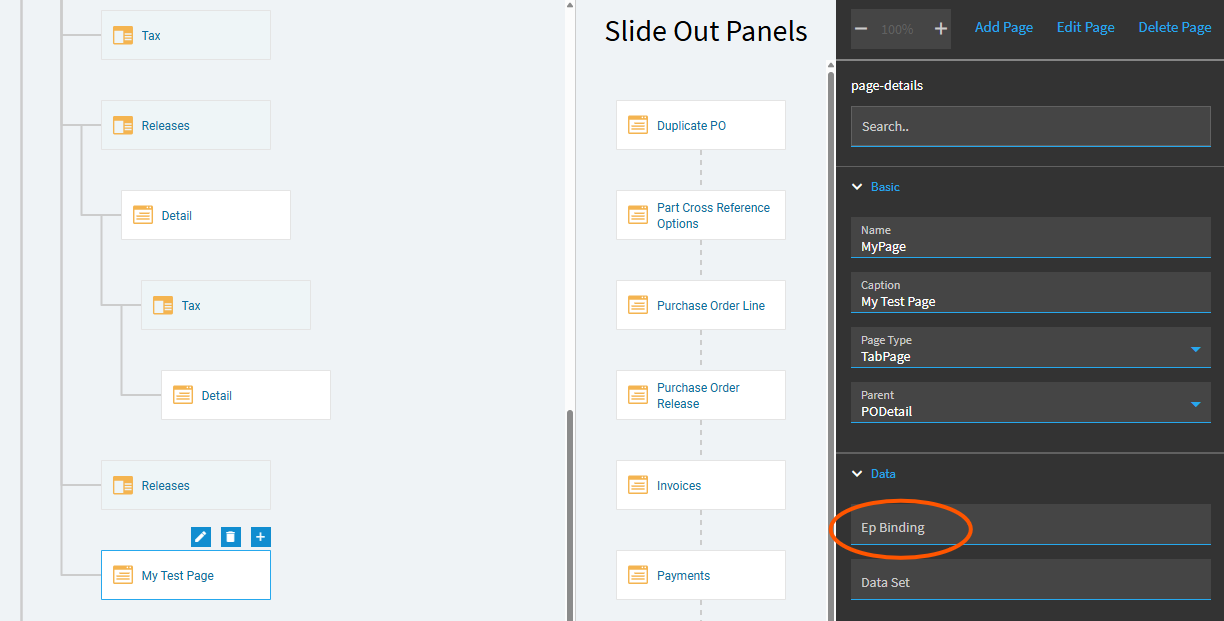
@Evan_Purdy the page’s binding is the key here.
No Binding:
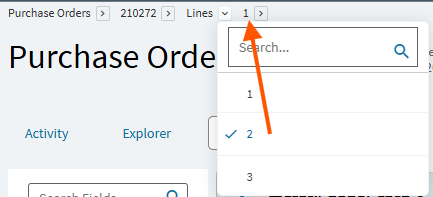
Even though I open PODetail Line 2, the breadcrumb bar still references Line 1:
If I set my binding to PODetail…
It matches up:
Not sure what page you’re working with… but the above worked in PO Entry.
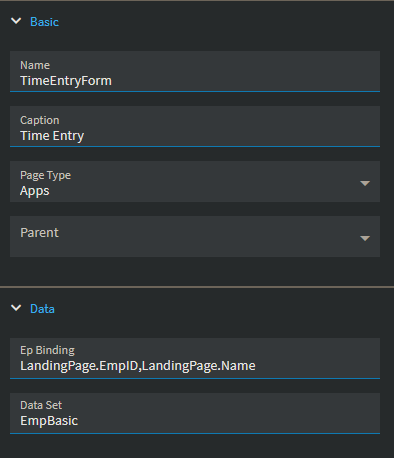
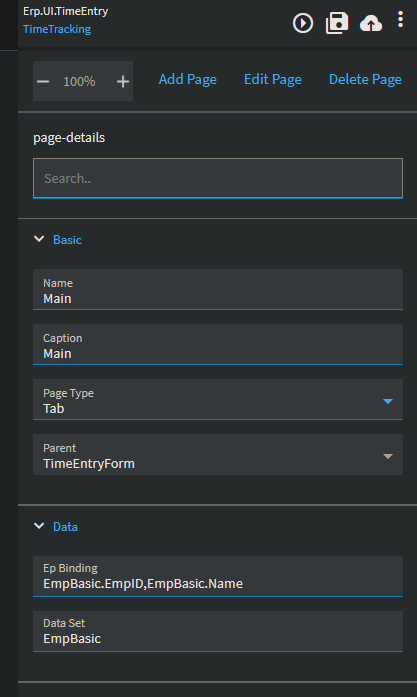
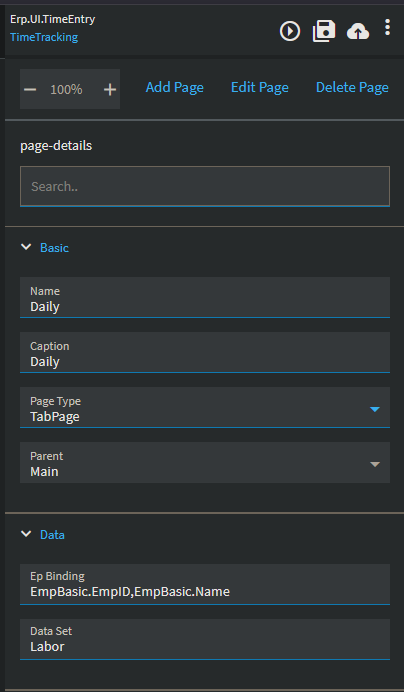
Time Entry - You can see I am on an employee that starts with R, but its showing the first one in the list, that starts with A:
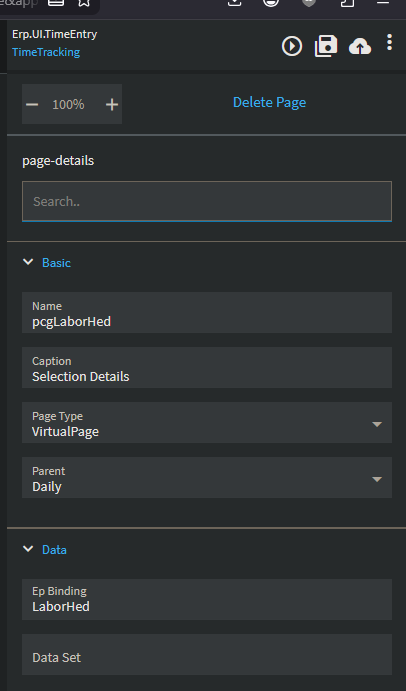
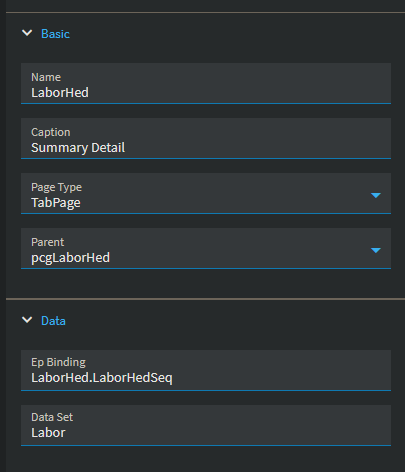
To me it looks like the entire chain is populated correctly.
dcamlin
May 15, 2026, 3:37pm
11
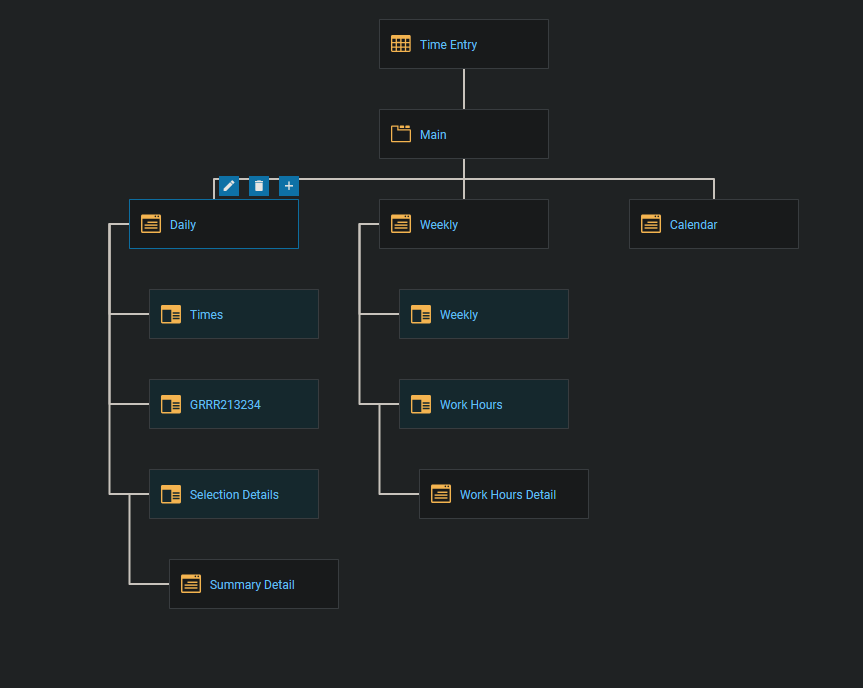
So, where is your added page? What does your application map look like?