Have a custom dashboard that no matter what I try, two fields are not showing up in the grid.
The two fields exist in the BAQ. They also exist in the dataview. I went to the properties of each field to check the ‘hidden’ checkbox, the checkboxes were false but I went ahead and clicked on them and then uncehcked them and the field showed up in the grid. Saved the dashboard, previewed it and they were gone. I then clicked on the overflow menu and selected ‘personalize columns’ and the fields were not in the list.
Next step was deleting the grid out. Added a new grid back in and used the wizard and marked the two fields as ‘visible’ with all other fields hidden. Previewed the Dashboard and the fields were not in the grid nor were they in the personalize columns.
The fields are not UD fields nor do they have security on them. I can run the BAQ and see their data with no issues. They also show up in a classic dashboard.
All of this has led me to think something is corrupt with the kinetic dashboard but wanted to see if anyone else has run into this?
EDIT: One additional datapoint, I can see in the trace the two missing fields do show up as being passed from the BAQ to the dashboard.
Likely something with the layer is corrupt. I’ve ran into this issue before, if deleting/re-adding the grid component doesn’t fix it I’ll always just delete and start a new layer.
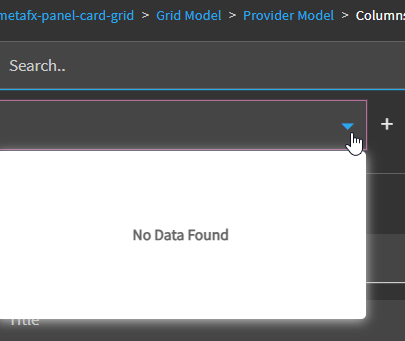
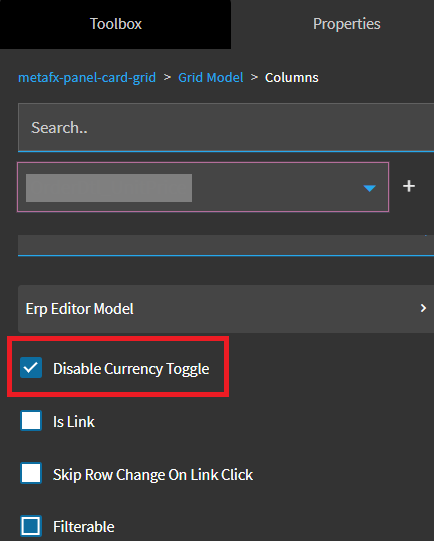
That has the list of fields from the dataview in the dropdown. The two fields do show up in this section. This is where I checked then unchecked the ‘Hidden’ checkbox that made the Title show up in the Grid. But when I previewed, they disappeared.
Yep. We were even told it got fixed. I am not sure if it got fixed and then later broken again, or never fixed, or what, however its reflexive for me now to always uncheck that box.