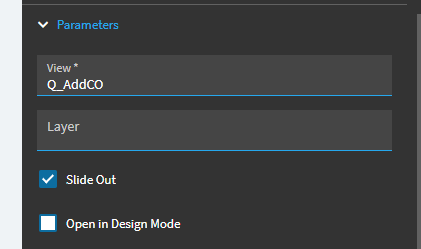
Since Sunday’s maintenance update, we are getting user by user issues opening a custom menu option from our MES screen.
For some users, it opens as normal.
And others get this error -
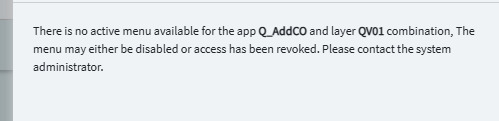
There is no active menu available for the app Ice.UIDbd.CurrentProduction and layer AZCones combination, The menu may either be disabled or access has been revoked. Please contact the system administrator.
Clearly the menu isn’t disable as some can access it and we made no changes to revoke this for certain users.
Confirmed, users getting different behaviors have the same access to both. Also, security managers are getting this now too so I don’t think its security related.
I removed the reference the layer and that resolved the issue.
No however, a previous “on blur” logic in the same application is no longer firing after the update. We are 100% sure this worked on Friday and only broke Monday. Are other users having any issues with Application logic after the update?
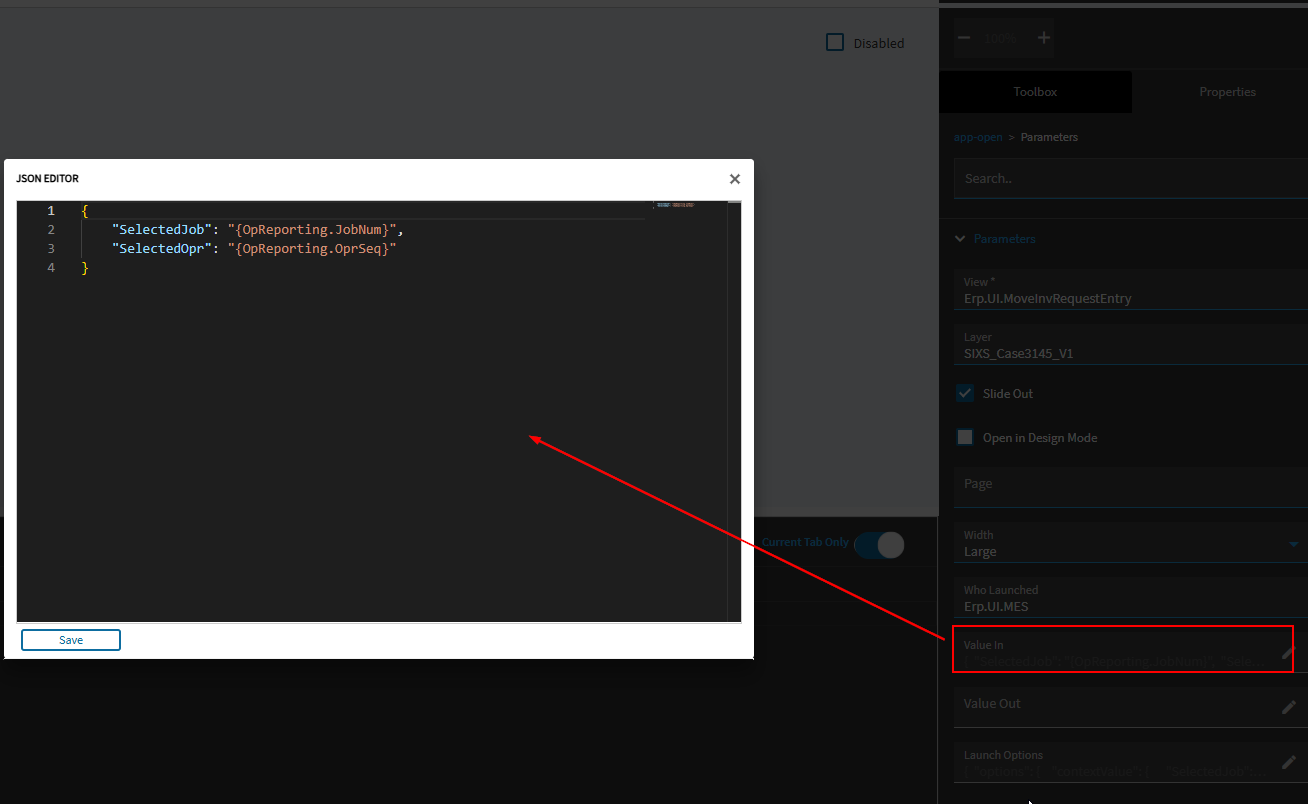
To pick them up on the custom receiving layer, you can reference them like this:
“%session.context.initialValueIn.ValueIn.SelectedJob%”
“%session.context.initialValueIn.ValueIn.SelectedOpr%”
We recently completed our Kinetic upgrade activity and are now on version 2025.2.5. Before the upgrade, we had implemented a customization using the App Open Widget to open a report menu and pass a parameter through the Launch Option.
However, after the upgrade, we’re encountering the following error when trying to open the app:
“There is no active menu available for the app VSSUB001 and layer VS_PassParameter_V02 combination. The menu may either be disabled or access has been revoked. Please contact the system administrator.”
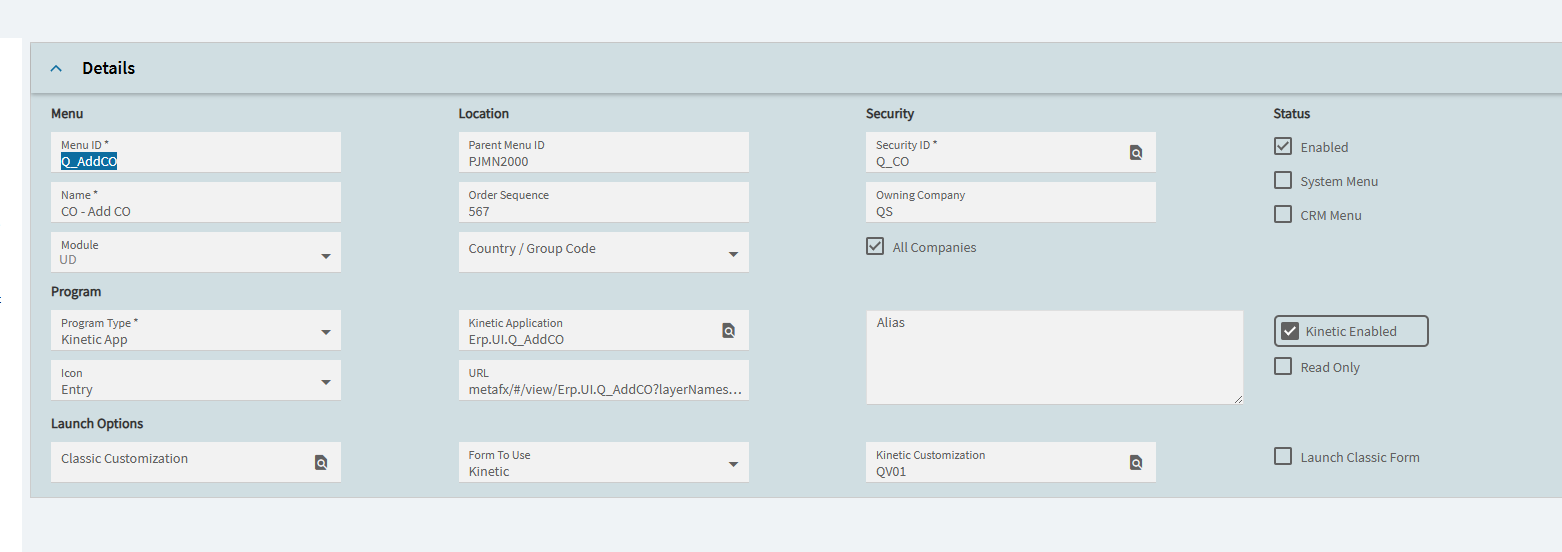
Here, VSSUB001 is the menu ID and VS_PassParameter_V02 is the attached layer.
We’ve verified that removing the layer reference from the App Open Widget and detaching it from the Menu Maintenance allows the app to open successfully. Also, when we test other apps using App Open, they work fine — the issue only appears when a Kinetic layer is attached.
Has anyone faced a similar issue after the upgrade or found a workaround for this behavior? Any guidance would be appreciated.
I have had upgrades corrupt multiple applications like this. One thing to try is exporting it. Will it export at all? If it does, is there anything in the json or is it empty? If you can export it and there is actually something there, delete then reimport, that sometimes fixes it.
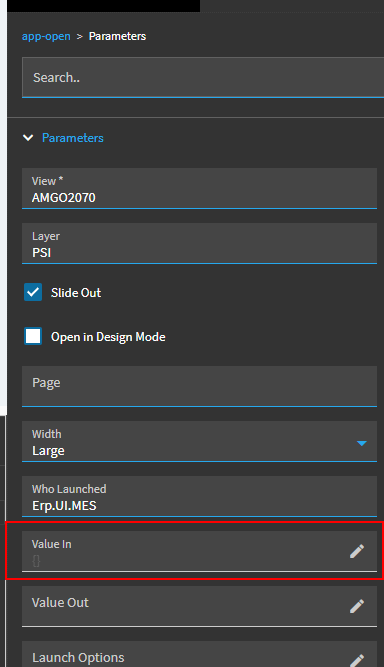
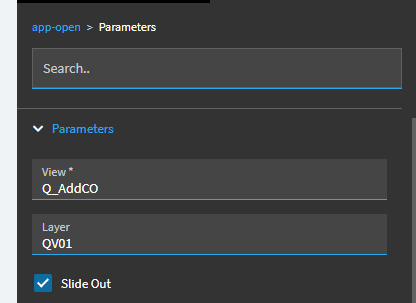
You have to put the name of the application and the name of the layer, not the menu id. It’s changed back and forth several times. And I am pretty sure it still only works in the browser, I never got an ETA on making it work in the client.
Thank you so much ! That was the application name that was needed so I had to add the ‘Erp.UI’ at the beginning. Also, I still have the layer and it works