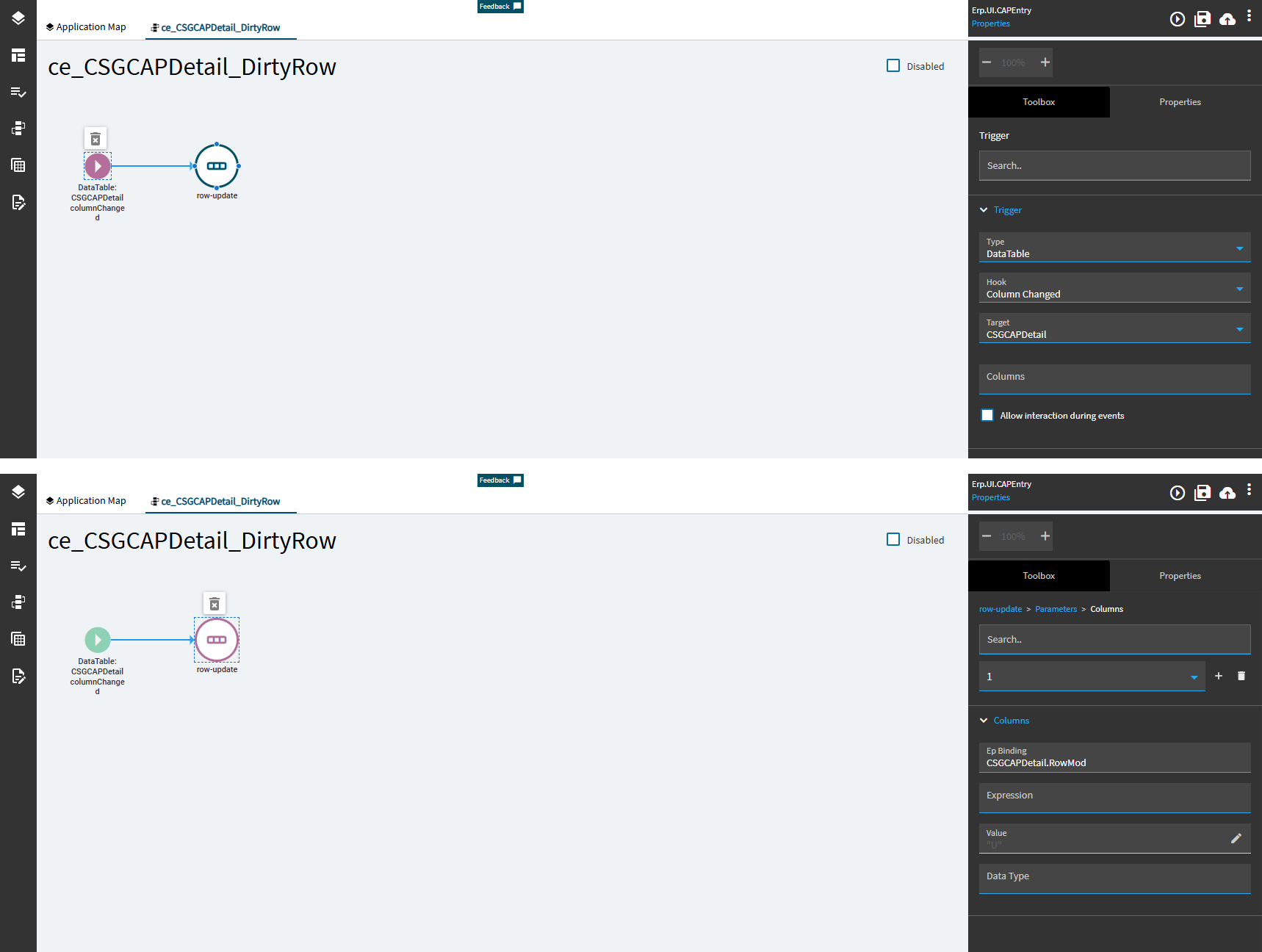
I’ve successfully done this is the past but something it’s all gone wacky this time.
Basically am following steps from @hmwillett post below
The problem I am having is that updated rows are not getting the changes saved to the database, they appear to have changed until I hit refresh, but they have not been saved.
What I see from the trace, network tab, is that the payload for the uBAQ has all the rows, but the rowmod is set to null, even for the rows that have changed.
I’ve made sure the grid is editable, the columns are editable, and all required/key fields in the uBAQ are also in the Data/GridModel/Columns for the grid.
I’ve tried setting the corresponding view name in both Data/GridModel/EpBinding and Data/GridModel/ProviderModel/EpBinding (individually, not both at once)
Also tried setting the uBAQ name in Data/GridModel/ProviderModel/BAQID, although I don’t normally need this since the Grid is tied to the View which is tied to the uBAQ