Hello,
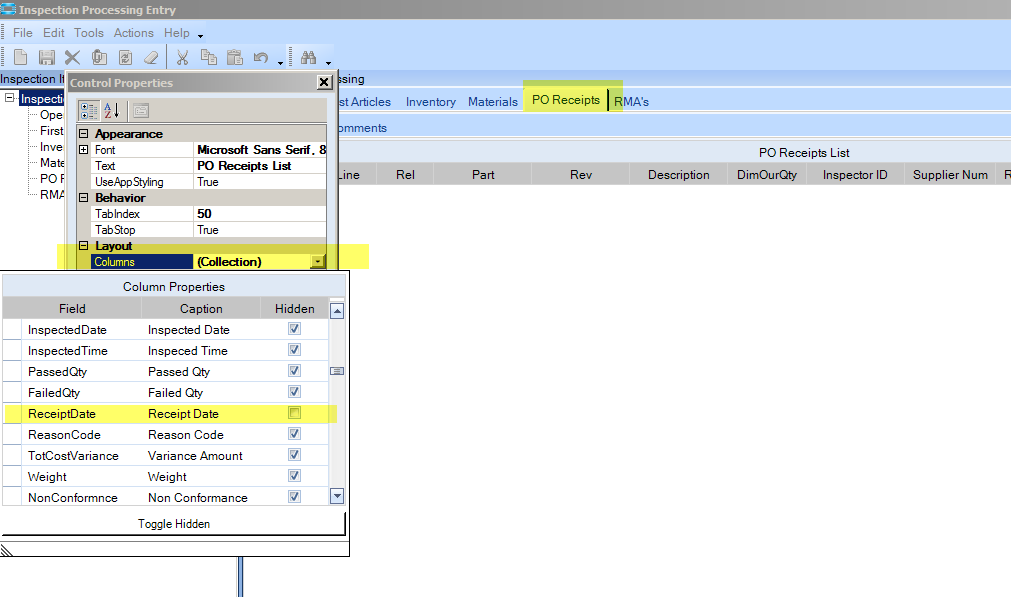
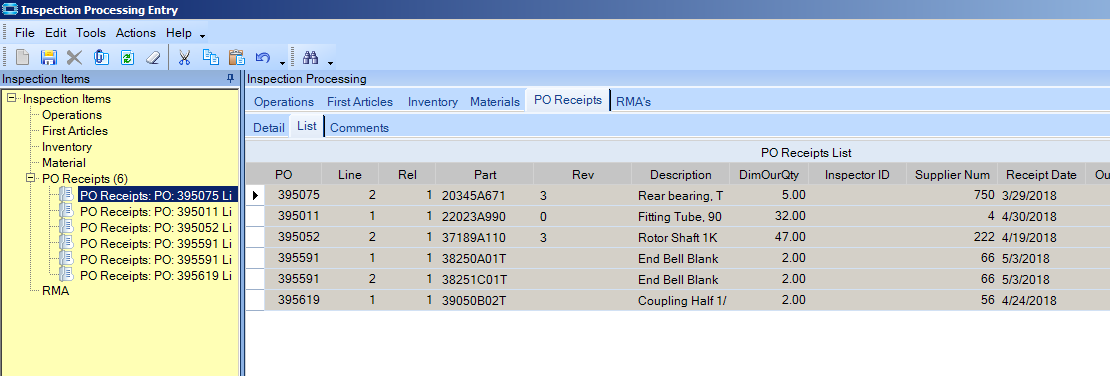
I have someone asking for a dashboard to see active inspections with the dates the purchased parts were received into inspection.
Not sure I am explaining well.
He wants to recreate the search from Inspection Processing Entry but include the date purchased part was received by shipping and checked in. Example of the search screen in question below.
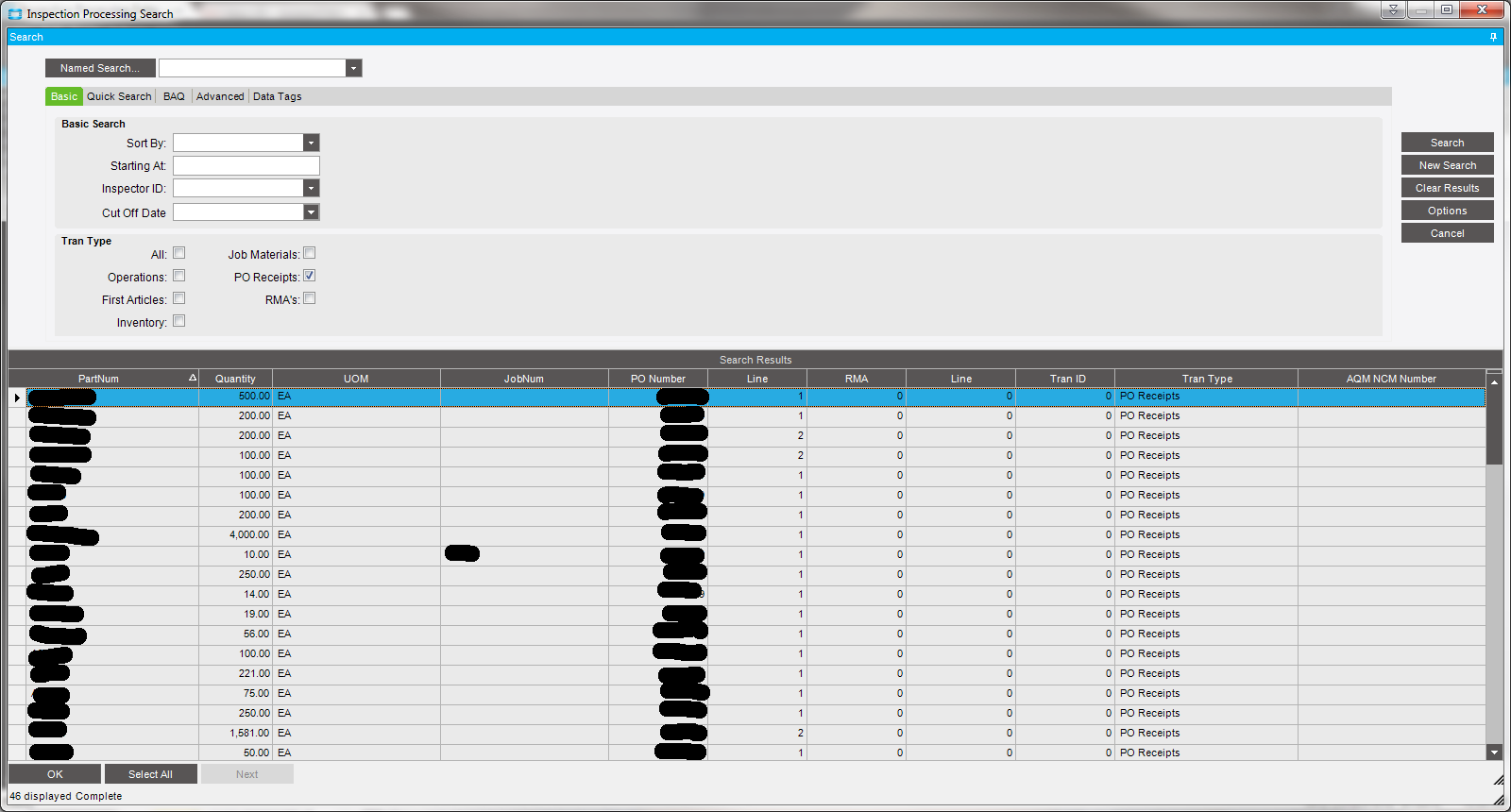
If that still doesn’t make sense, please let me know and I will try to get more detail.
I have found the fields in question in the Erp.RcvHead (ReceiptEntry - date), and Erp.RcvDtl (Partnum, JobNum, PONum, OurQty, IUM, InspectionReq, WarehouseCode, BinNum, Company fields) tables.
When I create the BAQ with those tables and put a table criteria on RcvDtl of InspectionReq = 1 and BinNum = IMQA, I get 1228 results. I need to see if I can get it down to the 48 results like shown in the picture.
Any and all help/ideas are appreciated.
Thanks,
Shawn