Hi everyone,
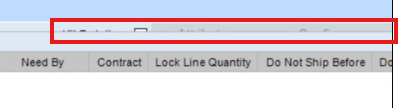
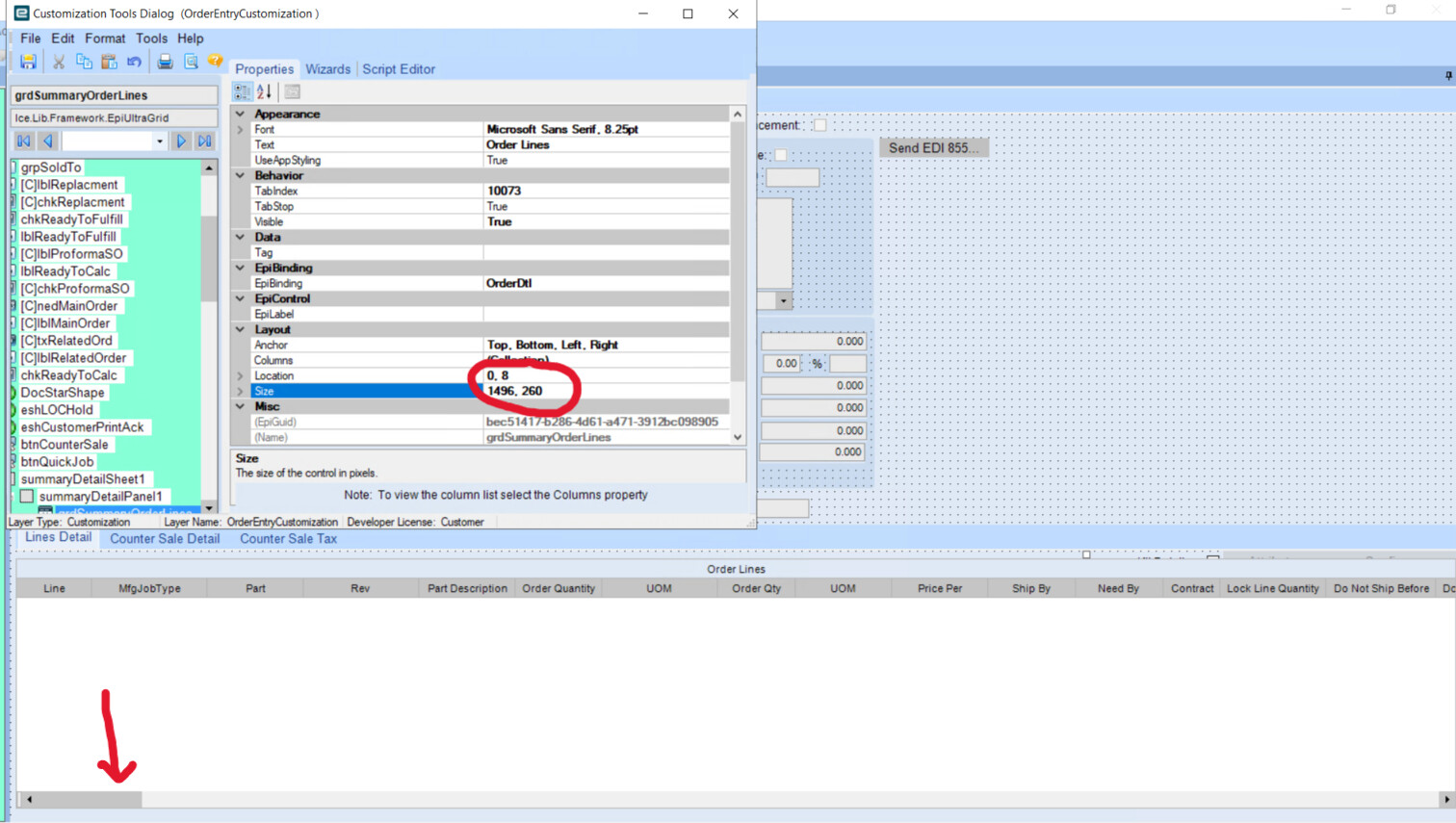
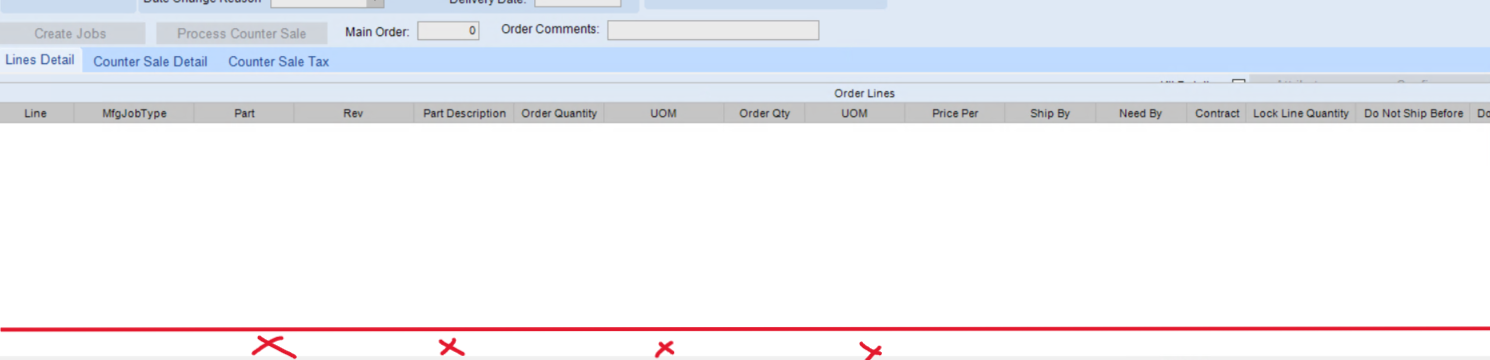
I’m running into an issue with the horizontal scrollbar on the Order Entry screen (Line Details tab). When I resize the grid in Customization, the scrollbar appears as expected. However, after closing and reopening the screen, the scrollbar disappears and the grid settings seem to revert or change.
Has anyone experienced this before or know what might be causing it?
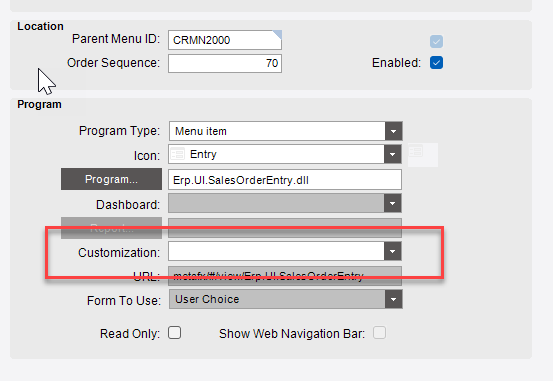
its been a while for me but dont you have to set this customization as the default for order entry for it to load it every time? i think its somewhere in menu maintenance about halfway down the main screen.
Verify you have the custom layer set in Menu Maintenance like @Joe_Tahan suggests
I haven’t changed the customization at all, I’m using the exact same one throughout. The issue is that the scrollbar is visible right before I close it, but once I save and exit, it disappears. Every time I reopen that same customization in developer mode, the grid settings seem to revert or change on their own.
Been awhile since I worked in classic but sometimes the customization can get corrupted. Have you tried this with a new copy of Base? That’d at least verify if it’s something with your current customization or something else.