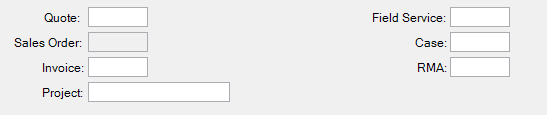
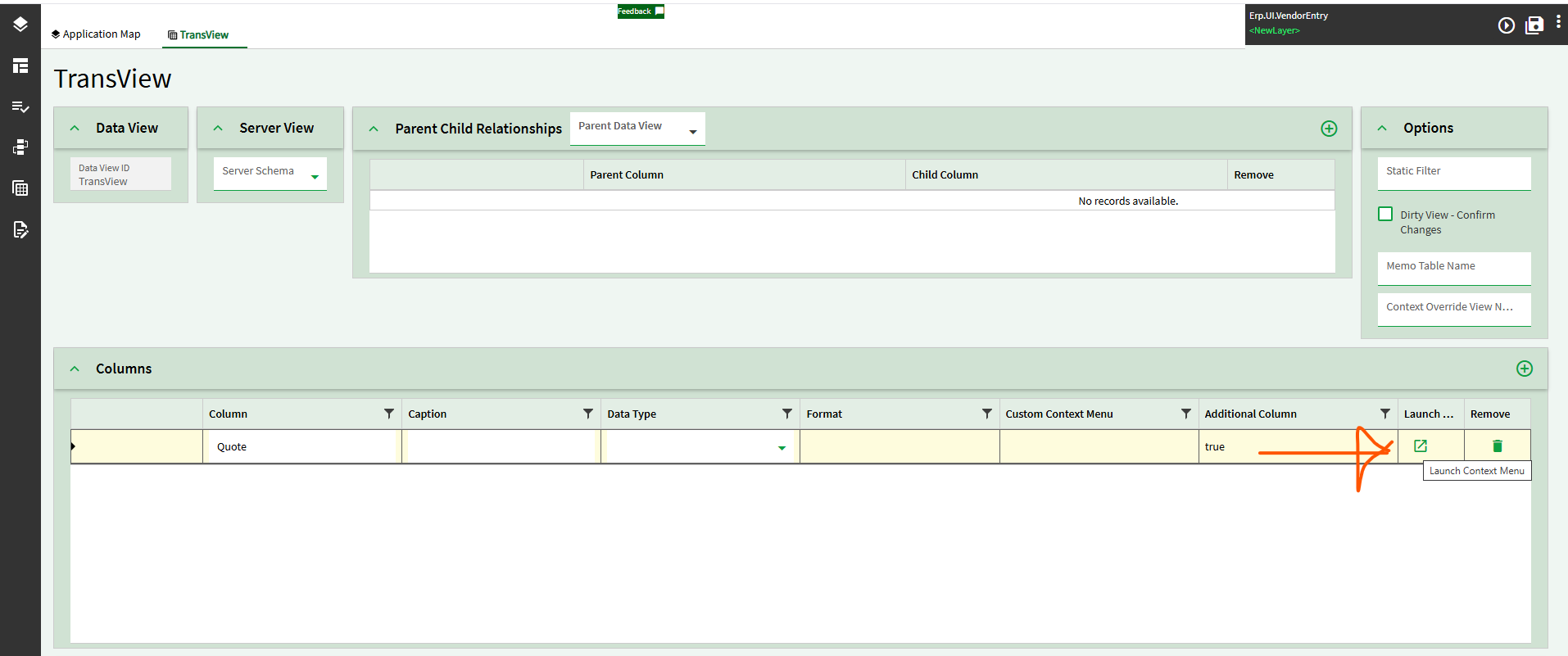
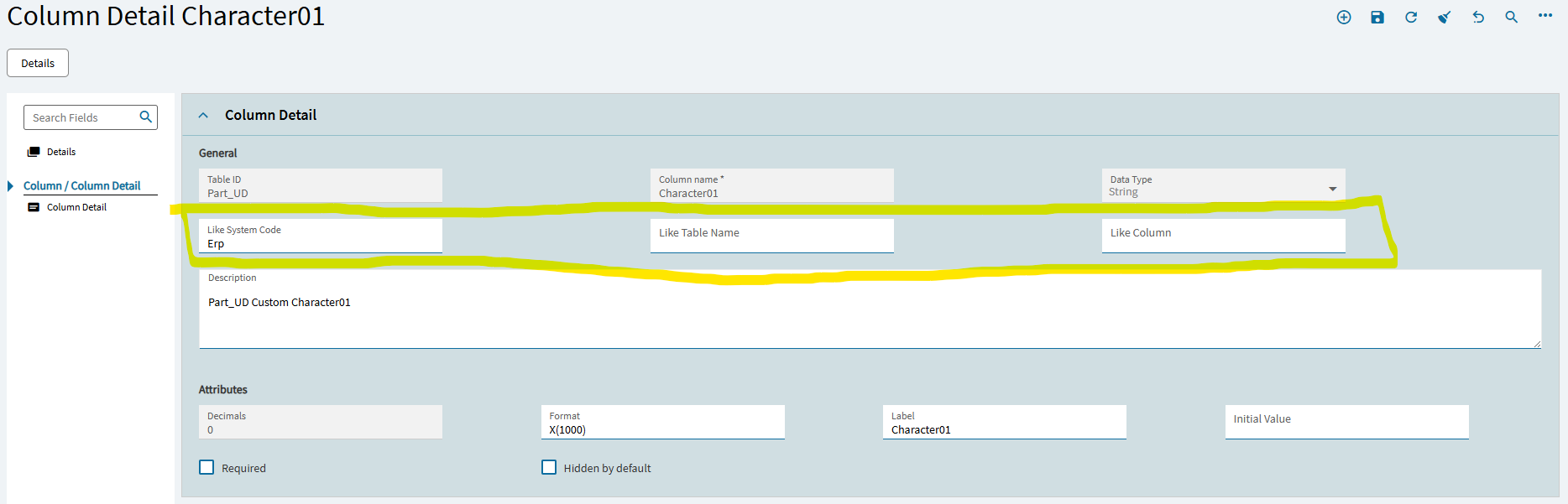
How do I setup a EpiContextMenuKey on a UD table application studio erp-text-box so that I can right click the field and open with like I do in a classic form customization?
Is it even possible?
Please help!
Thanks,
Richard
How do I setup a EpiContextMenuKey on a UD table application studio erp-text-box so that I can right click the field and open with like I do in a classic form customization?
Is it even possible?
Please help!
Thanks,
Richard
Oh boy are you in for a treat! I am in the process of writing up this exact scenario. I hate it. Hang in there I’ll have it by the end of the day. If you want, take a look here to see all the trouble we went through: Custom Part Context Menu Open With
One thing I didn’t go into here was the type of field you are right clicking on to get your context menu. In my case I was using part number, so I could use the Part context menu. What exactly are you trying to right click and open?
These are all UD14 characterxx or shortcharxx fields.
Thank you!