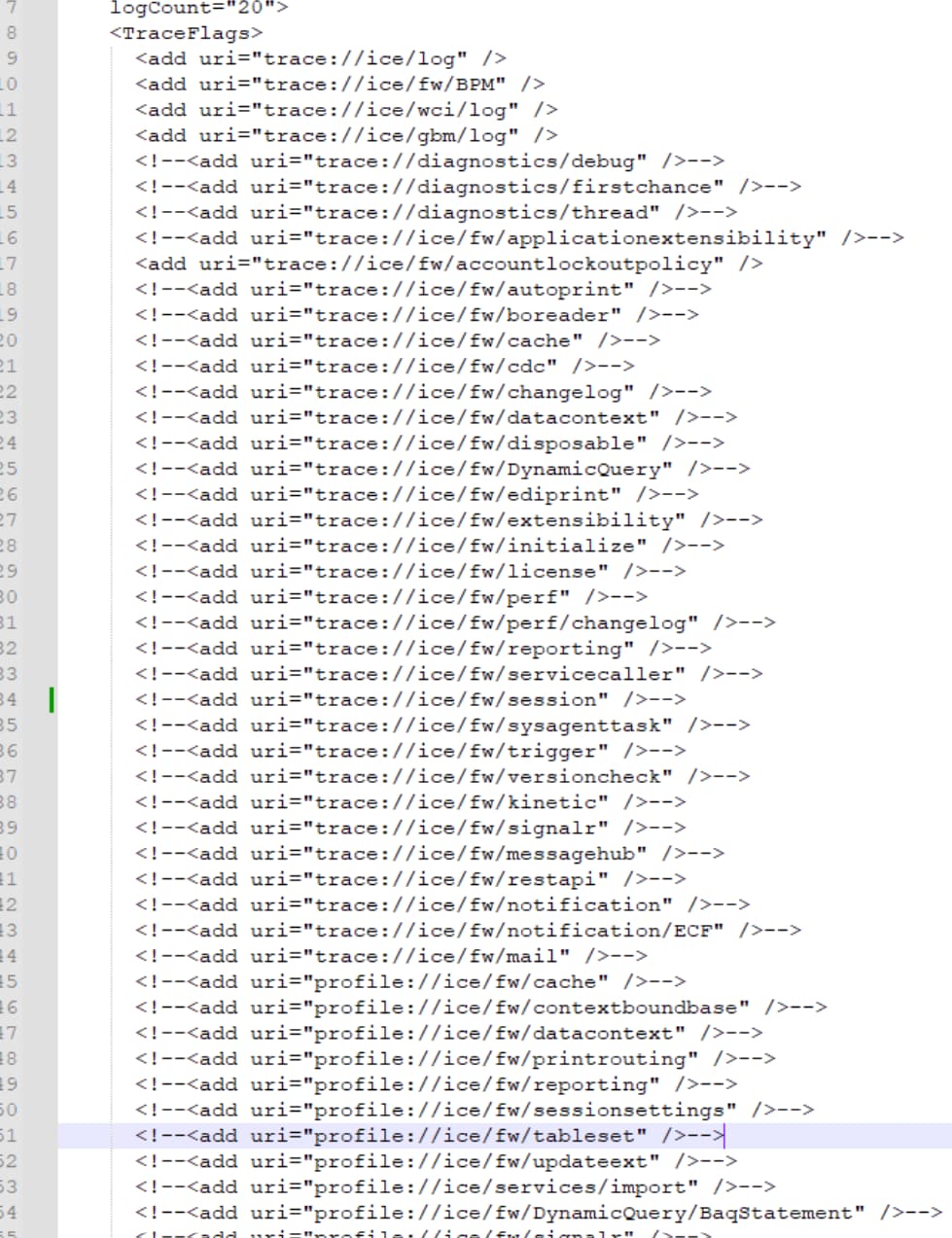
How do you enable these in the Cloud, sometimes you just need them in the heat of the moment, should be a 30 second task?
2 Likes
You don’t.
2 Likes
2 Likes
You may be able to sweet talk support into doing it, but I dunno.
You have not even written function for that  ?
?
10 Likes

2 Likes
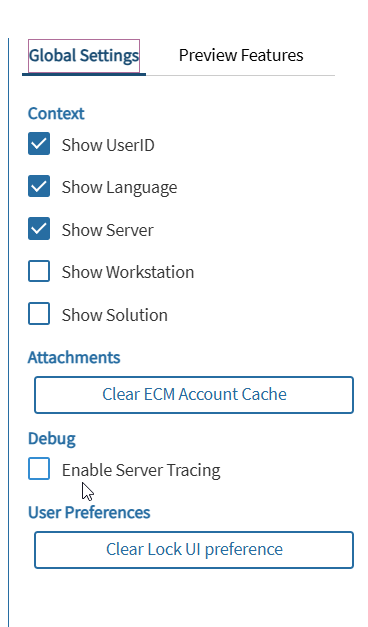
that is supposed to be for this specific client UI - return traces to the client. Not sure that was added to browser UI though.
1 Like
I’m browser only and it’s there.
Well, the idea was that I could specify flags in the client settings to send them back to me.
With just a checkbox you will probably get what was already set in that config file.
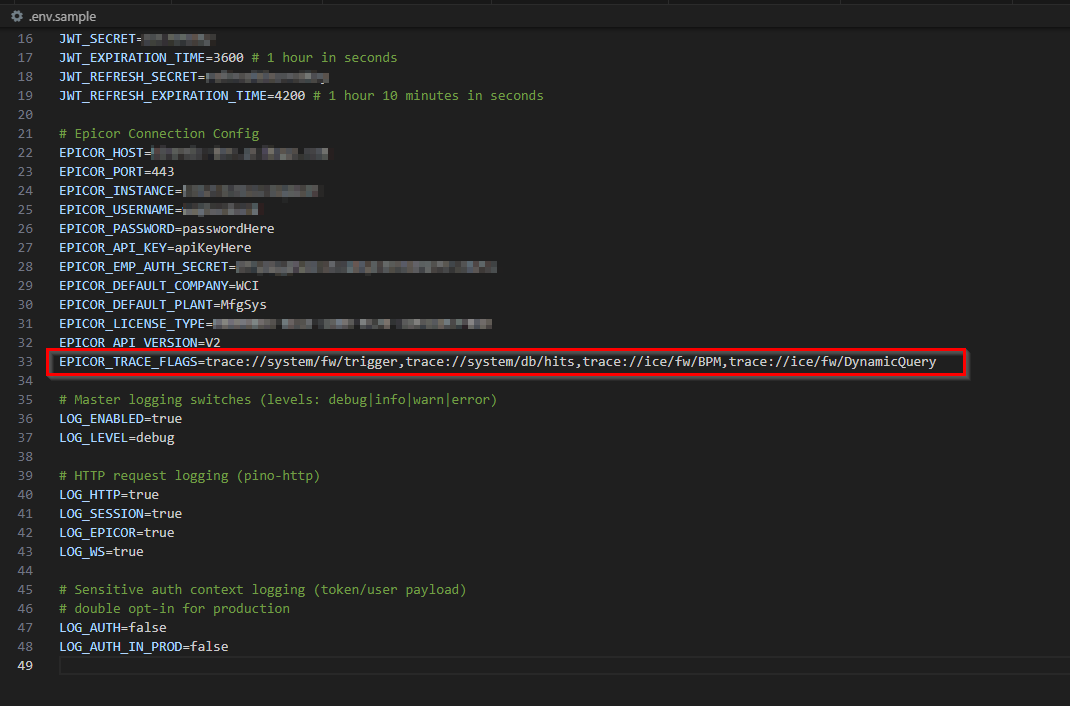
Here Jose made it working in his library
2 Likes
I’ve been trying for weeks. First they insist it IS on. Then I prove its not. Then

3 Likes
Appserver logging availability
All Public Cloud environments have appserver logging enabled by default. These logs are accessible through Server File Download > Admin > appserverlogs.
In other cloud environments–Multi‑tenant/Express, US Gov Cloud, Enterprise, and Life Sciences–appserver logging is not enabled by default. Support can facilitate for a limited duration. When enabled, logs are provided directly to Support and are not accessible to customers.
Appserver logging types
At this time, the ability to modify appserver trace flags in cloud environments is not available.
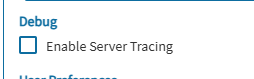
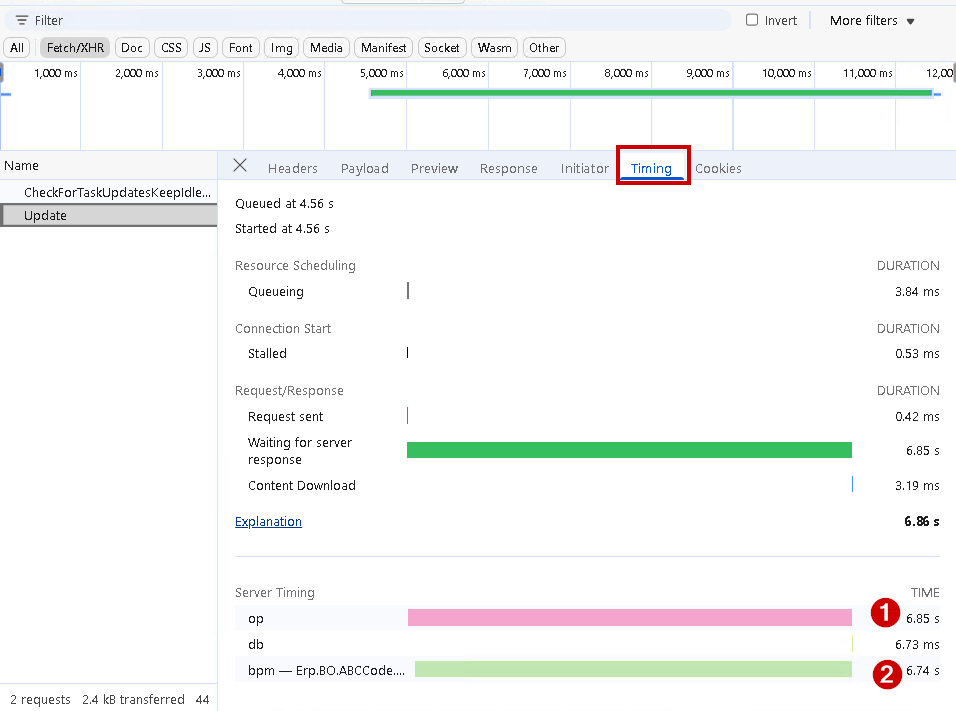
Debug > Enable Server Tracing
When selected, and if appserver logging with the trace://ice/fw/BPM type is enabled on the server, the DevTools > Network > Timing tab will display how BPM directives contribute to the overall request execution time.
10 Likes
I know haahaha I was like Olga!! haha 
1 Like
I didnt know the profiling tab shows the timings, nice!
2 Likes
@klincecum was preoccupied, but I got his back.
1 Like