Nice work and thank you.
1 Like
You also need to create the Report Style from scratch. Tie that to the RDD and use the Actions menu to create the folder in SSRS.
Ok, this report might be the death of me hahaha. I have to run, will play again in a bit with it. As always thank you!
Right, AMAZING!
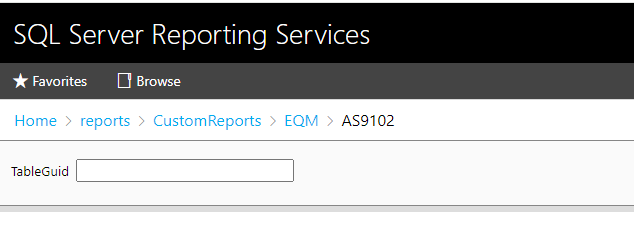
I did that, when you try to run the report it opens a browser to reports/InspRpt and prompts for GUID to run.
Did you create a menu item and select Report as the Program Type?
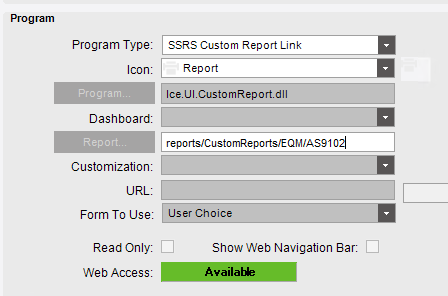
I don’t think that is what you want for the Program Type. Can you screen shot all of the options in the dropdown?
I’ve tried URL Link as well, same results.
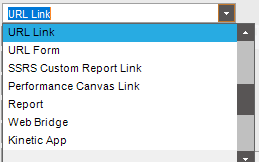
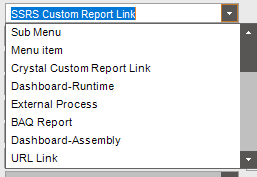
I believe you want to select Report
Has TableGuid in report. No matter what option from the menu it pulls the URL correctly but wants a GUID id.
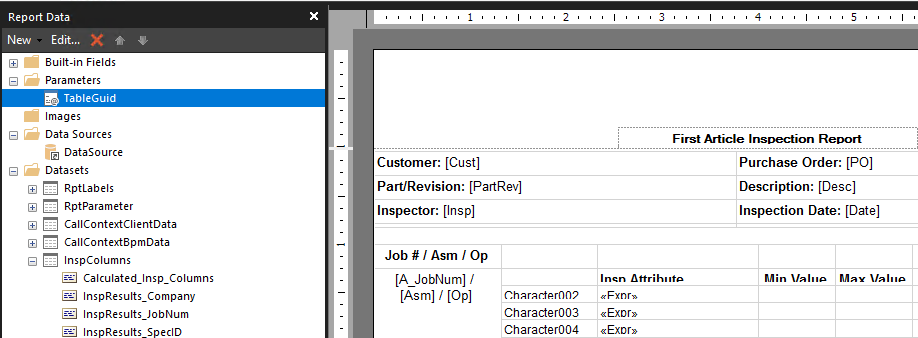
Epicor should be generating that just like all of the other reports. I’m not sure why yours is not. When you run the report, what does the System Monitor show?
Changed back to report after your suggestion, reboot. It runs, but blank…wah wah wah…I’m so close doh.
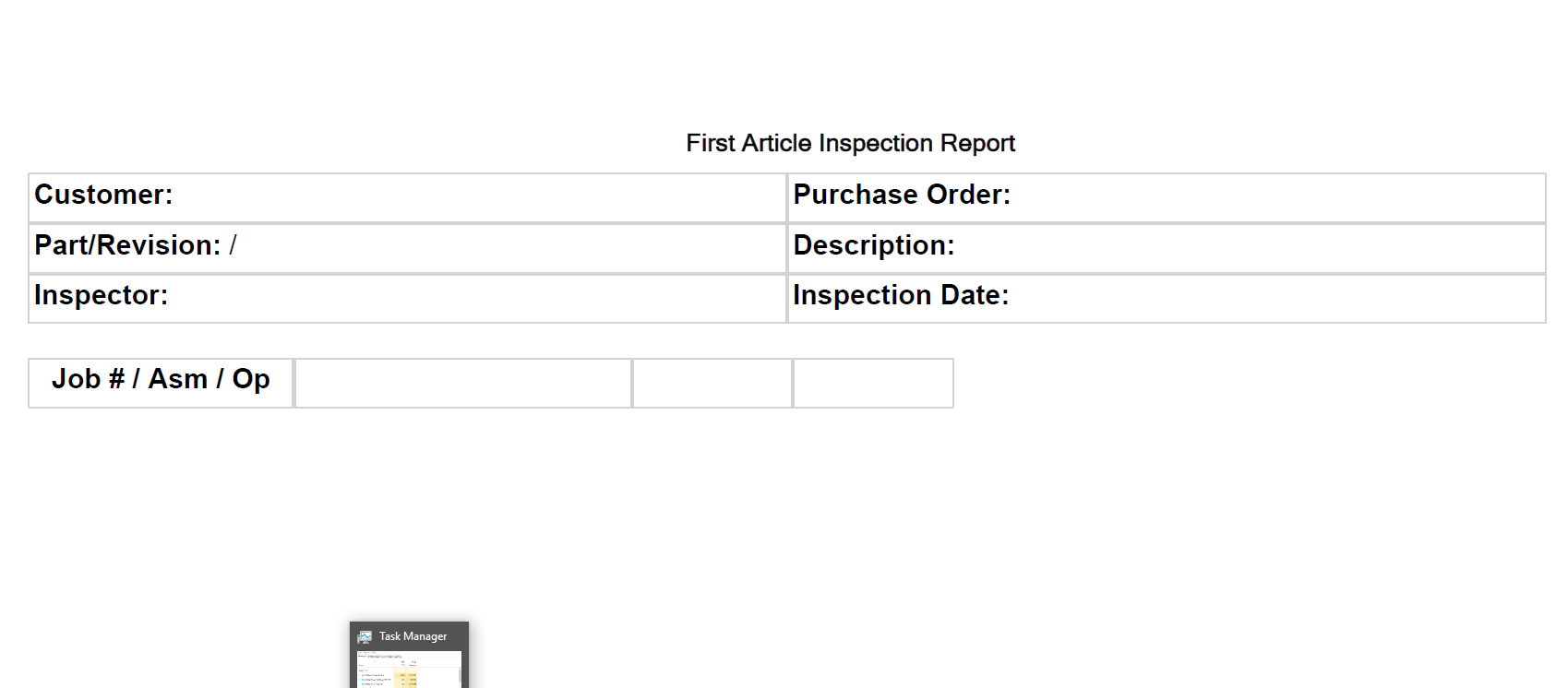
Are you on prem? If you are, you can query the SSRS Report db to see if any data was created.
1 Like
I am, ok…good thinking. Thanks. My head hurts lol. I hope I can meet you someday to shake your hand. This was a monster of a report and you’ve been so helpful. I’ll circle back as soon as I can. Hopefully, I can do the rest from here. 
1 Like
Or buy you a coffee, your favorite drink. I owe you one for this share…something!
No worries, just trying to give back to the community.
2 Likes
My keys aren’t storing the job number 
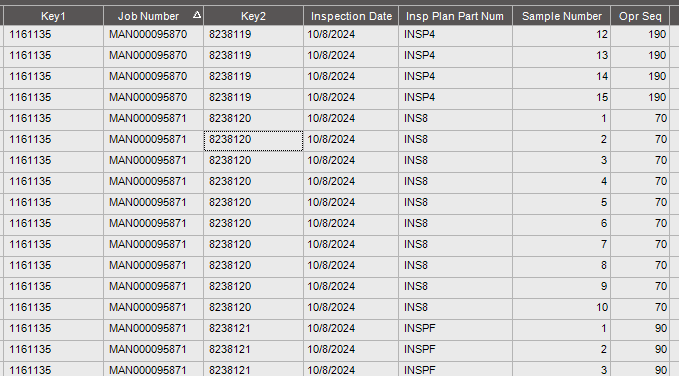
Hence, no data on the report.
That’s right, Key 1 is the inspection or specification ID? Sorry, I forget what the keys are and where the job number comes from. I’ll have to review the BAQs again to try and job my memory.