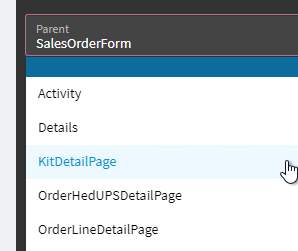
Kinetic 2022.2 / browser Chrome
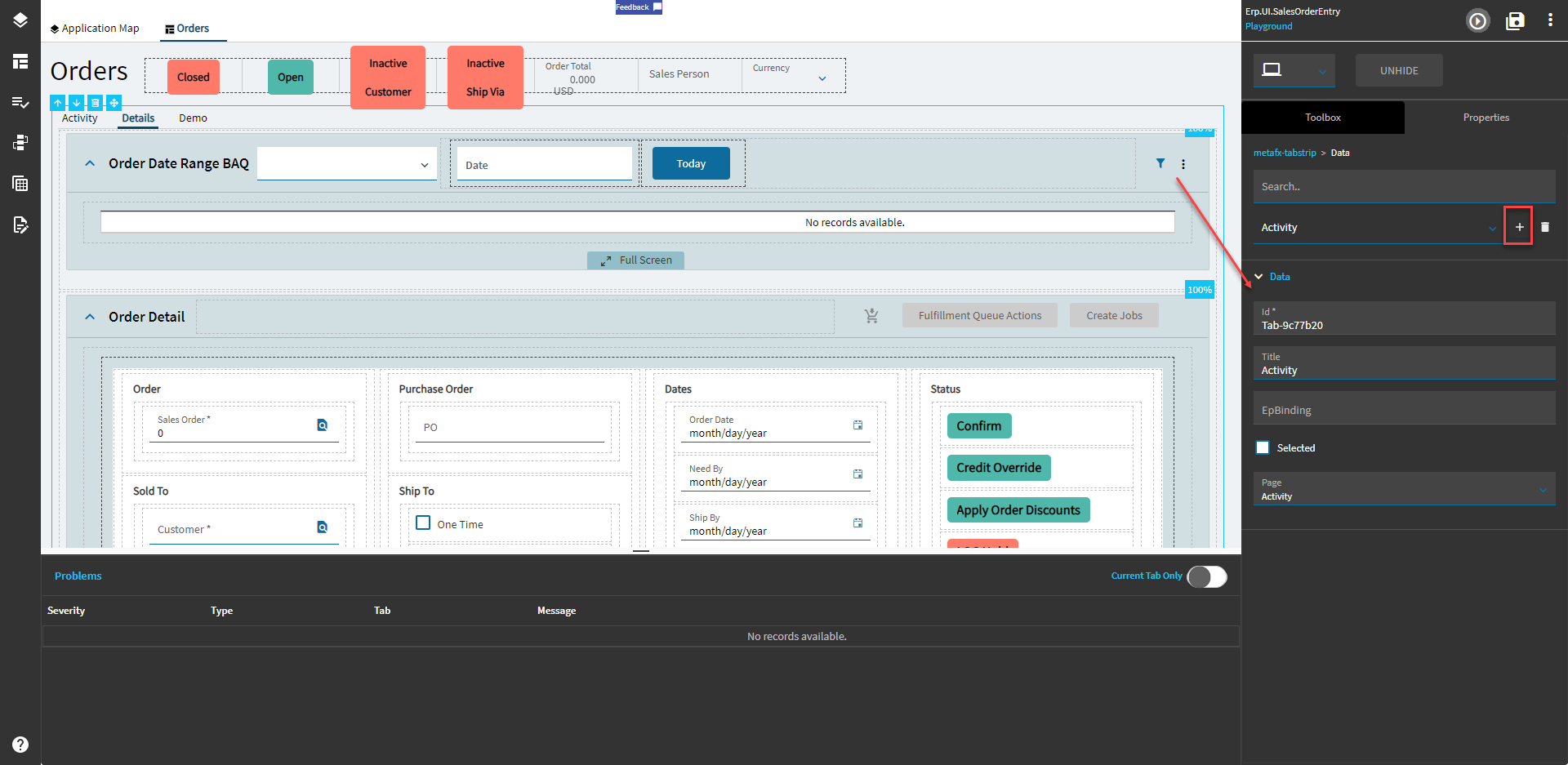
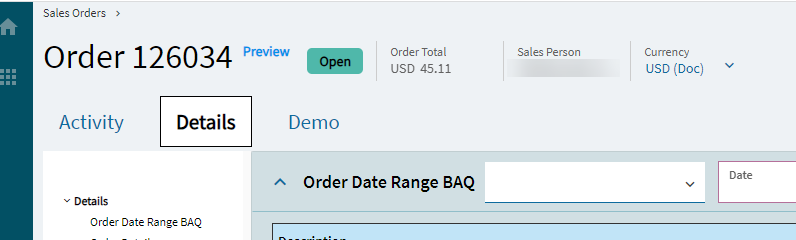
In e.g. sales order entry I want to add the tab page “Demo” as shown below.
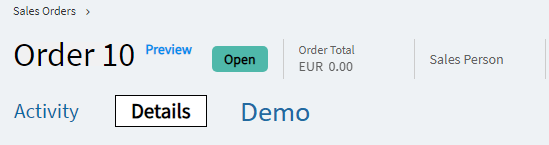
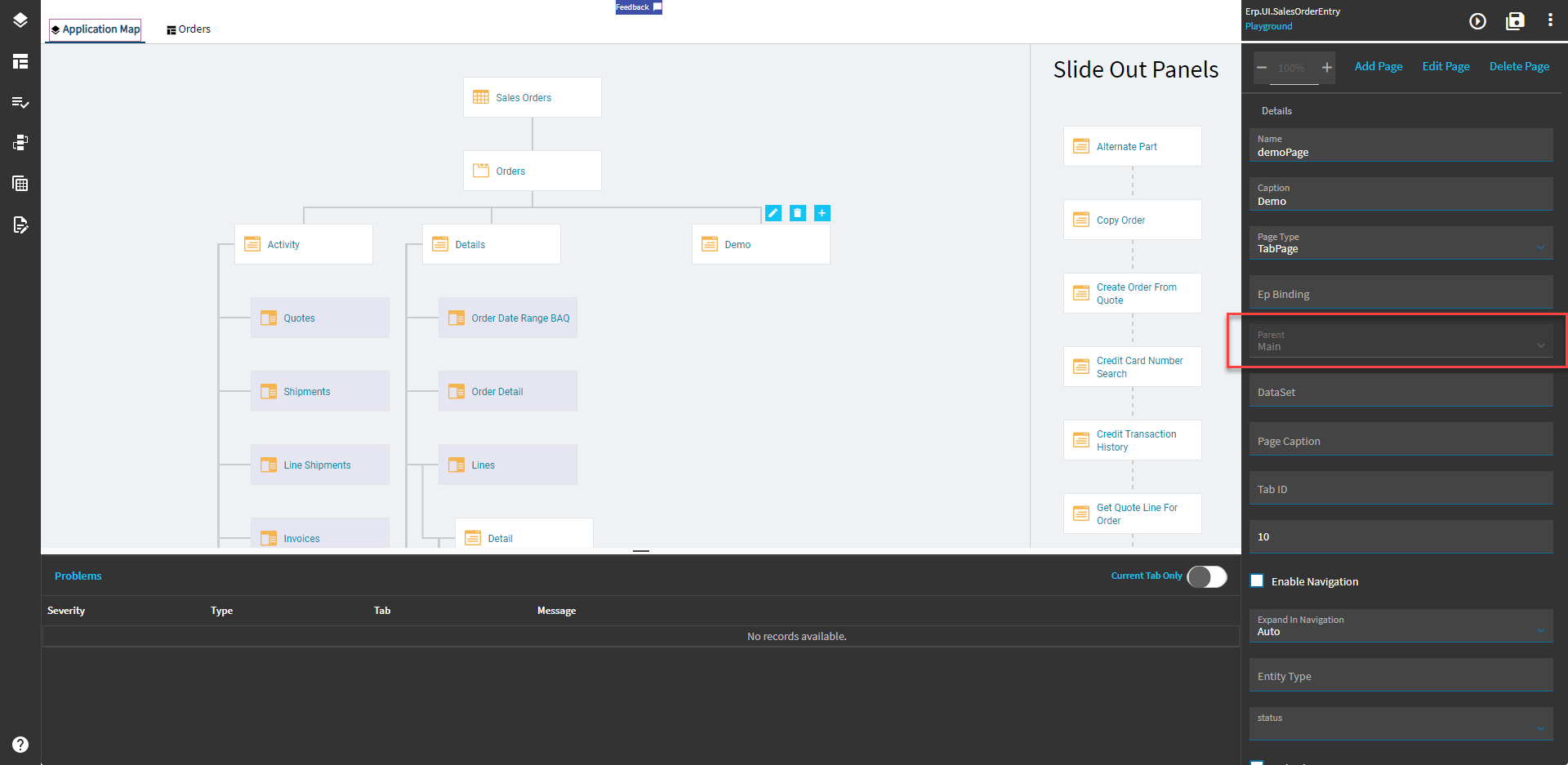
I add page “Demo” as shown below. All page properties are defined similar to the properties of “Detail”, except for page type which remains type “Page”. Page type of “Details” is “TabPage”.
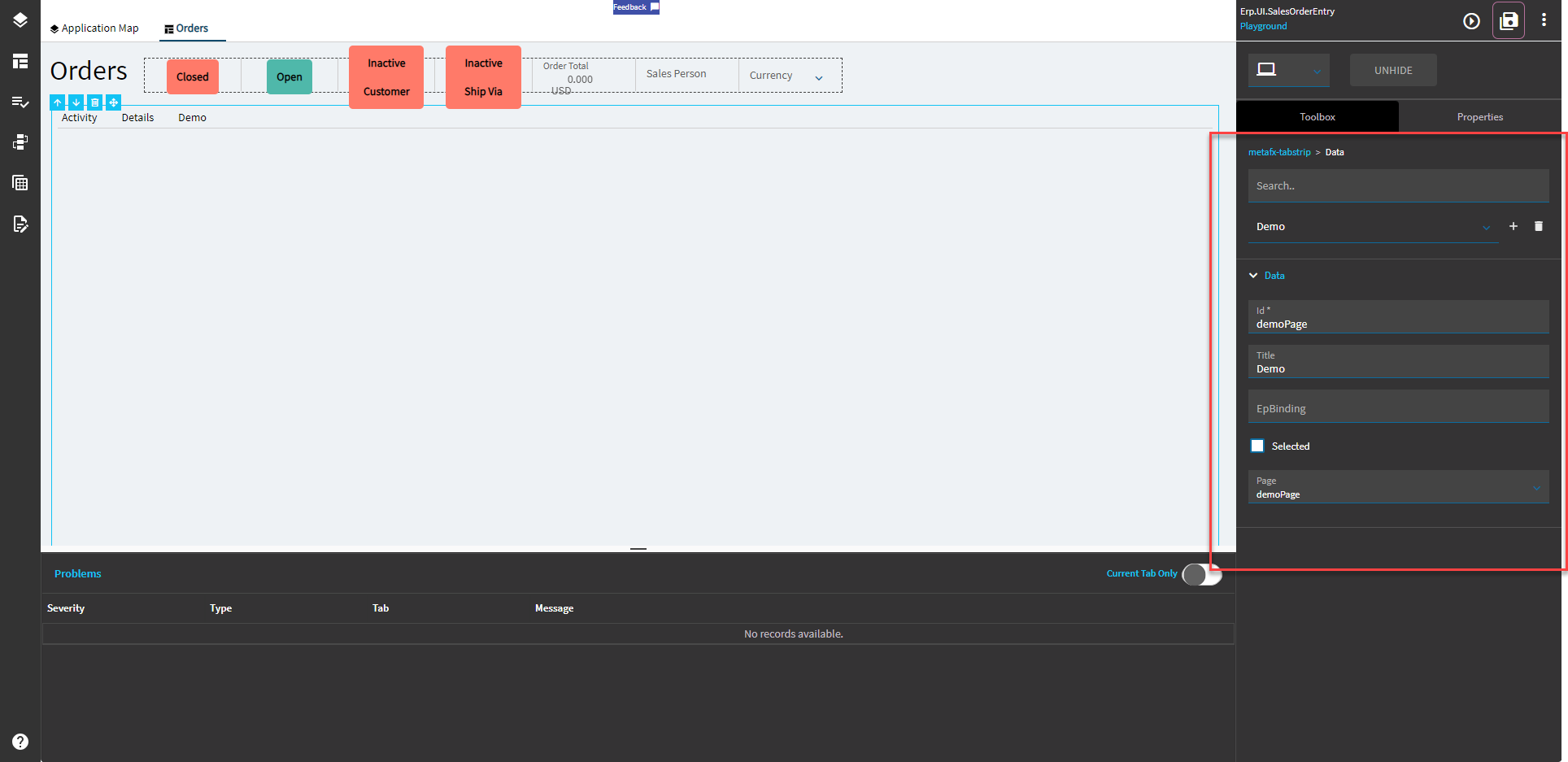
The new “Demo” page does not show on Order Entry.
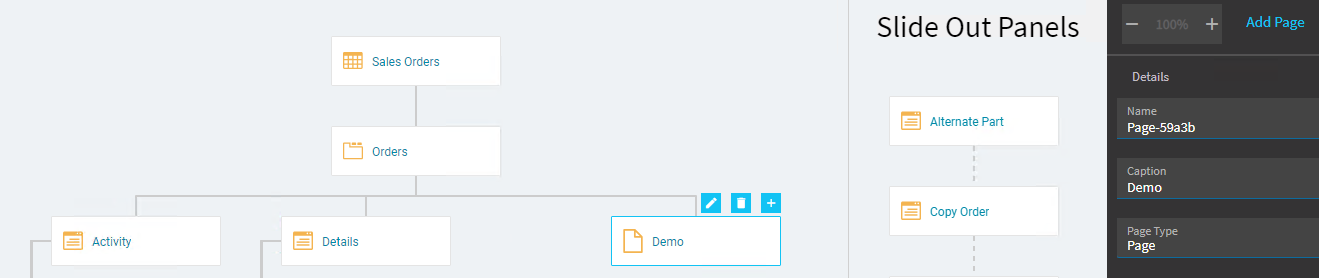
When I change the type to “TabPage” similar to the definition of Details the “Demo” link moves one level up as shown below. But still it is not visible in order entry. Moreover it is not possible to restore the link to its original position.

-
How can I create the tab page that is visible in order entry per my first image?
-
How can I restore the page link to its original position?