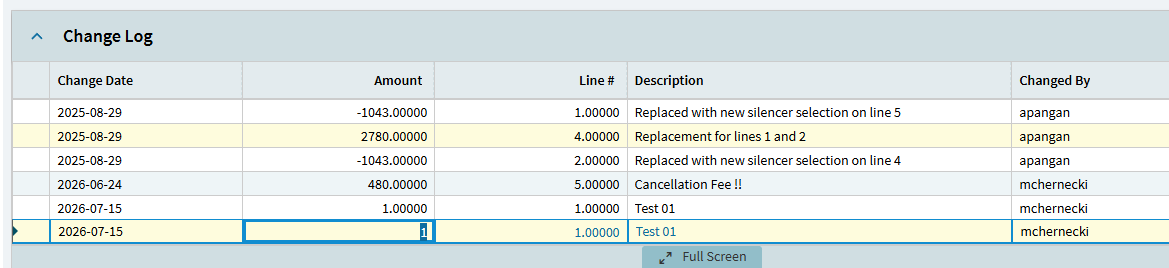
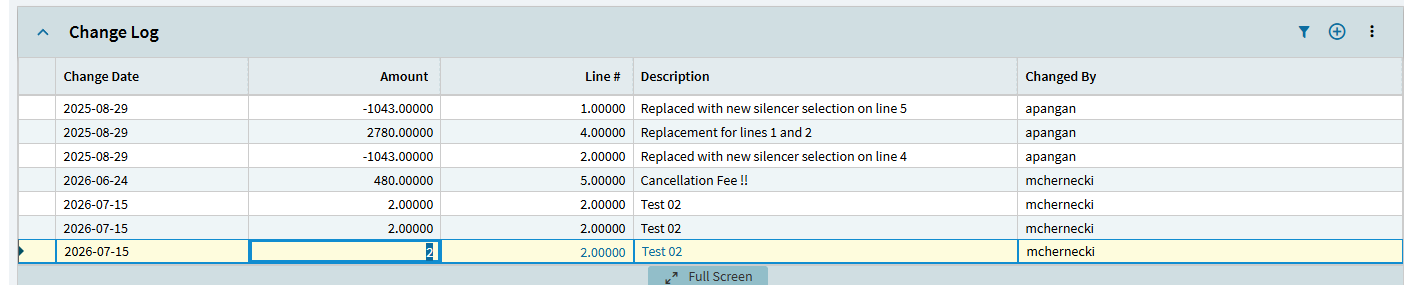
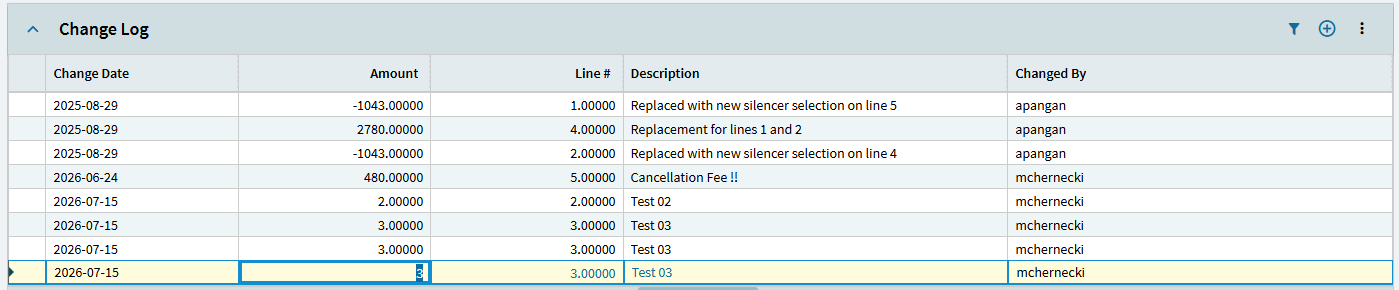
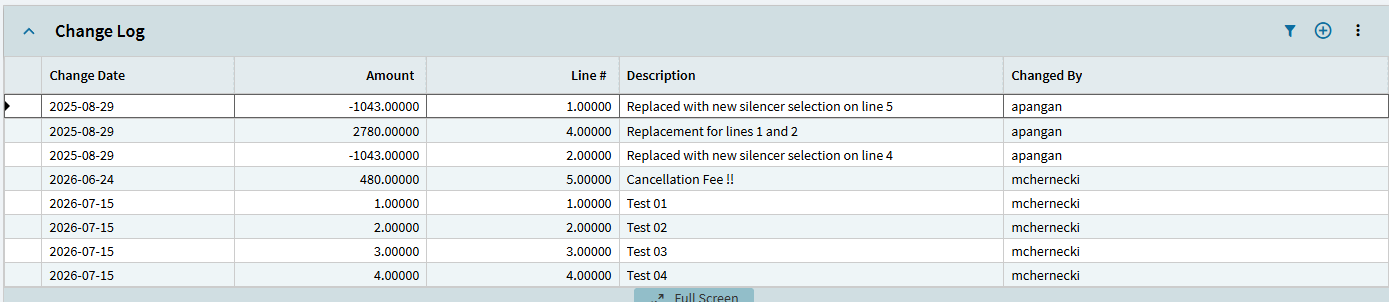
In a previous thread I was trying to add UD01 as a child table grid to the sales order page. After much work I have my grid displaying the correct rows for the sales order and I am able to edit, delete and add new rows. The last issue I have, hopefully the last, I can repeatedly add new rows, but the get messed up after adding the second new row. And also if I tab out of a row, it creates a new row. I found a suggestion to add an event on the data view row changing and to call the update method for UD01. Doing this allowed the next row to be created with the correct key values, etc, but would soon fail. New rows would show copies of previous rows and mixed up values, refresh would correct the display. Also, when I added the third row, 6 rows were added to the database, row 1, 2 copies of rows 2 and 3 and a blank row.
What do I need to get this working correctly? if it means disabling row tabbing, I am fine with that as well.
Tabbing out of the last control on a row into a new row is default behavior on the grid I’m afraid. When not desired, the easiest fix is to add another control to the right of the one you’re entering. That way you can avoid the new row, save onBlur, etc.
I am trying to get adding new rows to work successfully. I have modified my GetNewUD01 event to call UD01.Update prior to adding the new row which appears to have solved some of my data corruption issues. However, the grid is not displaying rows correctly as I add a new row. Clicking on page refresh does redraw the grid correctly.