Only 1,462,728 broken controls to go! 
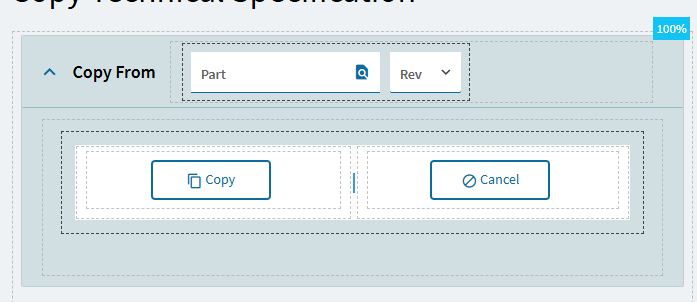
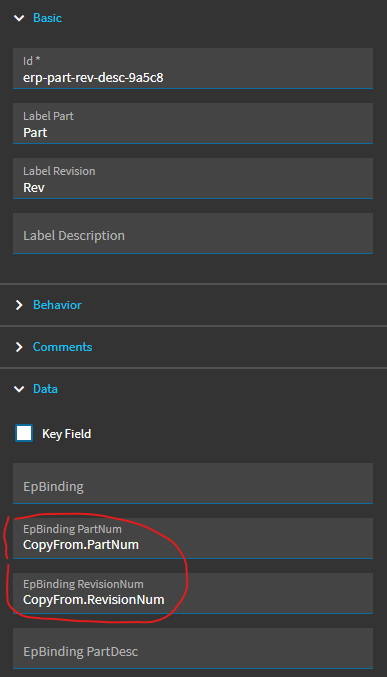
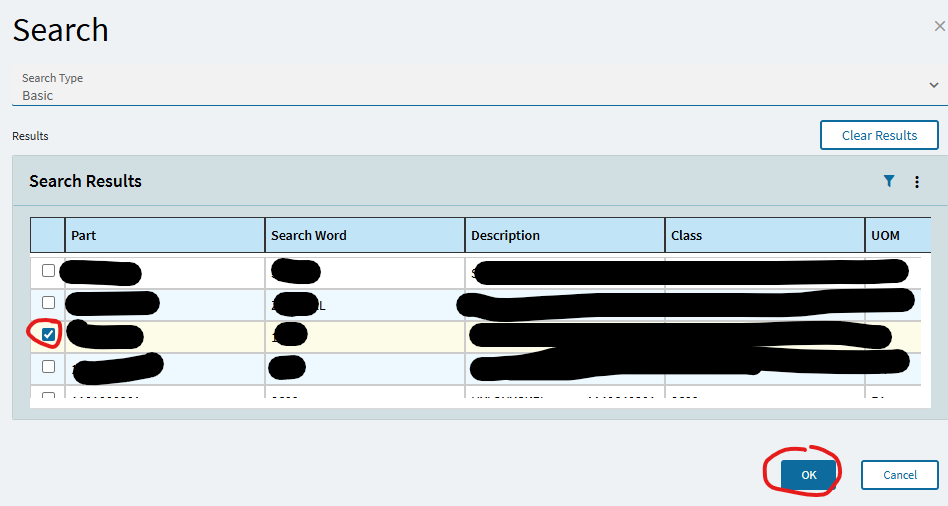
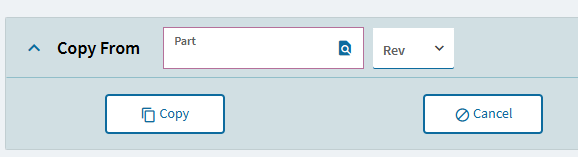

This is your problem right here. This version is garbage.
You’ll have to trace it and see where it’s holding the values and then probably set them yourself.
It seems that the On Blur is not functioning on numeric box. Is there a work around for that?
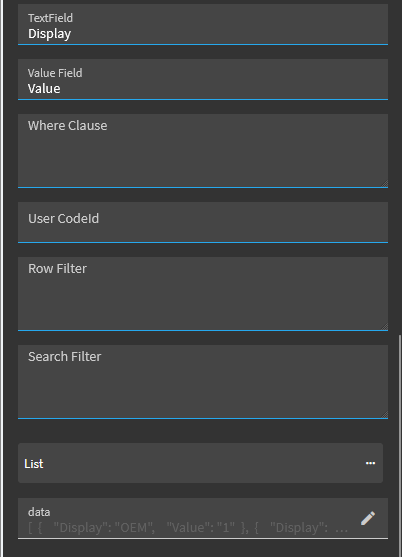
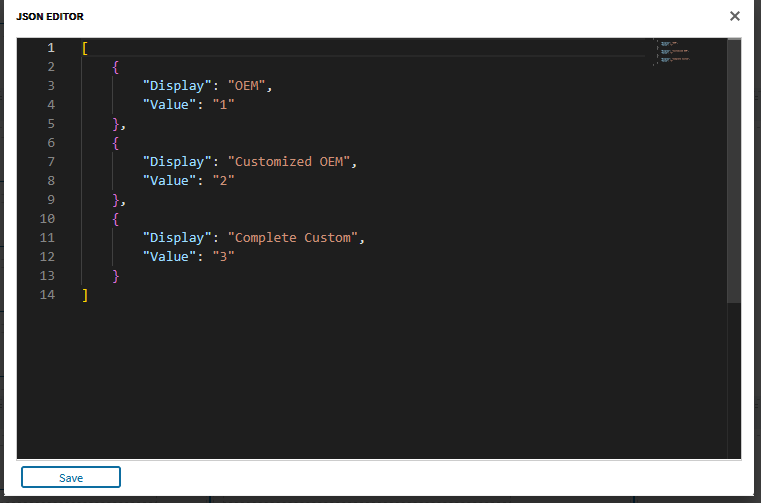
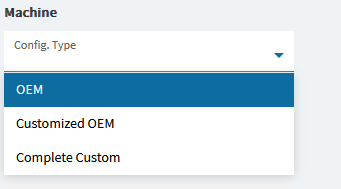
Combo.showDistinct hidden property
Hello Hannah,
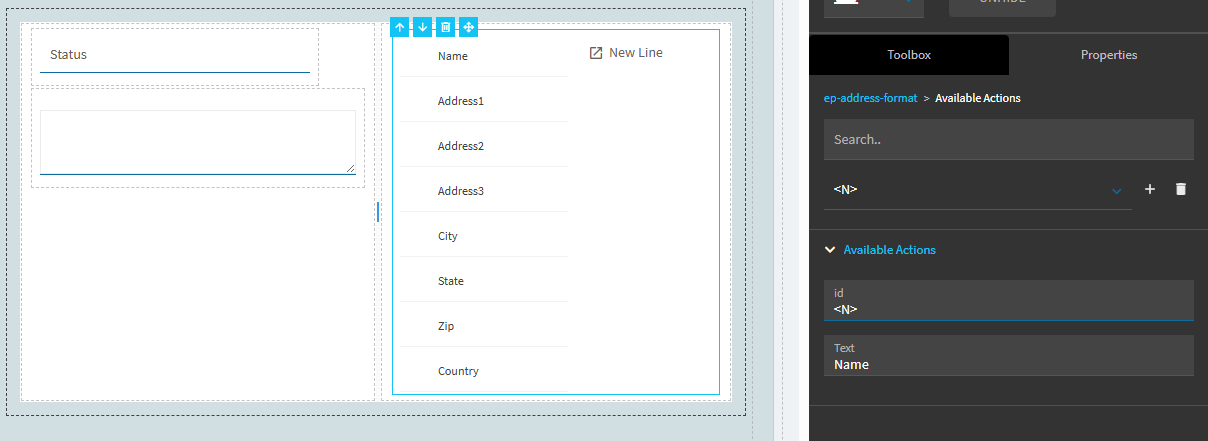
I’ve created Available Actions for my Address Format component but clicking on New Line doesn’t do anything for me so I feel like I haven’t completed the setup of this component. I’m new to App Studio so maybe I’m missing a step that should be obvious. Any advice is appreciated.
Thanks,
Kelly
EDIT: Well, never mind. I misinterpreted the purpose of this control. 
Hi Hannah, could you share an example of how to override the base part search to add a simple filter like TypeCode = ‘M’?
Thanks!
You can try Preload Search Filer property. Search tool: Pre Load Search Filter - #3 by hmwillett
Using a button > click works fine, but I was referring to the “Part Rev Description” component; I can’t override the base search.
I believe you would create a new event triggered onsearch then set your filter in the preload search filter property of search-show action.