
hahaha… like finding an Easer Egg.
Thank @hmwillett for making boring content relatively enjoyable to read!
I love the KI reference hahahahha!
Gotta keep it fun lest I break down and cry while writing all that up. 
Awesome and super helpful!
Followup question on the comboboxes, is there a functioning way to display mutliple columns from a REST call? You mention in Retrieve Columns that it’s broken. Is there a functional way to accomplish it?
I have not played with it since whatever release that one was, but the multi-column combo was broken.
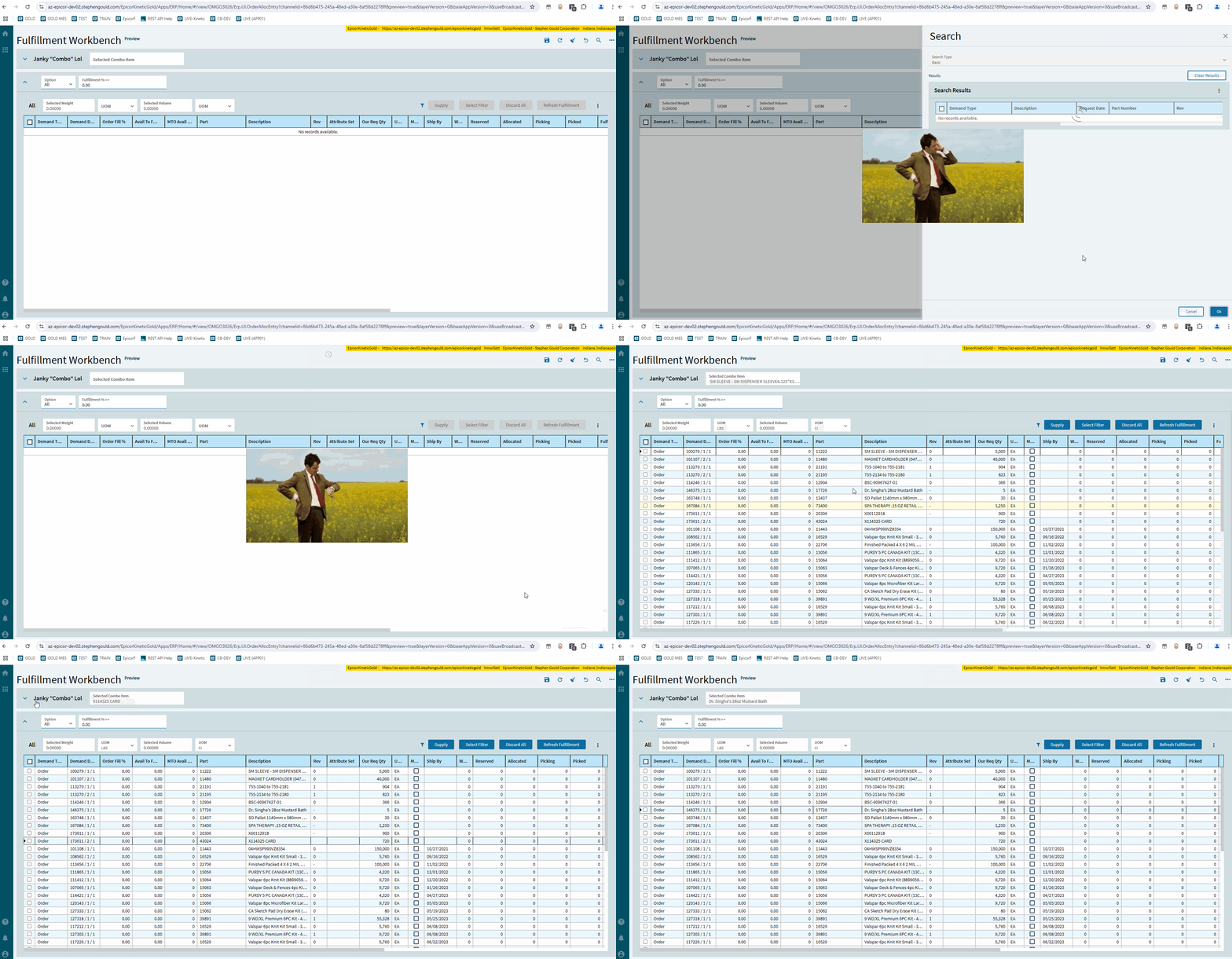
You can make a Janky “combo” box, lol. 

Hannah,
I don’t see it documented so I believe it is not possible - Can I specify the number format on a ComboBox bound to a decimal field?
Issue: We have a User Code containing a string ID of “1.0”. The drop-down value displays that way, but is stored (in my bound numeric field) as 1, therefore, when the record is retrieved, the value displays as “1”. Only when the combobox is interacted with do I see the “1.0”.
I know I can specify the display format of a number field/box control, but are you aware of an option to do this with a ComboBox?
My fall-back is to recreate this functionality using a text field - if I can’t keep the numeric field.
No, I don’t believe there’s a way to format the combo box.
Thanks. I kinda knew that, but wanted confirmation from the expert!

Is it possible to fill this list dynamically? From View. Binding does not seem to work.
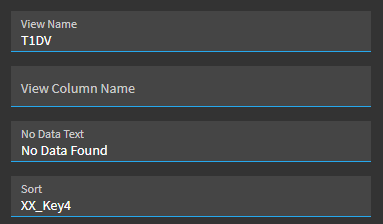
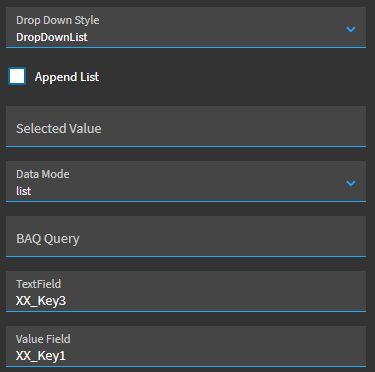
If you want to have the entries of a combo box be taken from a dataview, you would set it up the following way.
Under Reusable Combo, you enter the dataview in View Name and if you have a column to sort on you enter it under Sort.
Under Advanced you enter the Drop Down Style, Data Mode, Text Field, and Value Field.
Hi John.
Question was about List Box not Combo Box
I did not see that. I believe you want to use Selection List instead of List Box.
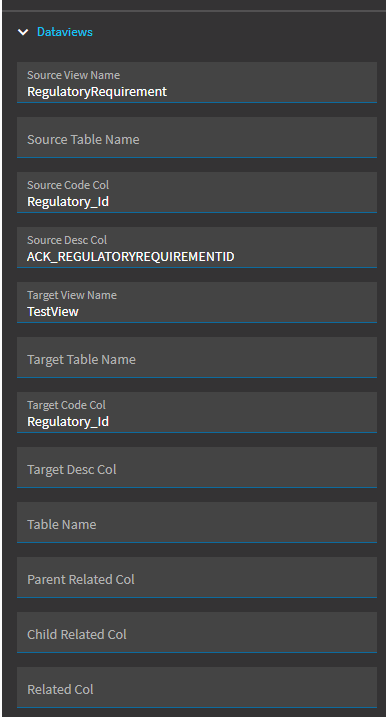
Potentially. Kinetic is definitely not in a “finished” state.
You show your form color as something other than the Epicor picked color in this example. Are you setting that using this color picker? If so, what binding are you using to do so?
Thanks for the quick response.
But bummer. I have a request to visibly change the form depending on which Plant the user is in. My thought was to change those control colors.
Just dropping a note that Advaced - Pattern under “Text Box” RegEx works now, it highlights the textbox’s label red when input doesn’t match the RegEx 